The Difference Between PNG and JPG (and Which to Use)
JPG makes photos small by dropping detail you rarely notice. PNG keeps every pixel and handles transparency. Here's how to choose for the web, email and print.
Short, step-by-step answers for the file jobs people get stuck on: compressing a PDF for an upload form, converting iPhone photos, merging documents and sizing images.
Start with the topics that solve the most common file upload and format problems.
JPG makes photos small by dropping detail you rarely notice. PNG keeps every pixel and handles transparency. Here's how to choose for the web, email and print.
Preview on a Mac and the Files app on an iPhone can both shrink a PDF for free, but neither lets you pick a size. Here's how to use them, and what to do when a portal sets a hard limit.
Read guide
All three publish short deletion windows, encrypted transfers and ISO 27001 certification. Here's what each one says, how to check any converter yourself, and when to keep a file off the internet.
Read guideHelpful file workflow articles with related tools, clear checks, and practical next steps.
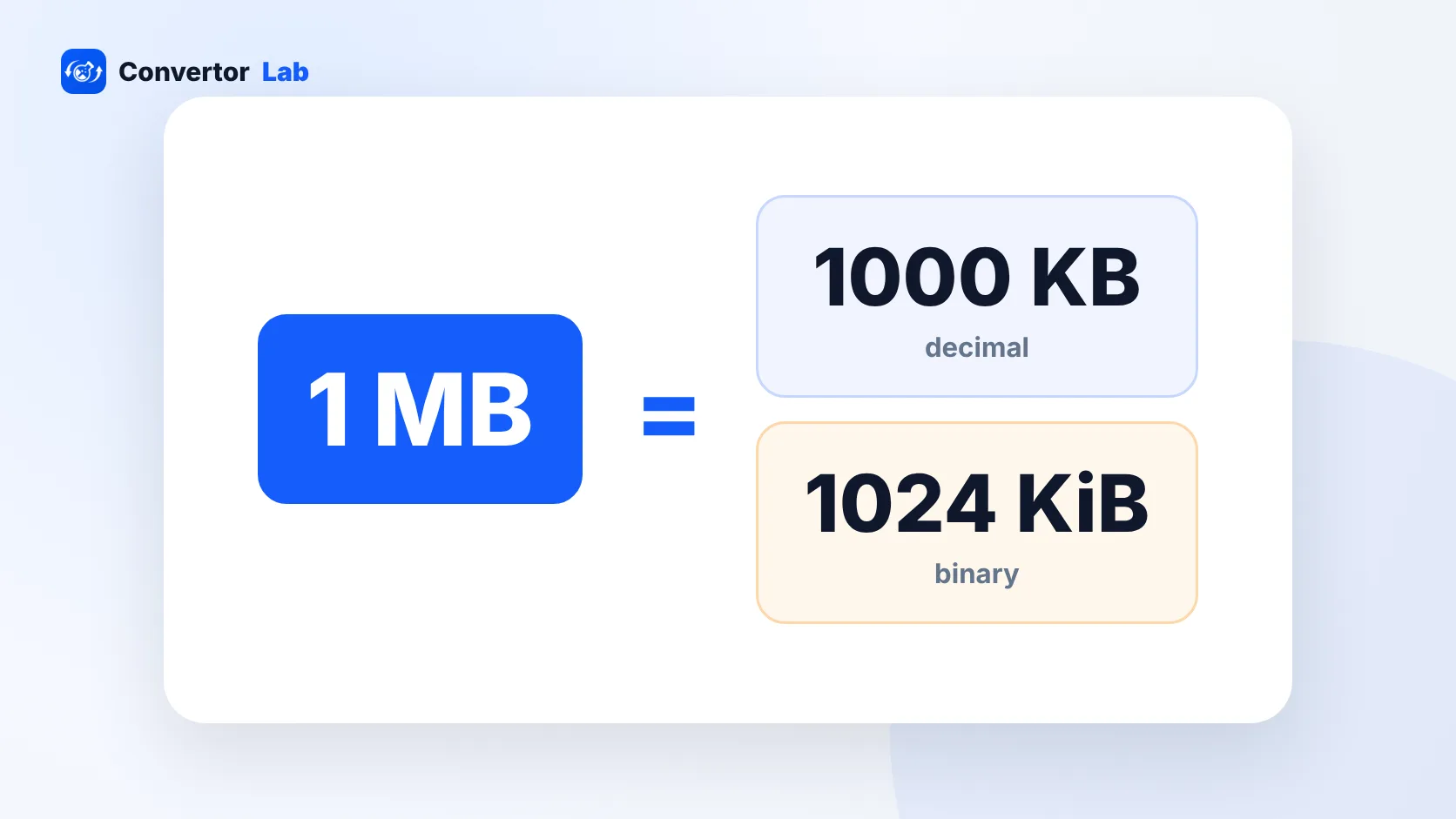
1 MB is 1,000 KB in decimal units and 1,024 KB in binary units. Here's when each one applies and how to convert between them.
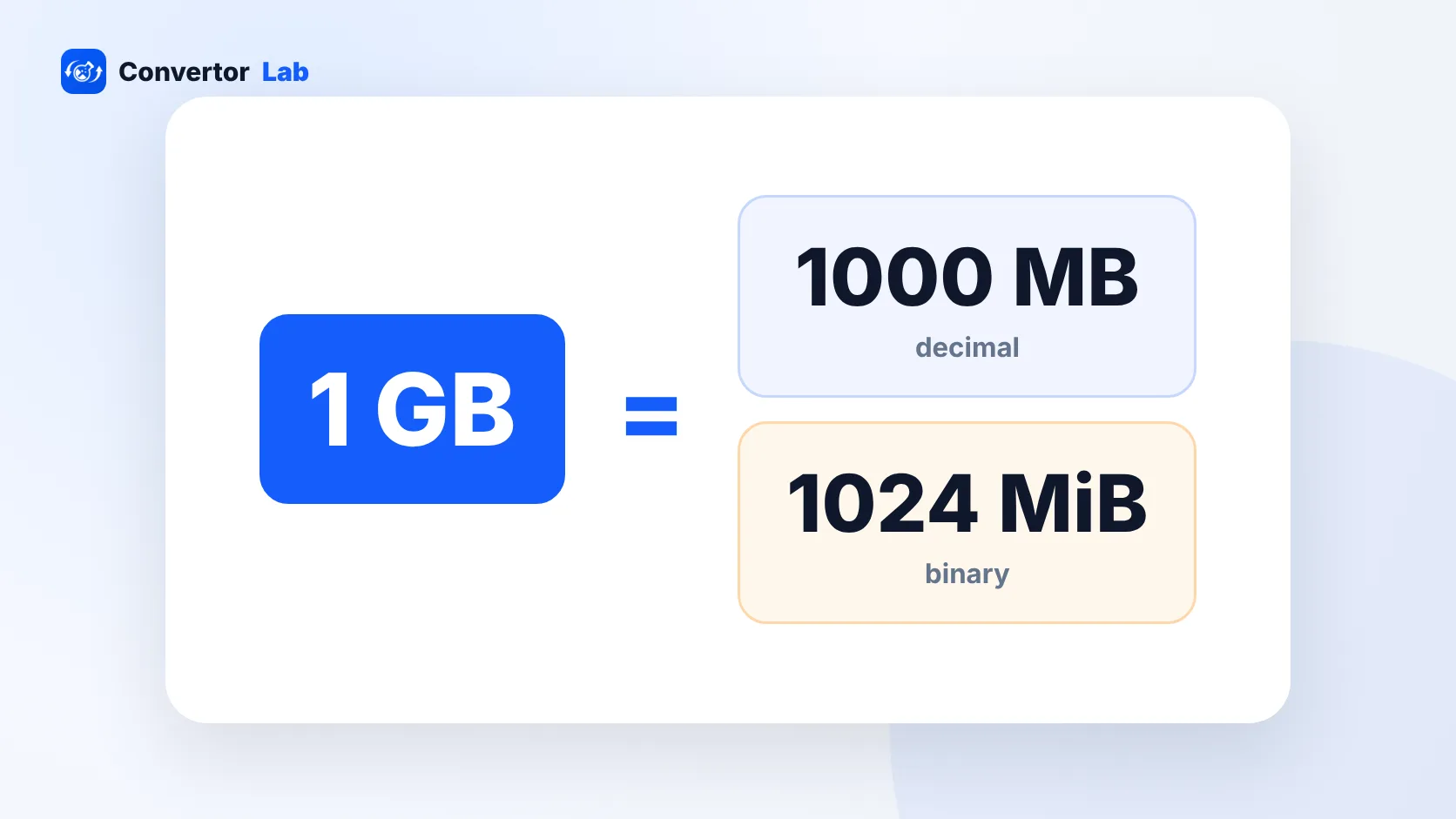
1 GB is 1,000 MB in decimal units and 1,024 MB in binary units. That small gap is why drives and phones never seem to show their full size.
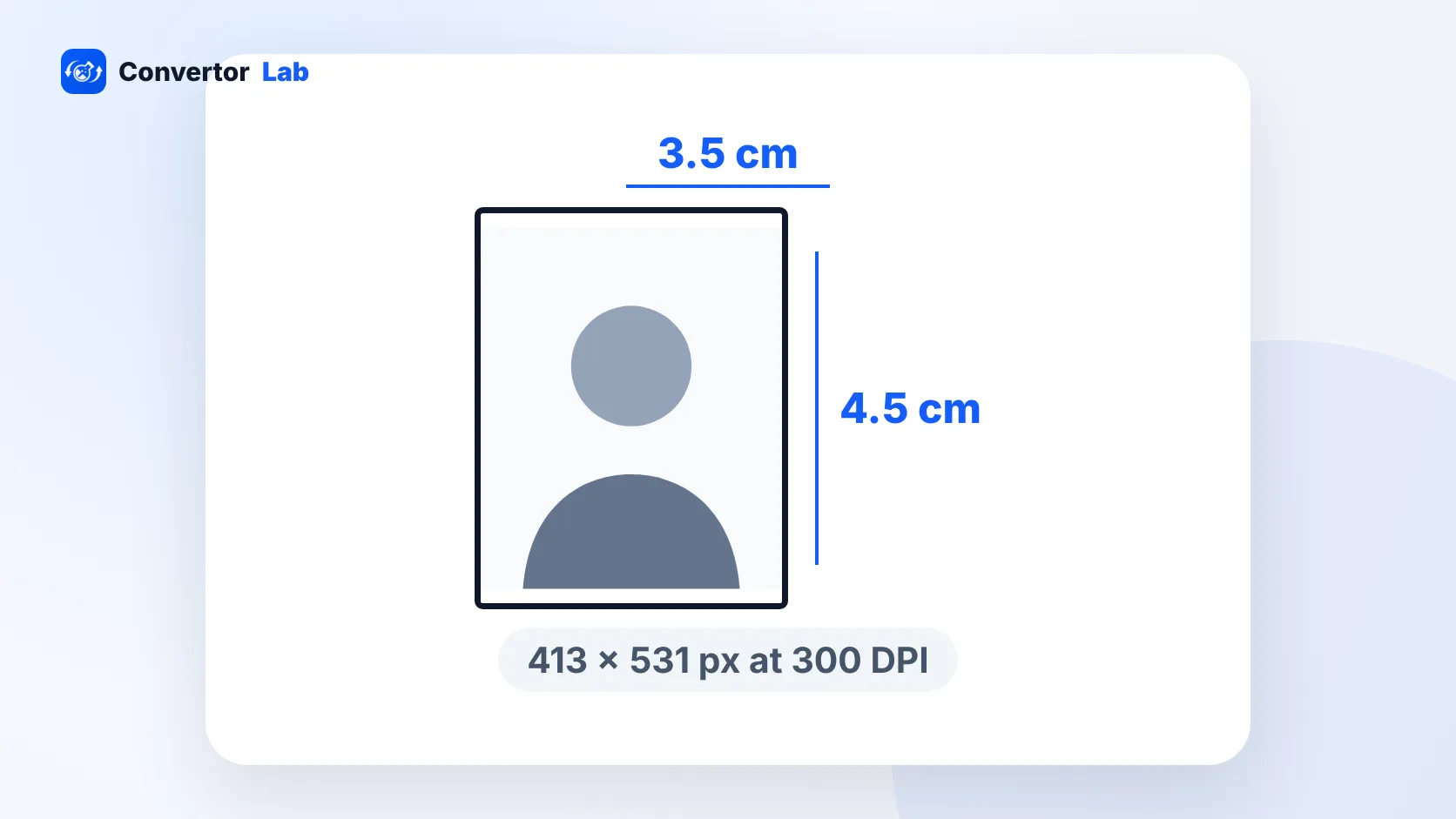
The standard Indian passport size photo is 3.5 x 4.5 cm with a white background. Here are the same numbers in inches and pixels, plus when you don't need a photo at all.
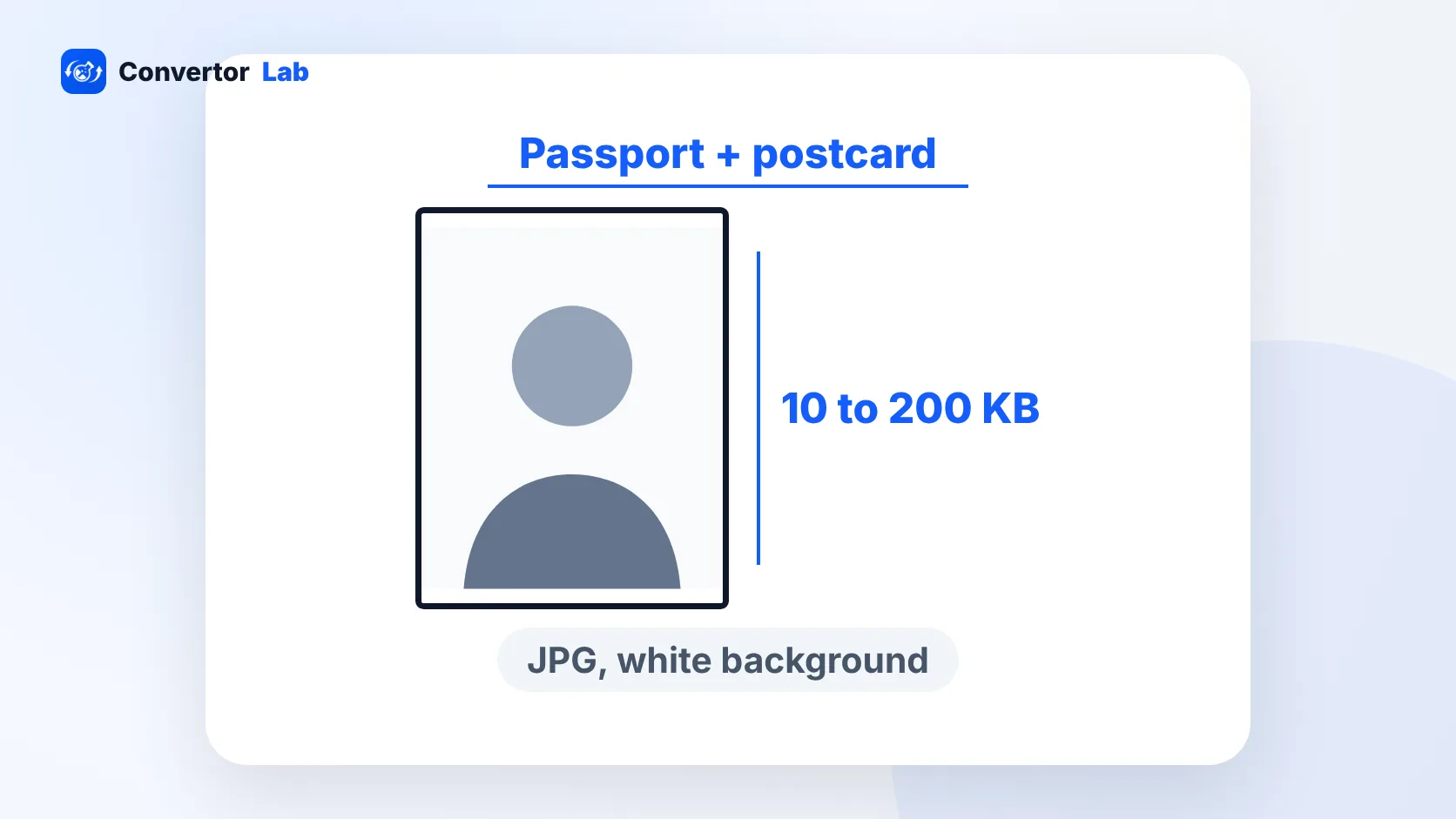
NEET asks for a passport size photo, a 4 x 6 inch postcard photo, a signature and a thumb impression, each with its own KB range. Here are the 2026 specs and how to prepare each file.
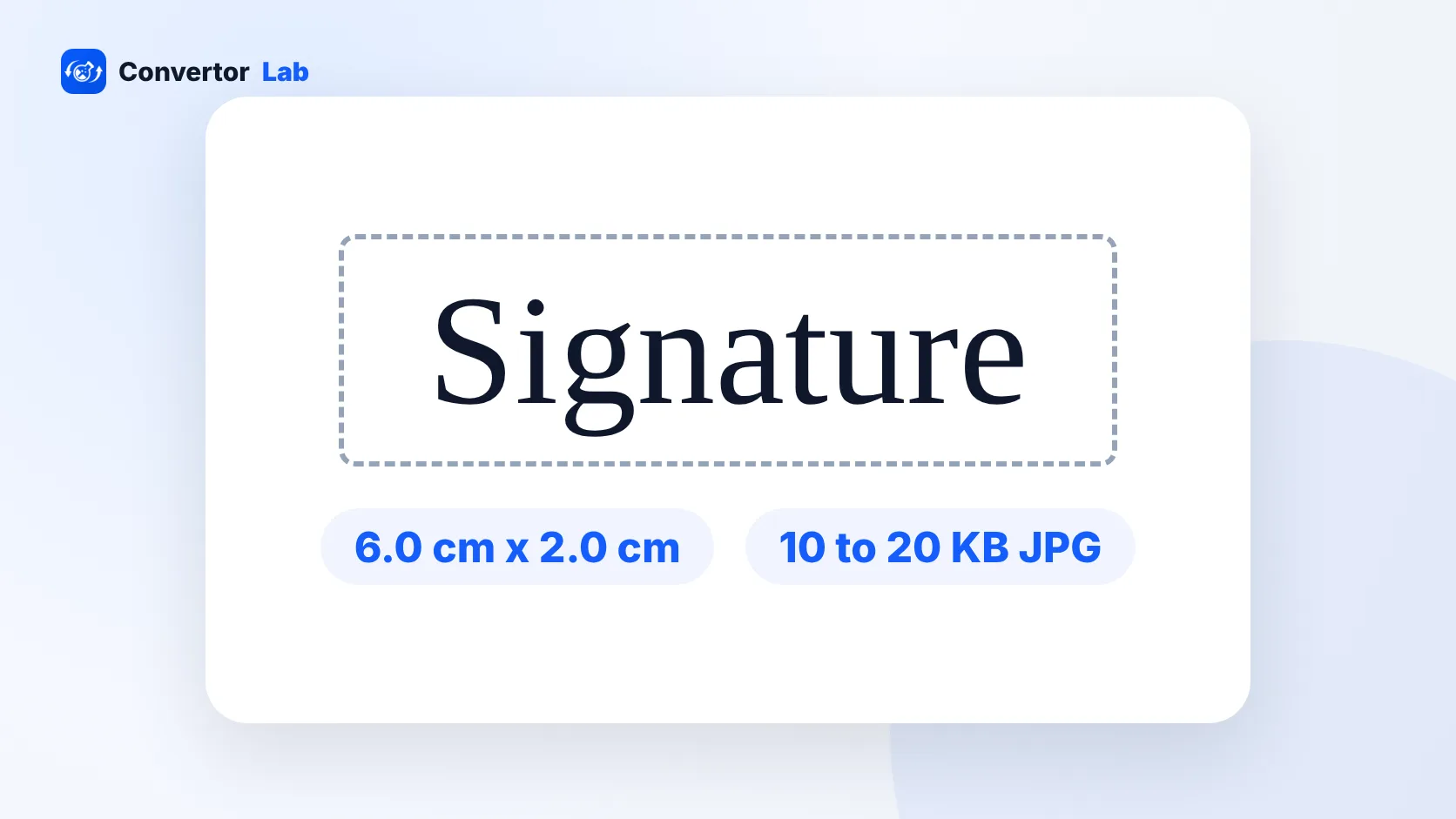
SSC wants a JPG signature between 10 KB and 20 KB, about 6 cm by 2 cm. The photo is taken live through your camera during the form, so there's no photo file to resize.
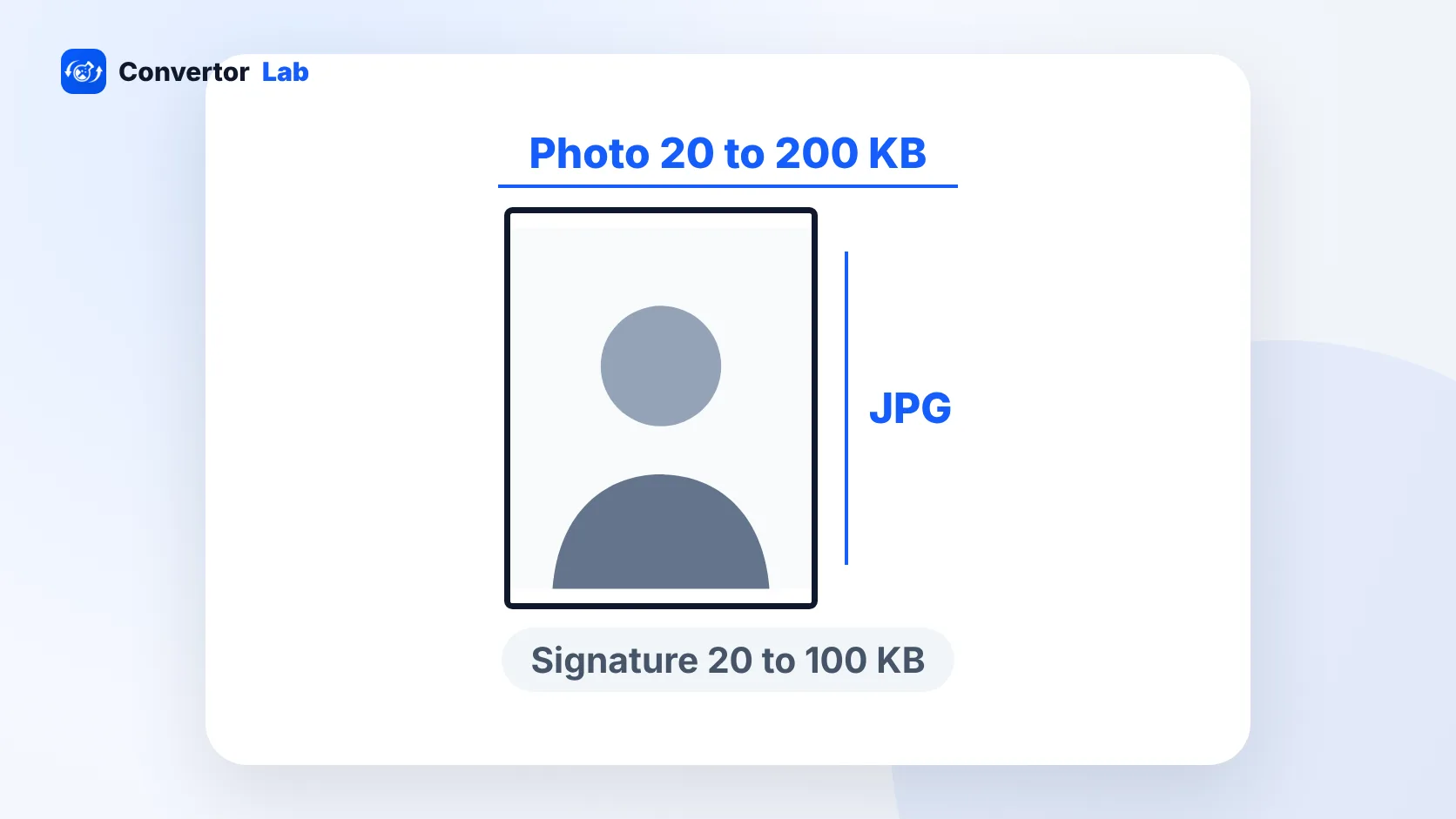
UPSC wants a JPG photo between 20 KB and 200 KB and a three-signature scan between 20 KB and 100 KB. Here's how to prepare both, and why your photo has to match the live capture.
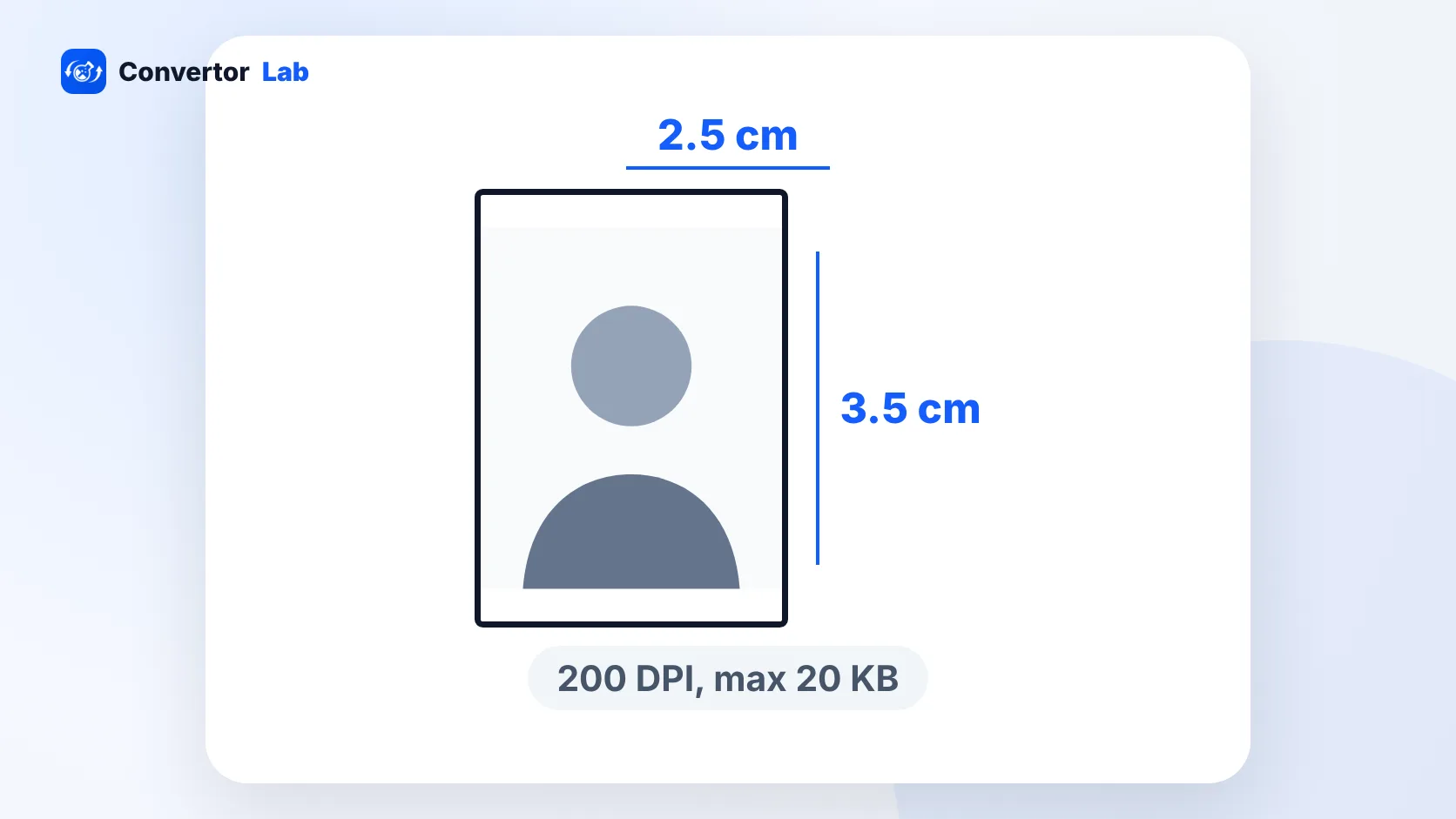
Protean's online PAN form wants a 3.5 x 2.5 cm colour photo under 20 KB and a 2 x 4.5 cm signature under 10 KB, both at 200 DPI. Here's how to make both files.
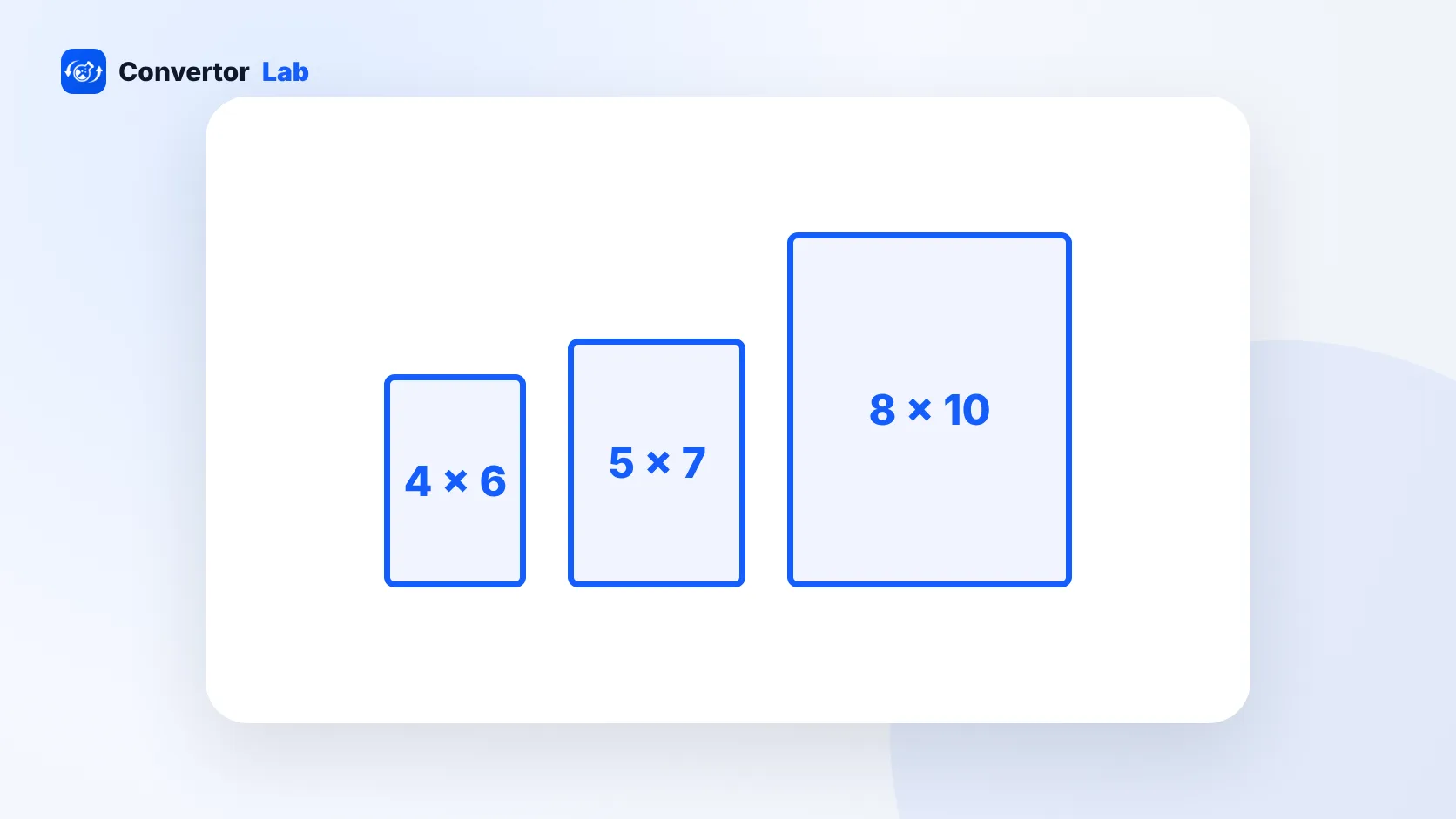
Every common print size from 2 x 2 to 20 x 30, with the pixels you need for a sharp result and the aspect ratio that decides what gets cropped.
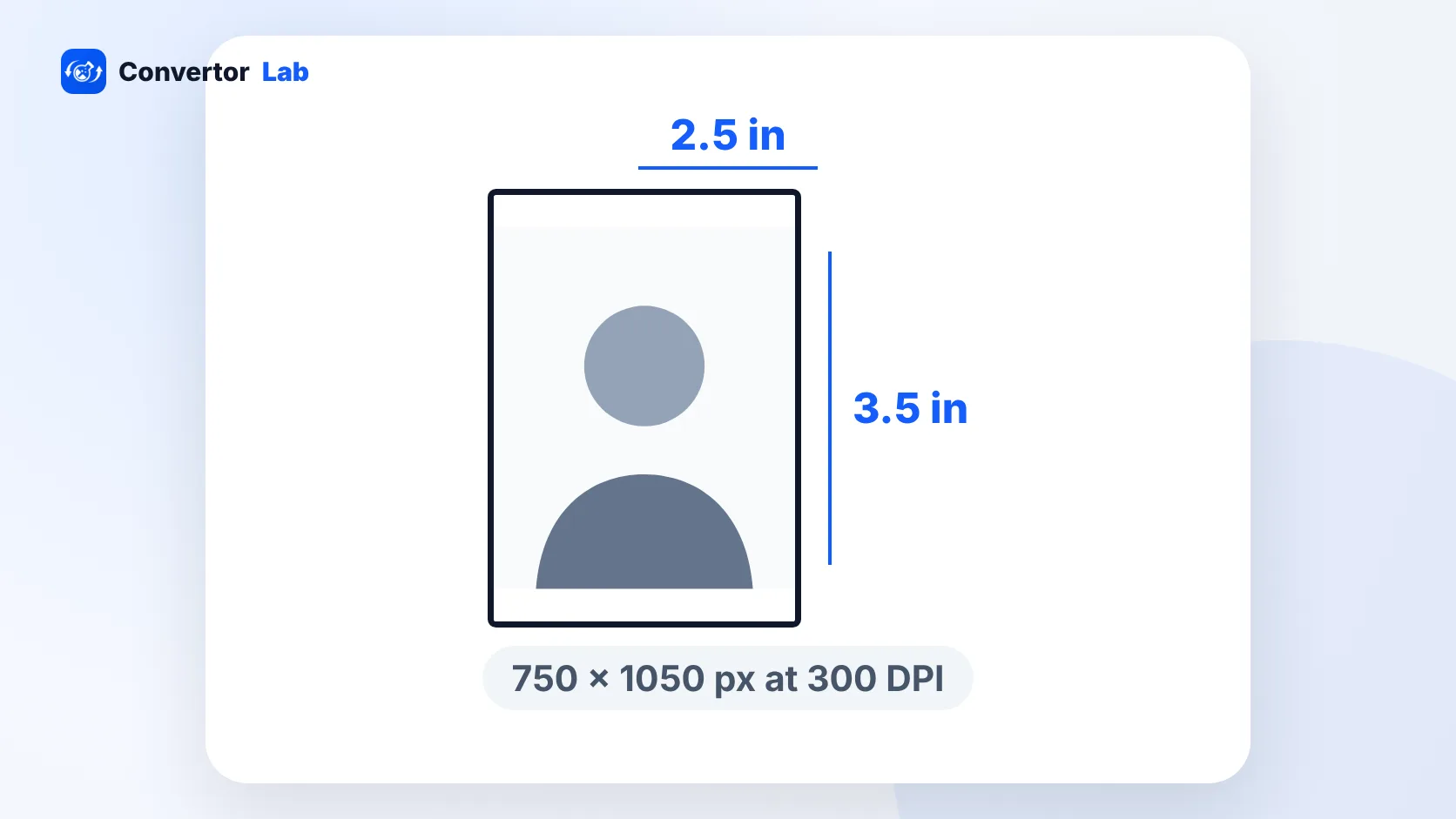
The standard wallet photo is 2.5 x 3.5 inches. Here are the pixel and centimetre sizes, how wallets differ from passport photos, and how to crop and print them yourself.
PNG is a lossless image format that supports transparent backgrounds. Here's what it's good for, how it compares to JPG, and what to do when a PNG is too big.
JPG and JPEG are the same format with two spellings. Here's what JPEG is, why there are two extensions, and what to do when a site rejects your file.
HEIC is the photo format iPhones use by default. It's smaller than JPG but less widely supported, so here's how to open it, convert it, or switch it off.
WebP is the image format many websites now serve. Here's how it compares with PNG and JPG, and how to open or convert one when an app won't take it.
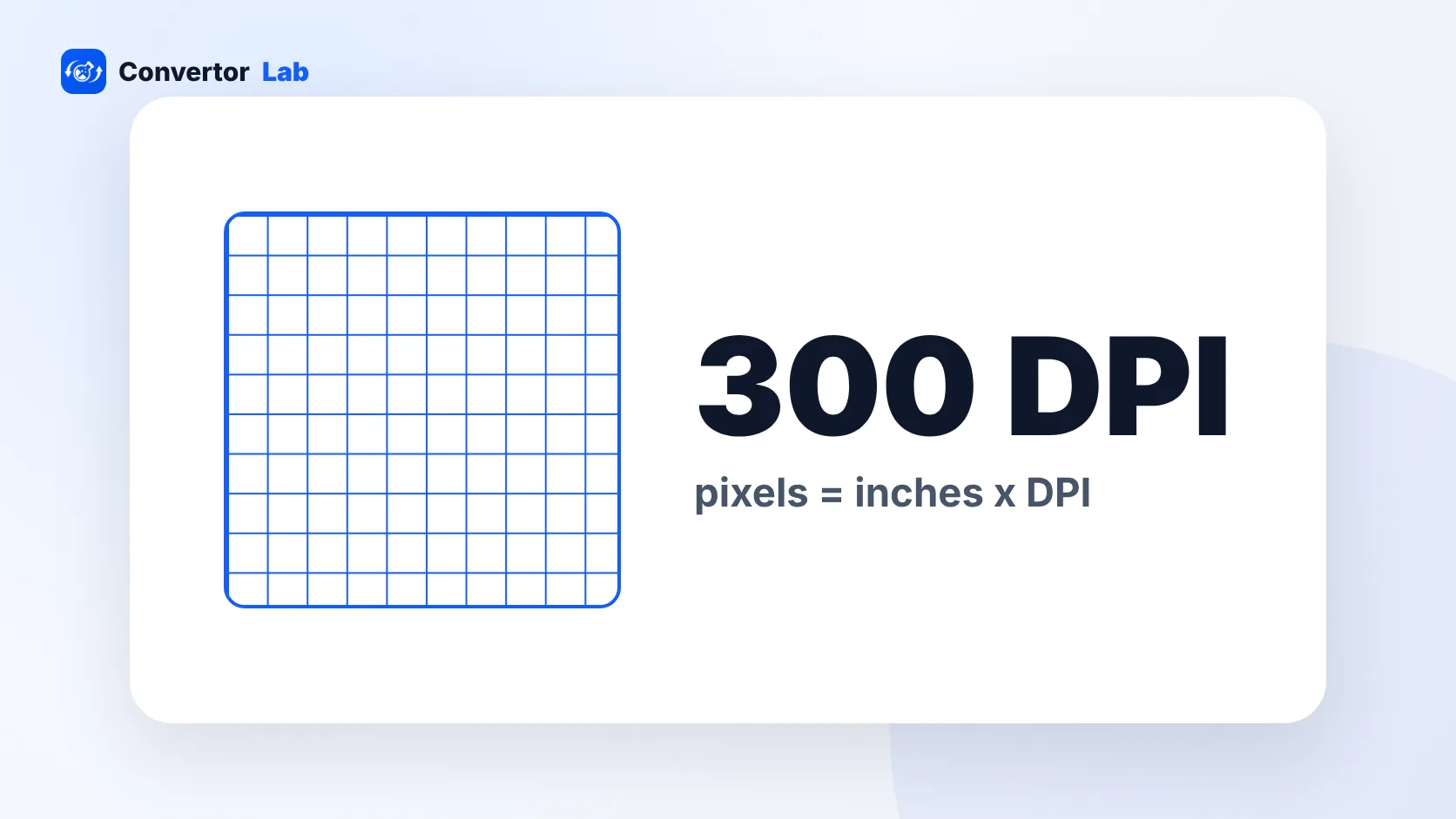
300 DPI is the usual standard for sharp prints. The pixel count you need depends on the print size, and the DPI tag on its own changes nothing in the image.
PDFs can carry scripts, hidden files and phishing links. Here's how the risk works, how to spot a bad file and how to open PDFs safely.
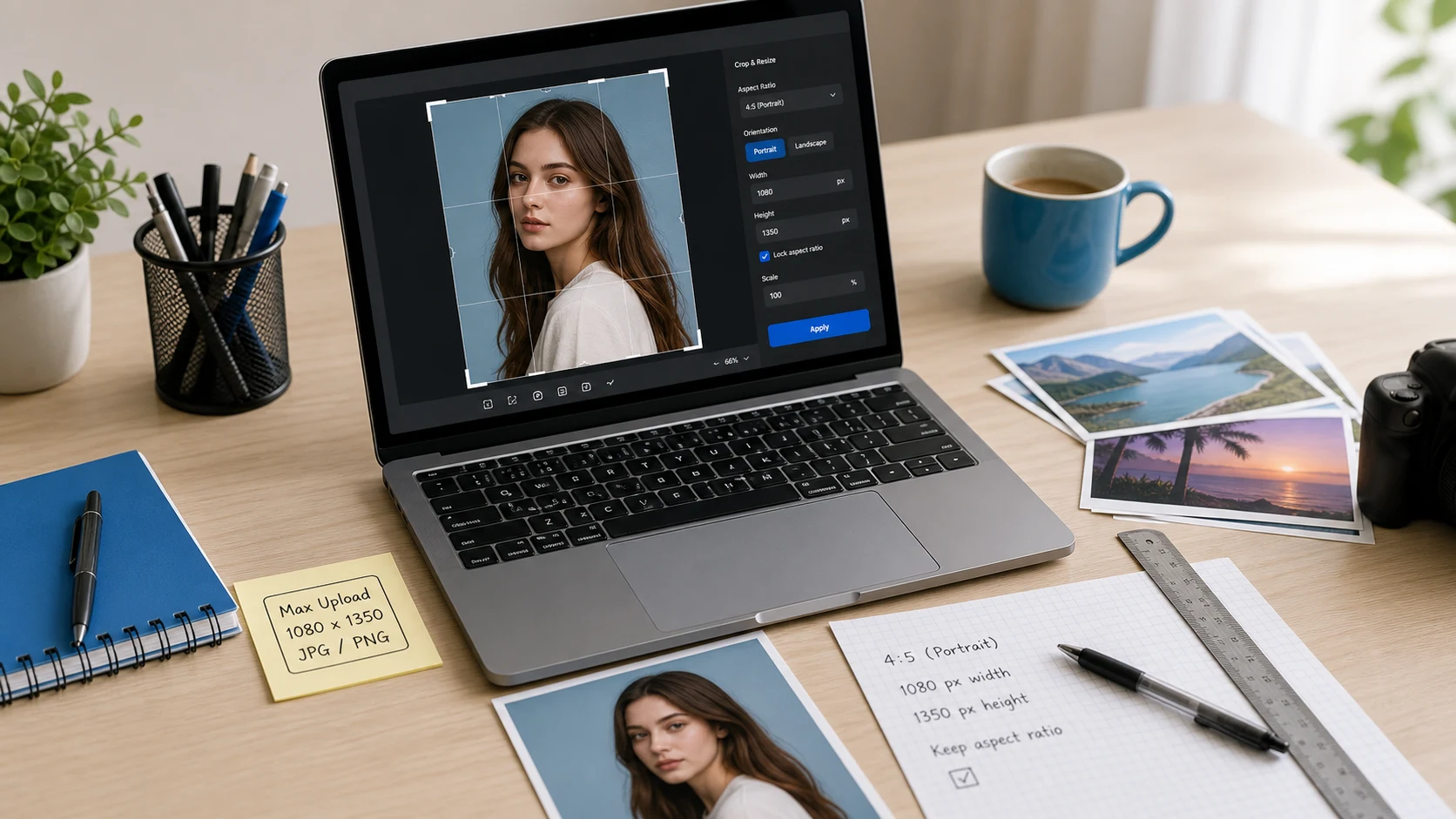
Verified signature limits for SSC, PAN, NEET and UPSC, the cm to pixel maths, and a resize method that lands inside the KB range.
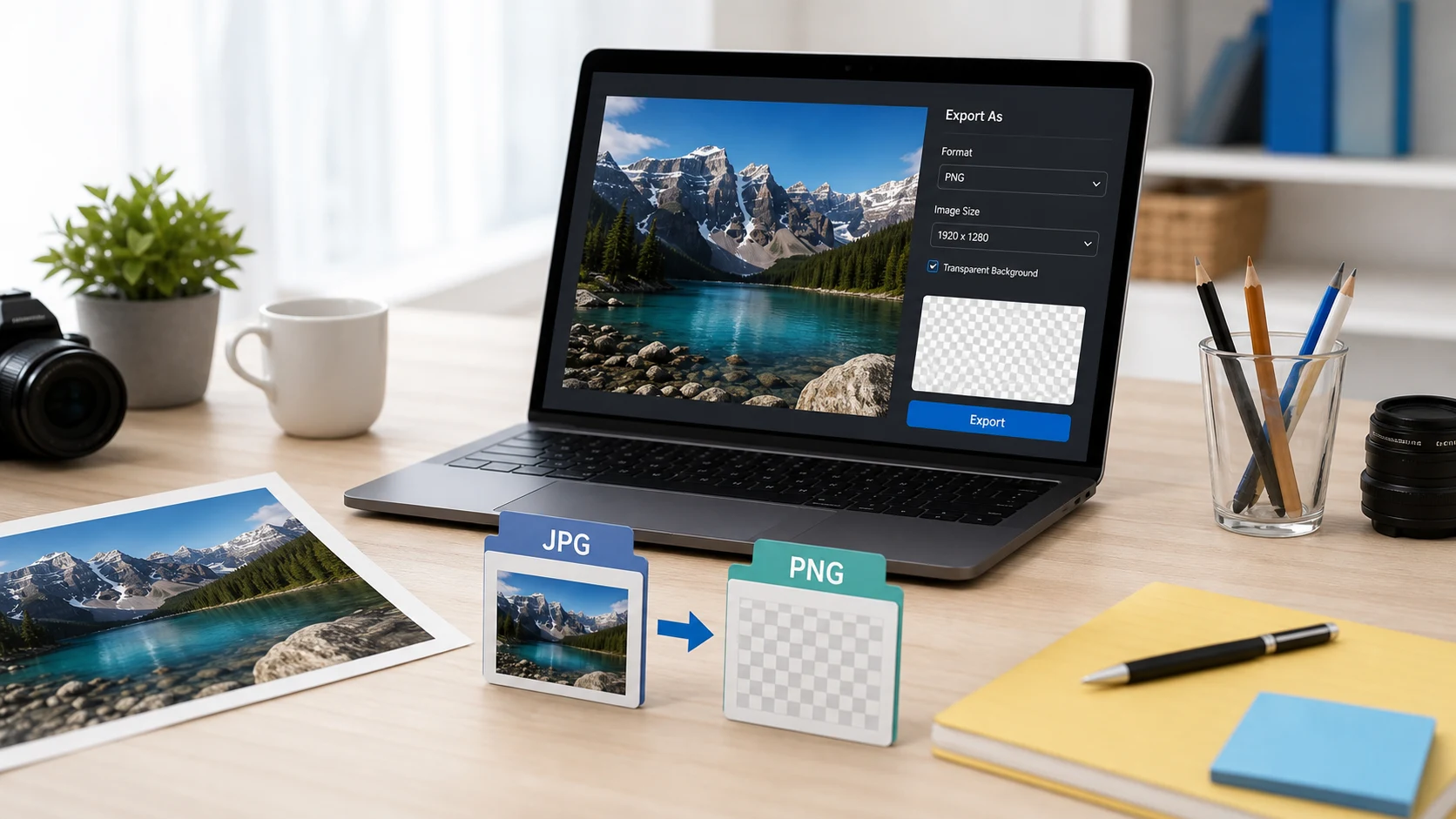
Saving a JPG as PNG takes seconds on any computer. It won't remove the background or sharpen the photo, so here's what the conversion does and how to get transparency if that's the goal.
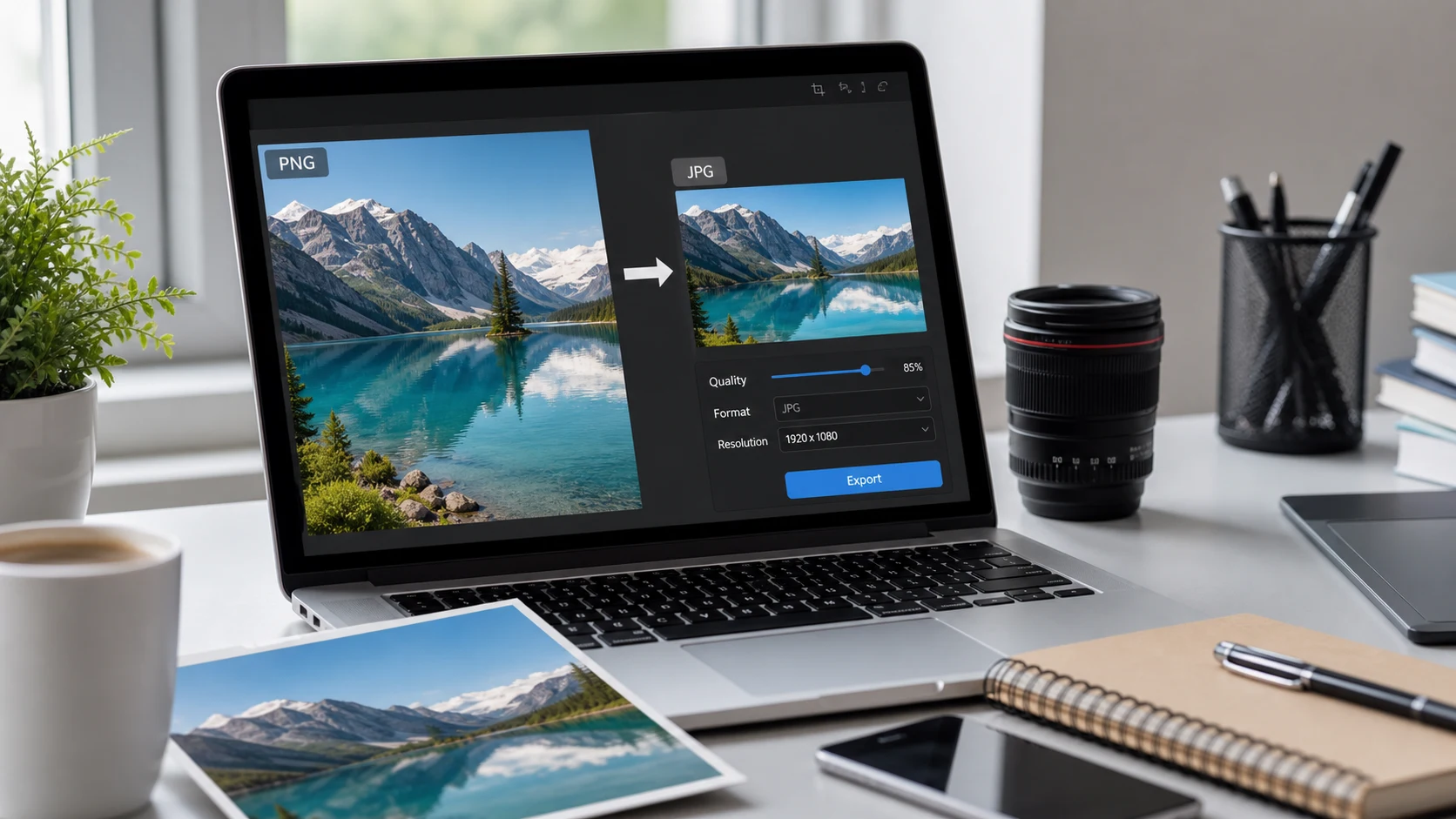
PNG files can be heavy, and some forms only take JPG. Here are the built-in ways to convert on Mac and Windows, a batch option, and what happens to transparent backgrounds.
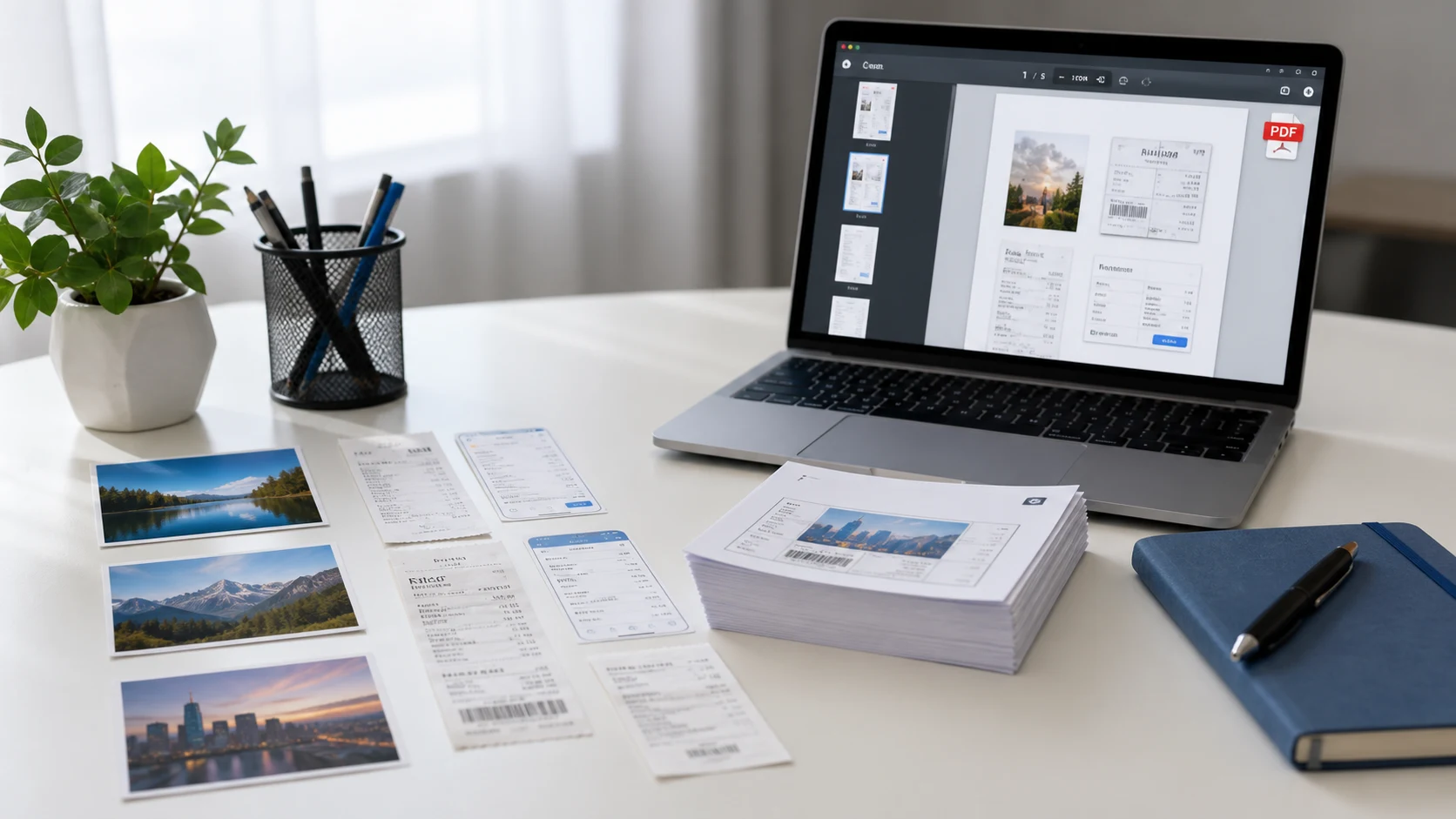
Your phone can already turn photos and paper documents into a PDF. Here are the built-in steps for iPhone and Android, plus a browser option for ordering pages and hitting a size limit.
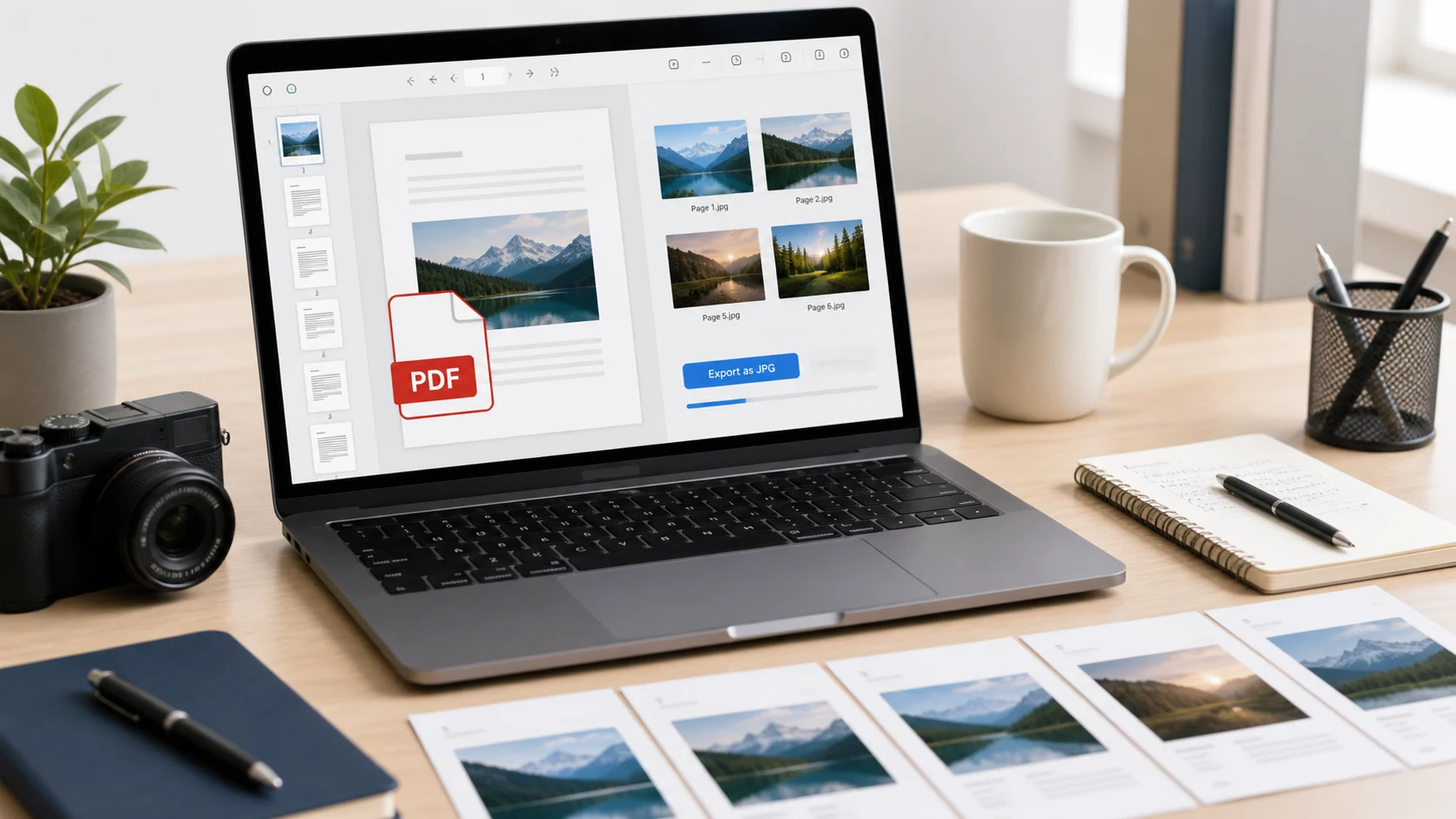
Turn PDF pages into JPG or PNG images on a computer or phone, at a resolution that keeps small text readable.
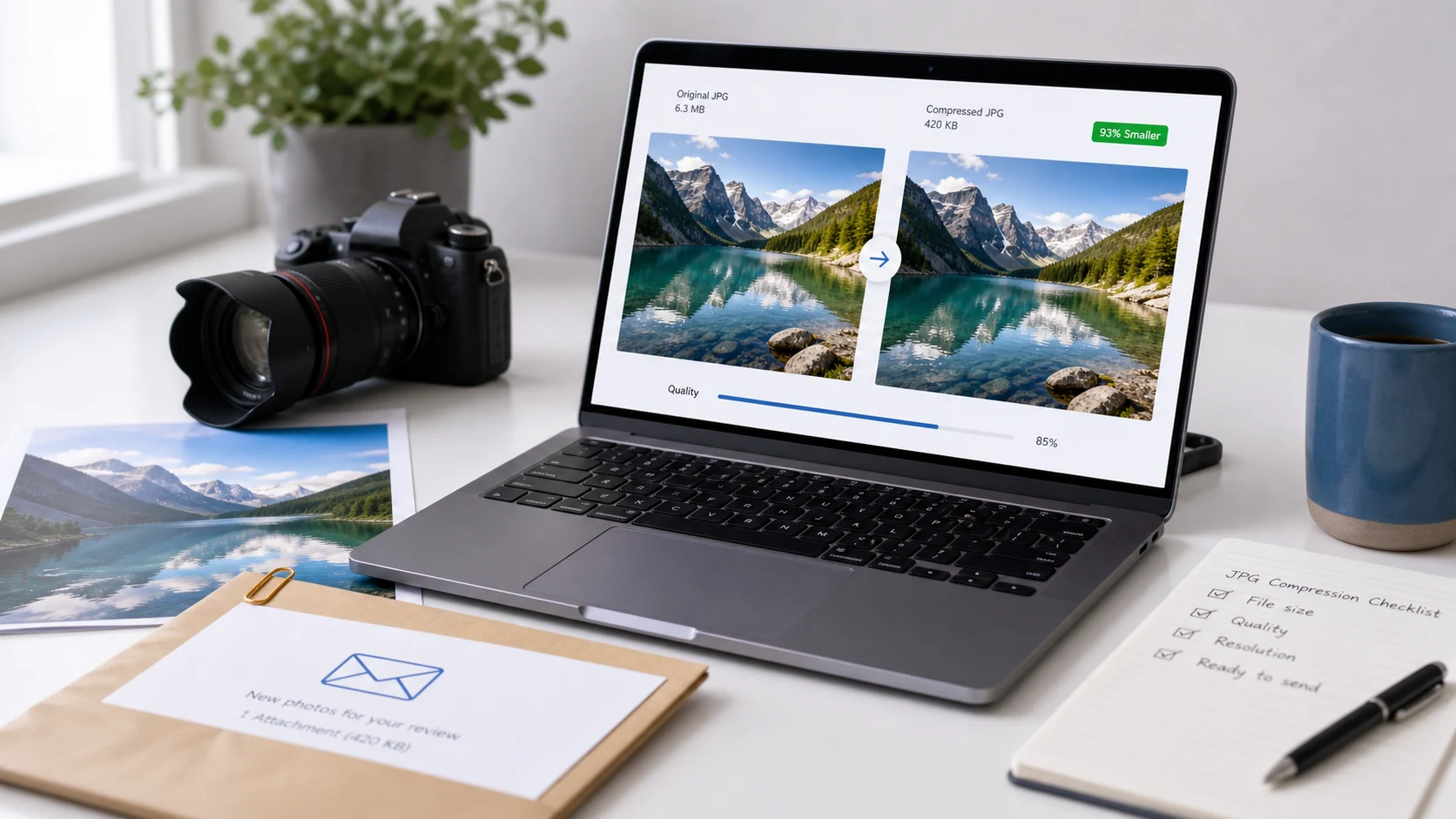
Lower the quality setting first, then the pixel dimensions if you still need a smaller file. Here's how to do it on a Mac, on Windows 11 and in your browser, including exact KB limits.
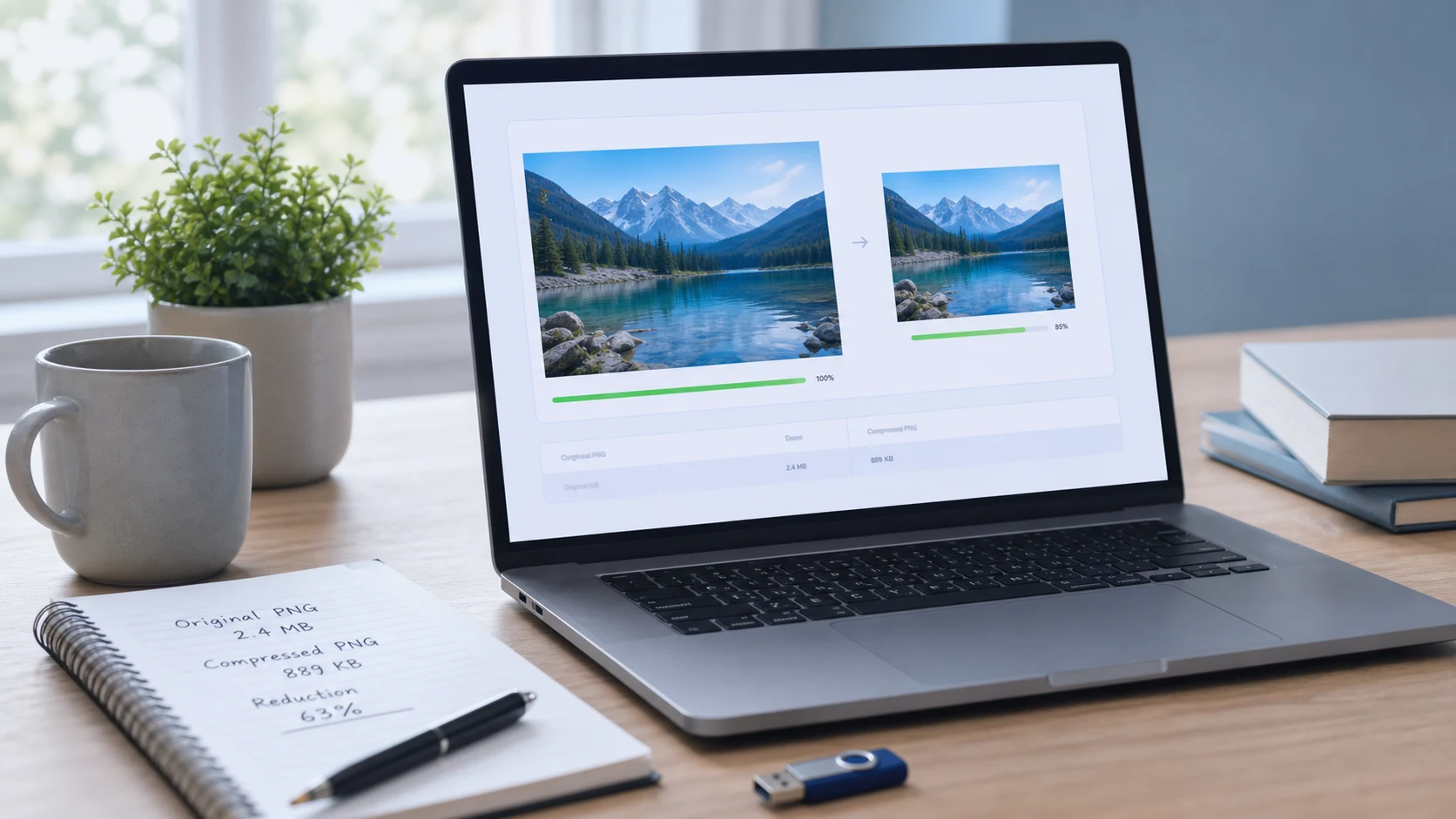
A PNG can shrink in two ways: lossless re-encoding that keeps every pixel, and color reduction that keeps the look with a smaller palette. Here's when to use each, and when to switch formats.
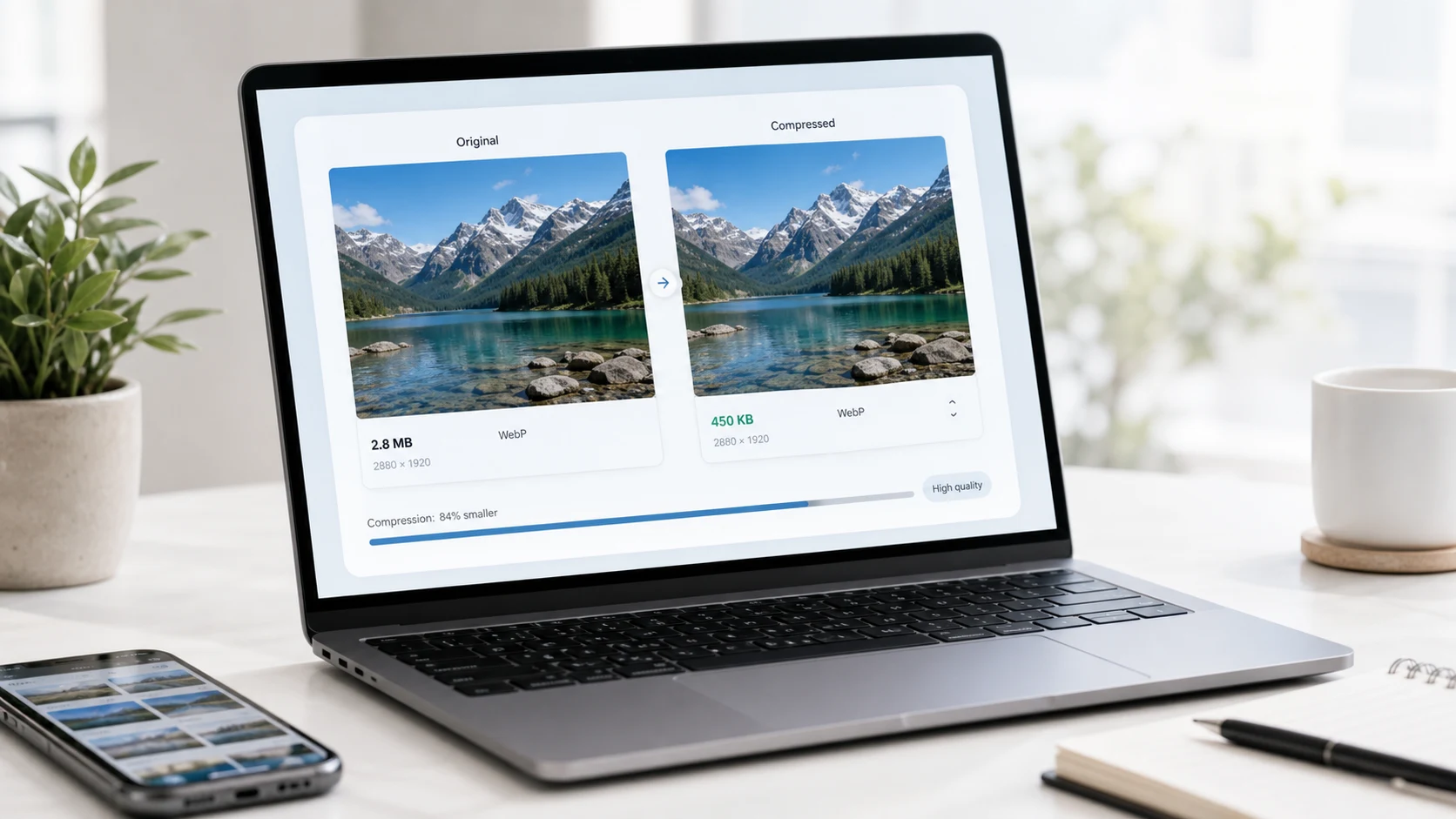
WebP already beats JPEG and PNG on size, but a badly saved WebP can still be heavy. Pick the right mode, set quality sensibly and size the image for where it will be shown.
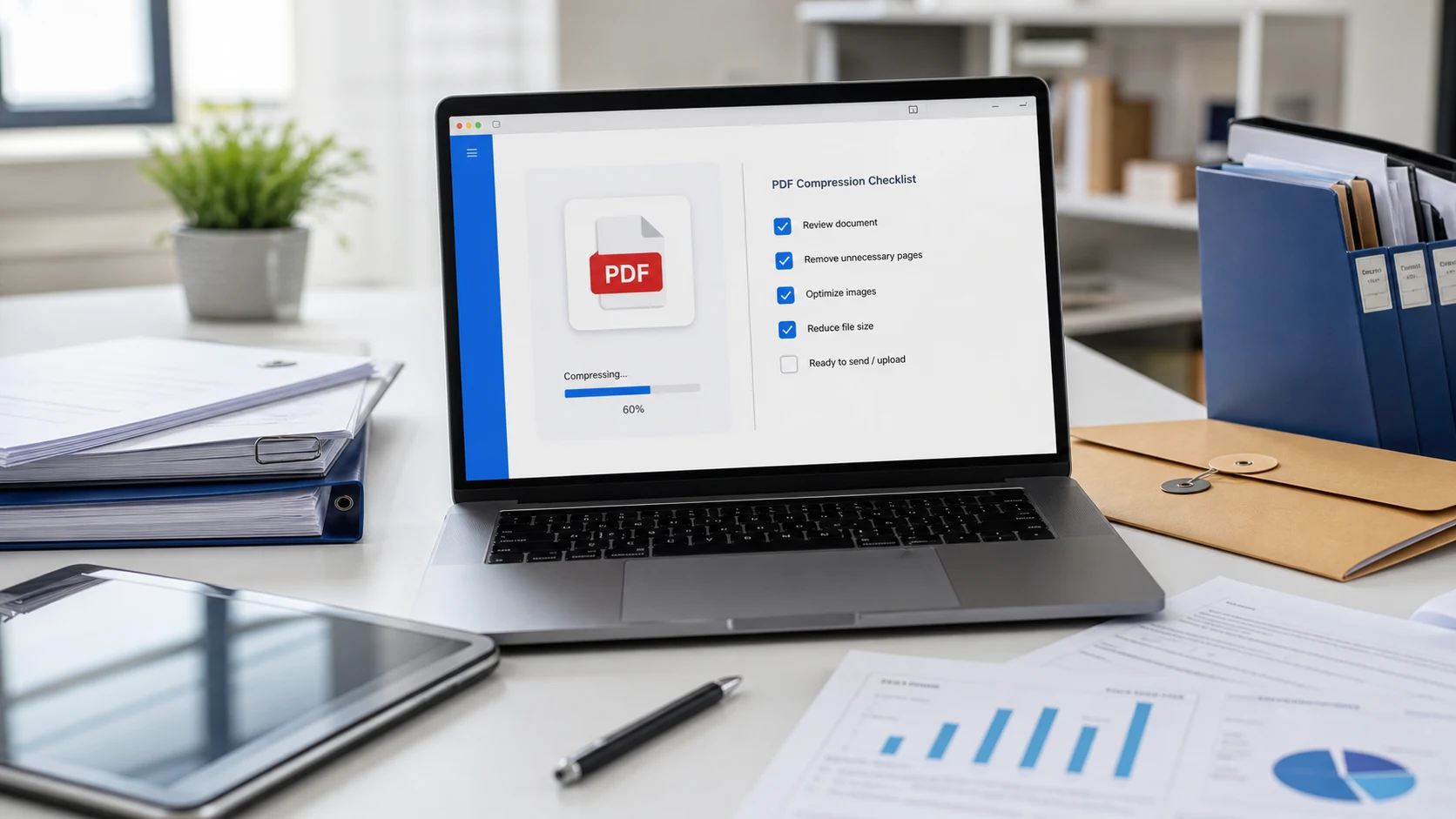
Six practical ways to make a PDF smaller, from a one-click compressor to fixing the file at the source, with the quality trade-off of each.
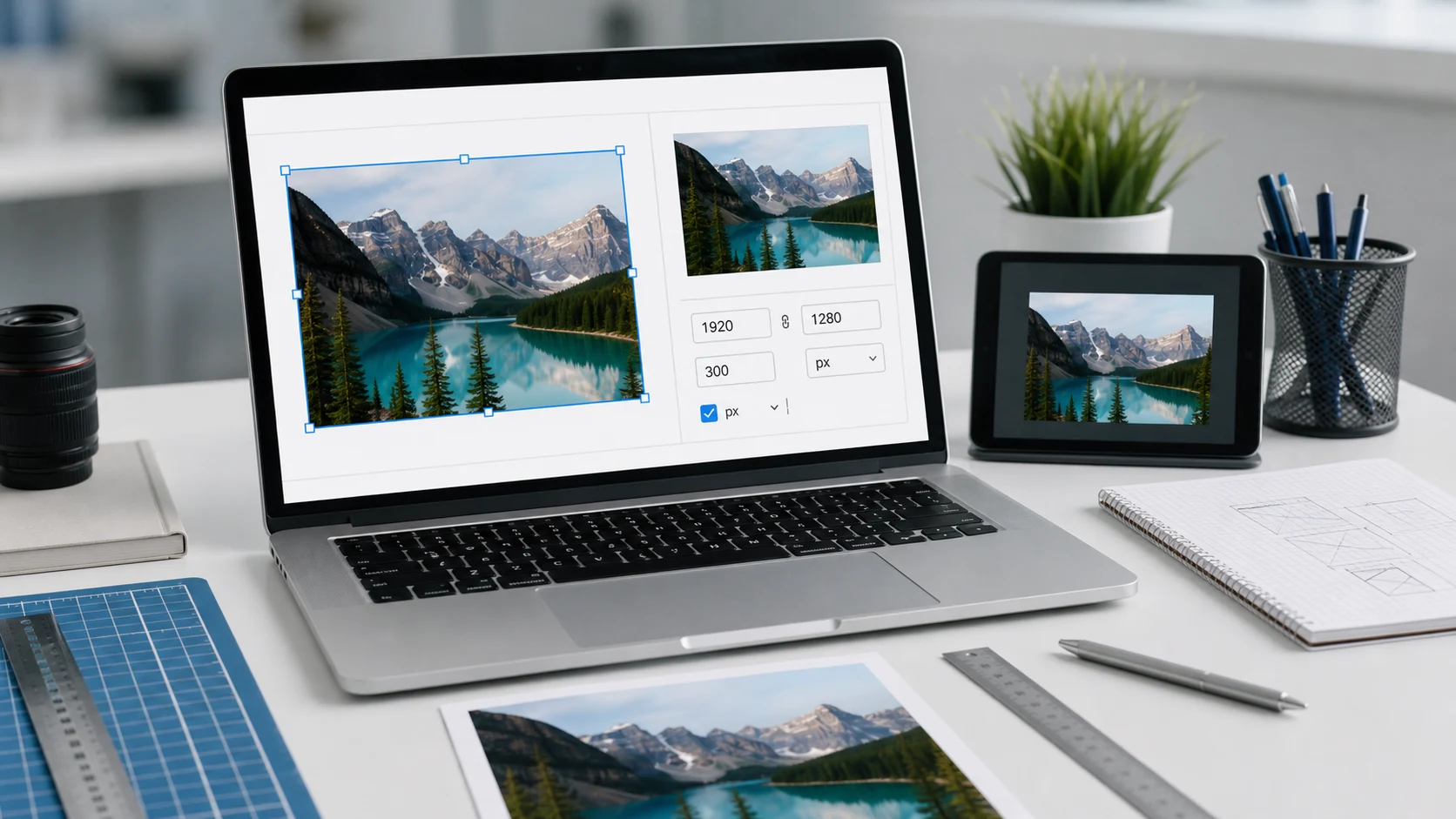
Type a new width with the aspect ratio locked and save a copy. Here are the exact steps for iPhone, Windows, Mac and the browser, plus how pixels, DPI and cm relate.
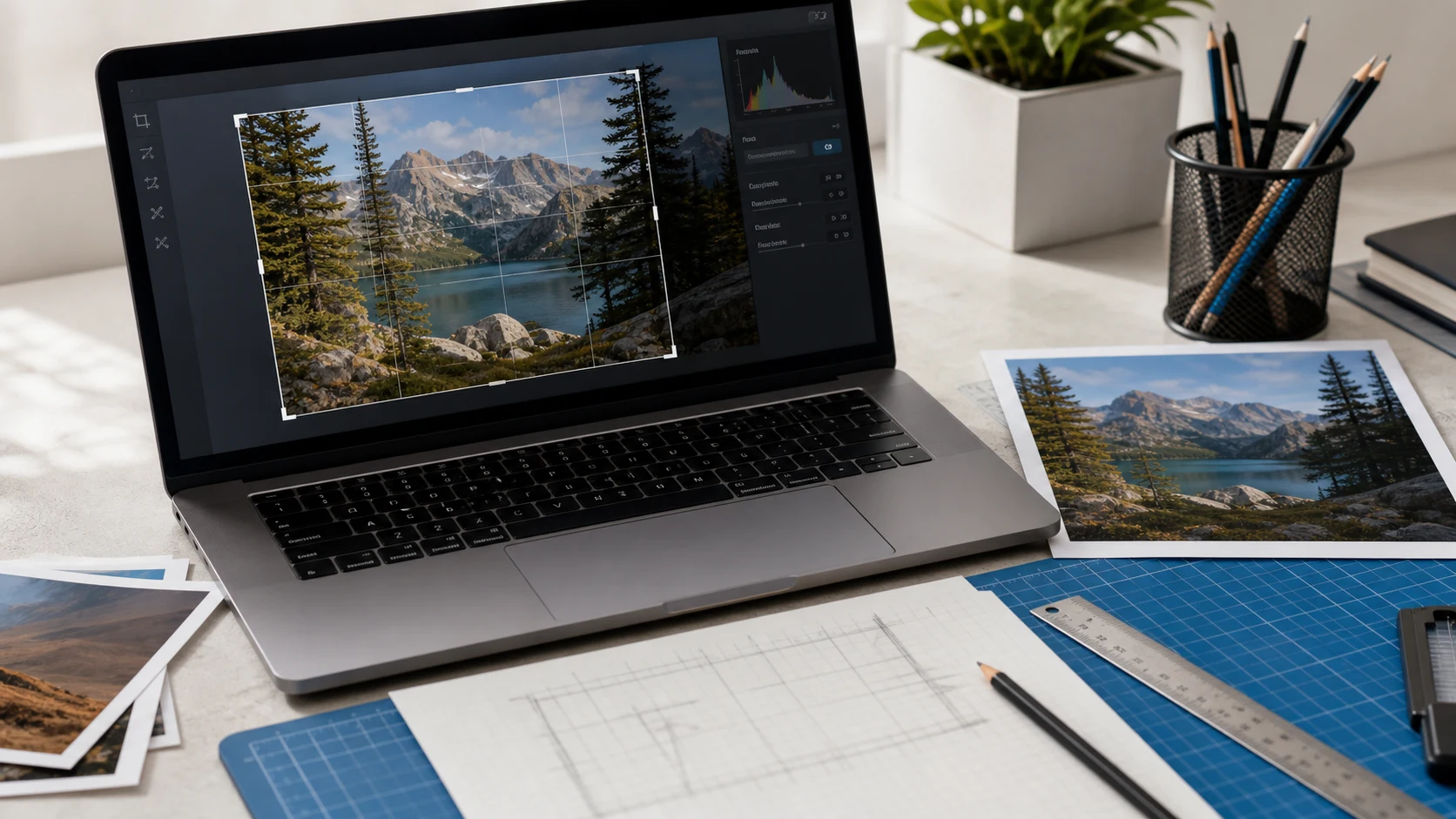
Step-by-step crop instructions for every common device, starting with Mac, plus a free way to crop many pictures to the same shape.
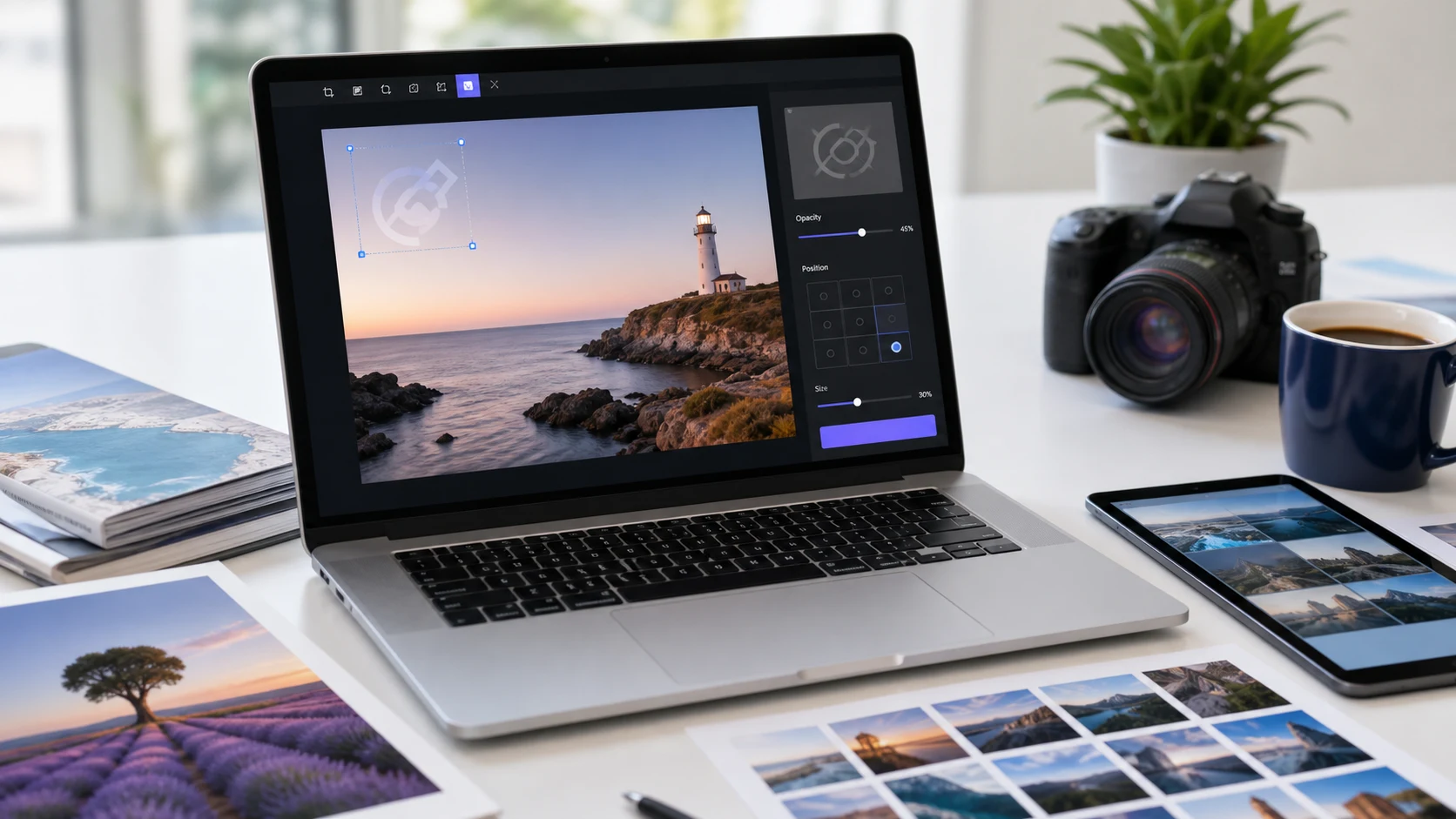
Add your name or logo as a semi-transparent mark, keep the clean original, and use a batch tool when there's more than a couple of photos. Steps for every device below.
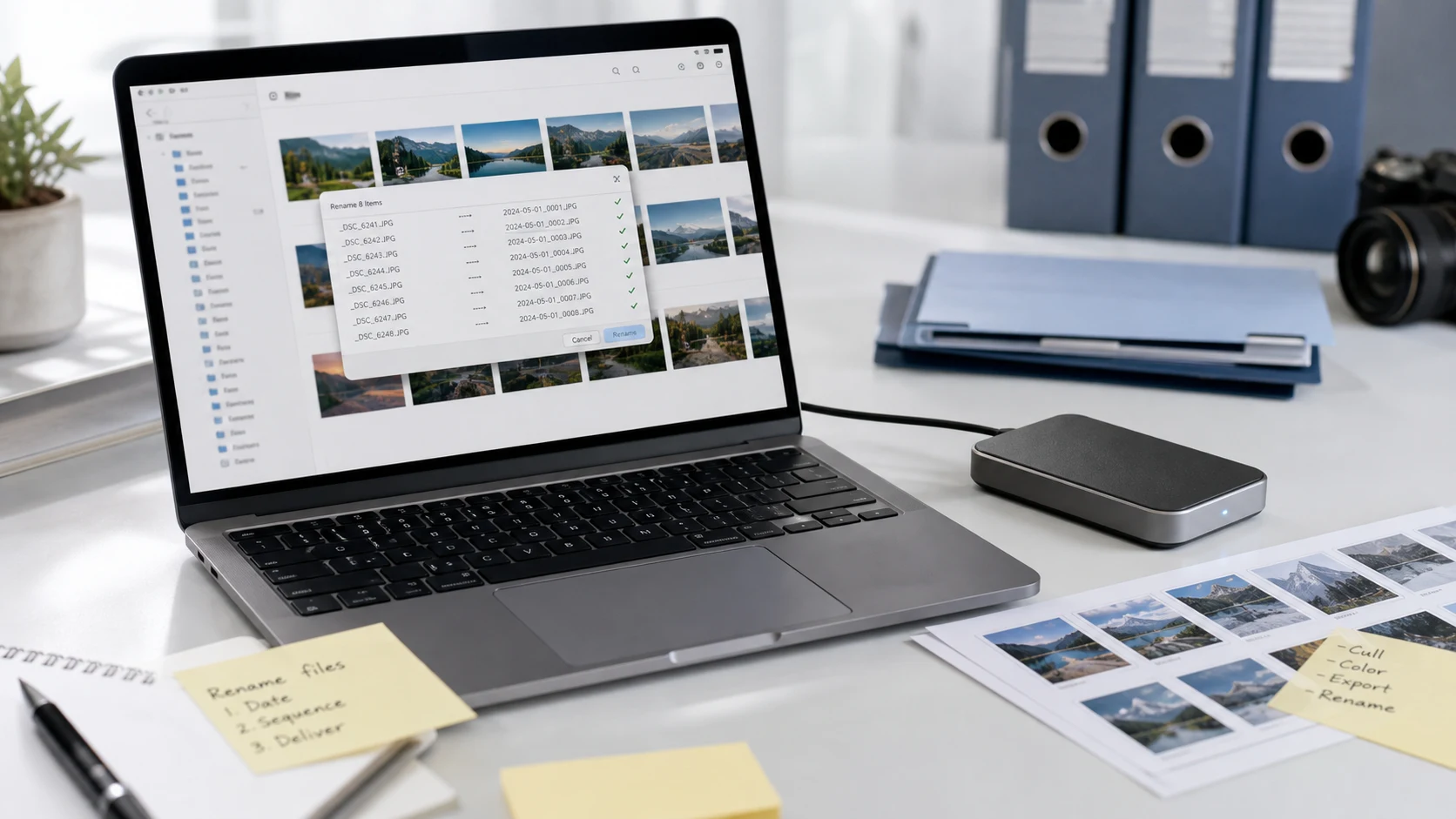
Batch rename photos and documents with File Explorer, PowerRename, Finder or a browser tool, and rename a single PDF on any device.
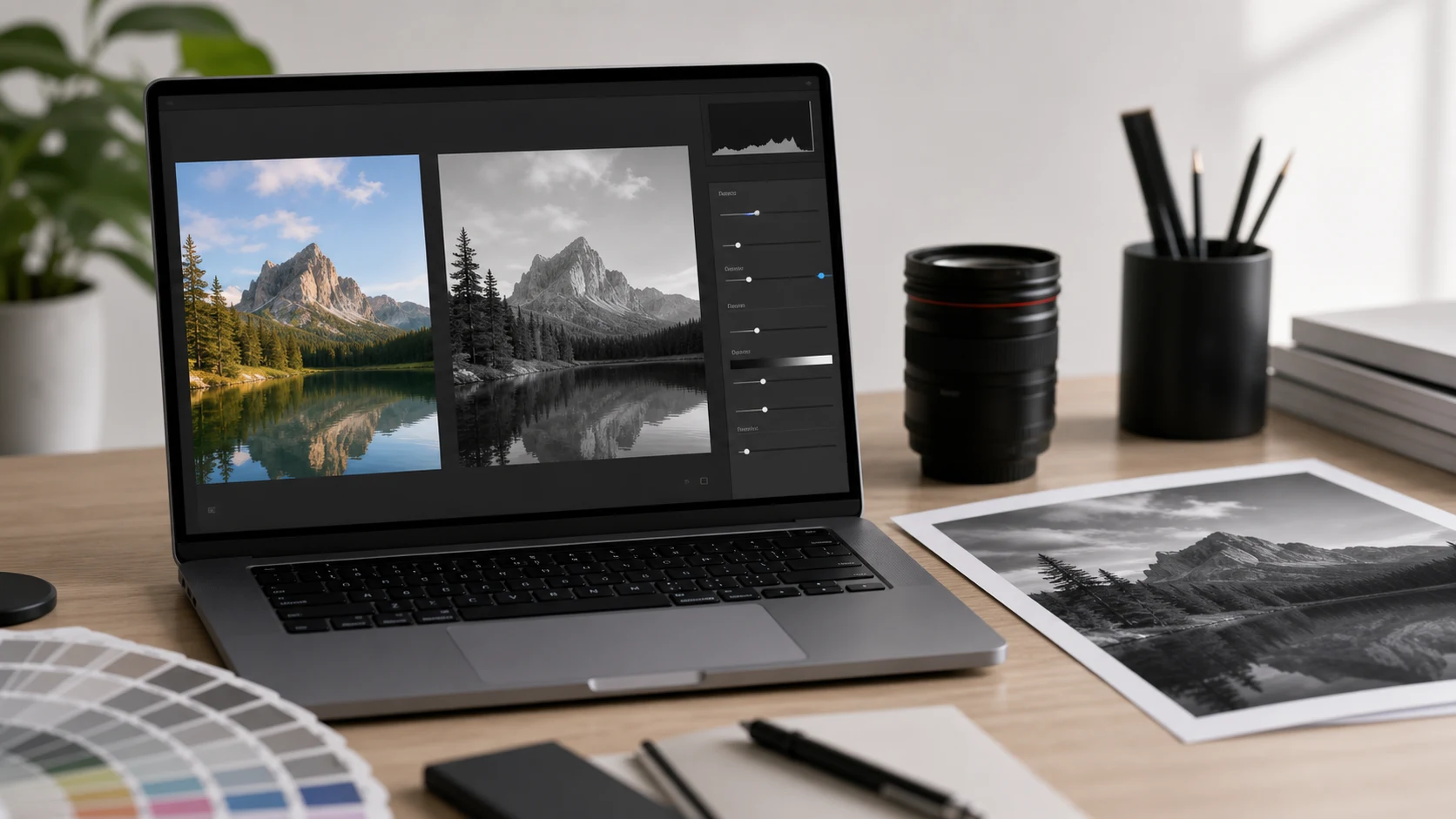
Use the black and white filter already on your phone or computer, convert a batch in your browser, and keep the result from looking flat.
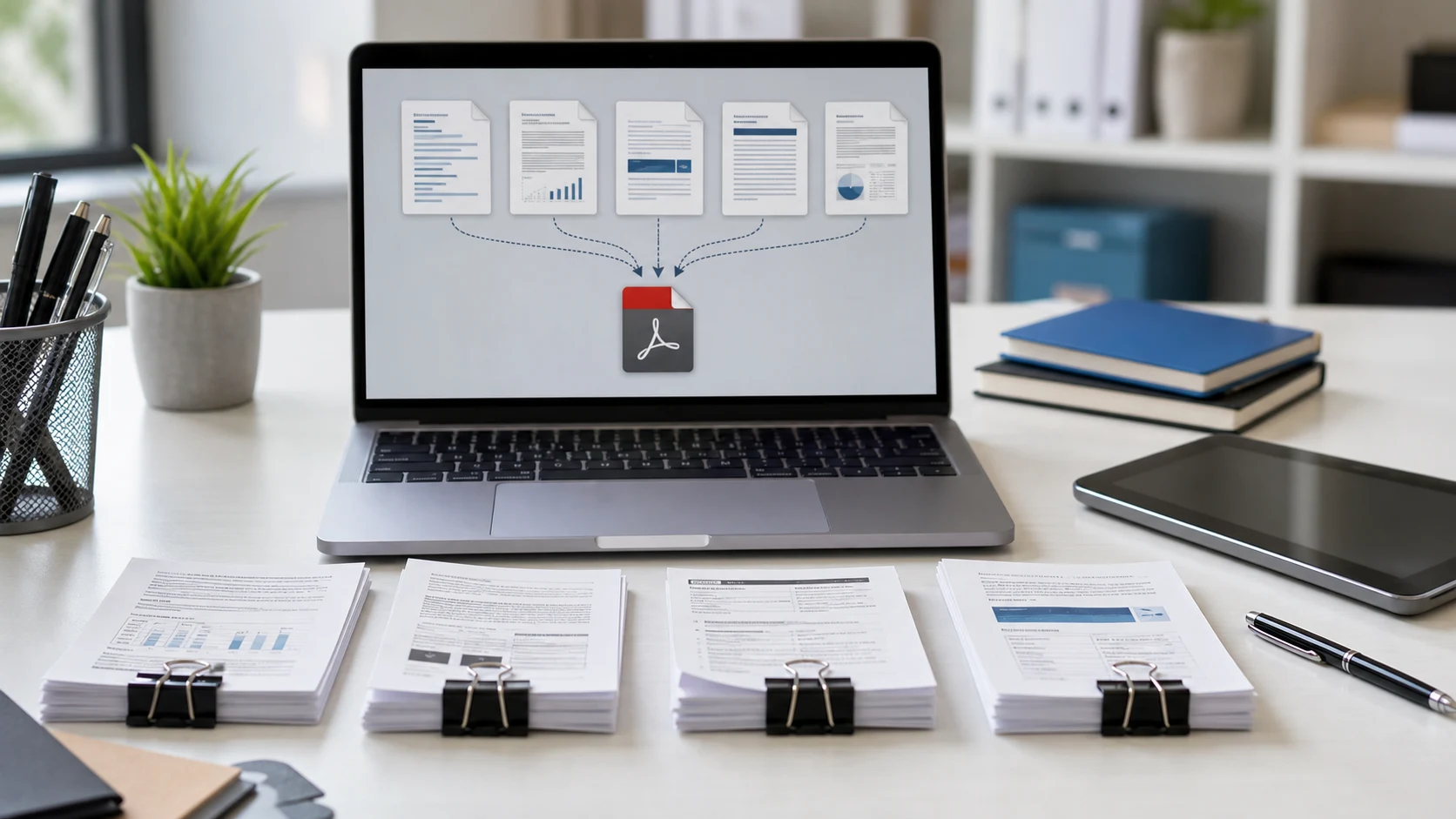
Combine several PDFs into a single file on a Mac, a Windows PC or your phone, and get the page order right the first time.
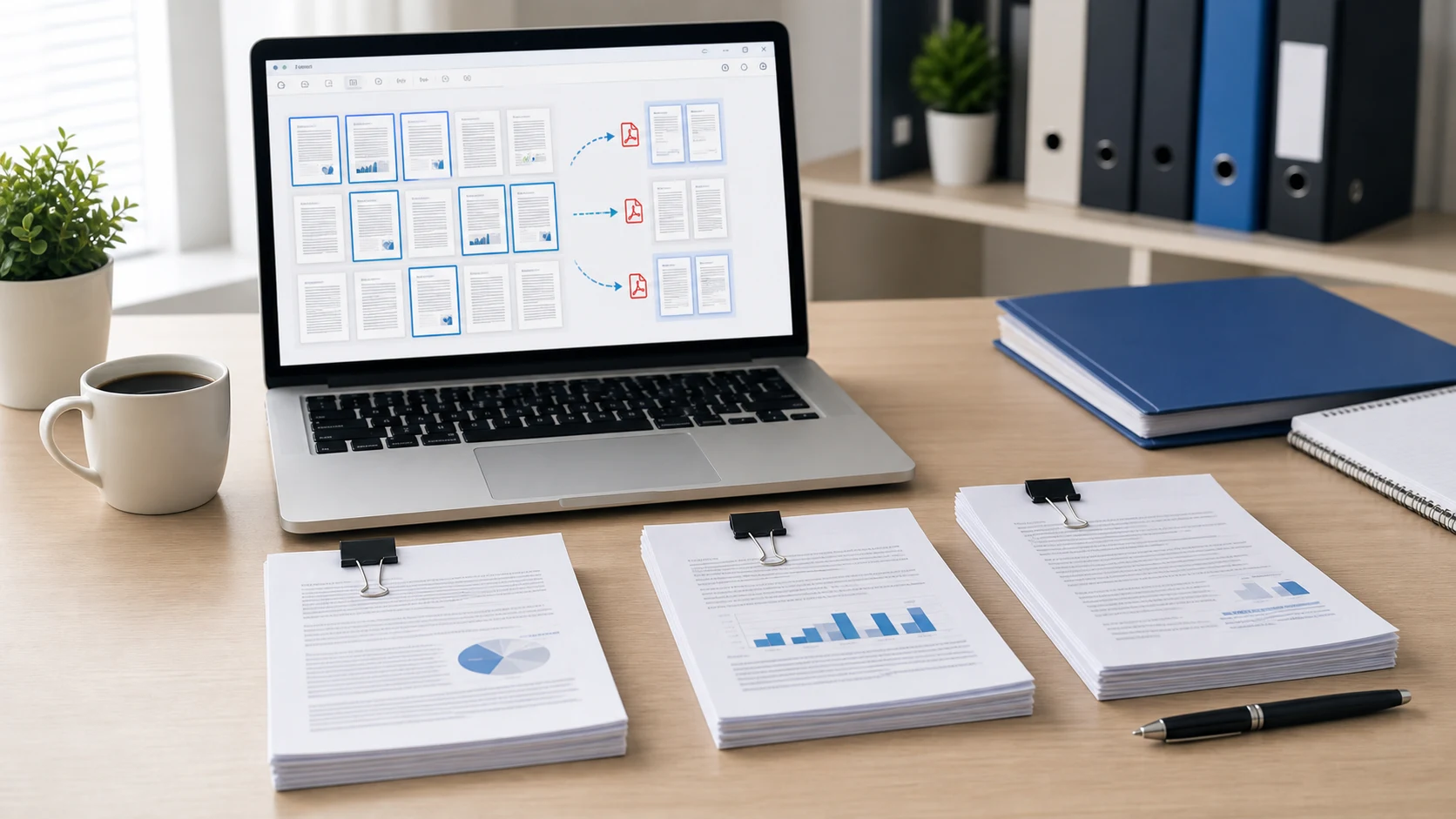
Print the page to a new PDF in Chrome or Edge, drag it out of Preview on a Mac, or copy it cleanly with a splitter. Here's each method step by step.
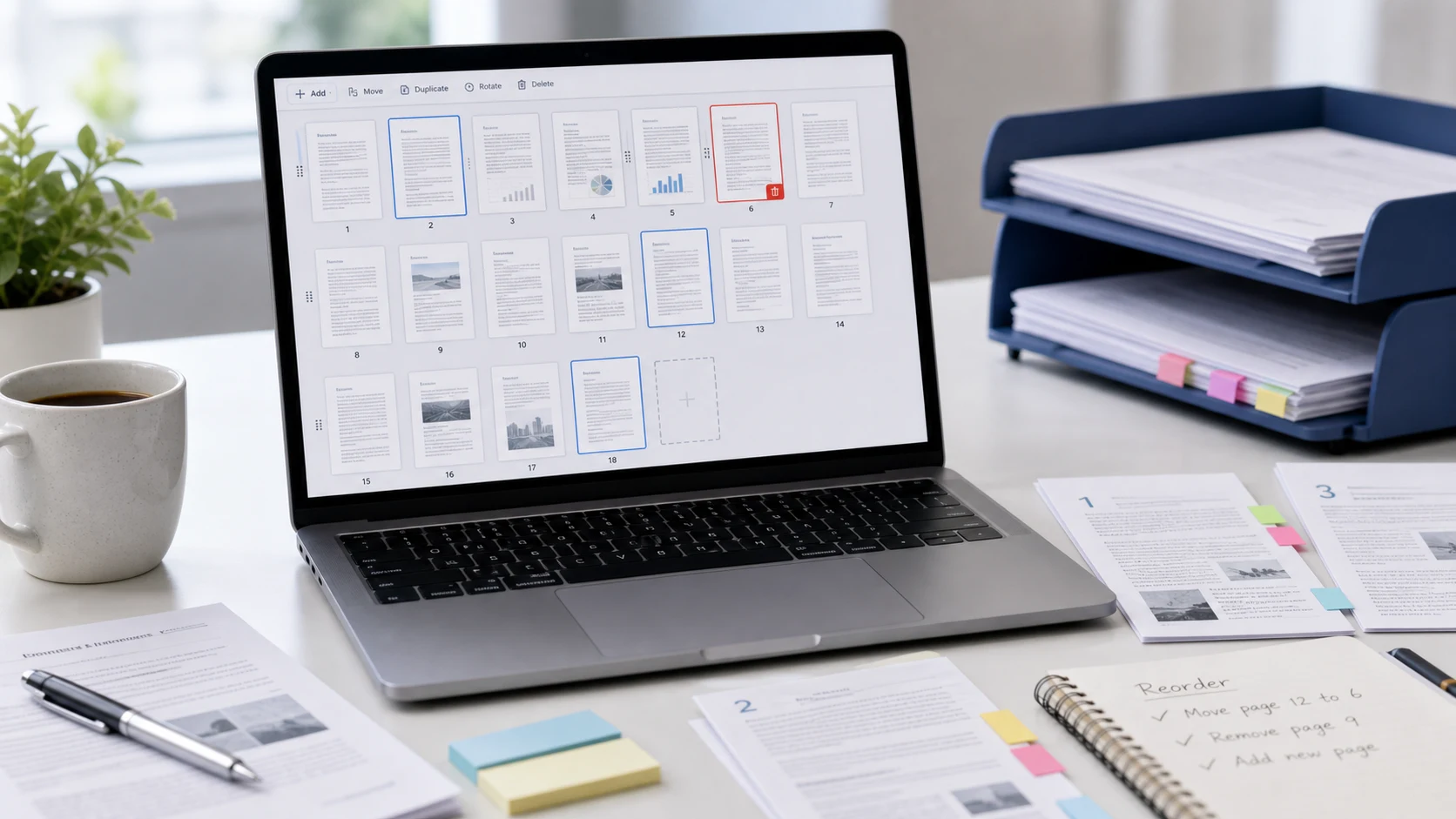
Drag PDF pages into the right order, turn sideways pages so they stay fixed, and sort out scans that came out jumbled.
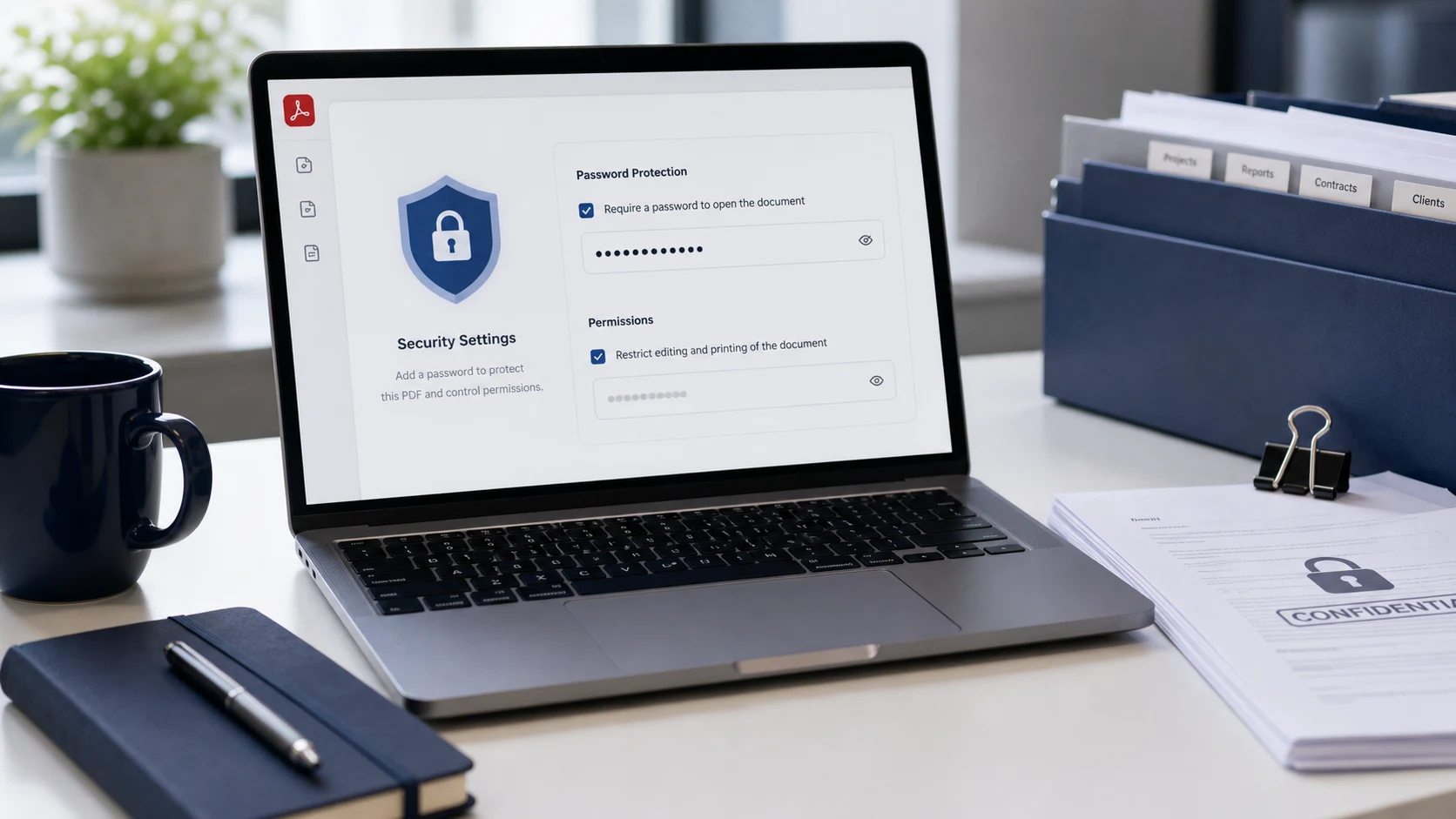
Add a password to a PDF on a Mac, an iPhone, a Windows PC or any browser, and share it without handing the password over in the same message.
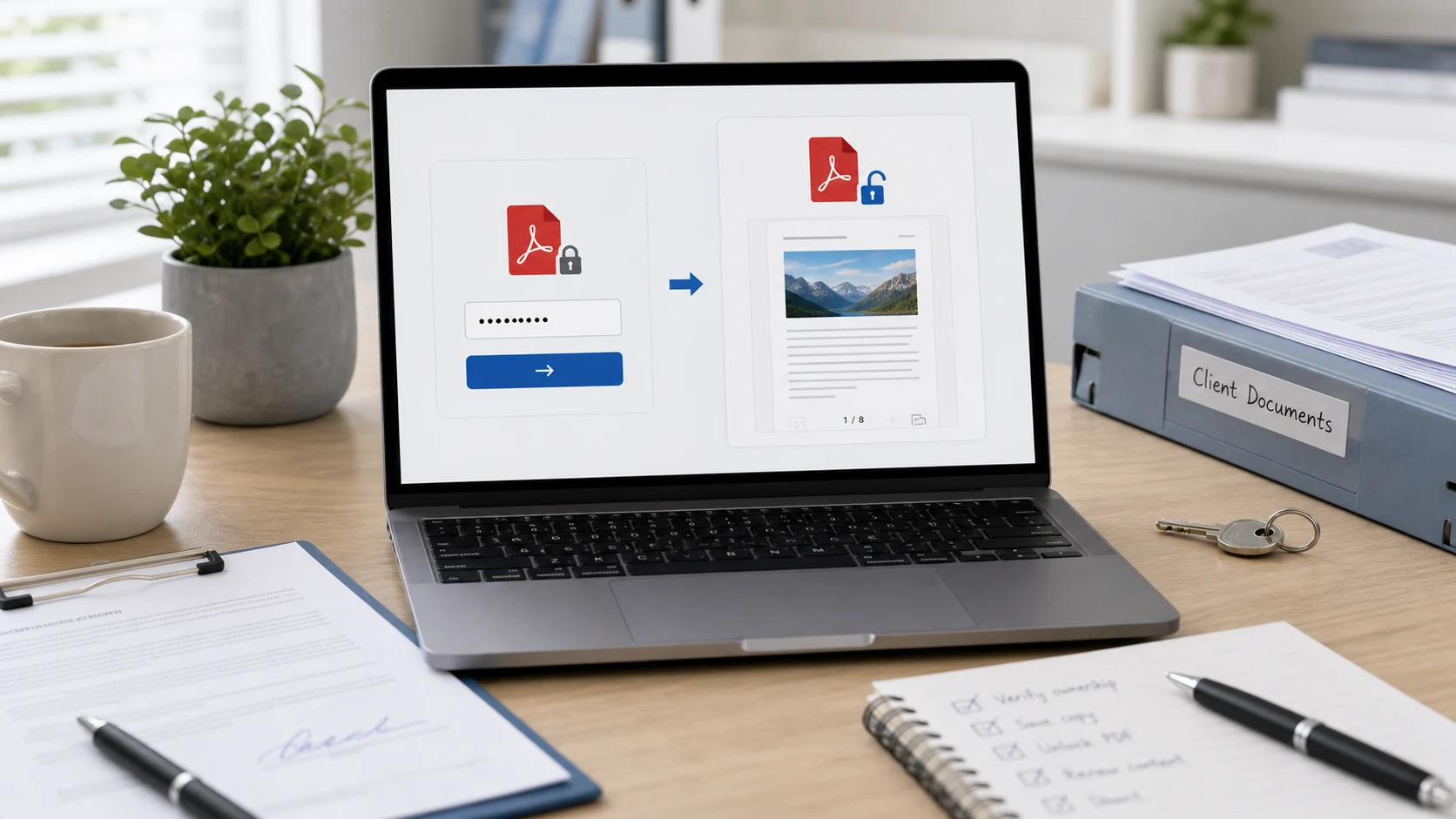
Save an unlocked copy of a bank statement, payslip or any PDF you can already open. Every method needs the password, and here's what to do if it's lost.
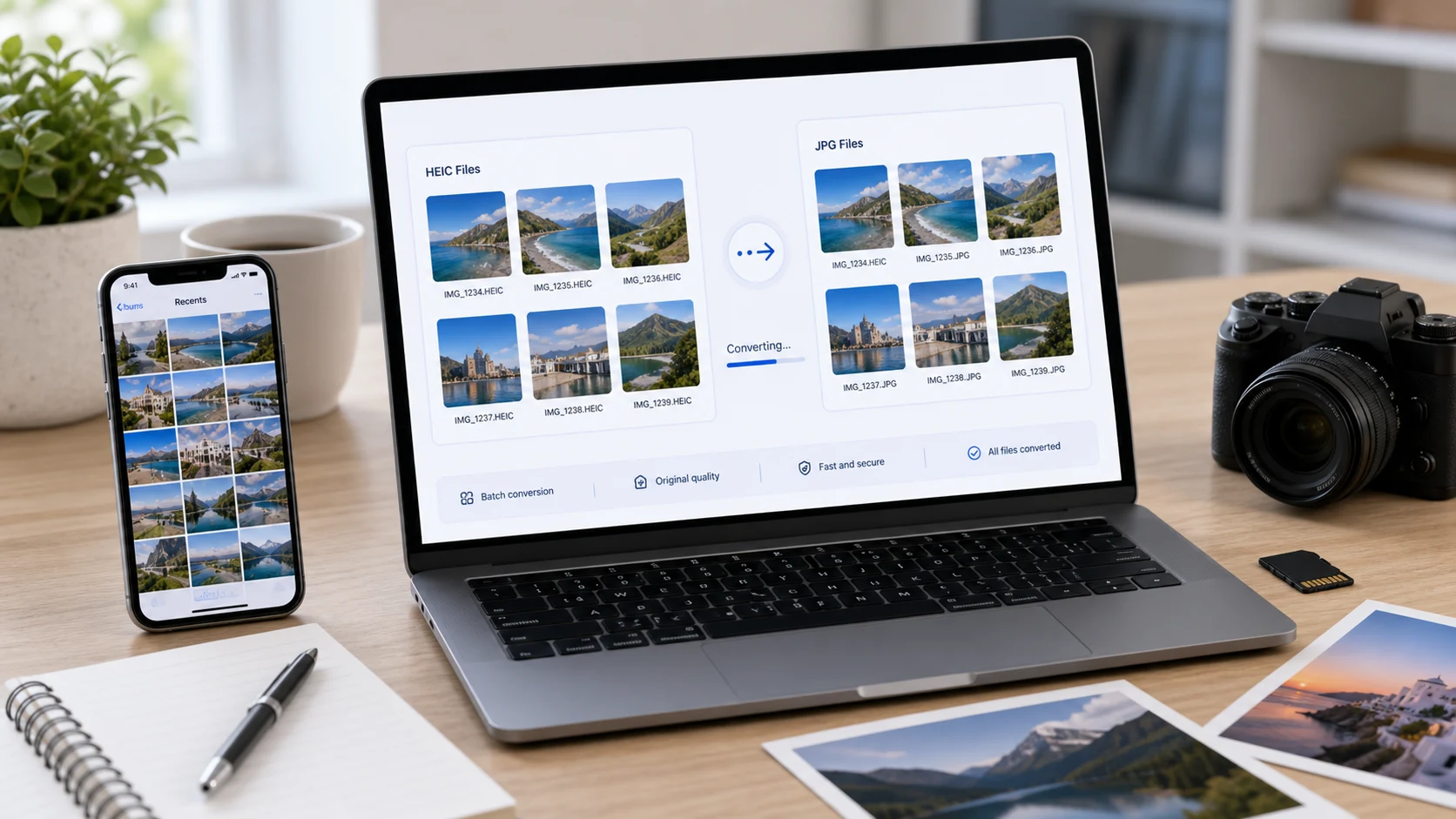
iPhone photos save as HEIC by default, and plenty of sites and PCs still won't open them. Here are the built-in ways to get a JPG on Windows and Mac, a no-install option, and the iPhone setting that stops the problem.
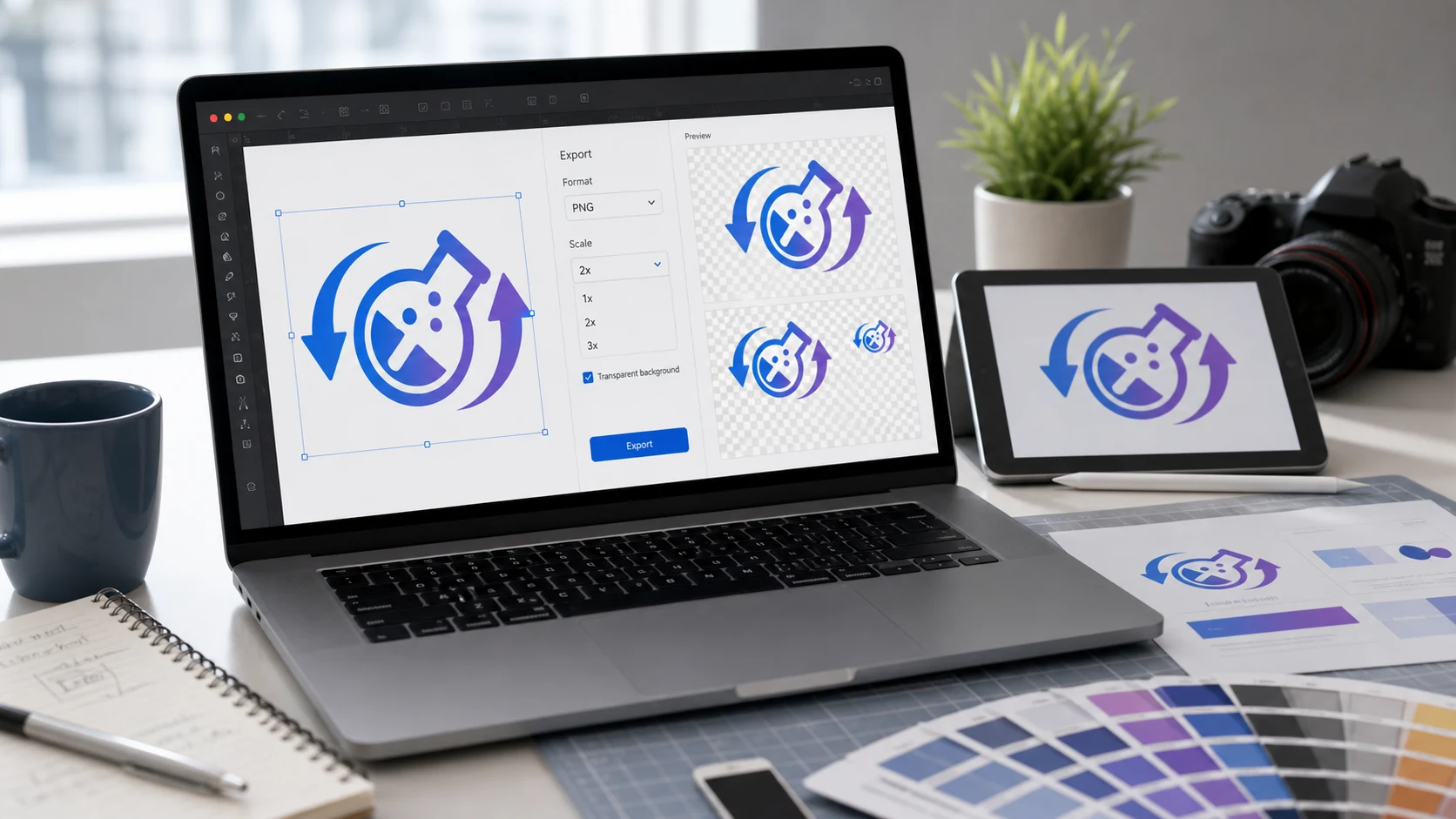
SVG files open in any web browser, but many apps and upload forms won't take them. Here's how to view one on Windows and Mac, then turn it into a PNG or JPG at a size that stays sharp.
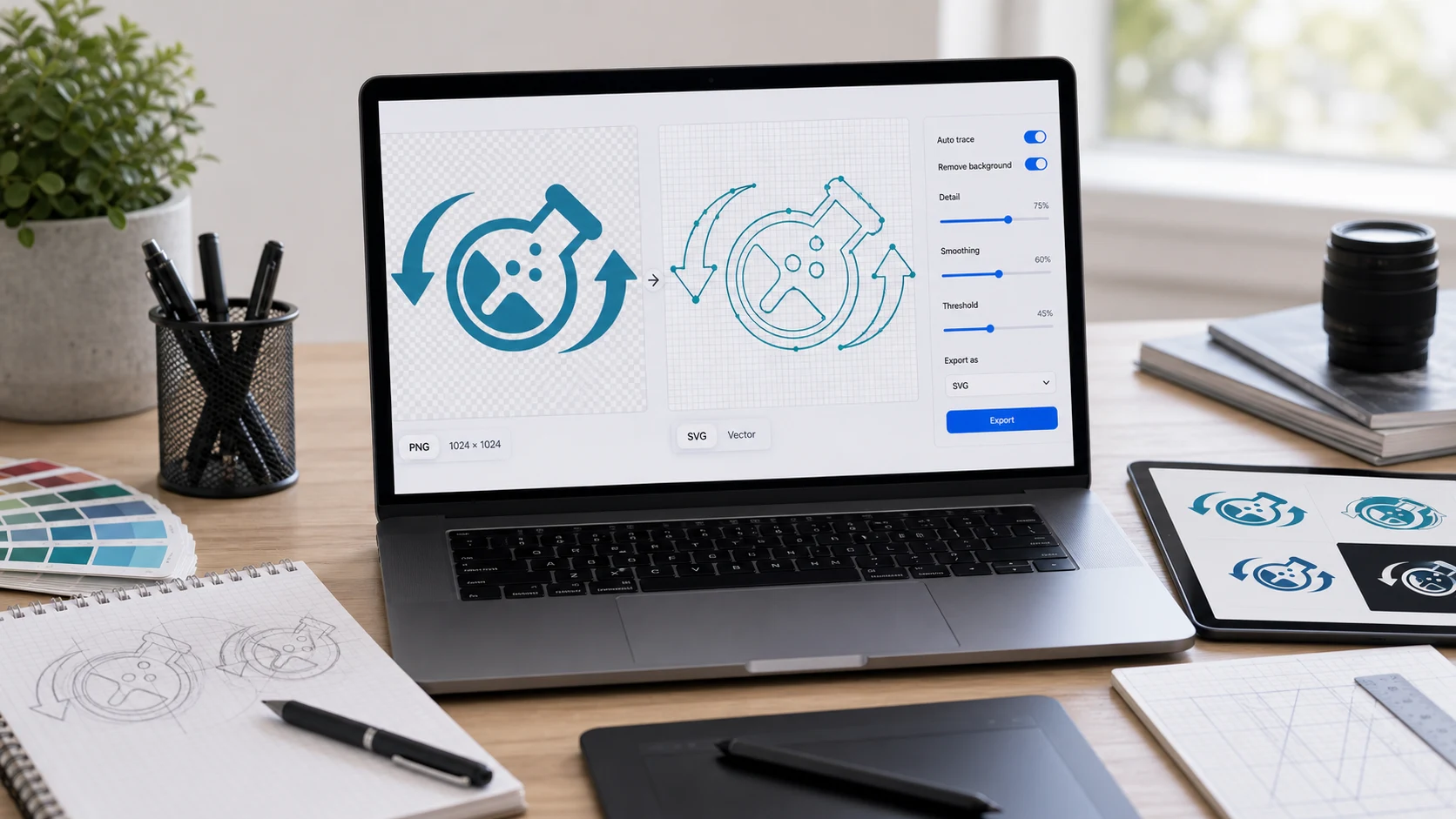
Turning a JPG or PNG into a real SVG means tracing it into vector shapes. That works well for logos and line art and badly for photos. Here's how to do it and how to get a cleaner result.
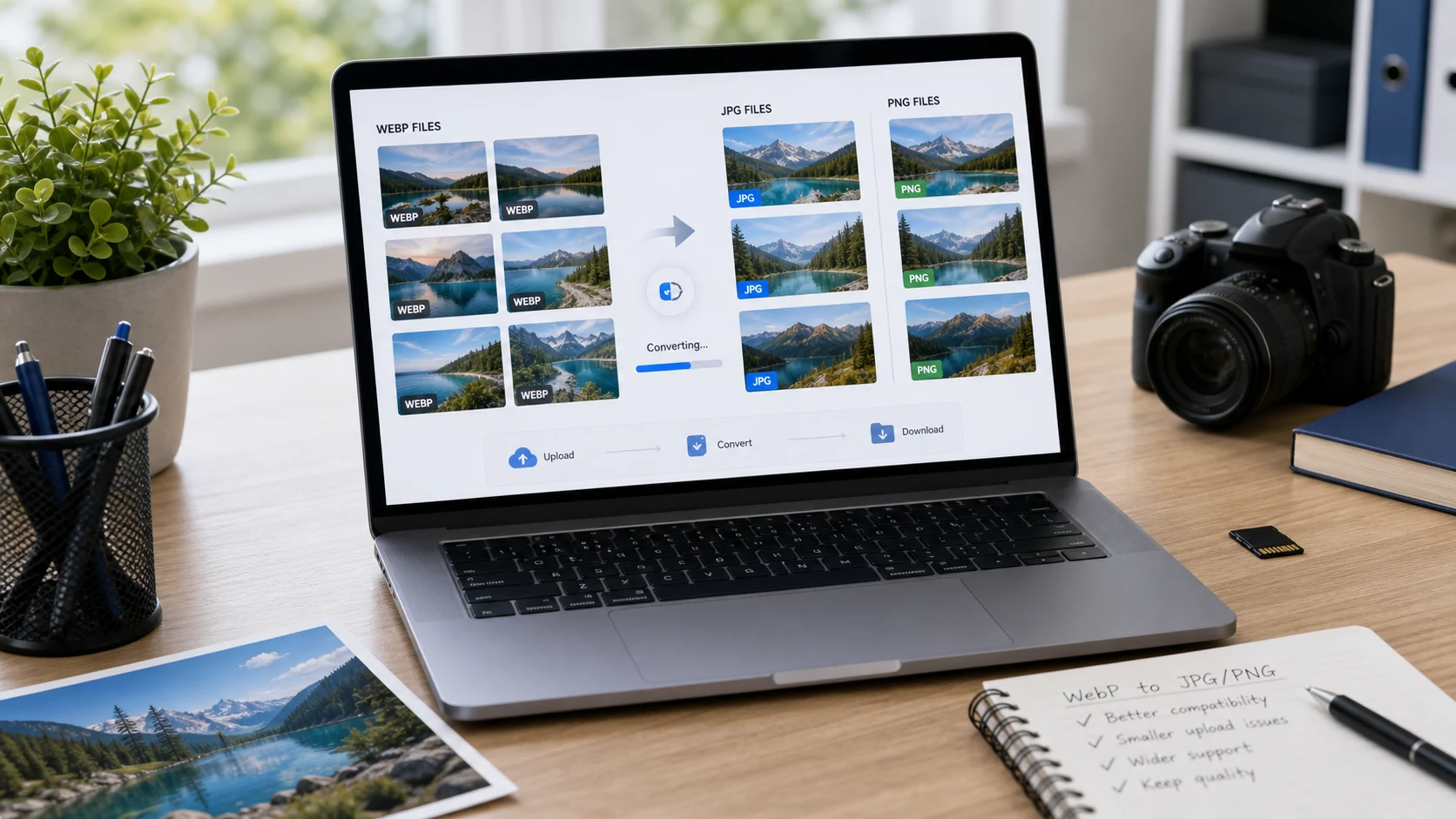
Images saved from websites often arrive as WebP, and plenty of forms and apps won't take them. Here's how to turn them into JPG or PNG with tools you already have.
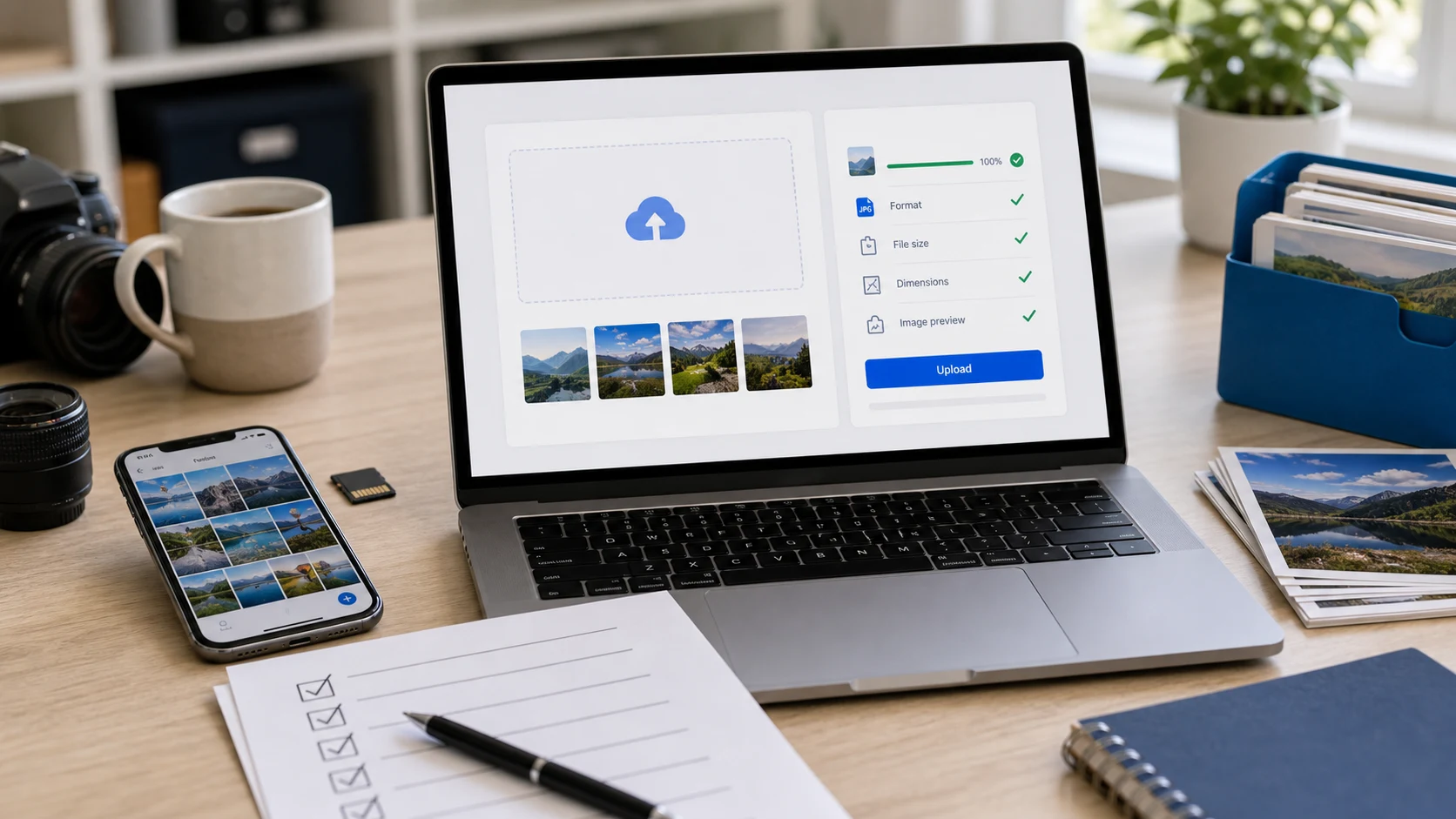
Turn a size like 3.5 x 4.5 cm into pixels, resize the photo without stretching it, and hit the KB limit on the first try.
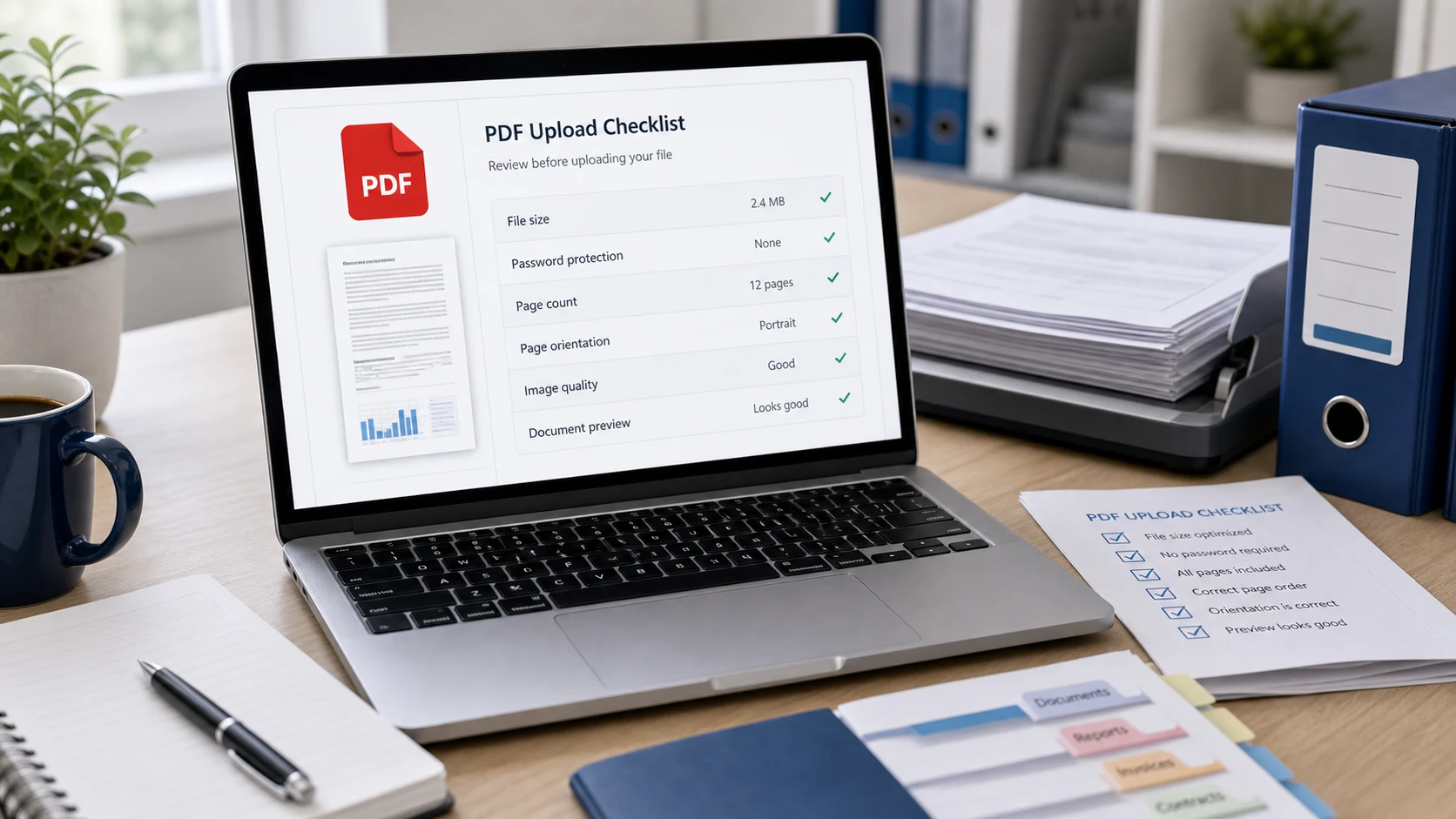
Find out in one test whether the problem is the file, your PDF app or the upload site, then apply the fix that matches.
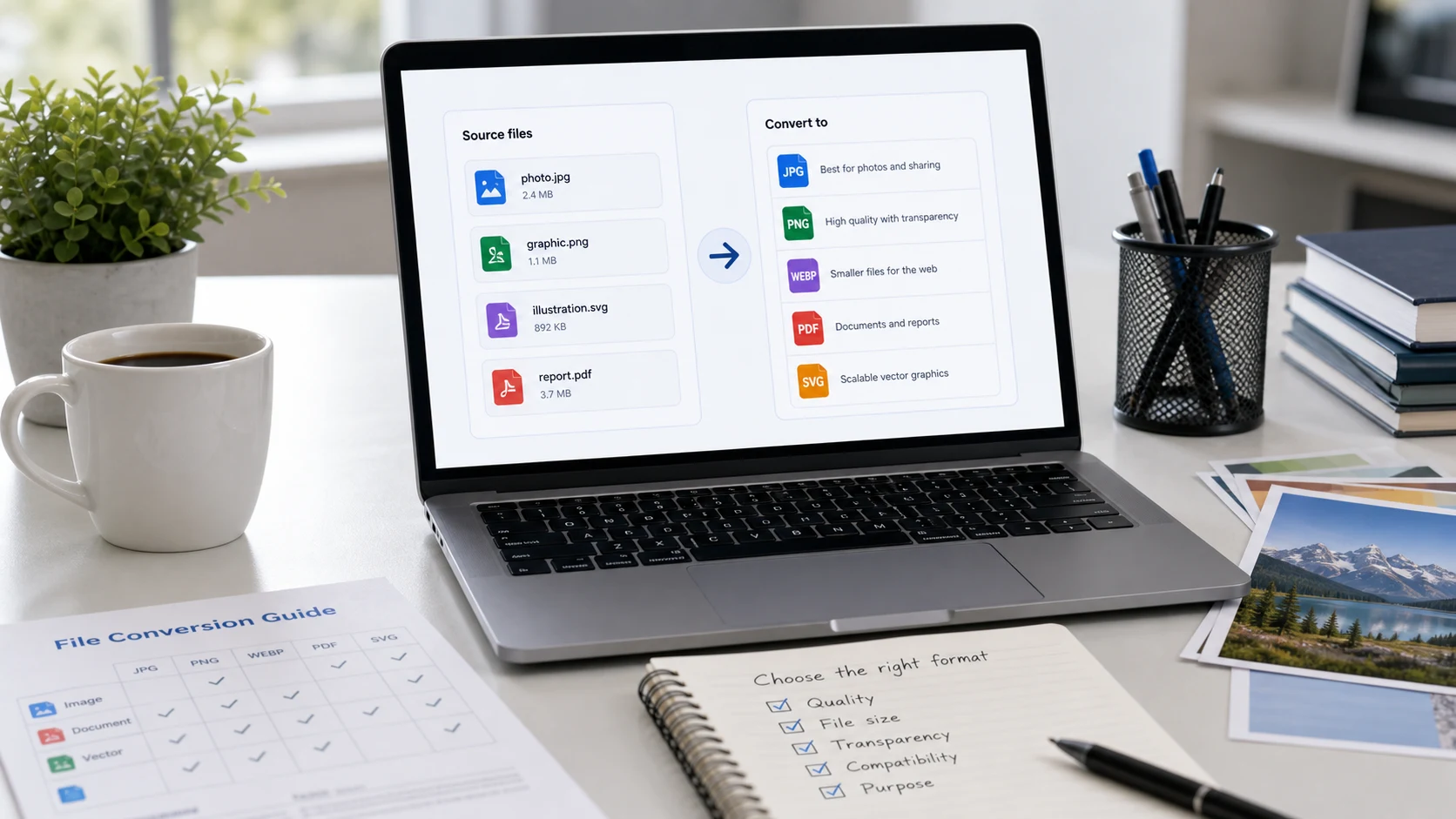
Open the image in an app that can save in another format and pick JPEG, or use a browser converter for batches and mixed formats. Steps for every device below.
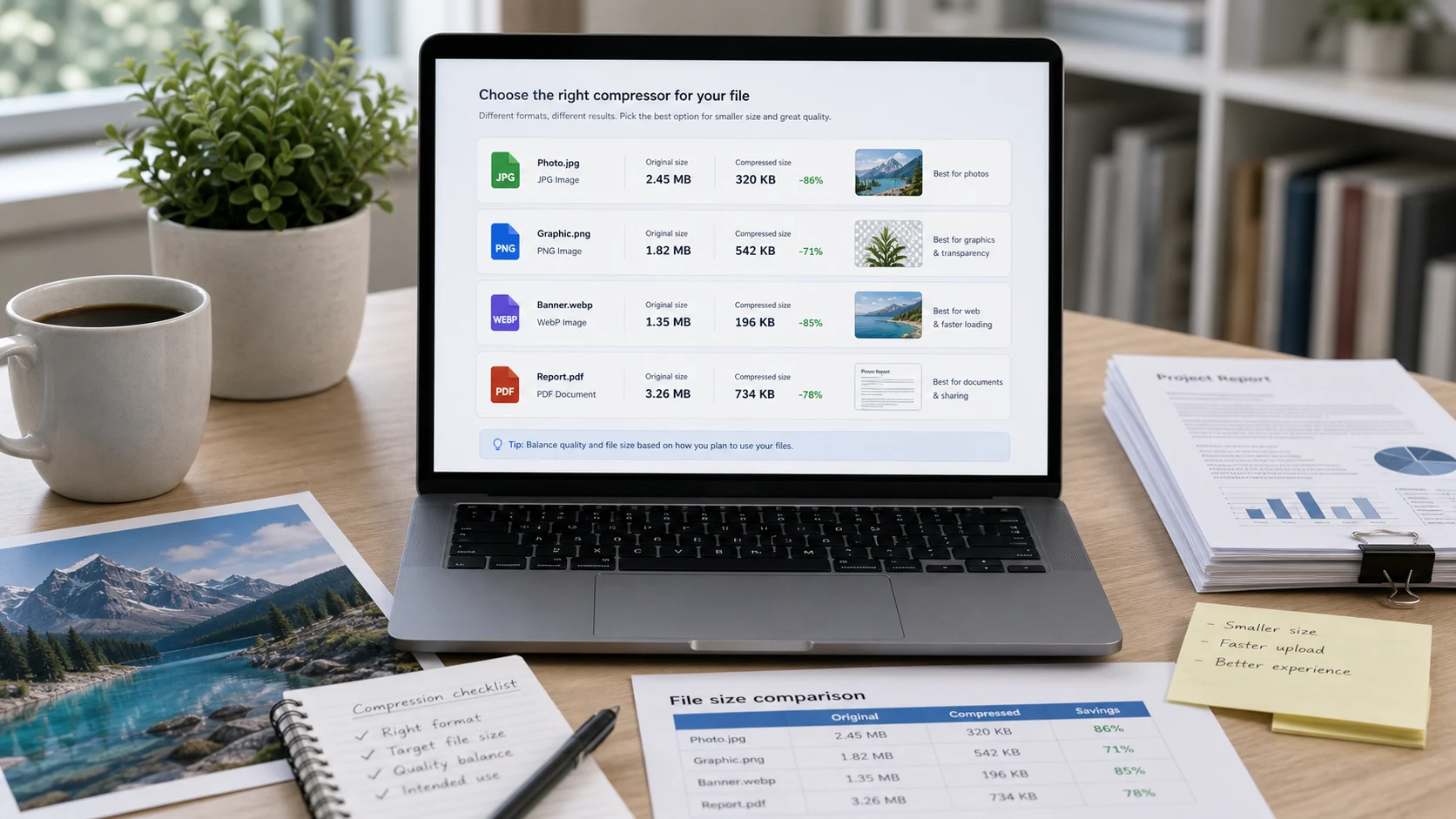
Pixel dimensions, quality and format decide how big an image file is. Change the right one and a photo can shrink to a fraction of its size without looking any different.
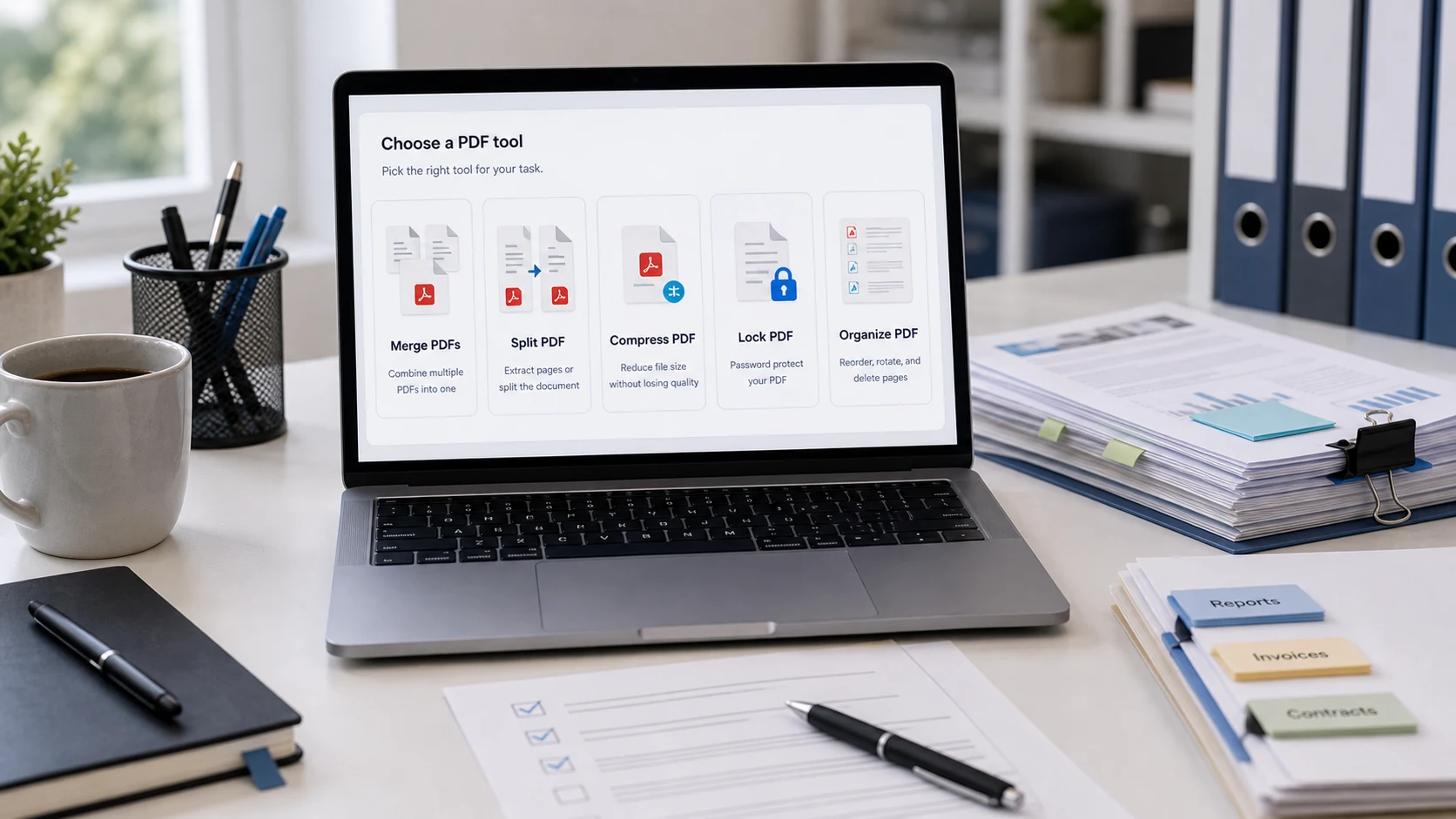
Remove blank, duplicate or private pages from a PDF on any device without paying for an editor, or pull out just the pages you need.
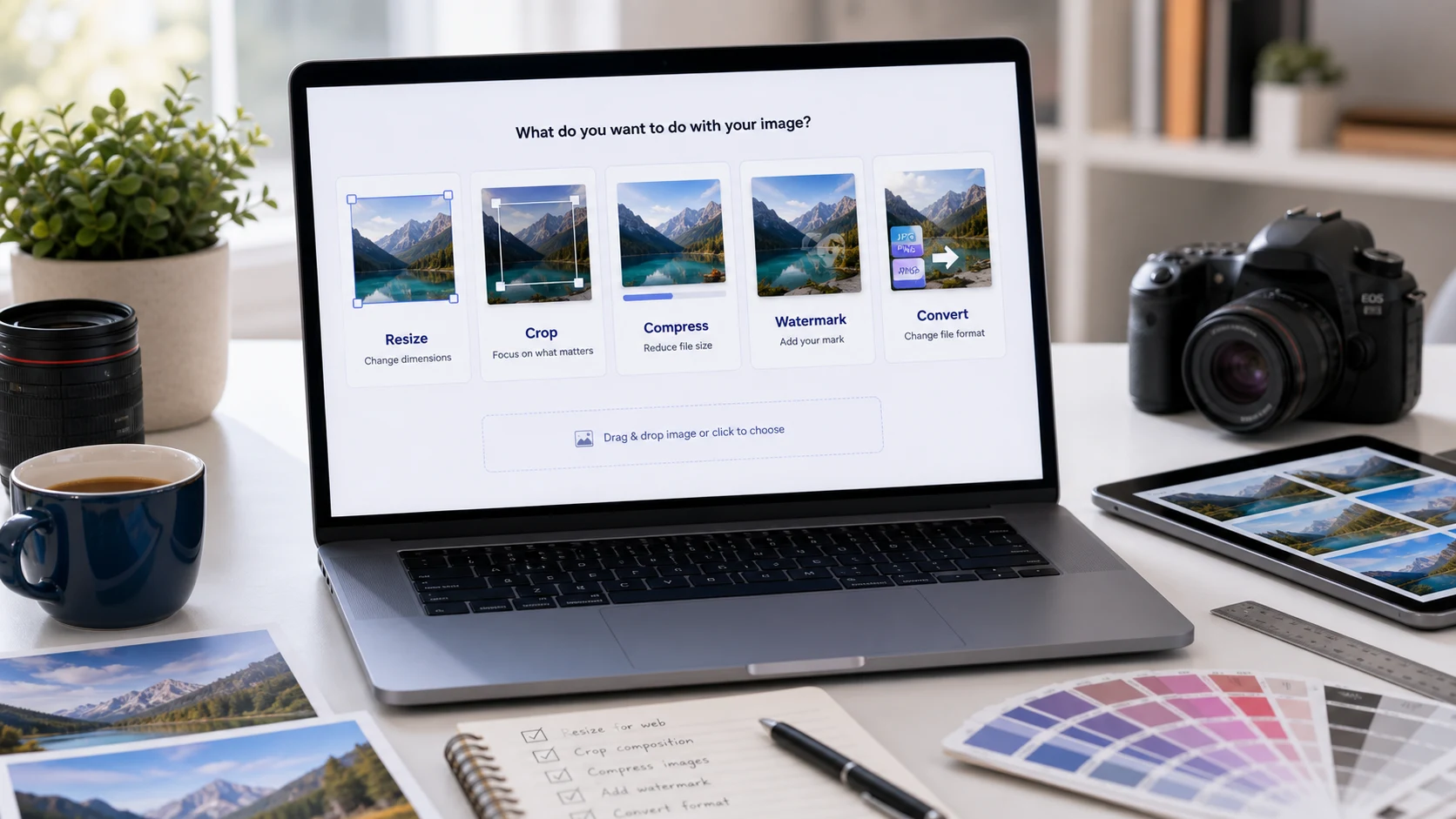
Resizing a photo to fewer pixels shrinks both its dimensions and its file size. Here's how to do it with built-in apps on Windows, Mac and phones, and how to hit an exact KB limit.
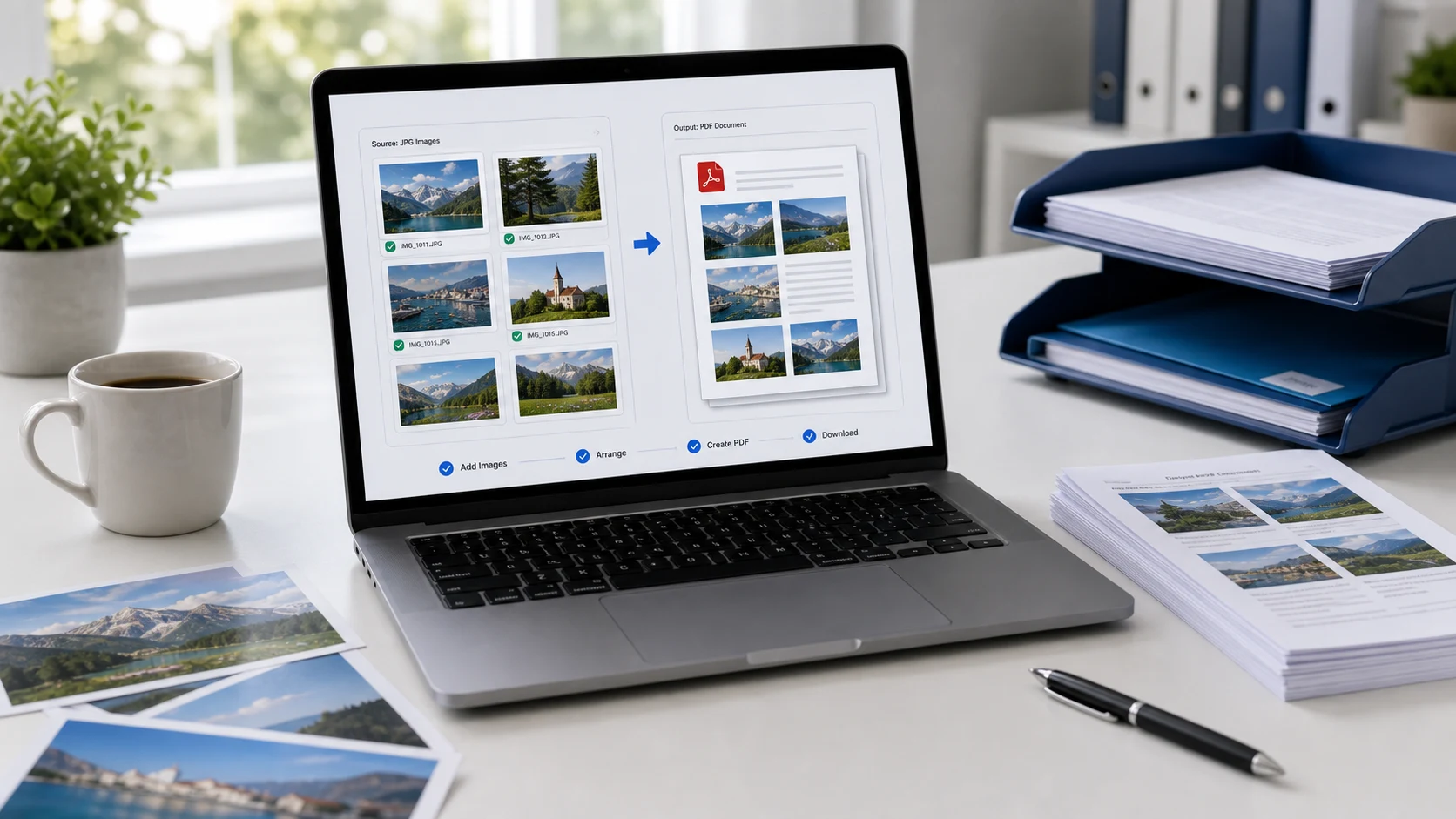
Turn one photo or a stack of them into a single PDF with tools you already have, then shrink it to fit a portal's size limit.
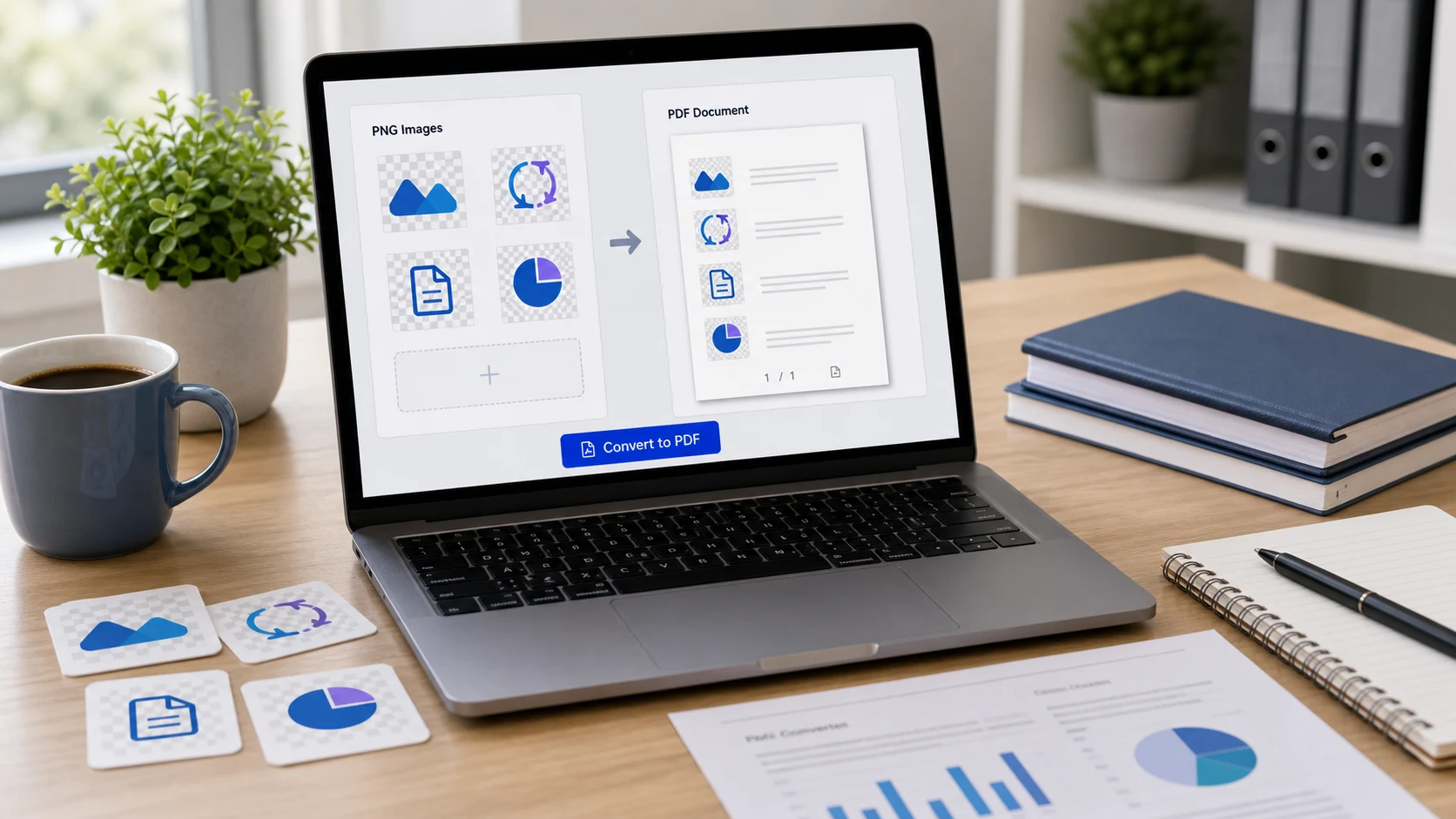
Turn screenshots, charts and other PNG images into one tidy PDF on any device, and keep it small enough to email or upload.
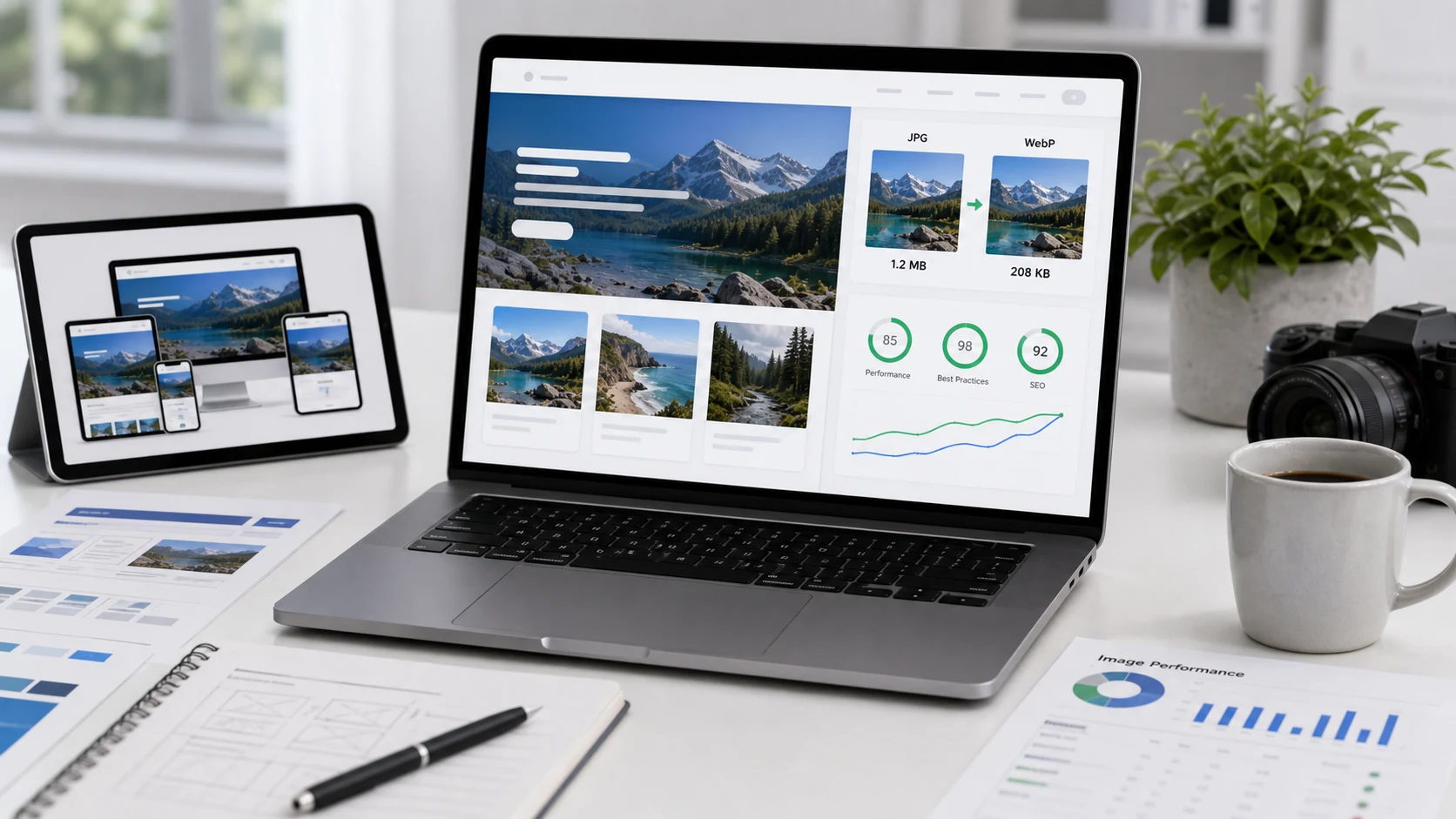
WebP gives smaller files than PNG and JPG at similar quality and works in every current browser. Here's when to use it and when the older formats are still the safer pick.
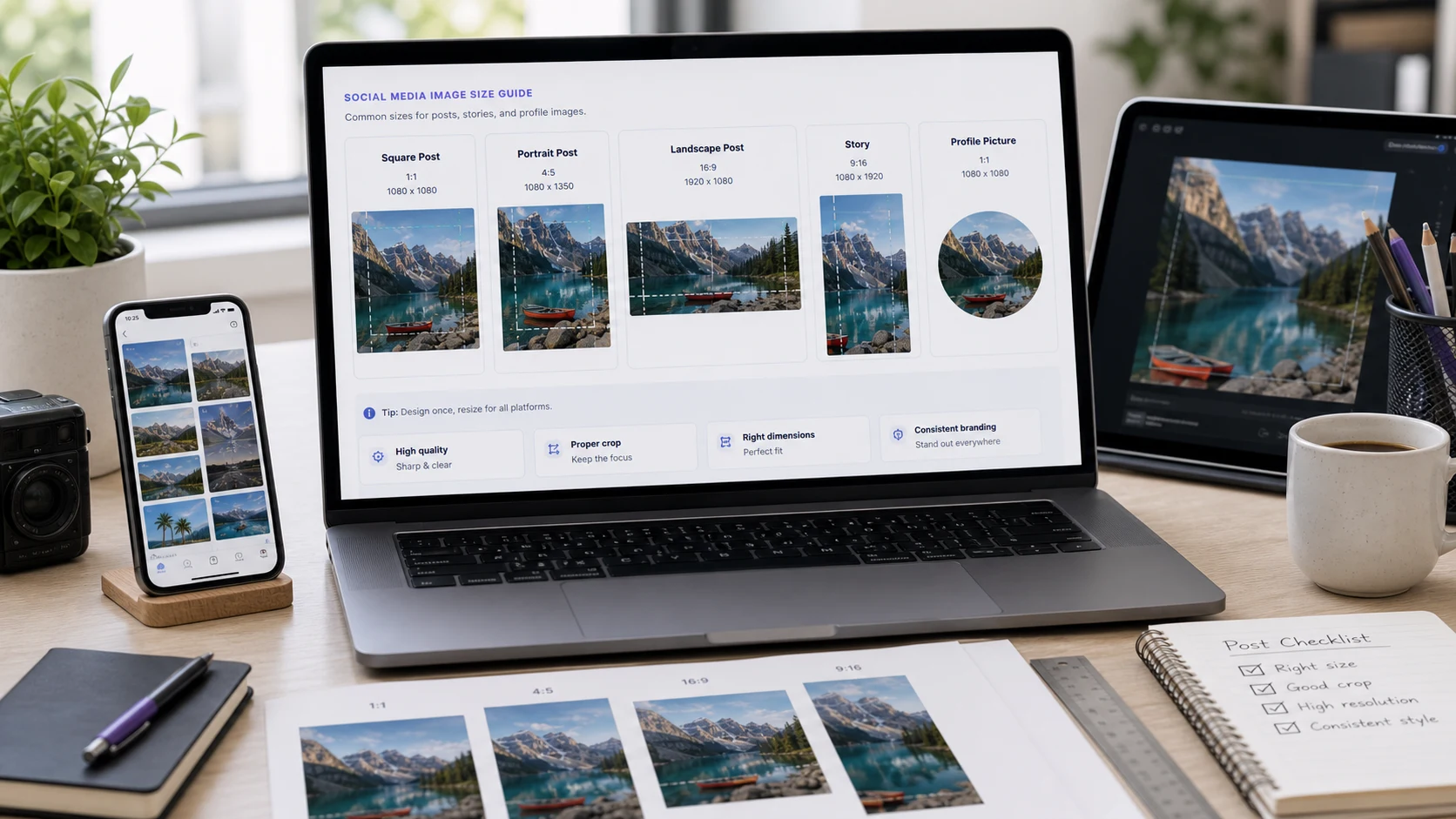
Instagram posts look best at 1080 x 1350 pixels, Stories at 1080 x 1920 and YouTube thumbnails at 1280 x 720. Here are the current sizes and how to resize without stretching.
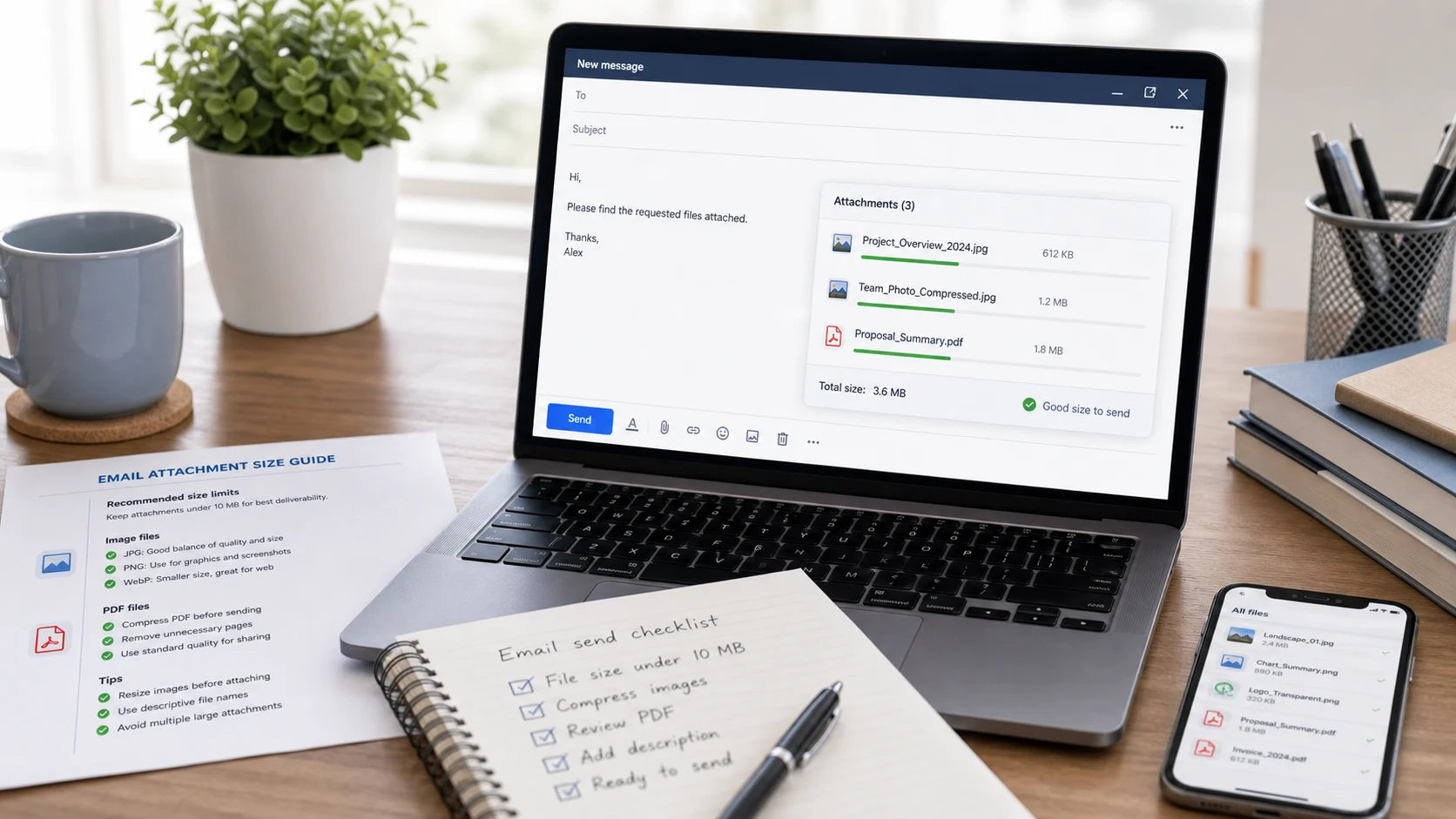
Personal Gmail lets you attach up to 25 MB per email. Here's how that compares with Outlook, Yahoo Mail and iCloud Mail, and what to do when a file is too big.
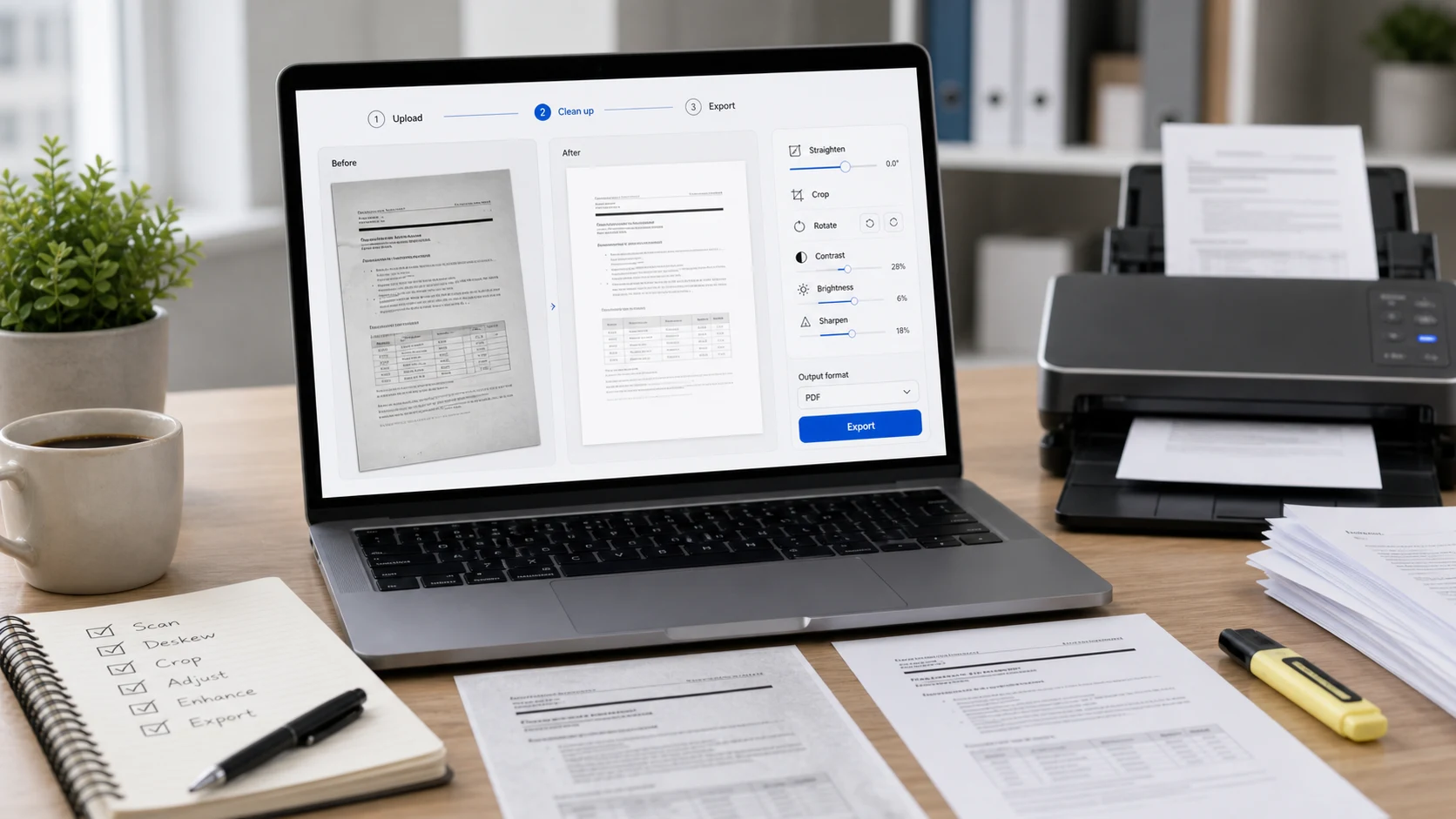
Your phone's built-in scanner can capture every page into a single PDF. Here's how on iPhone and Android, plus how to merge scans you made separately.
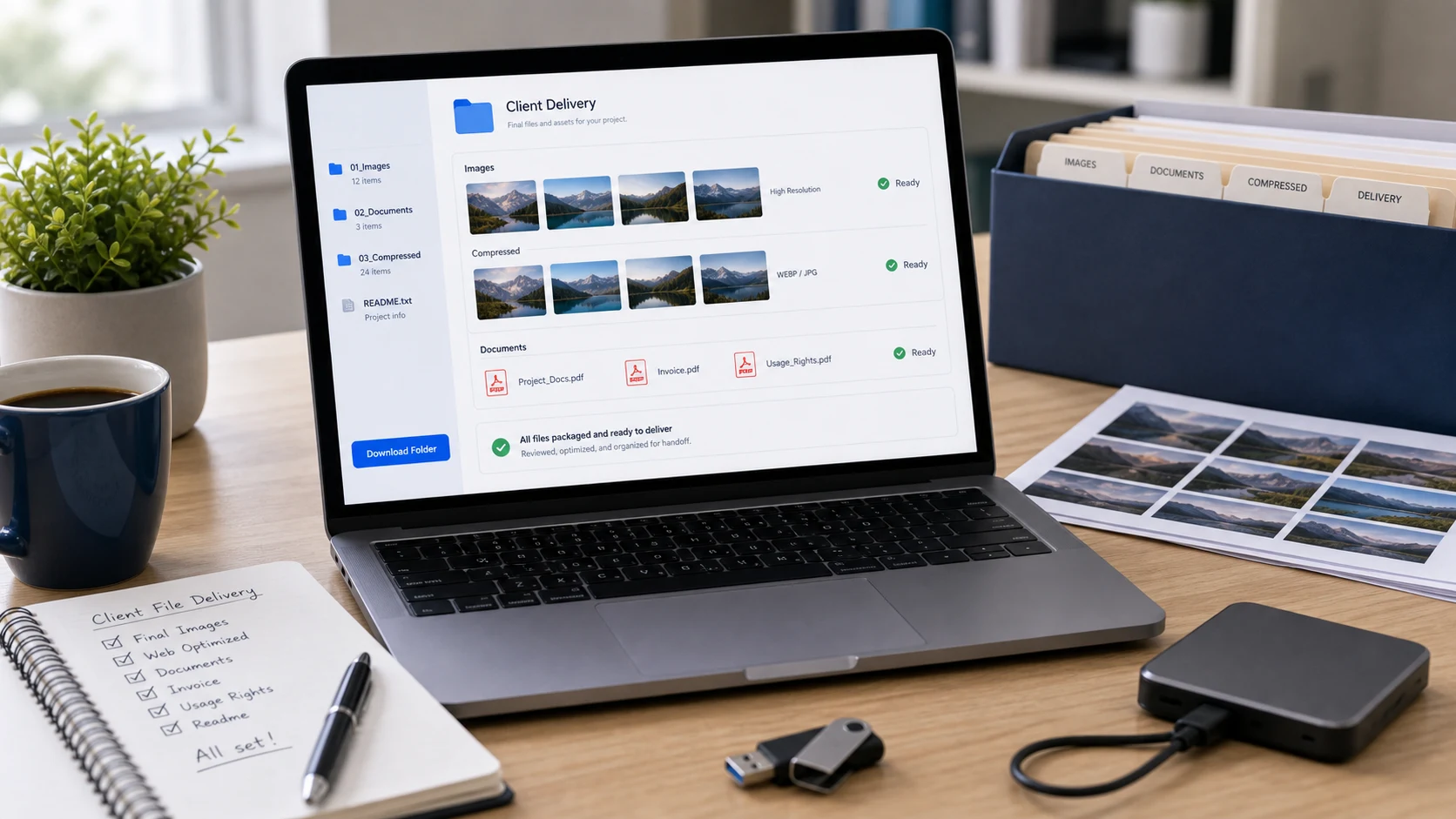
Email attachments top out around 20 to 25 MB. Cloud links from Drive, OneDrive or Mail Drop get past that, and compressing helps when a file is only slightly too big.
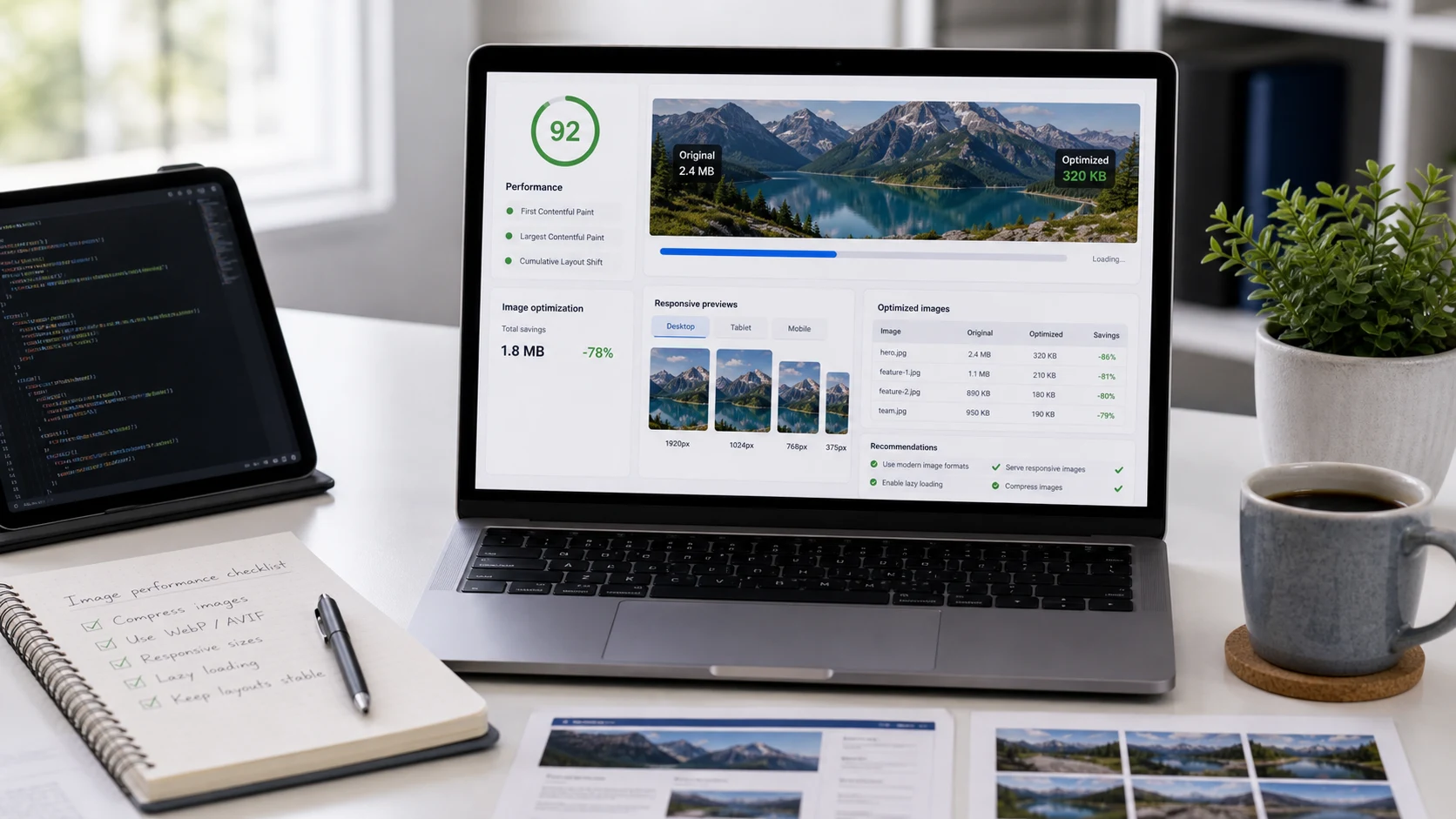
Size each image to about twice the width it's shown at, then compress it. Here are practical pixel widths for heroes, blog images and thumbnails, plus file size targets.
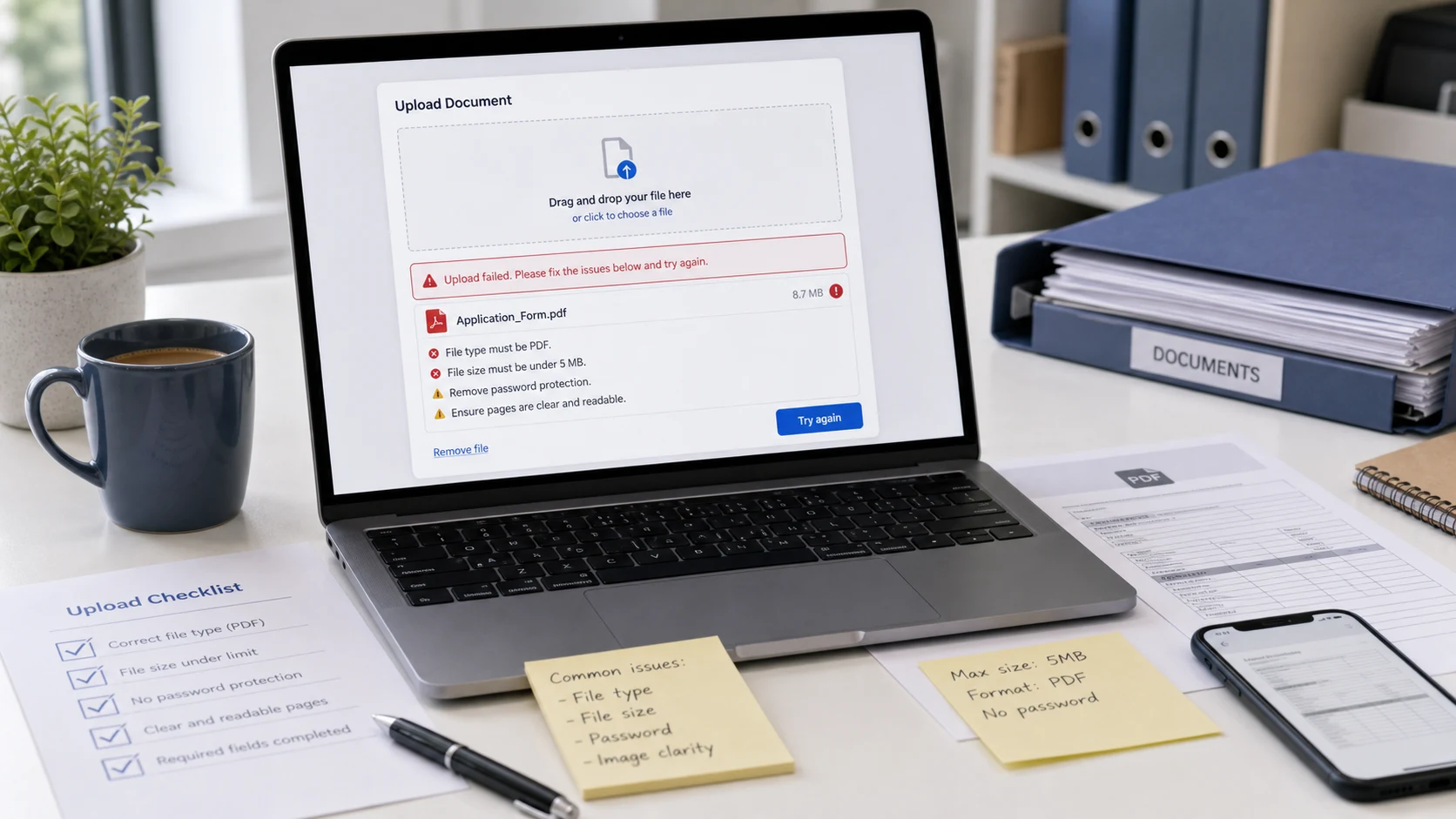
Match the error message on the portal to its cause, from file format not supported to file too large, and fix the file in a few minutes.
Use your email's built-in protection, put a password on the file itself, and send less. Here's how to do each in Gmail, Outlook and any other email service.