Remove a password from a PDF you can already open
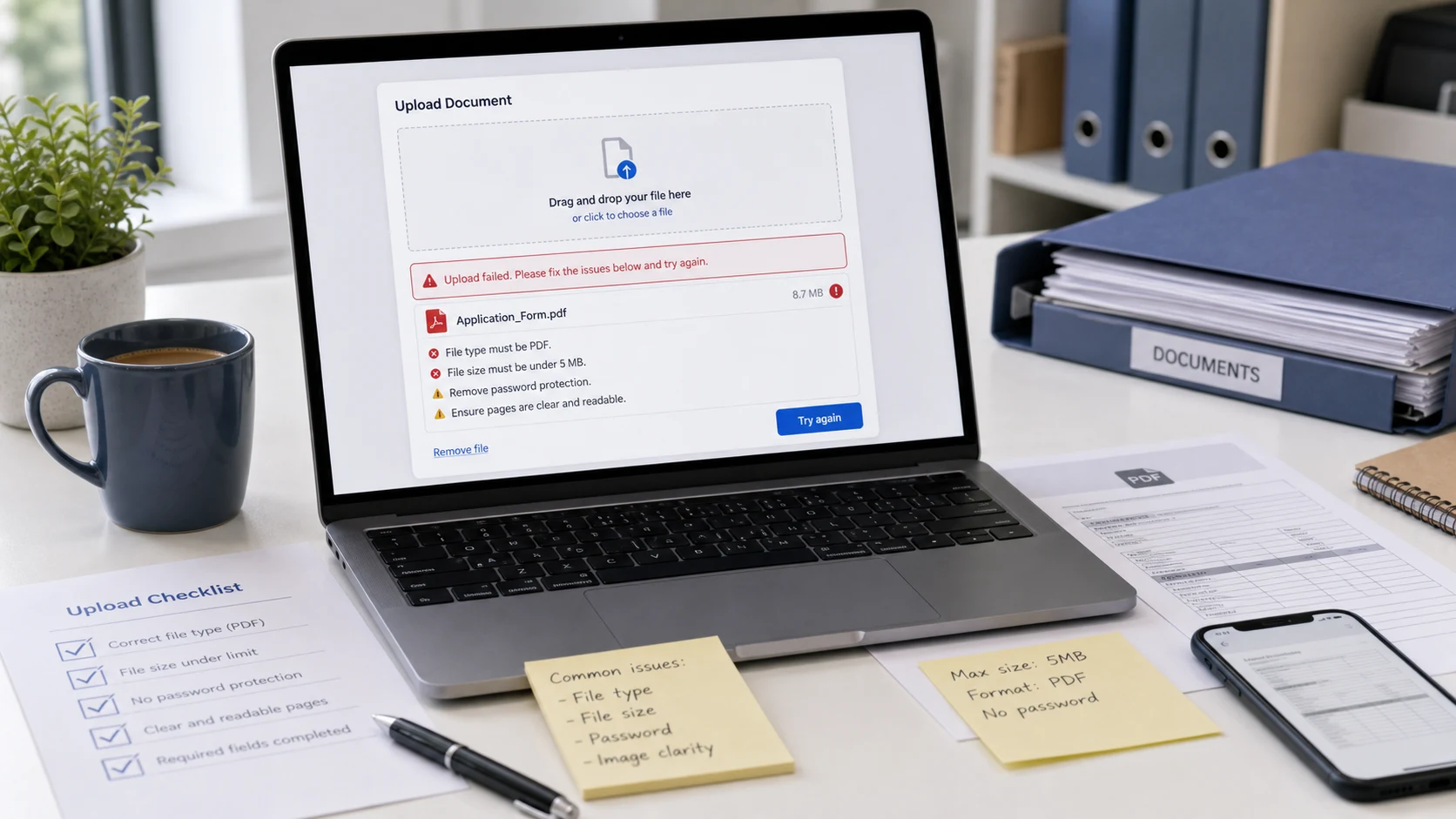
Bank statements, salary slips, e-tickets and tax documents often arrive locked with a password such as your date of birth or part of your account number. That gets tiresome when you open the file every week, and many upload portals reject password-protected PDFs outright.
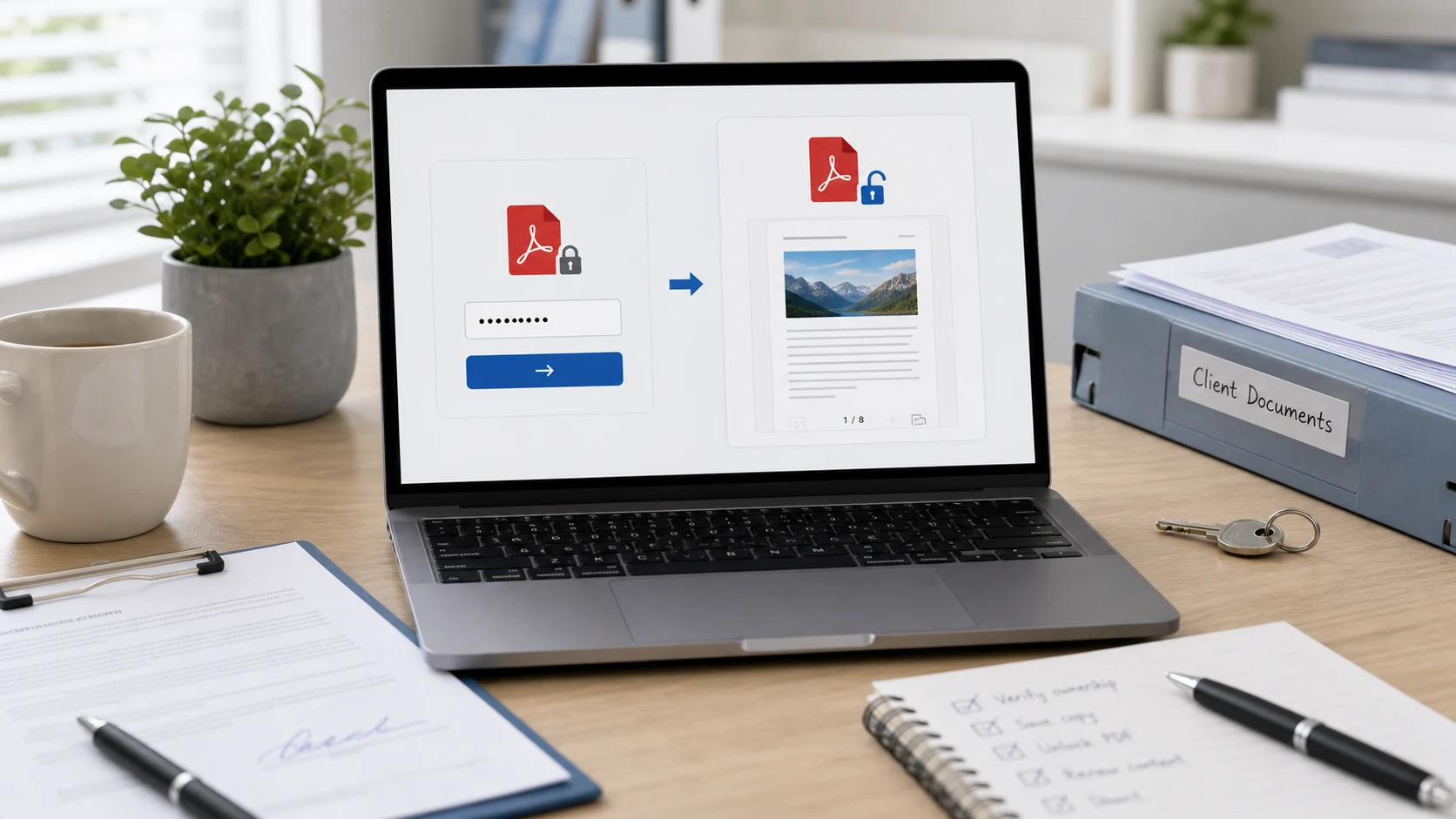
Enter the password once here and download a copy without it. The new PDF opens straight away, uploads anywhere, and works with other tools like Merge PDF and Compress PDF.
How to remove a password from a PDF
- Add the locked PDF. You can add several files that share the same password.
- Type the password you normally use to open the file.
- Press Unlock PDFs. A wrong password is flagged on that file's card.
- Download the unlocked copy, named file_unlocked.pdf.
PDFs that open but won't let you print or copy
Some PDFs open without a password but block printing, copying or editing. Those restrictions use a separate owner password. Leave the password box empty and press Unlock PDFs. In most cases the restrictions are removed and you get a normal, fully usable PDF.
What this tool can't do
It doesn't guess or crack passwords. If you don't know the password needed to open a PDF, ask whoever sent it. Banks and employers usually state the password format in the email that came with the file.
Private by design
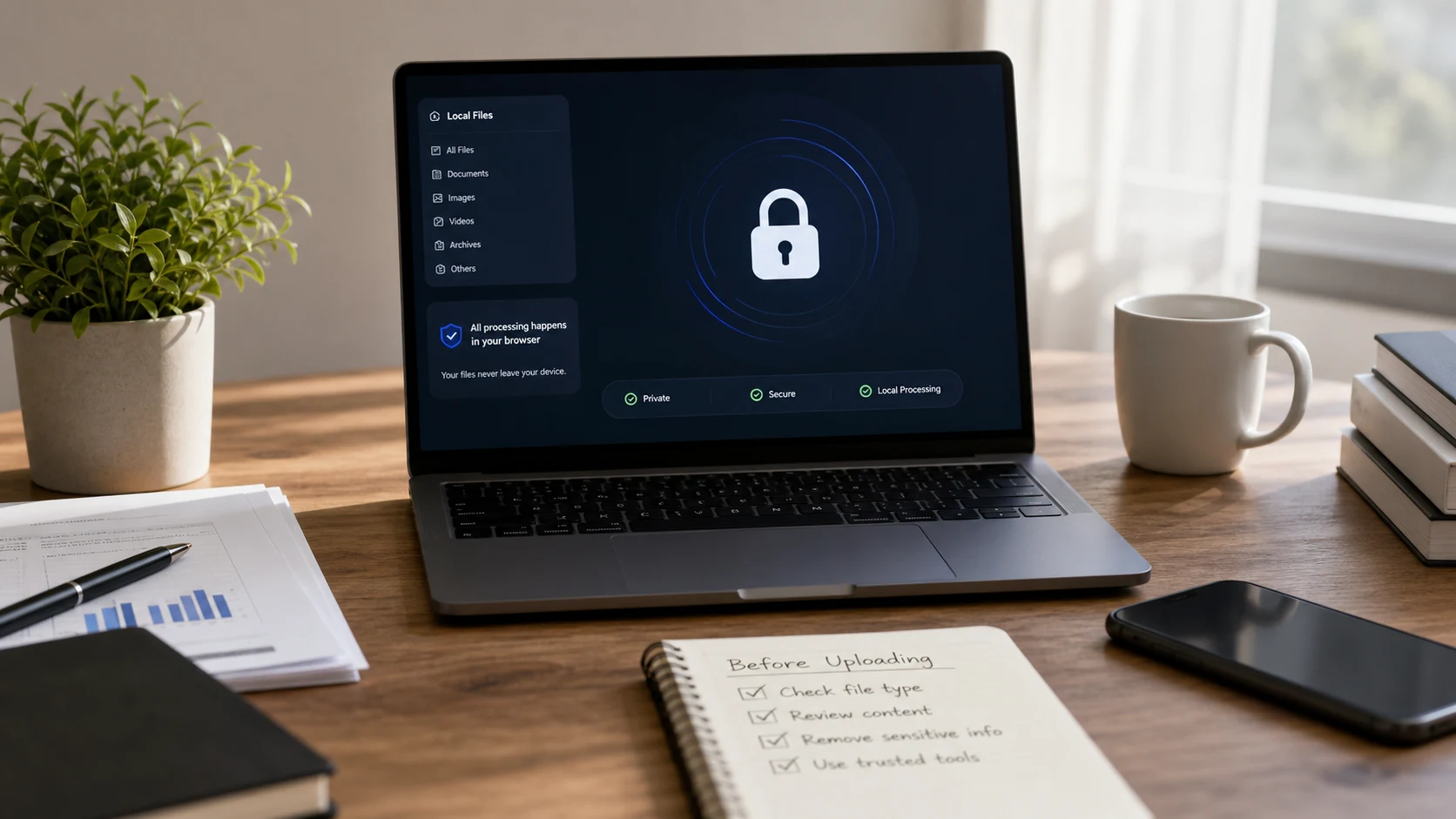
Decryption runs in your browser with qpdf compiled to WebAssembly. The PDF and the password never leave your device. It's free, with no sign-up and no watermark.
Guides
Unlock PDF questions
How do I remove a password from a PDF?
Add the PDF, type the password you use to open it, press Unlock PDFs and download the unlocked copy.
Can I unlock a PDF without the password?
Only if the PDF opens without a password but restricts printing or copying. Leave the box empty to remove those restrictions. Files that need a password to open can't be unlocked without it.
Is it safe to unlock a bank statement here?
Yes. The file and password are processed in your browser and are never uploaded.
Why does it say wrong password?
The password didn't match. Check upper and lower case letters and the format the sender described, such as a date of birth without slashes.
Can I unlock several PDFs at once?
Yes, if they share the same password. Download them one by one or as a ZIP.
Is this PDF password remover free?
Yes, with no sign-up, no watermark and no file limit.