Lock PDF Online

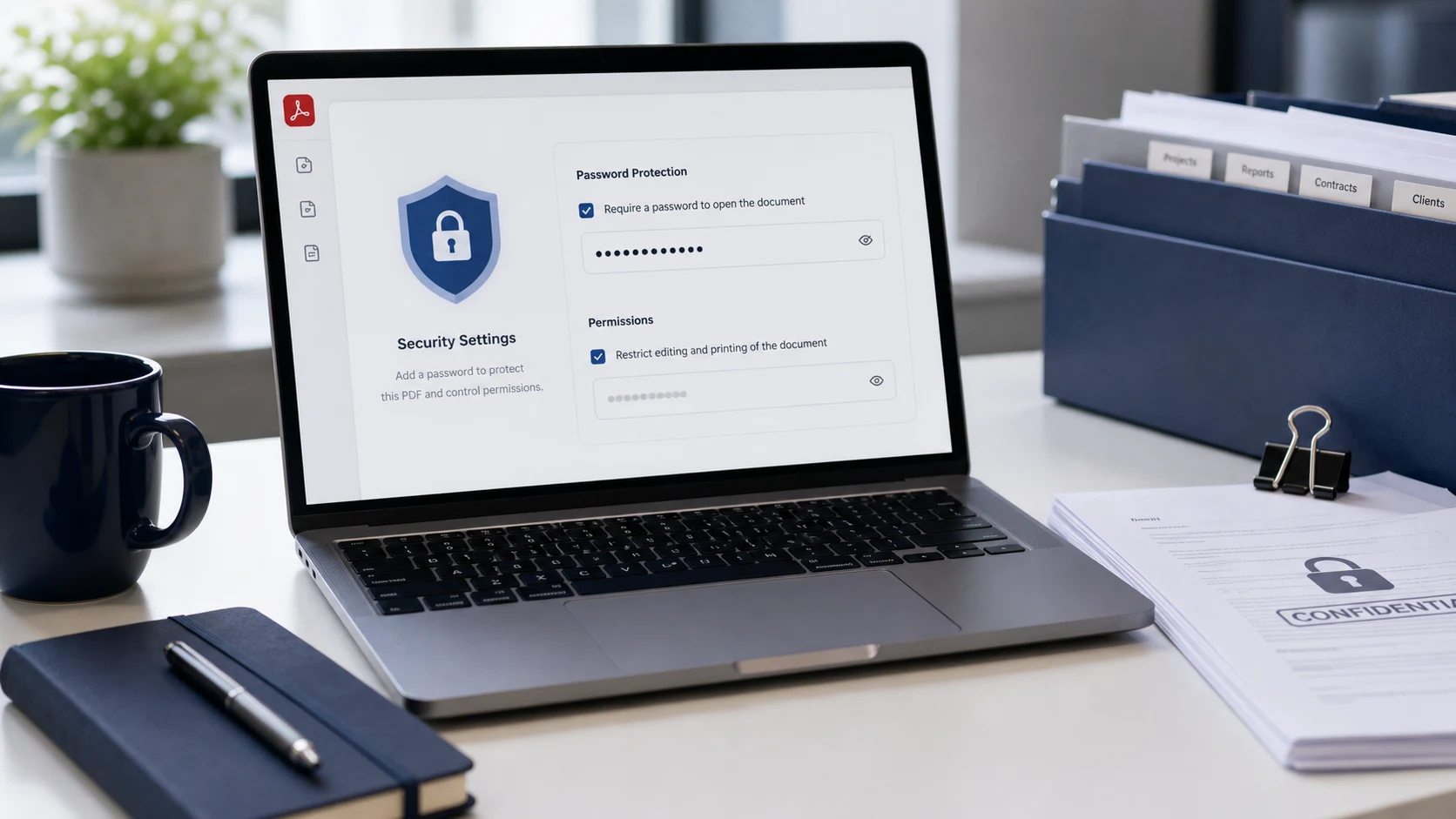
Password protect PDF files in your browser, add an open password, and download locked PDF files for safer sharing. Use a strong password, keep it somewhere safe, and review the protected output before sending it.

Import and password

Add the PDFs you want to secure, then choose the password that should be required to open the locked files.

Drag & drop PDF files here or

PDF only. Limits: up to 200 files and about 1 GB total.

Use a unique password with at least 8 characters. Longer is better.

Most users can keep this enabled. Use a separate owner password only when your workflow needs it.

PDF files and downloads

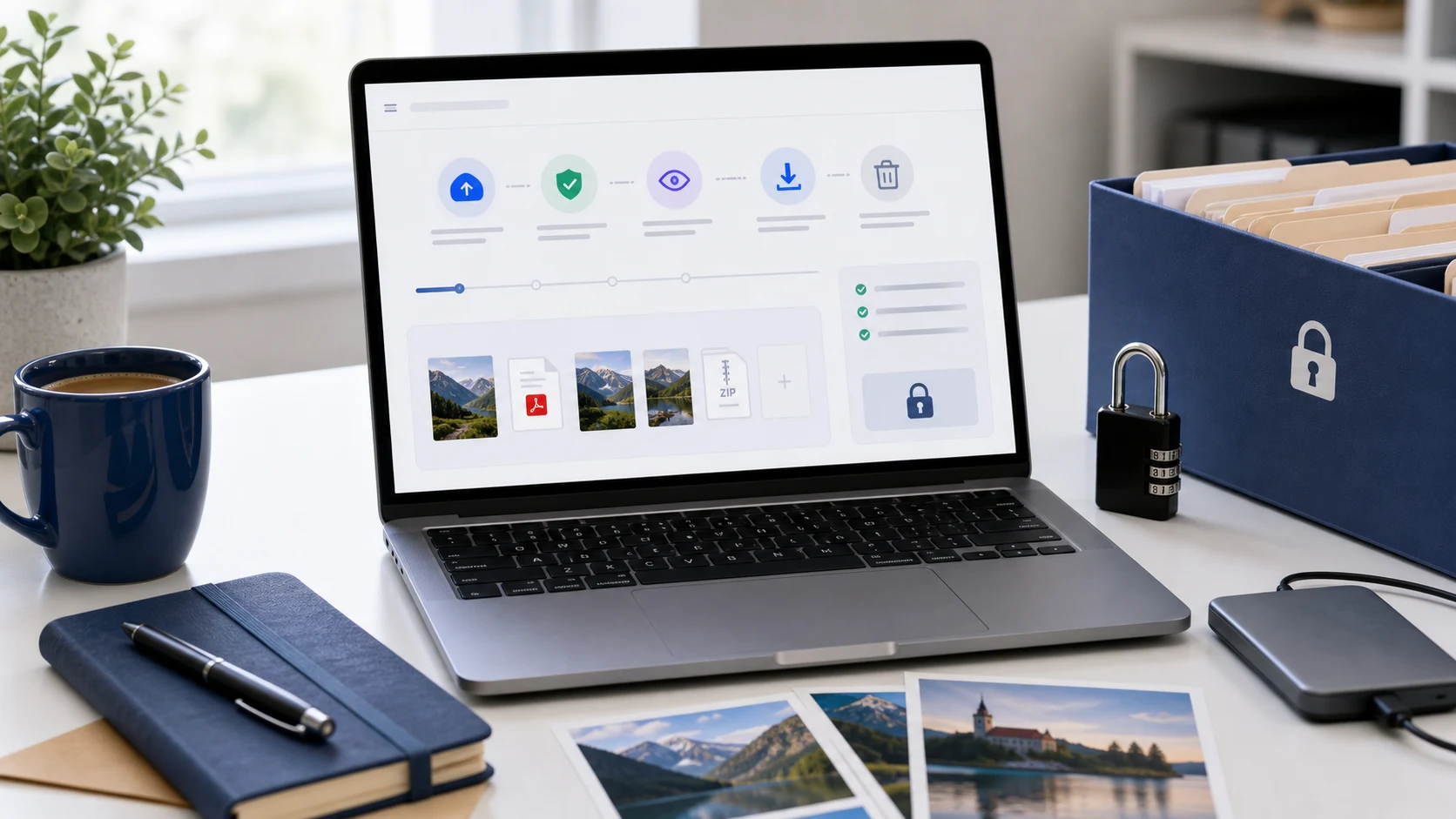
Locked PDF downloads activate after protection is applied. Download one file or collect the batch as a ZIP.

Total 0Done 0OK 0Failed 0
No files yet - add PDFs on the left.

Good for

What is a locked PDF?

A locked PDF is a PDF file that requires a password before it can be opened. This Lock PDF online tool helps you password protect PDF documents for safer sharing when a file contains personal, school, business, client, or office information. Password protection is useful for reducing casual access, but it is not a replacement for careful sharing rules, secure storage, or sending the password through a separate trusted channel. Choose a strong password and test the locked output once before you rely on it.

Example lock PDF workflow

If a PDF contains sensitive details, prepare the file first, then apply password protection as the final step before sharing.

InputPDF document from your device
PasswordUnique open password saved in a safe place
ActionEncrypt PDF with password protection
OutputLocked PDF ready to download, test, and share carefully

If the final file needs to be smaller, use Compress PDF before locking it.

Common use cases

Popular PDF password tasks this tool covers

People often search for lock PDF online, password protect PDF, protect PDF with password, encrypt PDF, add password to PDF, secure PDF file, or PDF password protection. This page is built for those practical tasks: add PDFs, enter a password, lock the files, and download protected PDF output without turning the workflow into a complicated desktop editor.

Features

  • Add one or more PDF files to the queue.
  • Apply an open password to create protected PDF downloads.
  • Use a password strength meter before processing.
  • Download individual locked PDFs or all results as a ZIP.

How to use Lock PDF

  1. Choose or drop the PDF files you want to protect.
  2. Enter a strong open password.
  3. Keep the same owner password setting unless you need advanced separation.
  4. Click Lock PDF, then download the protected output.

Benefits

  • Reduce casual access to sensitive PDF documents.
  • Prepare safer files for email, portals, and client delivery.
  • Protect several documents with one consistent workflow.
  • Use related PDF tools before locking when you need merging, organizing, or compression.

Lock PDF FAQs

How do I lock a PDF online?

Add your PDF, enter an open password, start the lock process, and download the protected PDF when the output is ready.

What does password protect PDF mean?

Password protecting a PDF means adding a password so the file requires that password before it can be opened.

Can I add a password to multiple PDFs?

Yes. Add multiple PDF files, enter the password, lock the batch, and download the protected PDFs individually or as a ZIP.

What makes a strong PDF password?

Use a password that is long, unique, and includes a mix of uppercase letters, lowercase letters, numbers, and symbols.

Can a locked PDF still be copied or printed?

This page focuses on adding open-password protection. Some PDF permissions depend on the viewer and should not be treated as perfect copy or print prevention.

Does Lock PDF upload my file?

The workflow is designed for browser-side PDF password protection where supported. Review sensitive documents before using any online tool.

What if I forget the PDF password?

A forgotten password may prevent access to the locked PDF. Save the password in a safe place before sharing or archiving the file.

Can I remove the password later?

If you know the password and have permission to edit the document, use the Unlock PDF tool to create an unrestricted copy.

Should I compress a locked PDF before or after locking it?

Compress the PDF before locking when file size matters. After protection is added, some tools may not be able to edit the document without the password.