WebP to JPGWebP to PNGBatch download

WebP to JPG or PNG Converter

This free WebP to JPG or PNG converter online changes WebP images into common image formats in your browser. Choose JPG for compatibility or PNG for transparency, set JPG quality and background, then download each result or one ZIP file.

Drag & drop WebP files here or

Supported: WebP - Limits: max 200 files - max 1 GB total

No files selected.
Conversion complete. Download the ZIP when you are ready.

Good for

  • Changing WebP images into JPG files for email, printing, social posts, forms, and older apps.
  • Changing WebP images into PNG files when transparency, screenshots, graphics, or crisp edges matter.
  • Batch converting multiple WebP files and downloading each image or one ZIP archive.

Privacy note: this WebP converter is designed for browser-side image processing where supported. Keep your original WebP files until you review the JPG or PNG results and confirm they match your upload, edit, or sharing task.

What is a WebP to image converter?

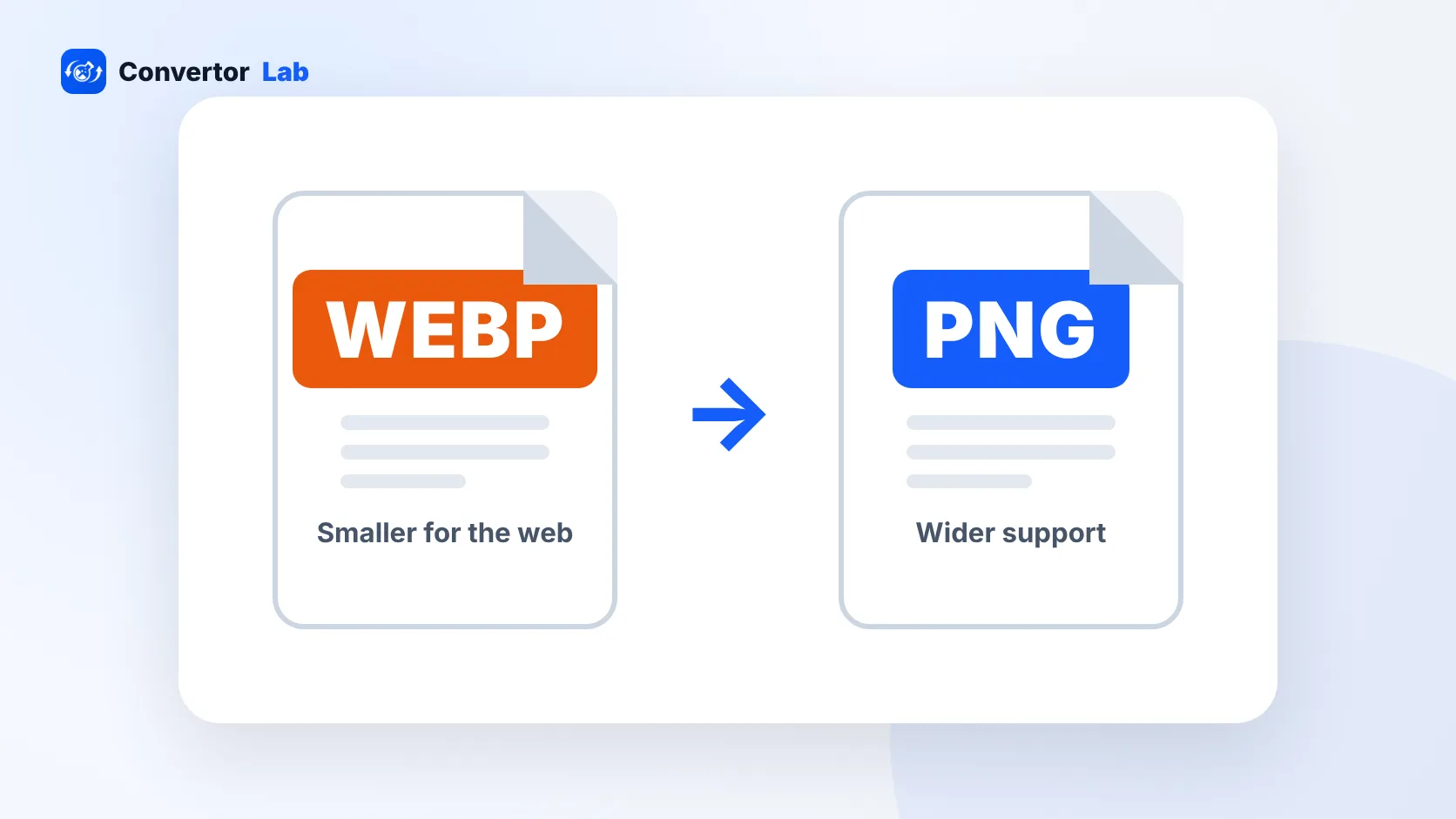
A WebP to image converter changes a .webp file into a more common image format such as JPG or PNG. WebP is useful for modern websites because it supports efficient compression and can include transparency, but many real-world workflows still ask for JPG or PNG. You may need to convert WebP to JPG for email attachments, printing, older image editors, document uploads, job forms, marketplace listings, or social platforms. You may need to convert WebP to PNG when the image has transparent areas, screenshots, logos, or graphics that should stay sharp. This WebP image converter gives you a practical WebP to JPG converter online and WebP to PNG converter in one workspace.

Example WebP conversion workflow

If you saved an image from a website and another app rejects the WebP file, convert a copy to the format that destination accepts.

InputWebP images from your device
Output choiceJPG for compatibility or PNG for transparency
JPG settingsQuality 92 with white background for transparent areas
DownloadIndividual files or one ZIP archive

This example is about format compatibility. If the converted file is too large, compress the JPG or PNG result after conversion.

Common use cases

  • Convert WebP to JPG online when an upload form, email client, printer, or image editor rejects WebP.
  • Convert WebP to PNG online when the image has transparency, text, graphics, icons, or screenshot-style details.
  • Use a free WebP to JPG converter when you need a quick browser workflow without installing image software.
  • Change WebP to JPEG for social posts, profile images, document attachments, and broad device compatibility.
  • Change WebP to PNG for logos, overlays, cutouts, and design assets that should not be flattened onto a background.
  • Batch convert WebP files and download the finished JPG or PNG files together as one ZIP.
  • Use a WebP to JPG converter online free when a website download needs to become a standard photo file.
  • Convert WebP to PNG transparent when the original WebP has alpha and you need a PNG copy.
  • Convert WebP to JPEG for forms, resumes, school portals, client delivery, and office workflows.
  • Use a WebP to PNG converter for screenshots, web graphics, icons, and clean document images.
  • Convert multiple WebP to JPG or PNG files at once instead of exporting each image manually.
  • Turn WebP into image files that open easily in older apps, desktop viewers, and upload systems.

Features

  • Accepts WebP images from your device.
  • Lets you choose PNG or JPG output before conversion.
  • Includes JPG quality and background color controls.
  • Shows progress and status for each selected image.
  • Downloads individual converted files or one ZIP archive.

How to use this converter

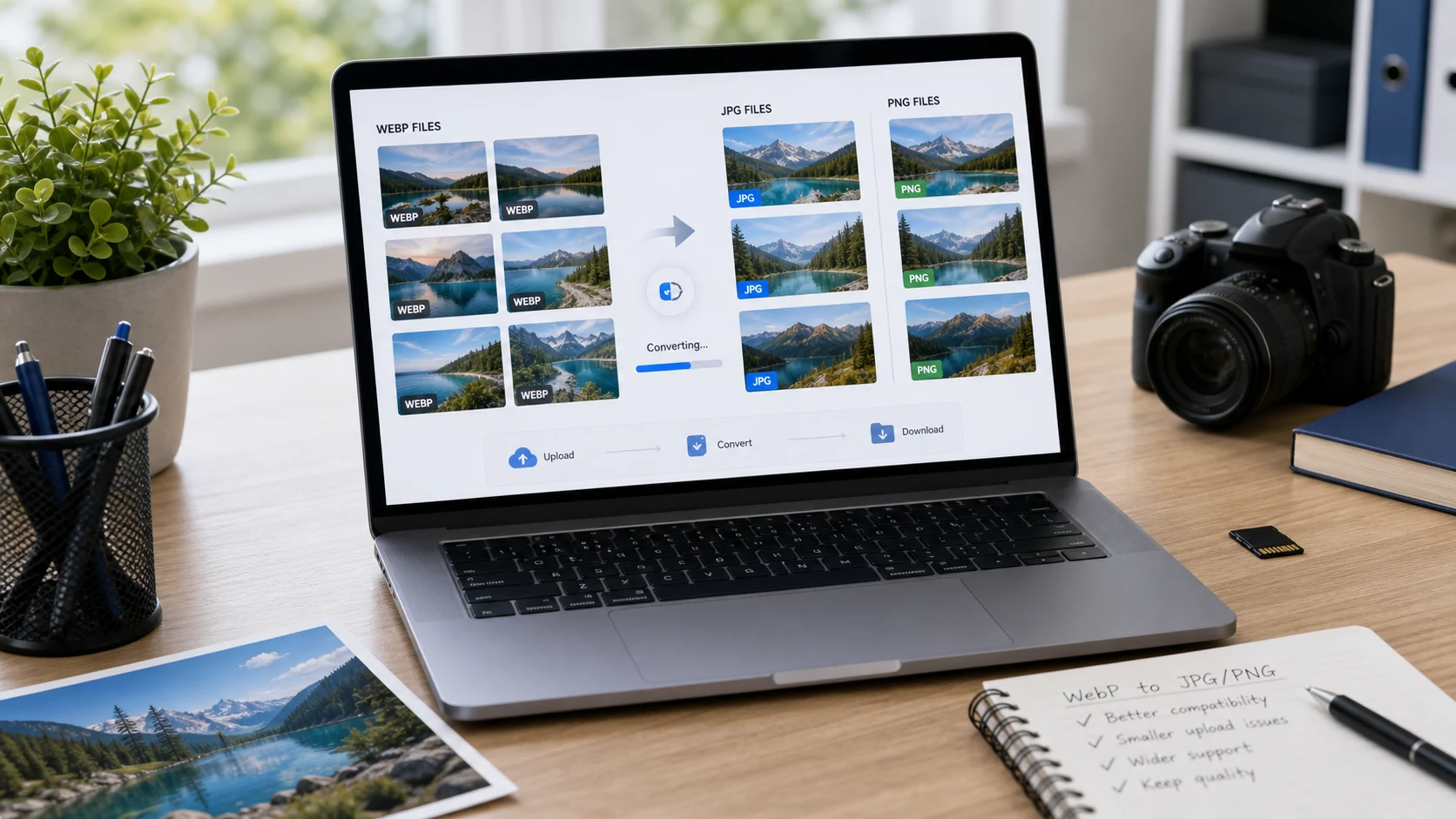
  1. Add WebP files. Drag files into the import area or use the choose WebP images button.
  2. Choose output. Select PNG for transparency or JPG for compatibility.
  3. Set JPG options. If JPG is selected, choose quality and a background color for transparent areas.
  4. Download results. Start conversion, review each result, then download one file or the ZIP.

Benefits

  • Helps make WebP downloads usable in apps that prefer JPG or PNG.
  • Gives you a practical choice between compatibility and transparency.
  • Saves time when converting a batch of WebP files for upload or delivery.
  • Keeps conversion controls close to the file list so the workflow stays clear.

Should you convert WebP to JPG or PNG?

Choose JPG when the image is a photo and the destination needs broad compatibility, such as email, printing, documents, social sharing, or older software. JPG does not support transparency, so transparent WebP areas need to be filled with a background color. Choose PNG when transparency matters or when the image contains sharp graphics, screenshots, UI labels, icons, or text. PNG output may be larger than JPG, but it is often the better choice when clarity and transparency matter more than file size.

WebP compatibility notes

Modern browsers widely support WebP, but compatibility can still be uneven in older apps, older CMS setups, document systems, email workflows, and some upload portals. That is why people often search for WebP to JPG, WebP to PNG, WebP to JPEG, or change WebP to JPG. Converting does not improve the original image detail; it simply creates a more accepted output format. Always open the converted result before submitting it to a form, sending it to a client, or replacing a file on a live website.

Common WebP conversion questions

What does a WebP to image converter do?

It changes WebP images into more widely accepted image formats such as JPG or PNG for editing, sharing, uploading, printing, email attachments, and document workflows.

Can I convert WebP to JPG online?

Yes. Choose JPG as the output format, set the quality and background color, start conversion, and download the finished JPG files individually or as one ZIP archive.

Can I convert WebP to PNG online?

Yes. Choose PNG output when you want a lossless-style image copy or need to preserve transparency from a WebP image where the browser supports it.

Should I choose JPG or PNG for WebP conversion?

Choose JPG for photo sharing, email, printing, and broad compatibility. Choose PNG for transparency, screenshots, logos, graphics, or images that need crisp edges.

Will transparency stay when converting WebP?

PNG can preserve transparency from WebP where supported. JPG cannot store transparency, so transparent areas are filled with the selected background color before JPG output is created.

Can I batch convert WebP files?

Yes. Add multiple WebP images, convert the batch, then download each converted image or download all finished files together as one ZIP archive.

Why convert WebP to JPG or PNG?

Convert WebP when an app, upload form, email client, printer, social platform, or editing workflow does not accept WebP files or asks specifically for JPG or PNG.

Does converting WebP to JPG increase file size?

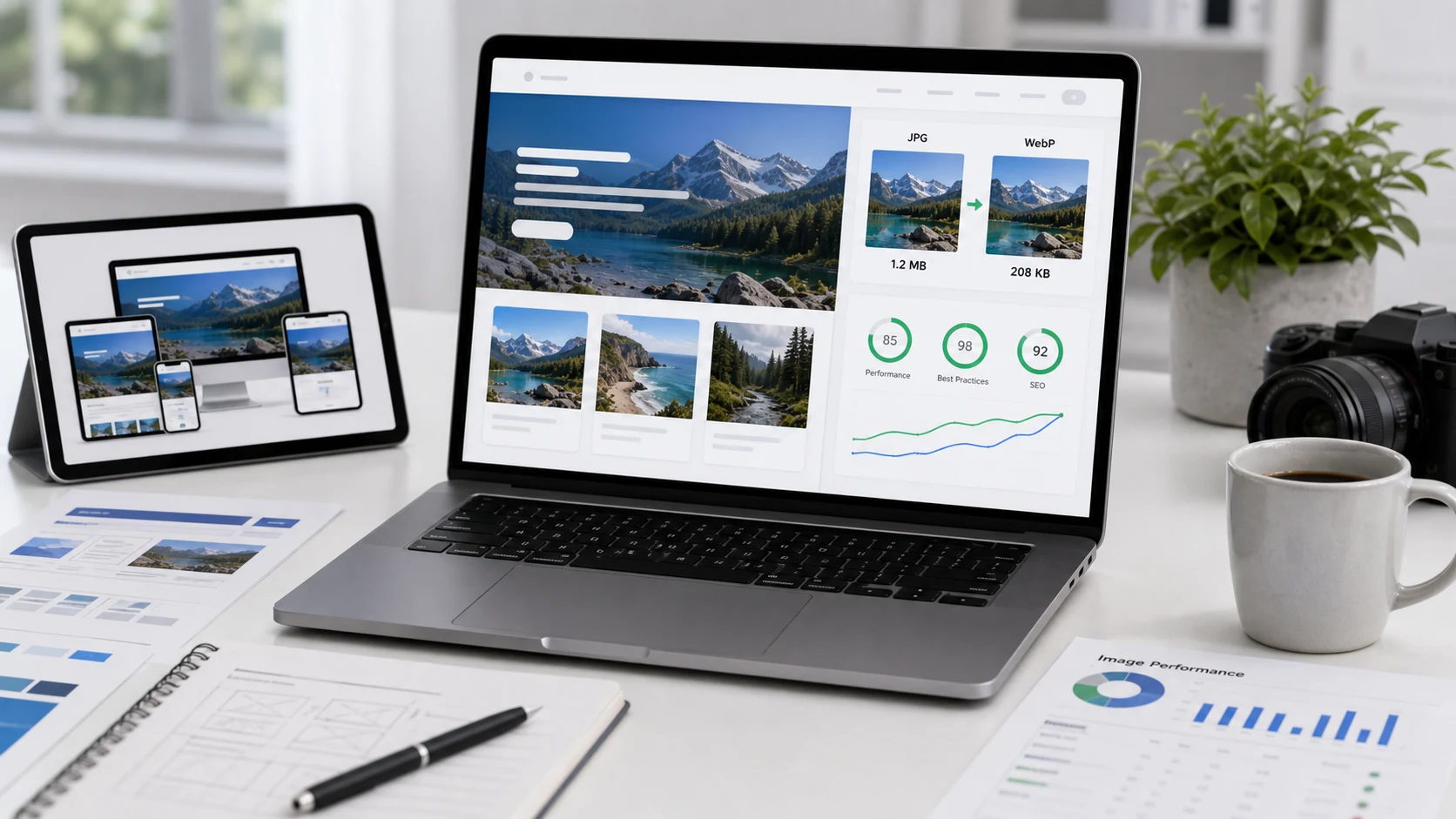
It can. WebP is often optimized for small web files, while JPG or PNG output may be larger depending on image detail, dimensions, output format, and quality settings.

Can this convert animated WebP files?

This browser workflow is intended for still image output. Animated WebP files may not keep animation when converted to JPG or PNG.

Does this WebP converter upload my files?

The tool is designed to process selected WebP files in your browser where supported. Keep the tab open during conversion and review the downloaded files before using them for important uploads.