Bulk Rename Images Online

Rename JPG, PNG, WebP, SVG, HEIC, PDF, and other supported files in batches. Set a base name, choose prefix or suffix numbering, preview every filename, then download the renamed files as one ZIP.

Import and settings

Add files, build a clear filename pattern, and preview the final names before export.

Drag & drop image files here or

Supports JPG, PNG, WebP, SVG, HEIC, HEIF, and PDF. Limits: max 500 files or 2 GB total.

Filename preview

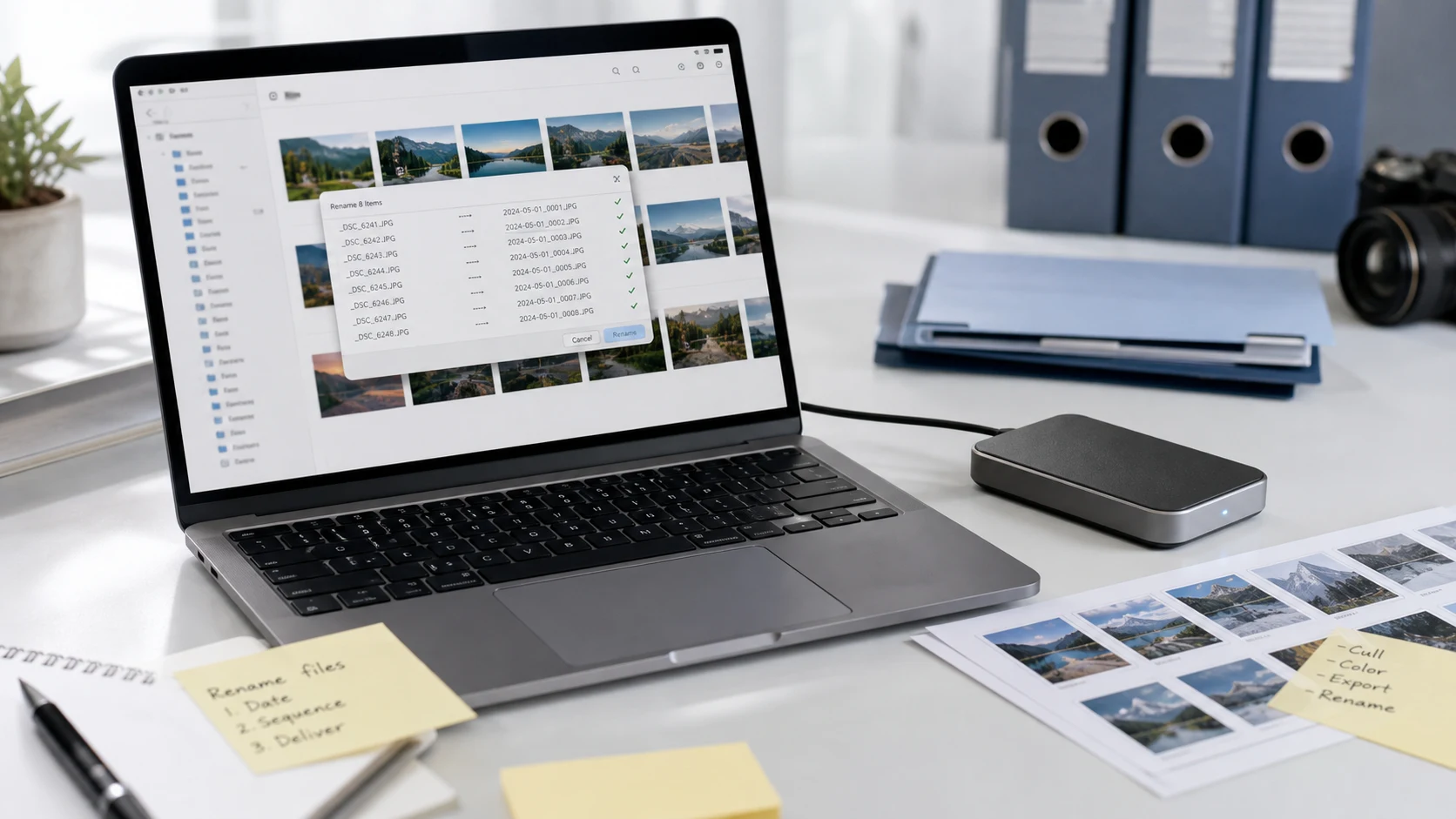
Review old and new names before downloading the renamed batch.

Good for

What is a bulk image renamer?

A bulk image renamer changes many filenames with one naming pattern instead of forcing you to edit every photo manually. It is useful when your files come from a camera, phone, download folder, design export, or client folder with inconsistent names. With this online image file renamer, you can add a base name, choose sequential numbering, place the number before or after the name, and preview the result before download.

Clean filenames are easier to scan, share, archive, and upload. They can also provide light context for image SEO when the name is short, descriptive, and relevant to the image. The goal is not keyword stuffing; the goal is a filename people and systems can understand, such as product-front-001.jpg instead of DSC_9912.jpg.

Example rename workflow

If you have product photos, screenshots, documents, or website images with mixed names, use one clear pattern before sending or uploading the files.

InputJPG, PNG, WebP, SVG, HEIC, HEIF, or PDF files from your device
PatternBase name plus prefix or suffix numbering
PreviewOld filename and new filename shown before export
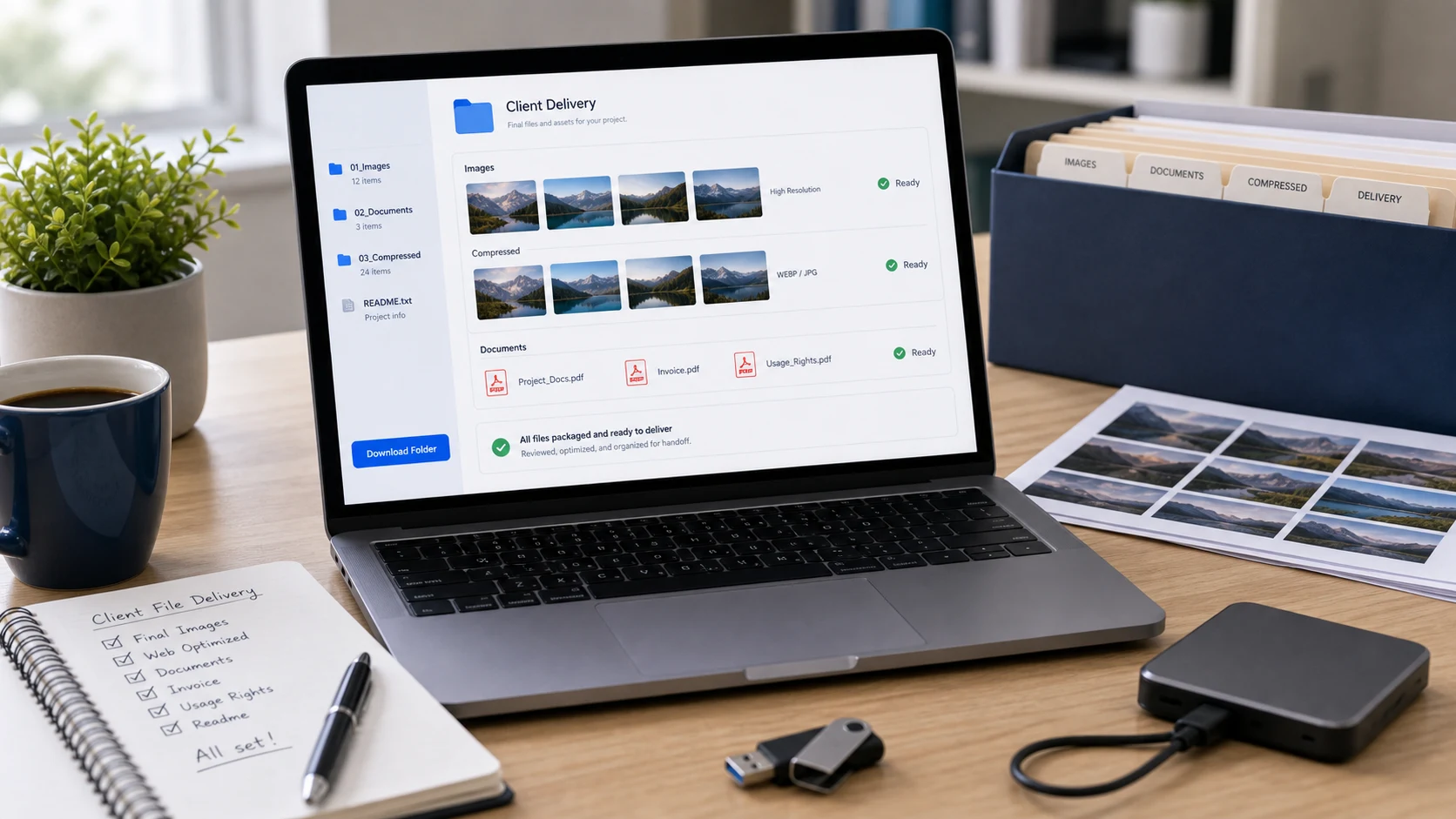
OutputOne ZIP containing the renamed files

Example: choose a base name such as product-photo, start at 1, use 001 padding, and export names like product-photo-001.jpg, product-photo-002.jpg, and product-photo-003.jpg.

Common use cases

Popular rename tasks this tool covers

People often need a bulk rename images workflow when searching for a batch rename photos tool, a rename image files online tool, an online file renamer for images, a photo filename changer, or a way to add sequential numbers to image names. This page is built for those everyday jobs: preview the names, apply the pattern, and download a clean ZIP.

Features

  • Batch rename images and supported file types in one workflow.
  • Choose base name, separator, start number, padding, and number position.
  • Preview generated filenames before creating the ZIP.
  • Keep original image quality because only filenames change.

How to use Rename Images

  1. Choose or drop the files you want to rename.
  2. Enter a short descriptive base name.
  3. Select prefix or suffix numbering and padding.
  4. Check the filename preview for mistakes.
  5. Create and download the renamed ZIP.

Benefits

  • Faster than renaming each photo manually.
  • Cleaner folders for upload, delivery, backup, and client review.
  • Better readability for website files and content teams.
  • No visual edits, compression, or format changes are applied.

Rename Images FAQs

How do I bulk rename images online?

Choose your files, enter a base name, set the starting number, padding, separator, and number position, then review the filename preview before creating the ZIP.

Can I rename multiple photos at once?

Yes. Add multiple image files and use one pattern to create sequential names for the full batch.

Can I add a prefix or suffix number to image filenames?

Yes. The Number Position setting places the sequence before or after the base name, and the Separator setting controls how the number connects to the name.

Can I preview filenames before downloading?

Yes. The filename preview updates when you change the base name, start number, padding, separator, or number position.

Does this tool change the image content?

No. This tool changes filenames inside the exported ZIP. It does not resize, compress, crop, watermark, or edit the image itself.

What file types can I rename?

The file picker accepts common image files such as JPG, PNG, WebP, SVG, HEIC, HEIF, and PDF files when supported by your browser.

Are descriptive image filenames useful for SEO?

Descriptive filenames can give light context about an image. Use short, accurate names that describe the image naturally and avoid stuffing repeated keywords into every file.

Will the renamed files download individually?

The renamed batch downloads as one ZIP archive so the browser does not trigger many separate downloads.

Does Rename Images upload my files?

The workflow is designed to run in the browser and create a ZIP locally where supported. Review the generated names before downloading the archive.