The best way to send large files is usually a cloud link, not an attachment. Upload the file to Google Drive, OneDrive, iCloud or Dropbox and paste the share link into your email. Most email services cap attachments at 20 to 25 MB, while a link can deliver gigabytes. For files just over the limit, compressing first often works.
Why large attachments fail
Email was never built for big files. Each provider sets a ceiling on the whole message, and attachments also grow by roughly a third when they're encoded for sending. That's why a 20 MB file can bounce from a 25 MB limit.
The current limits from each provider's help pages:
- Gmail: 25 MB for personal accounts. Work and school accounts follow their admin's settings.
- Outlook.com: 25 MB per email, counting text and all attachments.
- Classic Outlook desktop: Microsoft lists 20 MB for internet accounts such as Outlook.com or Gmail, and a default of 10 MB for Exchange business mail.
- iCloud Mail with Mail Drop: attachments up to 5 GB, sent as a download link.
Your recipient's server matters too. A message that leaves your Gmail account fine can still bounce from a company mail server with a lower limit. If you need the full list, the email attachment size guide covers more providers. Sizes can be confusing, so check how many KB are in a MB if a form or provider lists limits in different units.
How to send large files through email (Gmail, Outlook, iCloud)
Each of the big three email services has a built-in way to send a large file as a link. You don't need a separate app.
Gmail: Google Drive links
Google's help page says that if your attachments go over the limit, Gmail removes them and adds them as a Google Drive link instead. You can also do it on purpose:
- Click Compose, then the Insert files using Drive icon at the bottom of the message.
- Select the file in your Drive.
- Choose Drive link and click Insert.
- When you send, Gmail checks whether your recipients have access. If they don't, it prompts you to change the sharing settings.
Outlook: OneDrive links
In Outlook.com, links to OneDrive files don't count toward the 25 MB email limit, and Microsoft says the linked file can be up to 2 GB. Upload the file to OneDrive, then attach it from OneDrive or paste its share link into the message. In the desktop app, the same idea works: upload, copy the link, paste it into the email.
iCloud Mail: Mail Drop
Mail Drop is Apple's large-file feature for Mail on Mac, iPhone, iPad and iCloud.com. According to Apple, it handles attachments up to 5 GB. Mail can switch to Mail Drop on its own when a message is too big for your email provider, or you can choose it. Recipients get a download link and have 30 days to use it before the attachment expires. Mail Drop also has a total storage limit of 1 TB, which few people reach.
How to send large files for free
Every method above is free with a standard account. Free cloud storage is limited, though, so a very large upload can fill your space. Here's how to pick:
- Already use Gmail? Google Drive is the shortest path, and the link appears right in your email.
- Use Outlook or Microsoft 365? OneDrive is built in.
- Sending from an iPhone or Mac? Mail Drop needs no setup and expires on its own after 30 days.
- Recipient on a different platform? Any of them work. The recipient only needs a browser to download.
Dedicated transfer services also exist, and their free tiers change often. If you use one, check its current size limit and how long it keeps the file before you rely on it.
When you share a cloud link, a few settings make a big difference:
- Share with the recipient's email address instead of "anyone with the link" when the file is private.
- Give view access unless they need to edit.
- Open the link in a private browser window first. A link that asks for access is the most common delay.
Shrink the file first: compress or zip
Sometimes the file is only a little over the limit. Shrinking it lets you attach it directly, which many people prefer for a single document.
How to send large PDF files via email
PDFs made from scans or photos are usually the biggest offenders, since each page is a full image. Ways to cut them down:
- Re-export from the original app at a lower image quality if you made the PDF yourself.
- Use the PDF compressor and pick a target size, such as 1 MB or 5 MB. It runs in your browser, so the file isn't uploaded.
- Check the result. The compressor rebuilds pages as images, so text won't be selectable and form fields or signatures won't be kept. Use it for scans and decks, not for forms that need filling in.
- If one PDF is still too large, split it into parts with Split PDF and send two emails.
On a Mac, Preview can also shrink a PDF with File > Export and the Reduce File Size filter, though the quality can drop a lot.
Photos and images
Phone photos are often several MB each. Reduce them with the image compressor, which also accepts iPhone HEIC files, before attaching a batch.
Zipping folders
A ZIP file bundles many files into one attachment or one download. On Windows, select the files, right-click and pick the compress option (Compress to ZIP file, or Compress to and then ZIP File on newer Windows 11 versions). On a Mac, right-click and choose Compress. Zipping is great for keeping a set together. It won't shrink JPGs, PDFs or videos much, because those are already compressed.
How to send large files by email free: step by step
Here's a quick routine that covers most cases:
- Check the file size. Under about 20 MB total, attach it normally.
- If it's a bit larger, compress it, then attach the smaller copy.
- If it's still too big, or it's a folder of many files, upload it to your cloud storage.
- Insert the link in your email from Drive, OneDrive or Mail Drop.
- Set sharing to the recipient's address, and test the link.
- In the email body, list what the link contains and how long it will stay live.
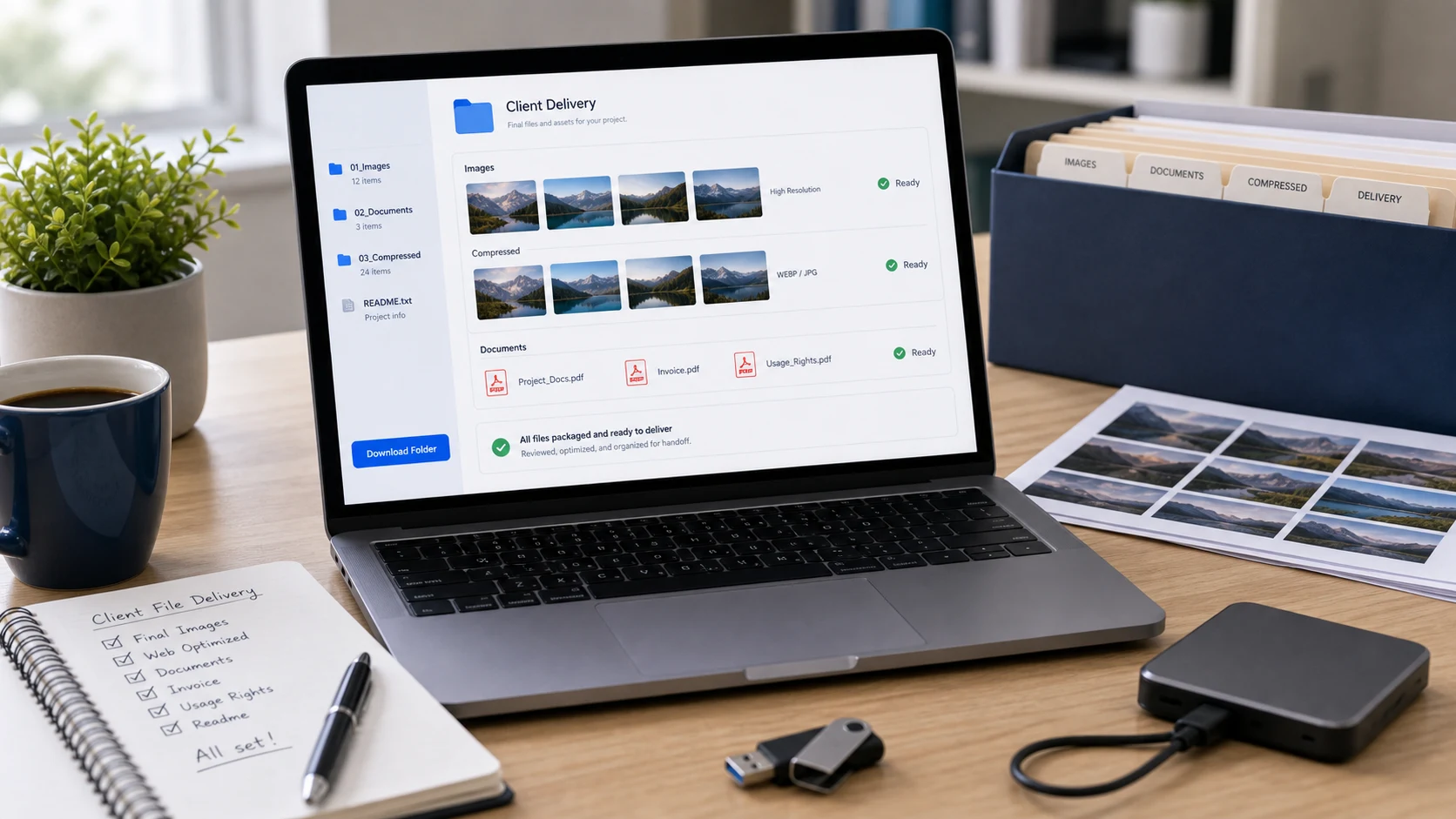
Sending large files to clients: a short checklist
Freelancers and small teams deliver files all the time. A little structure makes deliveries look professional and saves follow-up emails.
- Name files so they make sense out of context, for example
harbor-cafe_menu_proposal_2026-10-05_v2.pdf. Year-month-day dates sort correctly, and "v3" beats "final2". - Combine related documents into one PDF with a tool like Merge PDF so nothing arrives out of order.
- Convert iPhone HEIC photos to JPG before delivery, since some Windows PCs and older apps won't open HEIC.
- Put large deliveries in a clearly named shared folder, with a short note listing what each file is for.
- Password protect confidential PDFs and send the password by text or phone, not in the same email.
- Tell the client when a link will expire, so they download copies in time.
For contracts, statements and ID documents, read our guide on how to send documents securely before you share anything.
Free tools that run in your browser
Frequently asked questions
What is the best way to send large files?
Upload the file to a cloud service such as Google Drive, OneDrive or iCloud and send the share link. Links avoid the 20 to 25 MB attachment limits that most email services use.
How do I send large files through email in Gmail?
Gmail's limit is 25 MB for personal accounts. Insert the file as a Google Drive link from the compose window, and Gmail will also convert oversized attachments to a Drive link automatically.
How big a file can I send with Outlook?
Outlook.com allows 25 MB per email. OneDrive links don't count toward that, and Microsoft says a linked file can be up to 2 GB.
How long do iCloud Mail Drop links last?
Apple says recipients have 30 days to download Mail Drop attachments, which can be up to 5 GB. After that the attachment expires.
How do I send large PDF files via email?
Compress the PDF to a target size first, or split it into parts. If it's still too large, upload it to cloud storage and send a link.
Does zipping a file make it smaller?
Zipping bundles files into one and helps with documents and text. Photos, videos and PDFs are already compressed, so a ZIP of them is usually only slightly smaller.