Combine PDF files into one document
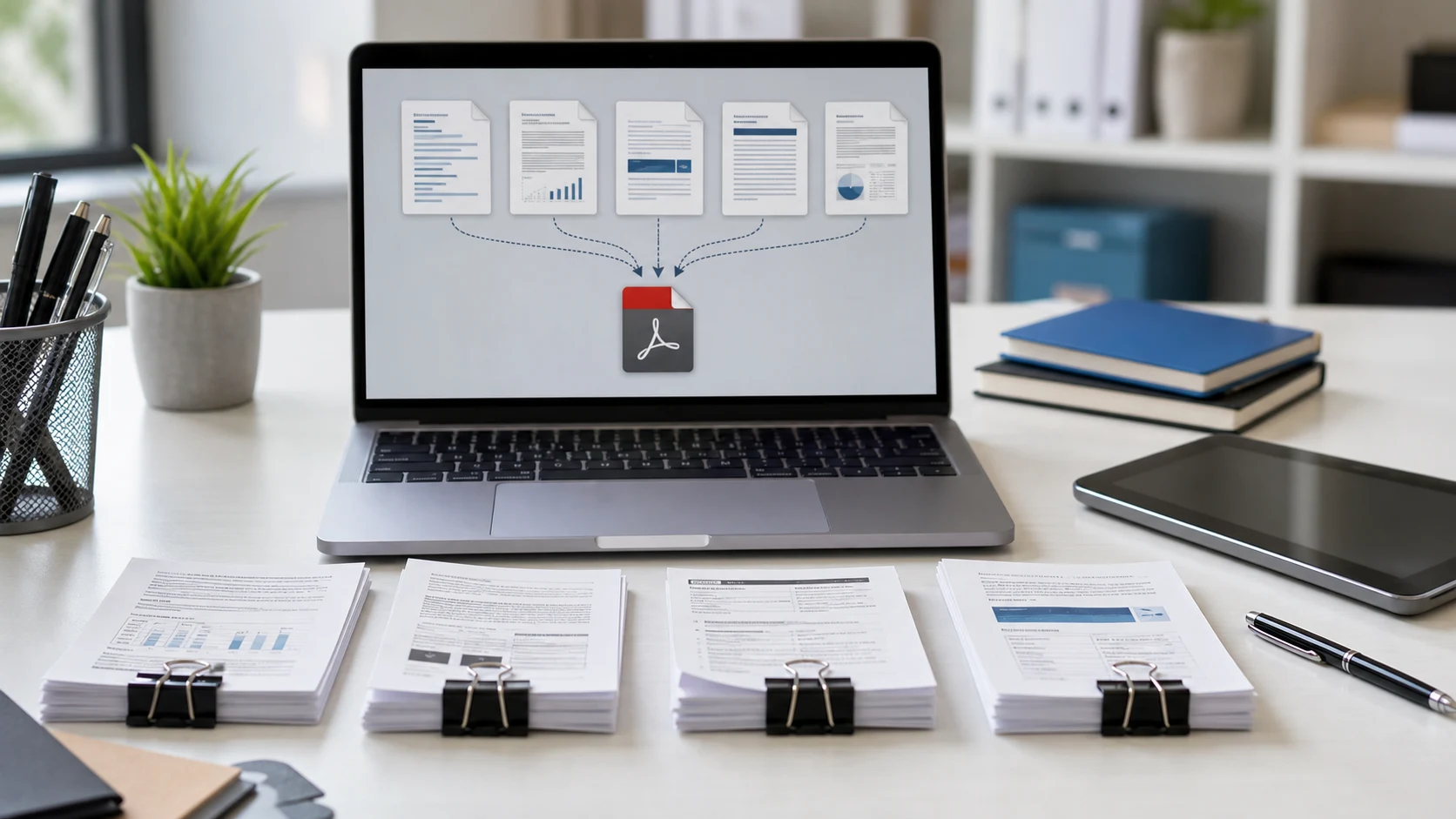
Merging puts several PDFs into a single file, page after page, in the order you set. People use it to send one tidy application packet instead of five attachments, to join a scanned contract with its annexures, or to combine monthly statements before a loan or visa submission.
Pages are copied as they are, so text stays selectable, links keep working and quality doesn't change. Nothing is re-compressed or turned into images.
How to merge PDF files
- Add the PDFs. Select them all at once or drop them into the box. Up to 500 files work.
- Set the order. Drag files by the Move handle. The merged PDF follows the list from top to bottom.
- Press Merge PDFs. Each file shows Done as its pages are added.
- Download the merged PDF.
Tips for a clean merged PDF
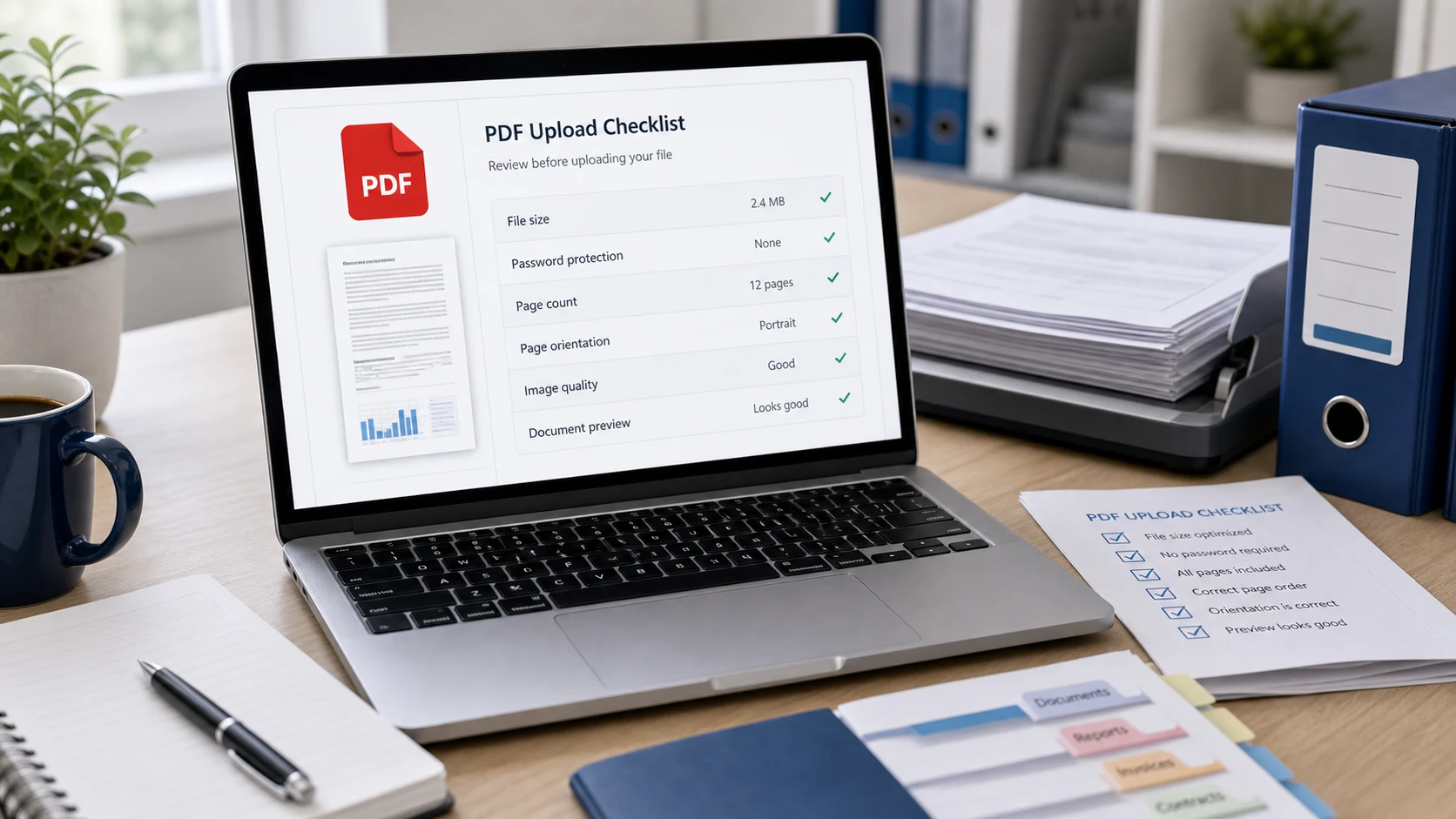
Password-protected PDFs
A file that needs a password to open can't be merged until the password is removed. The list marks those files clearly instead of skipping them silently. If you know the password, use Unlock PDF first, then add the unlocked copy here.
Merge PDFs free, without uploading them
This PDF merger runs in your browser with the open-source pdf-lib library. Your documents are never sent to a server, which matters for bank statements, IDs and contracts. It's free with no sign-up, no watermark and no limit on how many times you use it. It works on Windows, Mac, Android and iPhone.
Guides
Merge PDF questions
How do I merge PDF files for free?
Add the PDFs, drag them into the order you want, press Merge PDFs and download the combined file. It's free with no sign-up or watermark.
How do I combine PDF files into one on a Mac or Windows PC?
Open this page in any browser, select the PDFs from Finder or File Explorer, set the order and merge. Nothing needs to be installed.
Can I change the order of the files?
Yes. Drag each file by its Move handle. The merged PDF follows the list from top to bottom.
Does merging reduce quality?
No. Pages are copied exactly, so text, images and links stay the same.
Can I merge a password-protected PDF?
Not until the password is removed. Unlock it first with Unlock PDF if you know the password.
How many PDFs can I merge at once?
Up to 500 files or 1GB in total.
Are my files uploaded?
No. The merge happens in your browser on your own device.