Good for
- Changing images into the format requested by a form, website, email app, school portal, or client workflow.
- Converting JPG, PNG, WebP, SVG, and PDF image files from one clean browser workspace.
- Batch processing images with quality, scale, PDF page options, and ZIP download support.
Privacy note: this image converter is designed for browser-side processing where supported. Keep your original files until you have opened and checked the converted result.
What is an image converter?
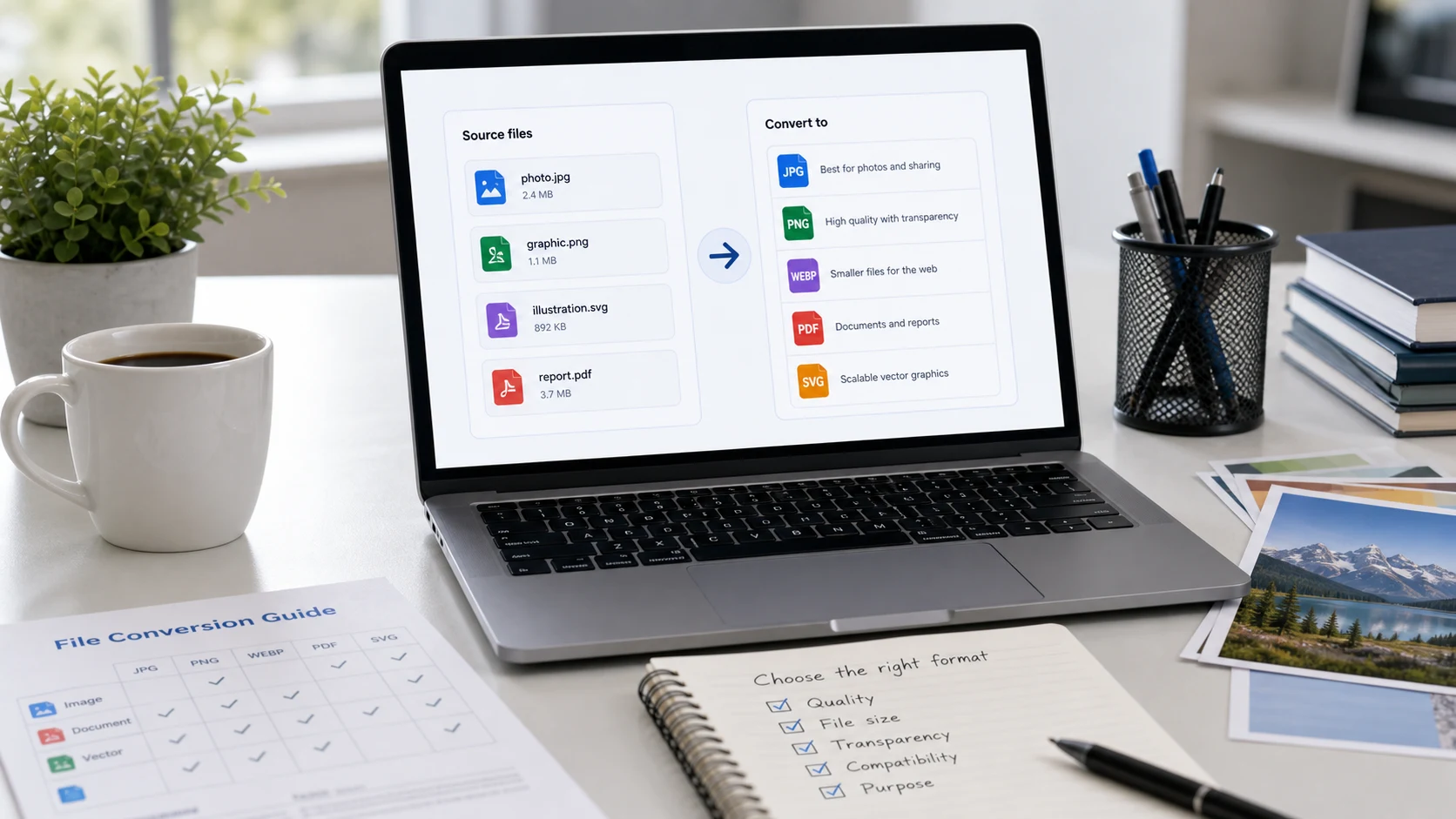
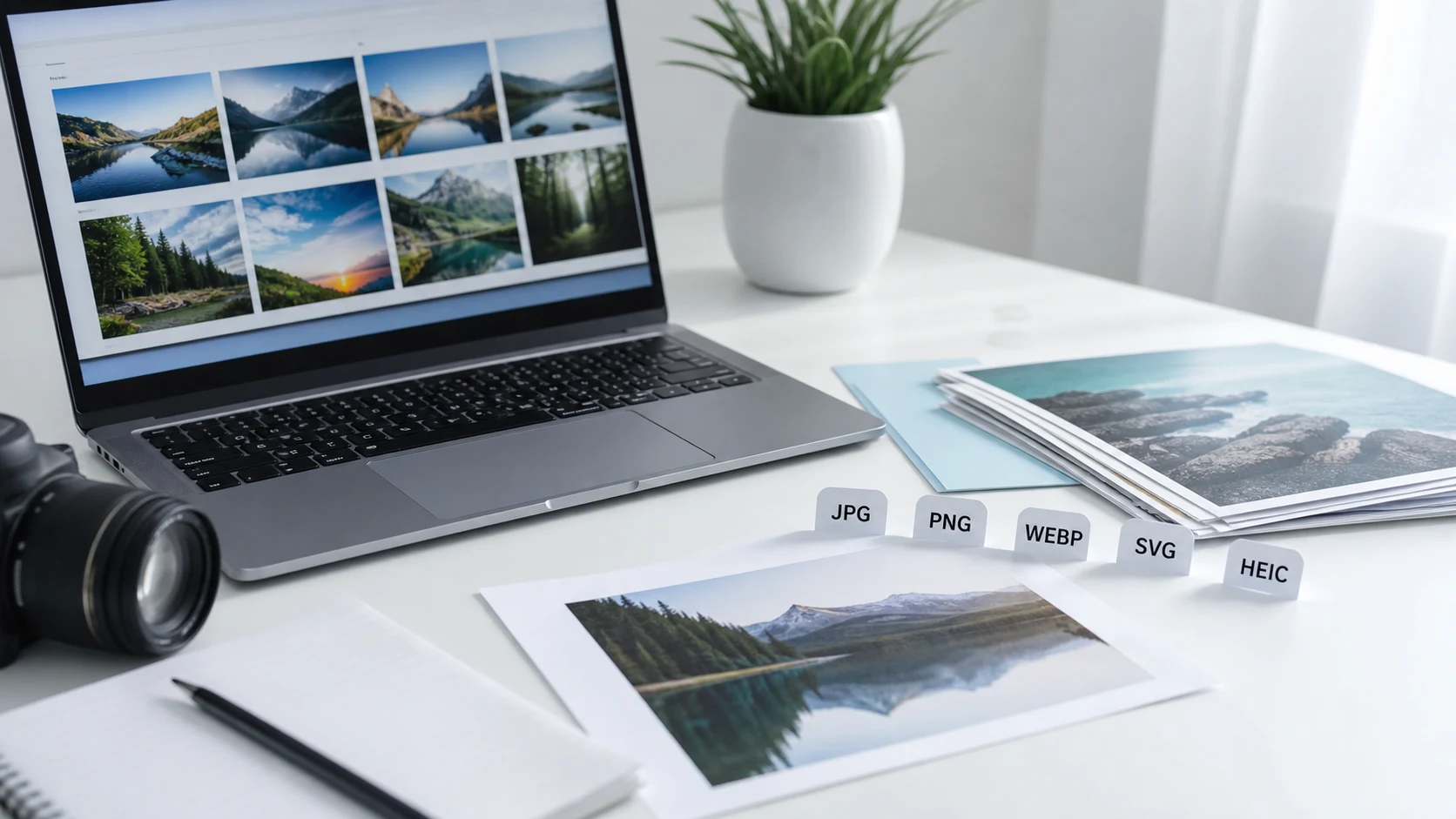
An image converter changes a picture from one file format into another, such as JPG to PNG, PNG to JPG, image to WebP, WebP to PNG, SVG to image, or image to PDF. This online image converter is useful when a website, document, email app, upload form, marketplace, school portal, job application, or client handoff asks for a specific file type. Use JPG or JPEG for broad photo compatibility, PNG for transparency and sharp graphics, WebP for lighter website images, SVG when a simple wrapped image file is needed, and PDF when images should travel as a document. The goal is not to guess the best format blindly; the goal is to match the destination so the file opens, uploads, and shares without extra rework.
Example image conversion workflow
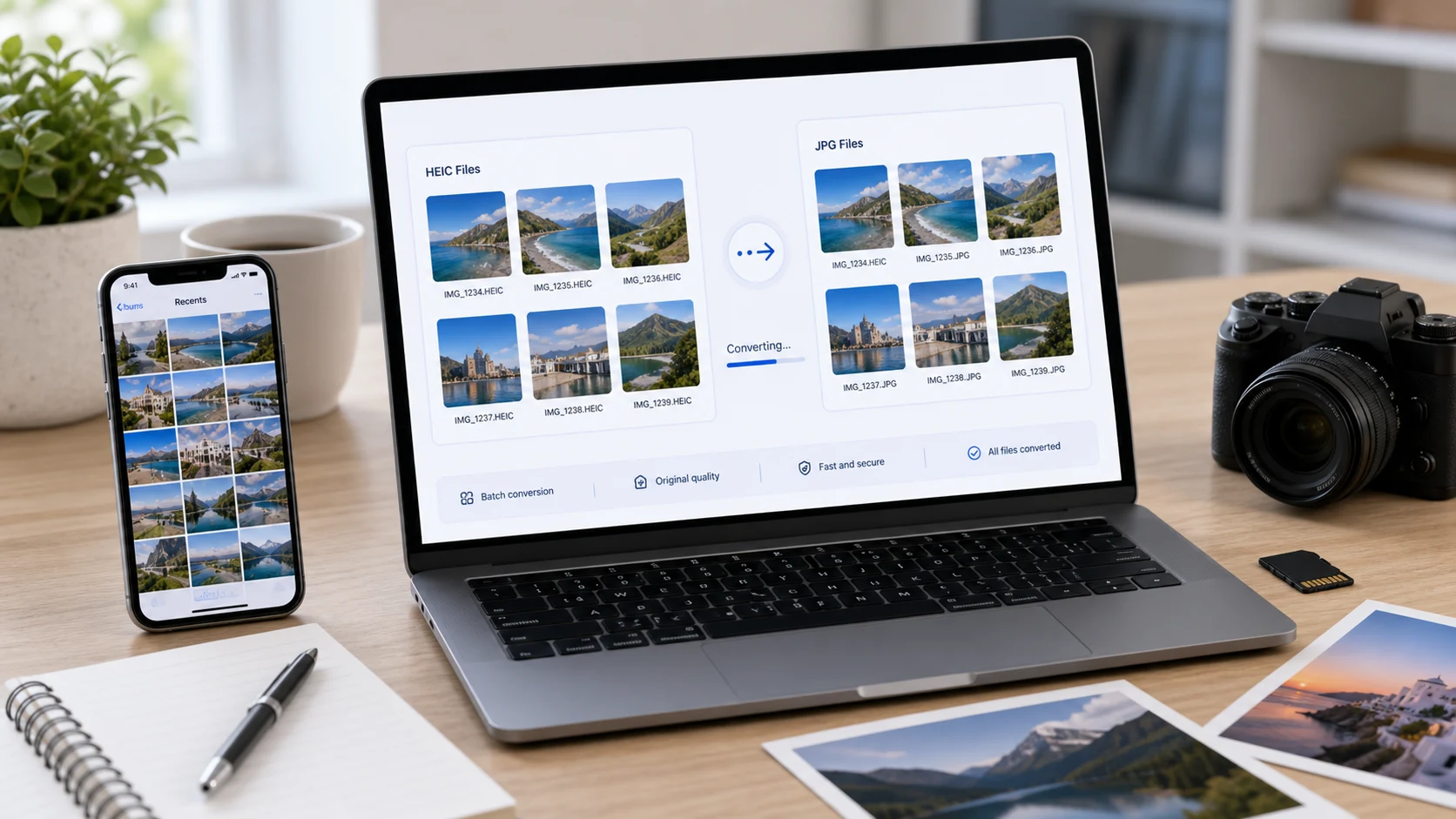
If an upload destination rejects your current image, convert a copy first, review the output, and keep the original until the new file has been accepted.
This example is about choosing the right file type. If the destination also has a size limit, convert first, then resize or compress the result if needed.
Common use cases
- Convert photos to JPG or JPEG for forms, portals, email attachments, and office systems.
- Convert PNG or JPG to WebP before publishing images on a website or blog.
- Turn one or more images into a PDF when a document upload is required.
- Change WebP images into PNG or JPG for apps that do not accept WebP.
- Batch convert images and download the finished files together as a ZIP.
- Prepare client images, product photos, screenshots, or social media graphics for a specific platform.
Popular image conversion tasks
- Use a free image converter online when a file must be changed quickly without installing desktop software.
- Convert JPG to PNG for screenshots, graphics, and workflows that need PNG output.
- Convert PNG to JPG when an upload form accepts JPEG but rejects PNG files.
- Convert image to WebP for smaller web-ready files and faster pages.
- Convert WebP to JPG or PNG when another app, editor, or portal does not support WebP.
- Convert images to PDF when photos, receipts, forms, or scans need to be sent as one document.
Features
- Multiple output choices from one workspace.
- Batch import for everyday image sets.
- Quality control for JPG and WebP output.
- Scale control when a smaller or larger output is needed.
- Individual downloads and ZIP export.
How to use Image Converter
- Add images. Drag files into the import panel or choose them from your device.
- Choose output. Pick PNG, JPG, WebP, SVG, or PDF based on where the file will be used.
- Adjust settings. Change quality, scale, or PDF options only when the destination requires it.
- Convert and review. Download one result or export the finished batch as a ZIP.
Benefits
- Finish common format changes without switching tools.
- Reduce upload errors caused by the wrong image type.
- Keep batches organized inside one results panel.
- Use focused tools next when you need resizing, compression, or PDF conversion.
Which image format should you choose?
Choose JPG when the image is a normal photo and the destination needs broad compatibility. Choose PNG when transparency, screenshots, icons, or crisp interface graphics matter. Choose WebP when the image will be used on a website and smaller file size is important. Choose PDF when the image needs to behave like a document. If you are not sure, start with the format requested by the upload form or client, then open the converted result before replacing the original file.
Image converter FAQs
What does Image Converter do?
Image Converter changes picture files into another format, such as JPG, PNG, WebP, SVG, or PDF, from one browser workspace.
Is this a free image converter online?
Yes. You can use this browser-based image converter without creating an account.
Which image formats can I convert to?
You can export to PNG, JPG, WebP, SVG wrapper files, one multi-page PDF, or one PDF per image.
Can I batch convert images?
Yes. Add multiple files, choose one output format, convert the batch, then download individual files or one ZIP archive.
Should I choose JPG, PNG, or WebP?
Choose JPG for photos and broad compatibility, PNG for transparency and sharp graphics, and WebP for smaller website images.
Can I convert images to PDF?
Yes. Choose a PDF output option when you need images to become a document for forms, sharing, or printing.
Does image quality change during conversion?
PNG output is lossless where possible, while JPG and WebP use the quality slider. Scaling also changes output dimensions when selected.
Will my files upload to a server?
The tool is designed for browser-side conversion where supported. Use files you own and review the finished output before sharing.
What should I do if an upload form rejects my image?
Check the requested format, size, and dimensions. Convert the format first, then resize or compress the result if the form still rejects it.