Good for
- Reducing PNG file size before uploading transparent images, screenshots, icons, diagrams, and interface graphics.
- Preparing PNG images for websites, email attachments, school portals, job applications, marketplaces, and office forms.
- Batch compressing PNG files and downloading optimized copies individually or as one ZIP archive.
Privacy note: this PNG compressor is designed around browser-side processing where supported. Keep the original image until you have reviewed the optimized output and confirmed transparency, edges, and small text still look right.
What is a PNG compressor?
A PNG compressor reduces the file size of a Portable Network Graphics image while trying to keep the result useful for the destination. It helps when you need to compress PNG online for a screenshot, logo, icon, diagram, cutout, or web graphic that is too large for an upload form or page. PNG is popular because it supports sharp graphics and transparency, but large screenshots and high-resolution transparent artwork can become heavy. This tool works as a focused PNG file size reducer: add PNG files, choose a compression mode, compare before and after, and download optimized PNG files or a ZIP.
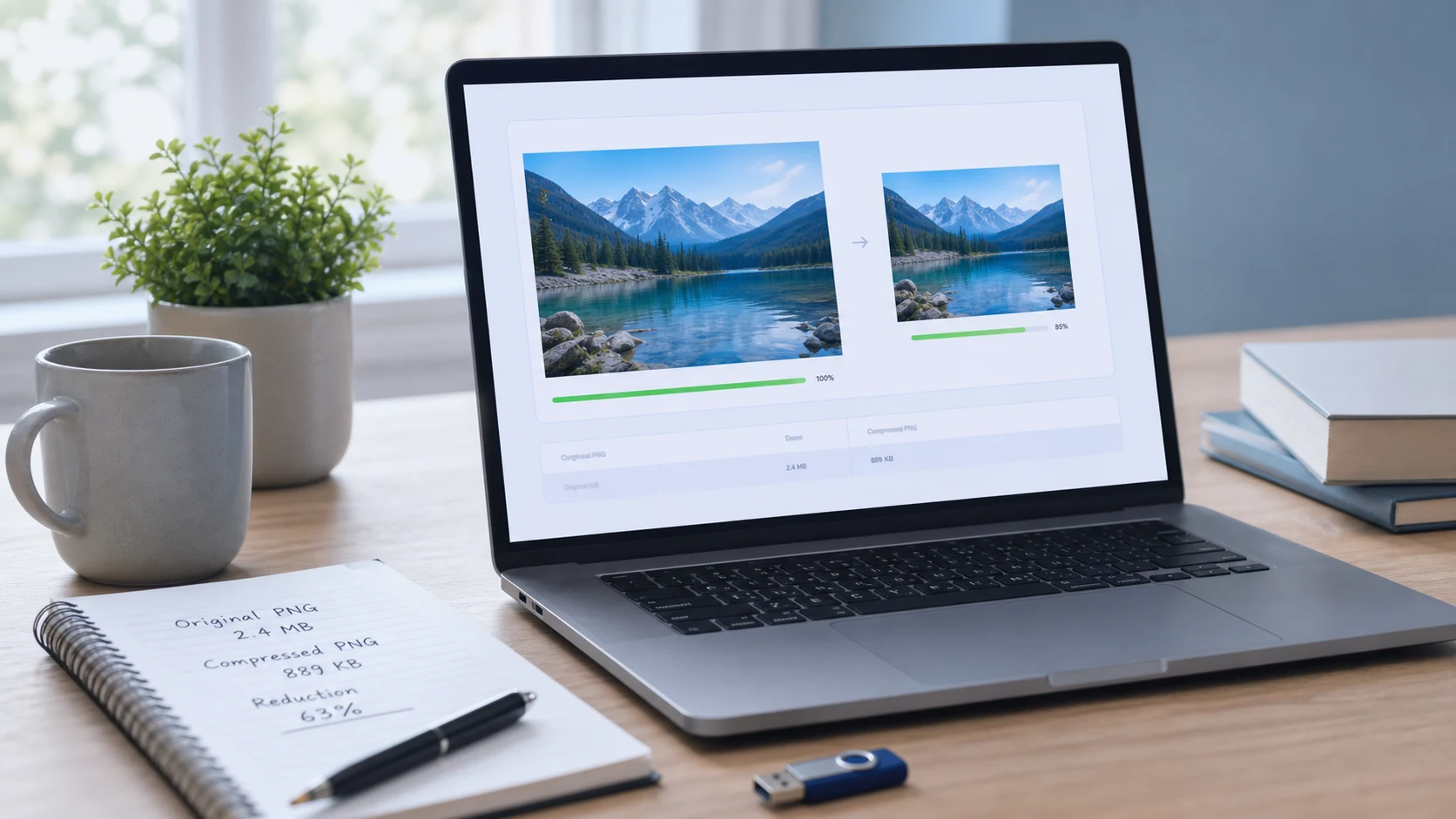
Example PNG compression workflow
If a form or website says your transparent PNG is too large, use this flow before uploading again.
This example is about file-size reduction. If the image dimensions are also too large, resize the PNG first and then compress the resized copy.
Common use cases
- Compress PNG for website graphics, app screenshots, documentation images, and interface previews.
- Reduce PNG file size for upload forms, school portals, job applications, client delivery, and office records.
- Compress transparent PNG logos, icons, stickers, cutouts, and product graphics before sharing or publishing.
- Make screenshot PNG files smaller before adding them to a PDF, email, article, tutorial, or support ticket.
- Prepare a batch of PNG assets for handoff while keeping originals available for future editing.
Popular PNG compression tasks
- Use a compress PNG online tool when a transparent image needs to stay PNG but the file is too large.
- Use a free PNG compressor for screenshots, diagrams, and website graphics that need smaller upload files.
- Batch compress PNG images when several graphics belong to the same article, client folder, or website update.
- Reduce PNG size in KB before uploading to a form with a strict file-size limit.
- Optimize PNG for web pages when graphics are sharp but heavier than they need to be.
- Compress PNG with transparency when a logo or cutout must keep its clear background.
Features
- Accepts PNG images from your device.
- Includes lossless PNG, smaller PNG, and ultra WebP modes.
- Shows original and optimized previews with a comparison slider.
- Supports batch compression with pause and resume controls.
- Downloads one optimized image or all results as a ZIP.
How to use this compressor
- Add PNG files. Choose one or more PNG images from your device.
- Choose mode. Use lossless PNG first for important transparent artwork.
- Compress. Keep the tab open while the files are optimized.
- Review and download. Check the preview, then download individual files or the ZIP.
Benefits
- Makes large PNG files easier to upload, email, store, and publish.
- Supports transparent image workflows without forcing a JPG conversion.
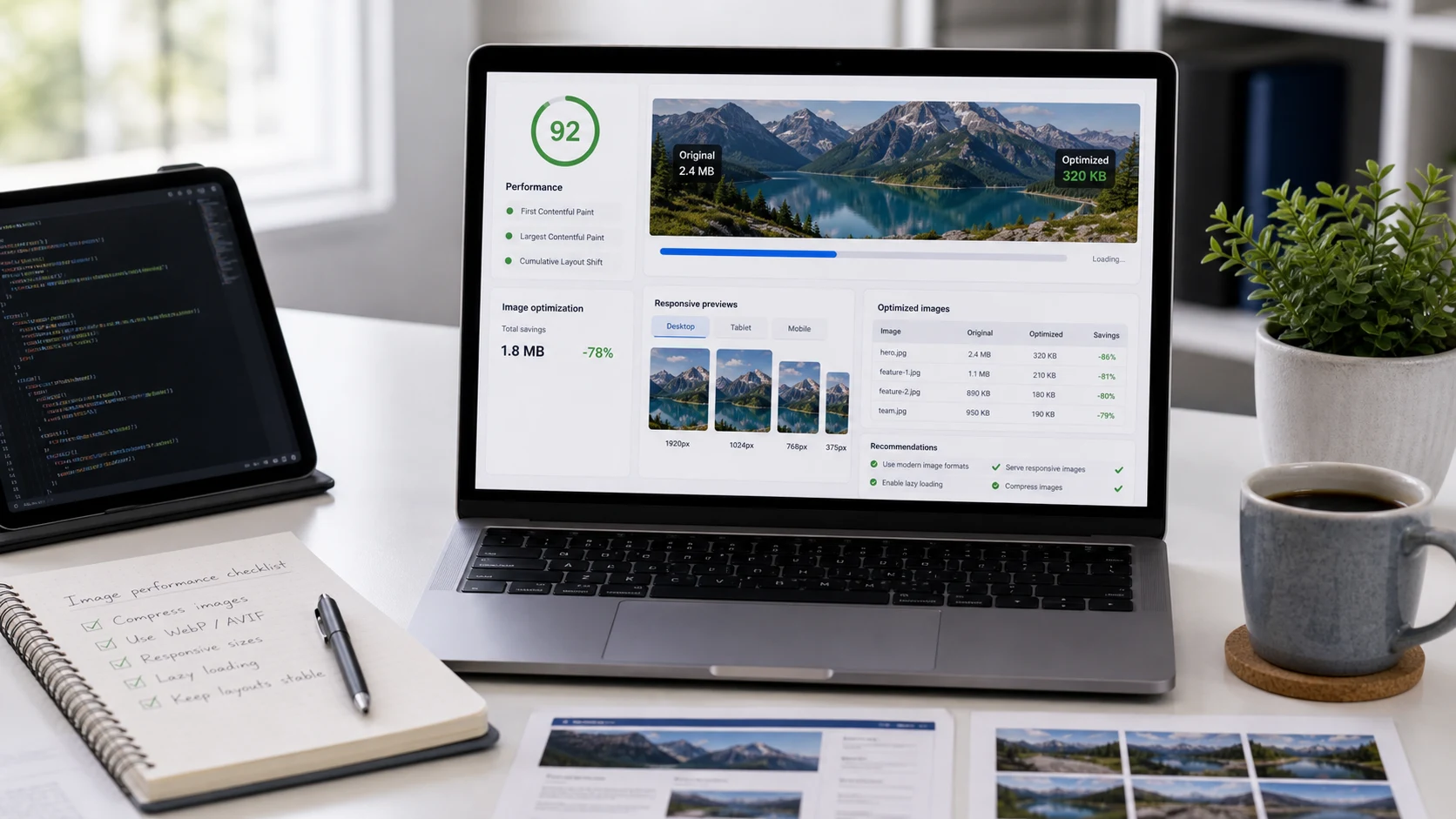
- Helps web pages load lighter when PNG graphics are oversized.
- Lets you keep original files while testing smaller output copies.
Why PNG compression is different from JPG compression
The W3C PNG specification describes PNG as a format for lossless, portable, well-compressed raster images with support for indexed color, grayscale, truecolor, and an optional alpha channel. That is why PNG is common for screenshots, UI graphics, logos, diagrams, and transparent images. JPG compression usually reduces photo size by discarding image detail, but PNG compression is different: it can recompress the data losslessly, reduce color palettes for smaller files, or convert to another format when the destination accepts it. For browser background, MDN documents canvas image export through Blob creation, and Squoosh is a well-known browser image optimizer that shows the value of comparing before and after. For technical context, see the W3C PNG specification, MDN's canvas toBlob documentation, and Squoosh.
When should PNG stay PNG?
Keep PNG when the image needs transparency, crisp interface edges, screenshots, diagrams, or a file format that can be edited and reused without repeated lossy saves. Consider WebP when the image is for a website and the destination accepts WebP, especially if file weight matters more than preserving a PNG workflow. Consider JPG when the image is a photo and transparency is not needed. The safest rule is to solve one problem at a time: if the upload only rejects file size, compress PNG first; if it rejects the format, convert after you know which output the destination accepts.
Common PNG compression questions
What does a PNG compressor do?
A PNG compressor reduces PNG file size by recompressing the image data and, when selected, reducing color detail. The goal is a smaller file that still works for transparent graphics, screenshots, icons, websites, or upload forms.
Can I compress PNG online without installing software?
Yes. Add PNG files in the browser, choose a compression mode, start compression, then download individual optimized PNG files or a ZIP archive.
Does PNG compression keep transparency?
PNG supports an alpha channel for transparency, and the PNG modes in this tool are designed for transparent PNG workflows. Always review the preview before using an important logo, icon, or cutout.
Is PNG compression lossless?
PNG as a format supports lossless compression. Some practical PNG compressors also offer smaller palette-based output, which can reduce file size more but may change subtle colors. Use lossless mode when exact pixels matter.
Can this tool batch compress PNG images?
Yes. You can add multiple PNG files, compress them in one batch, and download the optimized files individually or together as a ZIP.
What kind of PNG files compress best?
Screenshots, icons, interface graphics, flat illustrations, and transparent images often compress well. Large photographic PNG files may be better resized or converted to JPG or WebP depending on the destination.
Should I resize before compressing PNG files?
If the PNG dimensions are much larger than needed, resize first and then compress. Dimension changes often reduce file size more cleanly than compression alone.
Can I compress PNG for websites or upload forms?
Yes. PNG compression helps when a website, portal, email, document, or form says a transparent image, screenshot, or graphic is too large.
Does this compressor upload my PNG files?
The tool is designed around browser-side processing where supported. Keep the tab open during compression and review the output before sending important files.
What should I do if the compressed PNG is still too large?
Try smaller PNG mode, reduce the dimensions, or convert to WebP when the destination accepts it. Keep an original copy so you can restart from a clean source.