Popular PDF size limits
Open a page with the size already set: Compress PDF to 50KB · 100KB · 200KB · 300KB · 500KB · 1MB
Compress a PDF to 100KB, 200KB or 500KB
Upload forms judge a PDF by one number: its file size. Job portals, university admissions, exam registrations and government sites often cap uploads at 100KB, 200KB, 300KB or 500KB. A phone scan of a single page can easily be 2MB or more.
Pick the limit from the Target size menu (or type your own value in KB) and the compressor works backwards from it. It tries a sharp version first, then lowers image quality and resolution step by step until the file fits under your number. You get the clearest result that still passes the upload check, without guessing at sliders.
If a long document can't reach the target even at the lowest setting, the tool tells you the smallest size it managed. At that point the fix is to send fewer pages: use Split PDF or Organize PDF to remove blank or extra pages, then compress again.
How to compress a PDF file
- Add your PDF. Drag it into the box or tap Choose PDFs. You can add several files at once.
- Choose a target size or manual settings. For a portal with a limit, pick 100KB, 200KB or your own number. For general sharing, leave the target off and use Balanced mode at 96 DPI.
- Press Start Compression. Keep the tab open while pages are processed. You can pause a big batch and resume it.
- Check and download. Drag the slider on the preview to compare before and after, then download each PDF or all of them as one ZIP.
Which settings reduce PDF size the most
When you set the options yourself, these three controls do most of the work:
A quick rule: scanned and photo-heavy PDFs shrink a lot. A small PDF of typed text may not shrink at all. When that happens, the tool keeps your original file rather than handing you a bigger one.
Compress PDF on iPhone, Android or Mac
This page runs in the browser, so there's nothing to install. On an iPhone, open it in Safari, tap Choose PDFs and pick the file from the Files app. On Android, use Chrome and choose the PDF from Downloads or Drive. On a Mac or Windows PC it works the same way in any modern browser. The compressed file saves to your normal downloads folder.
Older phones can struggle with very long documents at high DPI. If the page slows down, compress fewer files at a time or pick a lower target.
What happens to your PDF during compression
The compressor draws each page as an image and rebuilds the PDF from those images at the size you chose. That is why it works so well on scans and photo documents. It also means the output behaves like a scan: you can't select or search the text, and fillable form fields, links and digital signatures are not kept.
For a signed contract, a fillable form you still need to complete, or a document a screen reader must read, keep the original. For ID copies, certificates, mark sheets, receipts and scanned applications, the flattened copy is usually exactly what the portal wants.
Free, no sign-up, and your files stay on your device
There's no account, no watermark and no daily limit. The PDF is opened and compressed by your own browser, so the file isn't sent to a ConvertorLab server. Close the tab and nothing is left behind. That makes it a reasonable choice for documents like bank statements or ID scans that you'd rather not upload to a stranger's server.
Guides
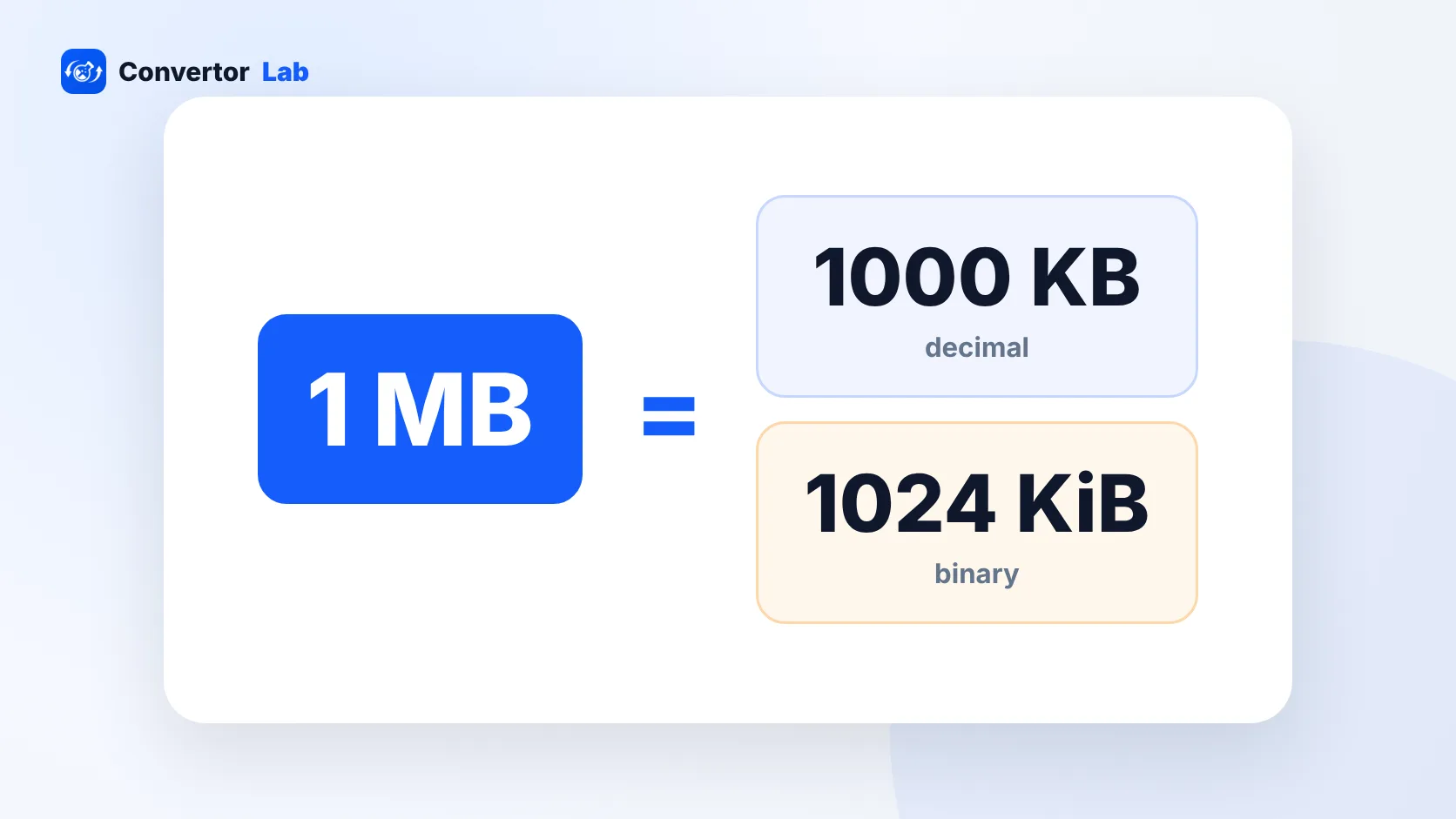 How many KB in a MB?1 MB is 1,000 KB in decimal units and 1,024 KB in binary units.Read guide
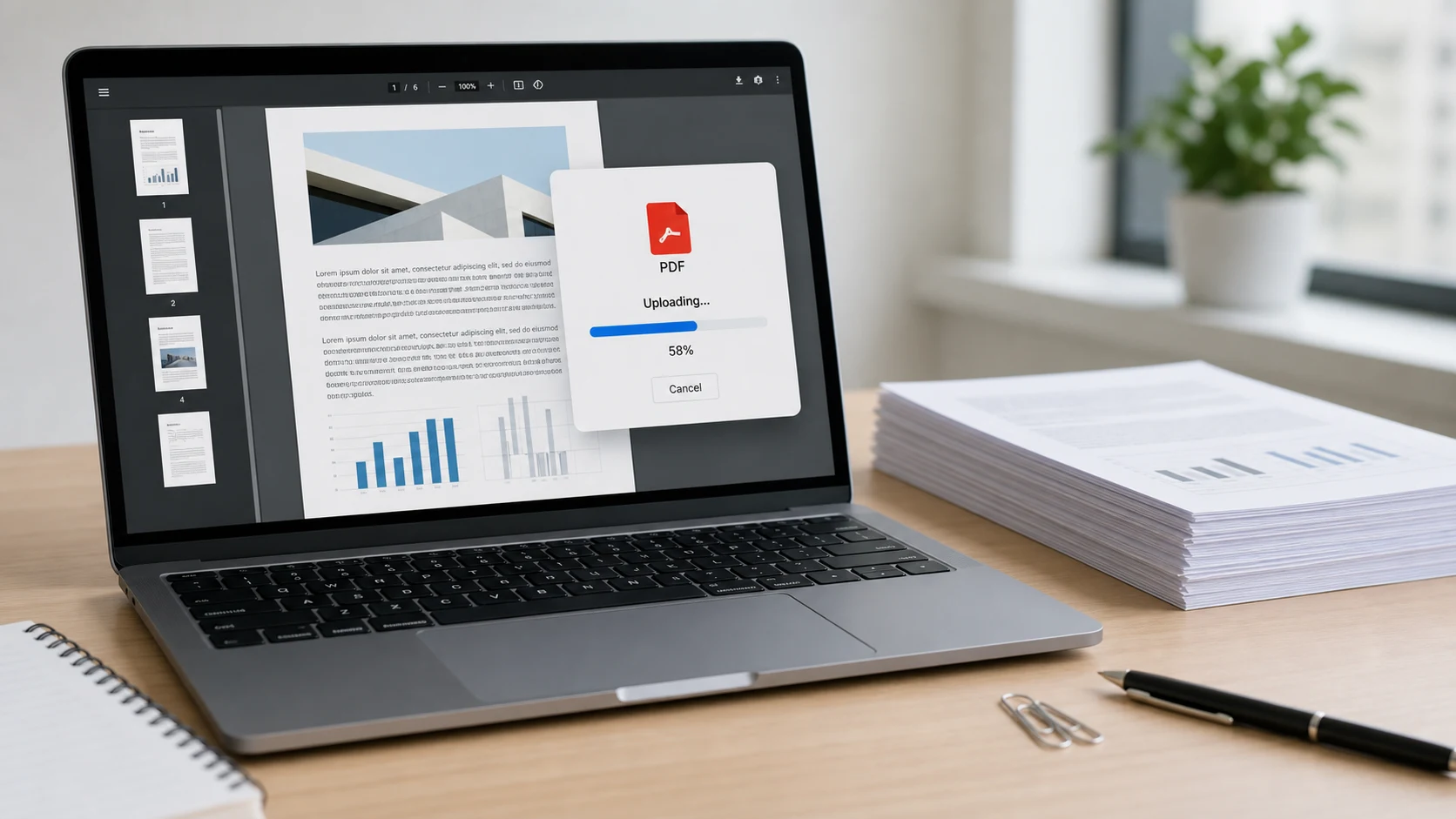 Compress a PDF for an upload portalWhat to do when a form rejects your PDF for size.Read guide
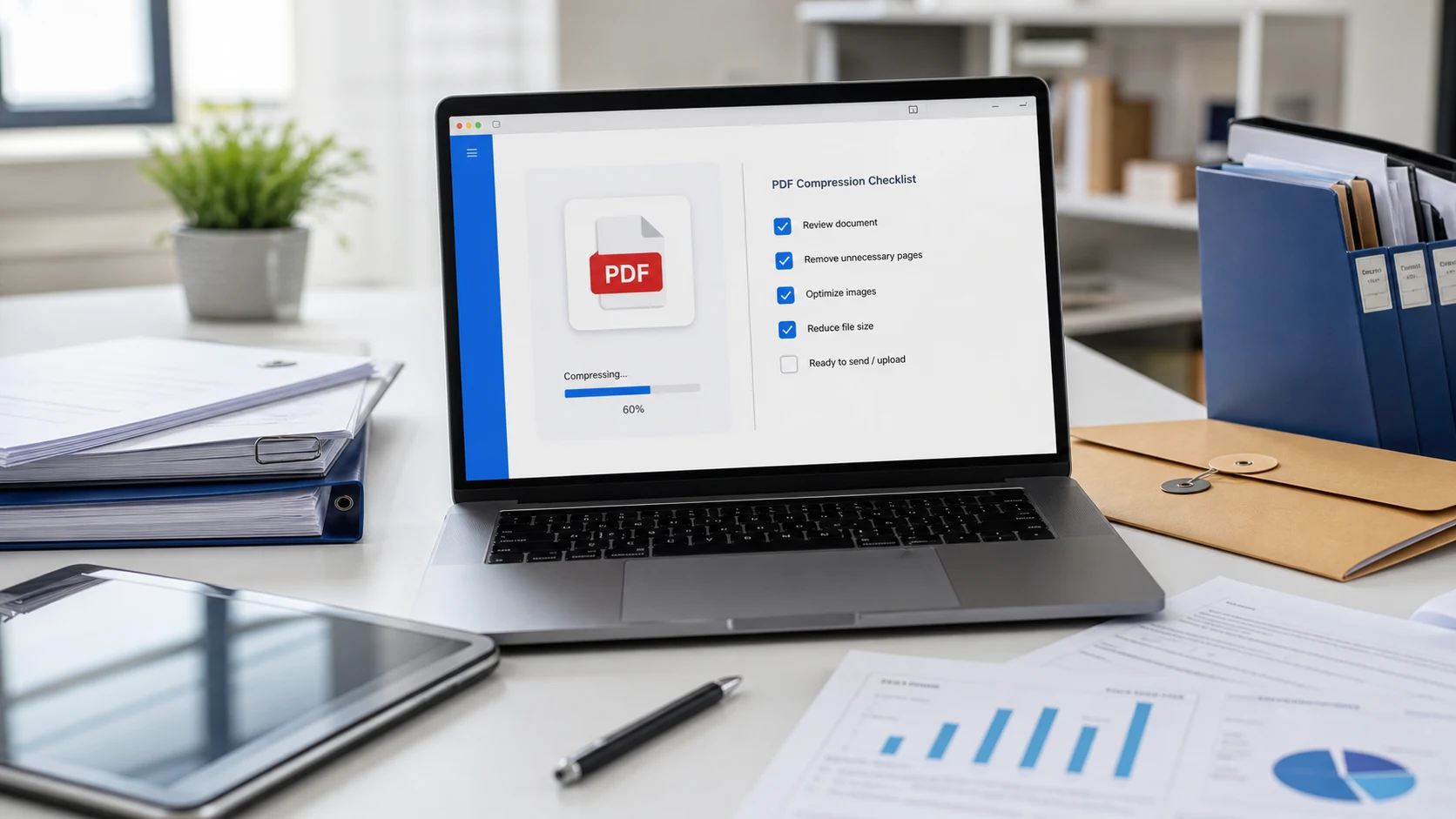 PDF compression checklistFive checks before you send a compressed file.Read guide
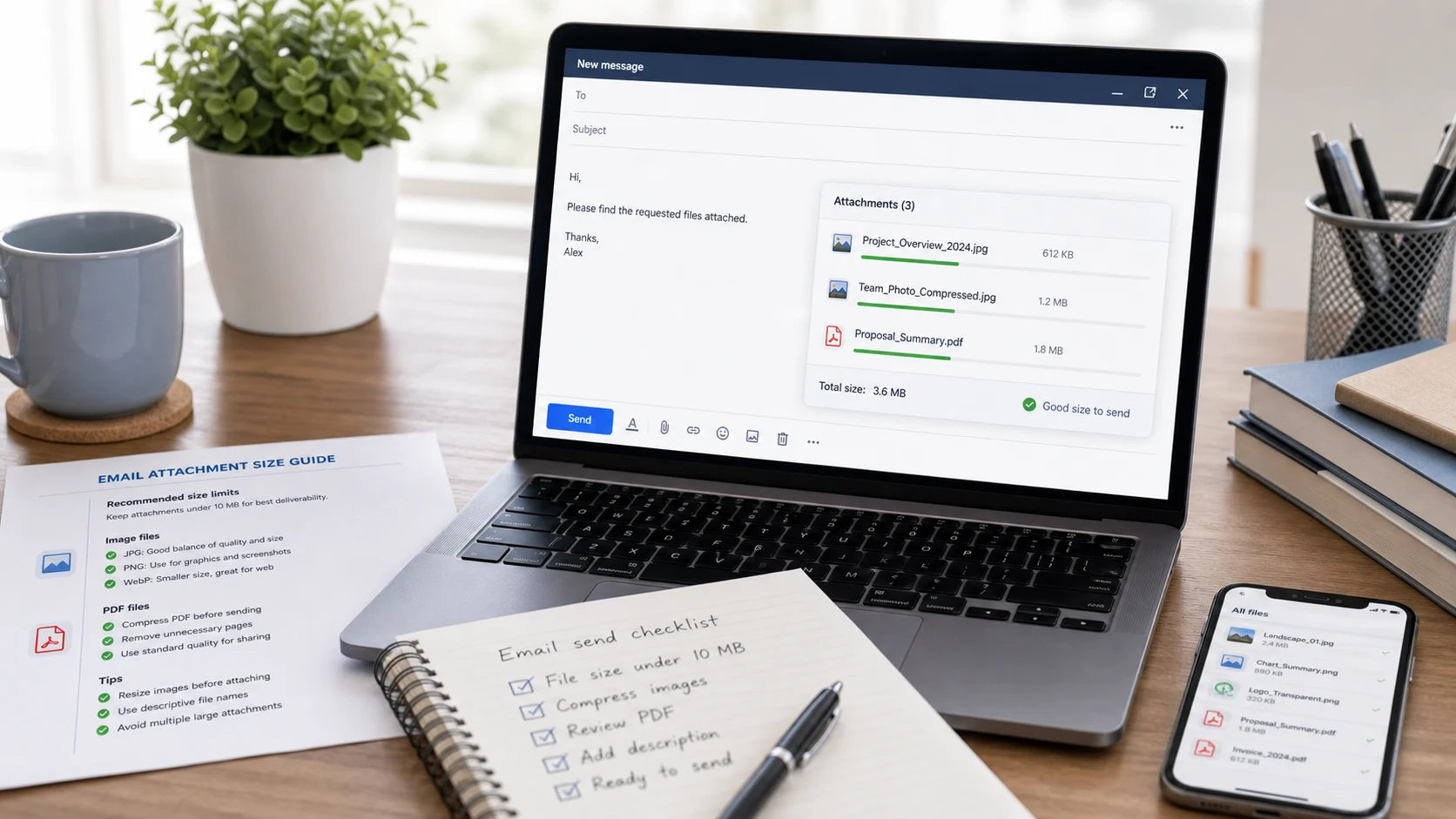 Email attachment size limitsGmail, Outlook and Yahoo limits and how to stay under them.Read guide
PDF compression questions
How do I compress a PDF to 200KB?
Add the PDF, choose 200 KB in the Target size menu and press Start Compression. The tool lowers quality and resolution only as far as it needs to get under 200KB, then shows the final size before you download.
Can I compress a PDF to 100KB or less?
Yes, for most one to five page documents. Choose 100 KB or type a smaller custom value such as 50. Long documents may not fit that small; if the result is still too big, remove pages with Split PDF first.
Is this PDF compressor free?
Yes. There is no sign-up, no watermark and no limit on how many PDFs you compress. A single batch can hold up to 200 files or 1GB.
Will compressing a PDF reduce its quality?
Some quality is traded for size. At 96 to 150 DPI most documents look the same on screen. Use the before and after slider to check small print before you submit an important file.
Why is my compressed PDF not smaller?
Text-only PDFs exported from Word or a website are often already compact. When compression can't beat the original size, the tool keeps your original file so you never download a larger copy.
Does this tool upload my PDF?
No. Compression runs in your browser on your own device. The file is not sent to our server.
Can I compress a password-protected PDF?
Not directly. Remove the password with Unlock PDF (you need to know the password), then compress the unlocked copy.
Can I compress several PDFs at once?
Yes. Add multiple files, set one target or one group of settings, and download each result separately or all of them in a single ZIP file.