Good for
- Reducing JPG file size before uploading to forms, school portals, job applications, marketplaces, and office systems.
- Compressing JPEG photos for email attachments, websites, blog images, product listings, and social posts.
- Batch compressing JPG images and downloading optimized copies as one ZIP archive.
Privacy note: this JPG compressor is designed around browser-side processing where supported. Keep the original image until you have reviewed the compressed JPG result and confirmed it is acceptable for your upload or publishing workflow.
What is a JPG compressor?
A JPG compressor reduces the file size of a JPEG image by saving the photo with compression settings that use fewer bytes. This is useful when a JPG is too large for email, a profile photo slot, a website upload, a school portal, a client form, or a marketplace listing. JPG and JPEG usually mean the same format, so people searching for a JPG compressor, JPEG compressor, compress JPEG online, reduce JPG size, or image compressor for JPG are often trying to solve the same problem: make the file smaller while keeping the picture clear enough for the destination. Because JPEG is a lossy format, stronger compression can remove detail, so the best setting depends on how the image will be viewed.
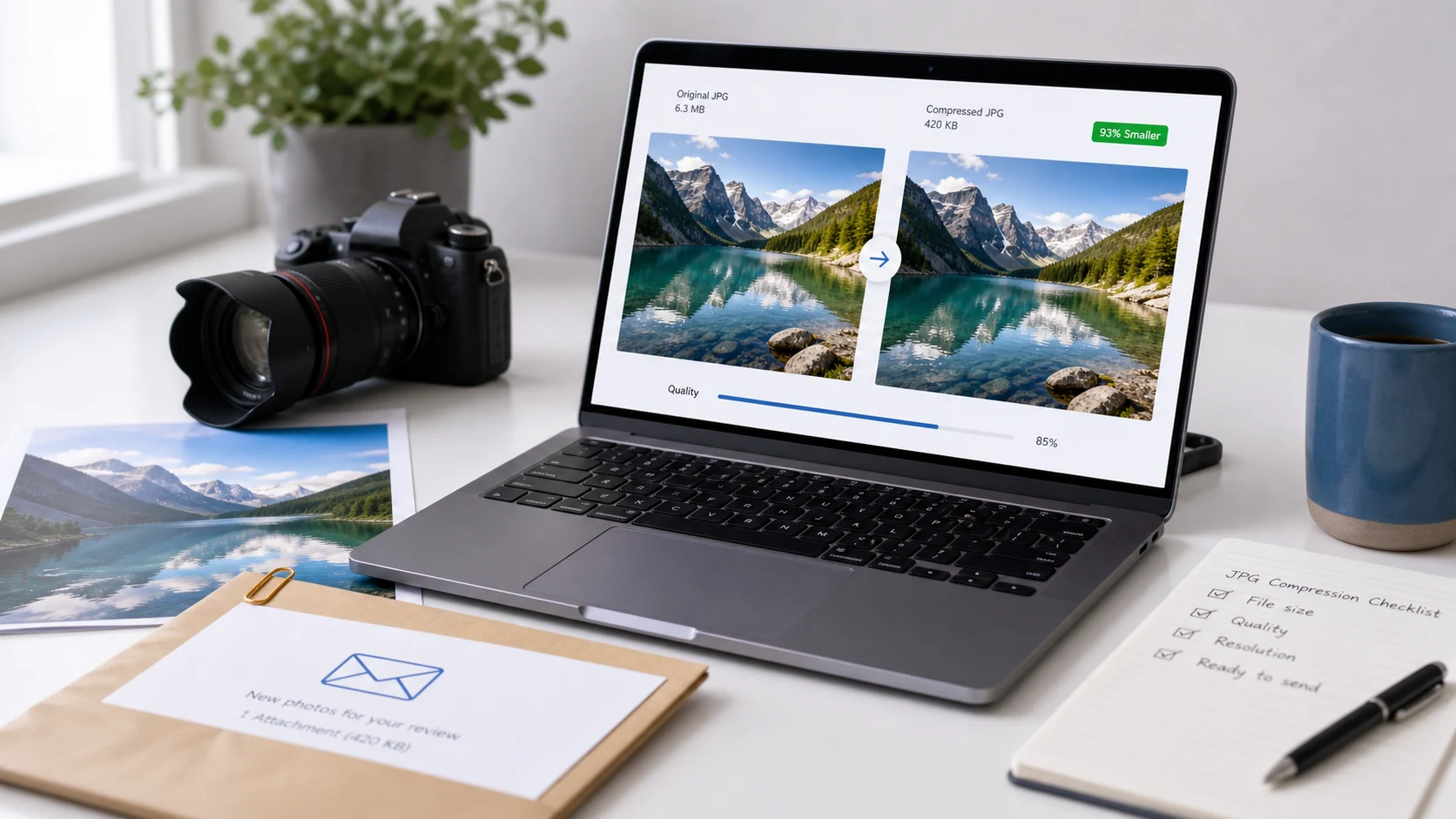
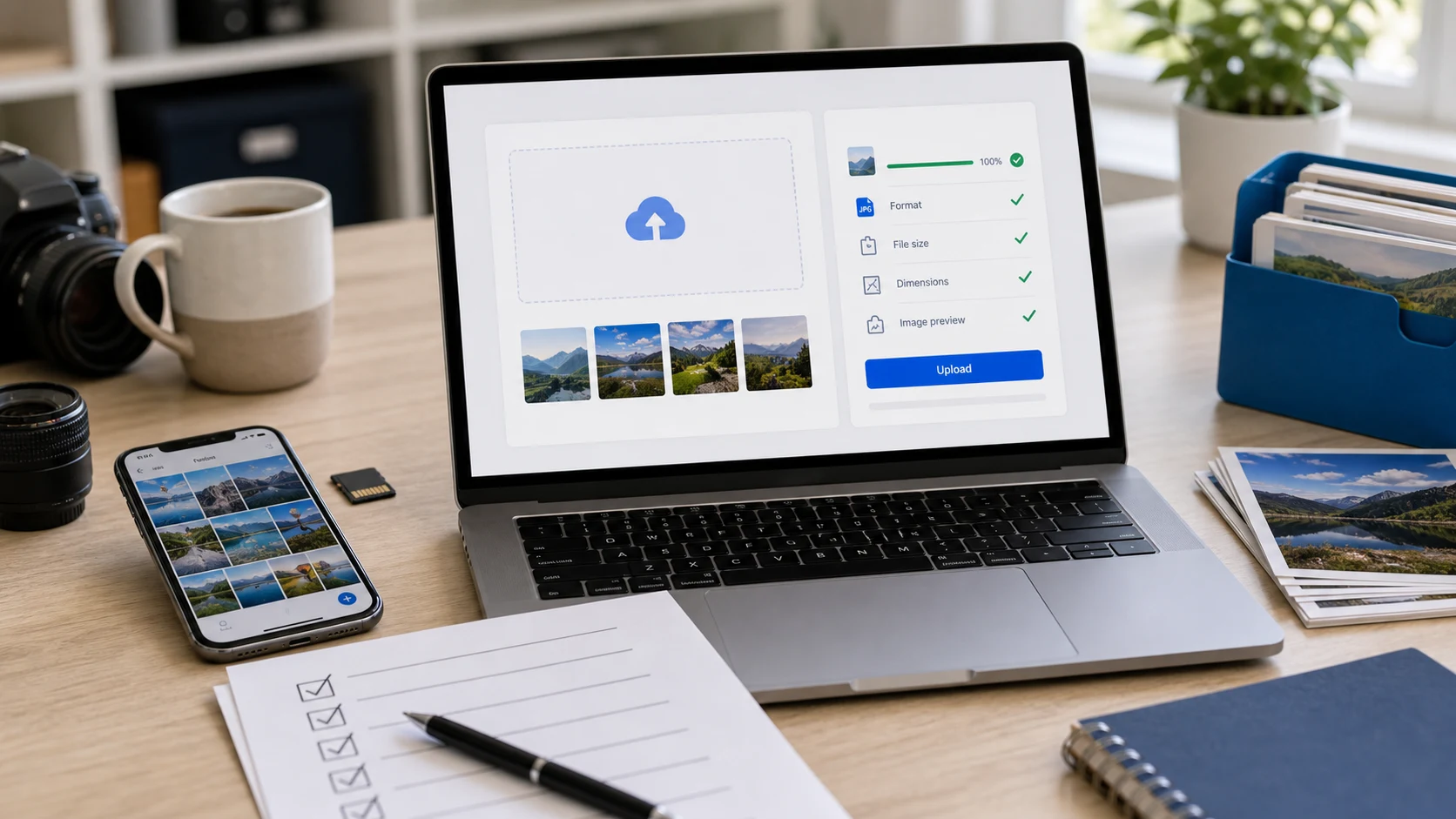
Example JPG compression workflow
If a website says your photo is too large, use this flow before uploading the file again.
This example is about reducing file size. If the image dimensions are also much larger than needed, resize the photo first and then compress the resized copy.
Common use cases
- Compress JPG for email when a photo attachment is too large to send comfortably.
- Reduce JPEG file size for job applications, school portals, ID forms, profile photos, and office upload systems.
- Make website JPG images lighter before adding them to blog posts, landing pages, galleries, or product pages.
- Compress product photos for marketplace listings while keeping the item clear enough for buyers.
- Prepare a batch of JPEG images for client delivery, document attachments, or online records.
Popular JPG compression tasks
- Use a compress JPG online tool when you need a smaller copy quickly without installing photo software.
- Use a free JPG compressor for upload forms that reject large camera photos or exported images.
- Batch compress JPG files when several photos need the same upload or delivery workflow.
- Compress JPG to a smaller file size before using the image in a PDF, document, slide deck, or website.
- Reduce JPG file size in KB by lowering quality carefully and reviewing the preview before downloading.
- Compress JPEG images for websites when page weight matters more than preserving every camera detail.
Features
- Accepts JPG and JPEG images from your device.
- Includes a quality slider and compression mode control.
- Shows original and compressed previews with a comparison slider.
- Supports batch compression with pause and resume controls.
- Downloads one compressed image or all results as a ZIP.
How to use this compressor
- Add images. Choose one or more JPG or JPEG files from your device.
- Set quality. Start with balanced quality unless the upload limit is very strict.
- Compress. Keep the tab open while the files are optimized.
- Review and download. Check the results, then download individual files or the ZIP.
Benefits
- Makes large photos easier to upload, email, store, and publish.
- Gives you control over the tradeoff between file size and visual detail.
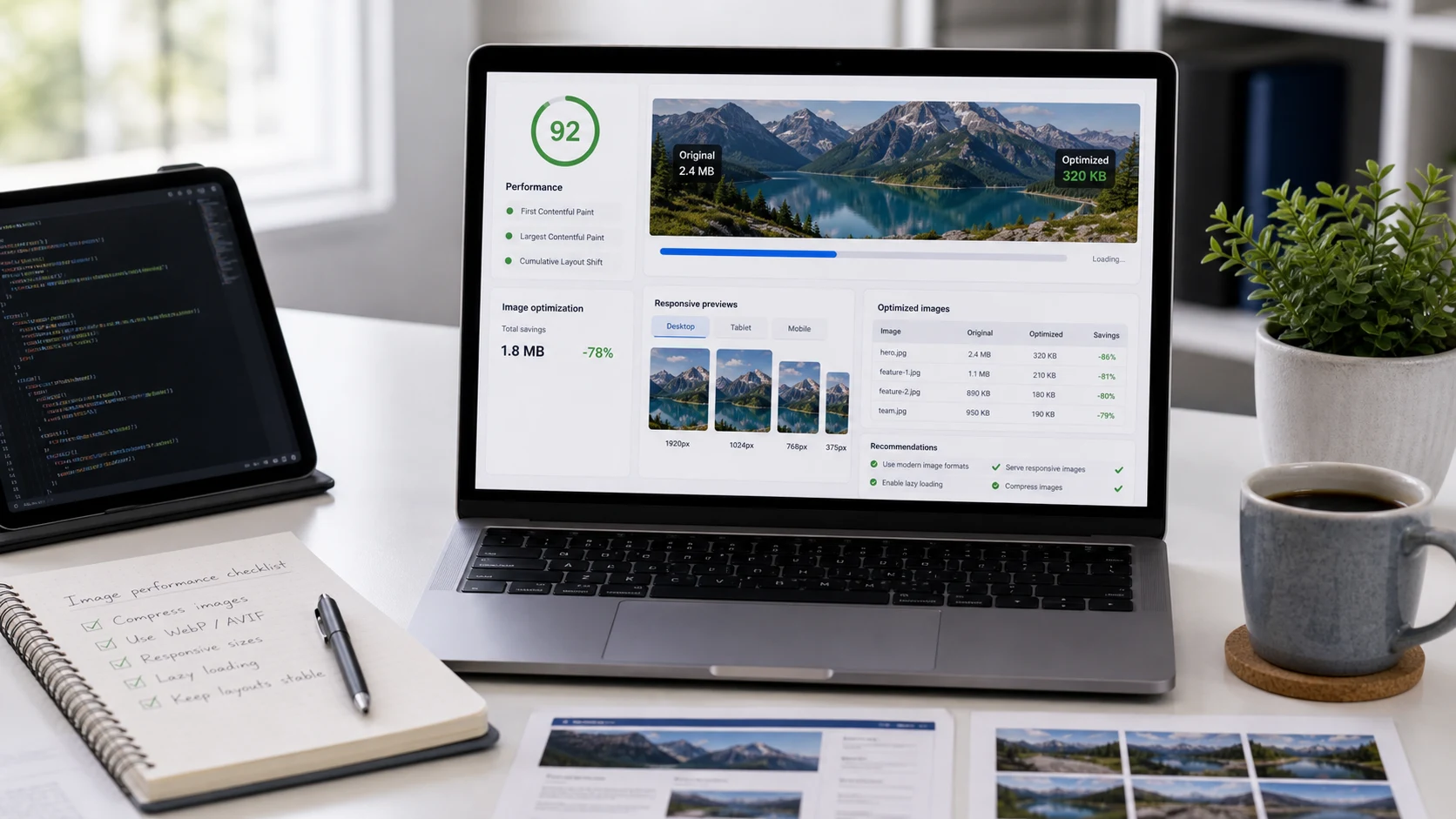
- Helps website images load faster when oversized JPG files are slowing a page.
- Keeps the original file available so you can restart with cleaner settings.
How JPG quality affects file size
JPEG is designed for photographic images and uses lossy compression, which means the encoder can reduce file size by approximating some image detail. The JPEG organization describes JPEG 1 as the ISO/IEC 10918 standard, and Adobe notes that JPEG files are widely used because they compress images for convenient storage and sending. Browser APIs such as canvas export also use a quality value for lossy formats like image/jpeg. In practical terms, a lower quality value usually creates a smaller JPG, but going too low can add blocky edges, noisy gradients, or soft text. For important photos, product images, documents, or profile pictures, compress a copy and inspect the result at the size where people will actually view it. For technical background, see the JPEG 1 overview, Adobe's JPEG file guide, and MDN's note on image quality for lossy canvas export.
When should you resize before compressing?
Compression and resizing solve related but different problems. JPG compression changes how efficiently the same image is stored, while resizing changes the pixel dimensions. If a camera photo is thousands of pixels wide but the destination only displays a small profile image, resizing first can produce a cleaner small file than heavy compression alone. If the dimensions are already correct and only the file weight is too high, compress JPG directly. A good workflow is to name the real issue first: file size, dimensions, format, crop, or readability. Then use the smallest tool step that solves that issue.
Related guides
Common JPG compression questions
What does a JPG compressor do?
A JPG compressor reduces JPEG file size by saving the image with stronger compression settings. The goal is a smaller file that still looks good enough for the upload, email, website, or document where it will be used.
Can I compress JPG online without installing software?
Yes. Add JPG or JPEG files in the browser, choose quality, start compression, and download the optimized images when the ZIP button unlocks.
Is JPG compression the same as JPEG compression?
Yes. JPG and JPEG usually refer to the same image format, so a JPG compressor and a JPEG compressor handle the same kind of image file.
What quality setting should I use for JPG compression?
Use a higher quality value for photos with faces, product details, or small text. Use stronger compression when the destination has a strict file-size limit and the image will be viewed at a smaller size.
Can this tool batch compress JPG images?
Yes. You can add multiple JPG files, compress them in one batch, and download all optimized images in a ZIP archive.
Will compressing JPG images reduce quality?
JPG uses lossy compression, so aggressive settings can remove visible detail. Review the preview and use a balanced setting when image clarity matters.
Should I resize before compressing JPG files?
If the photo dimensions are much larger than needed, resize first and then compress. Smaller dimensions often reduce file size more cleanly than quality compression alone.
Can I compress JPG for email or upload forms?
Yes. JPG compression is useful when an email, job application, school portal, marketplace listing, or website form says the image file is too large.
Does this compressor upload my JPG files?
The tool is designed around browser-side processing where supported. Keep the tab open during compression and review the output before sending important files.
What should I do if the compressed JPG is still too large?
Try a stronger compression mode, lower the quality slider, or resize the image dimensions before compressing again. Keep an original copy so you can restart from a clean source.