JPG to WebPPNG to WebPQuality control

Image to WebP Converter

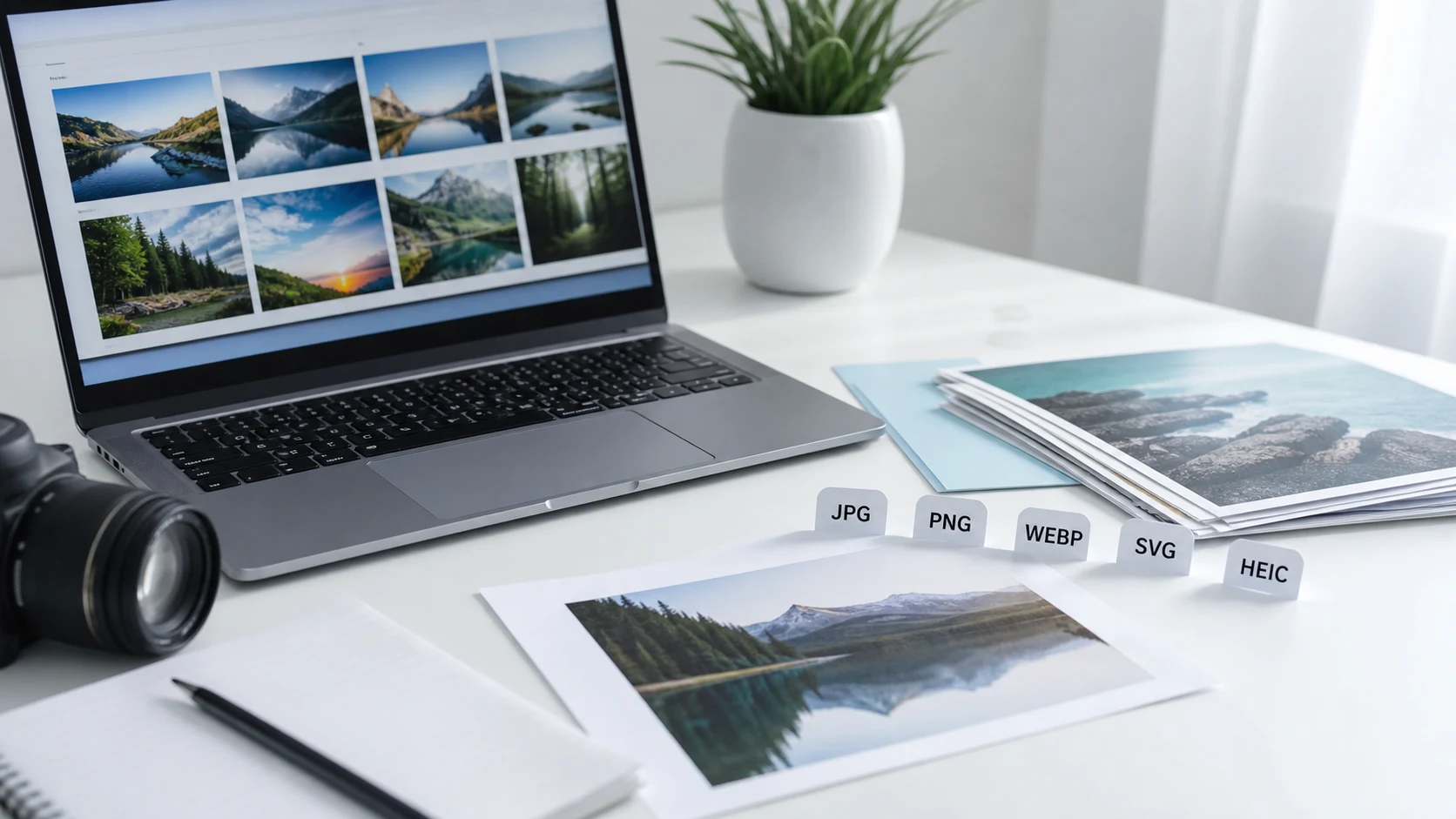
This free image to WebP converter online changes JPG, PNG, JPEG, SVG, and HEIC files into WebP images in your browser. Choose a quality setting, convert a single image or a batch, and download each WebP result or one ZIP file.

Drag & drop image files here or

Supported: JPG, PNG, SVG, HEIC - Limits: max 200 files - max 1 GB total

No files selected.
Conversion complete. Download the ZIP when you are ready.

Good for

  • Changing JPG, PNG, JPEG, SVG, or HEIC images into WebP files for websites and publishing.
  • Preparing lighter image copies before uploading to blogs, landing pages, stores, apps, or portfolios.
  • Batch converting images to WebP and downloading all finished files as one ZIP archive.

Privacy note: this converter is designed for browser-side image processing where supported. Keep your originals until you review the WebP results and confirm they work in your website, app, or upload destination.

What is an image to WebP converter?

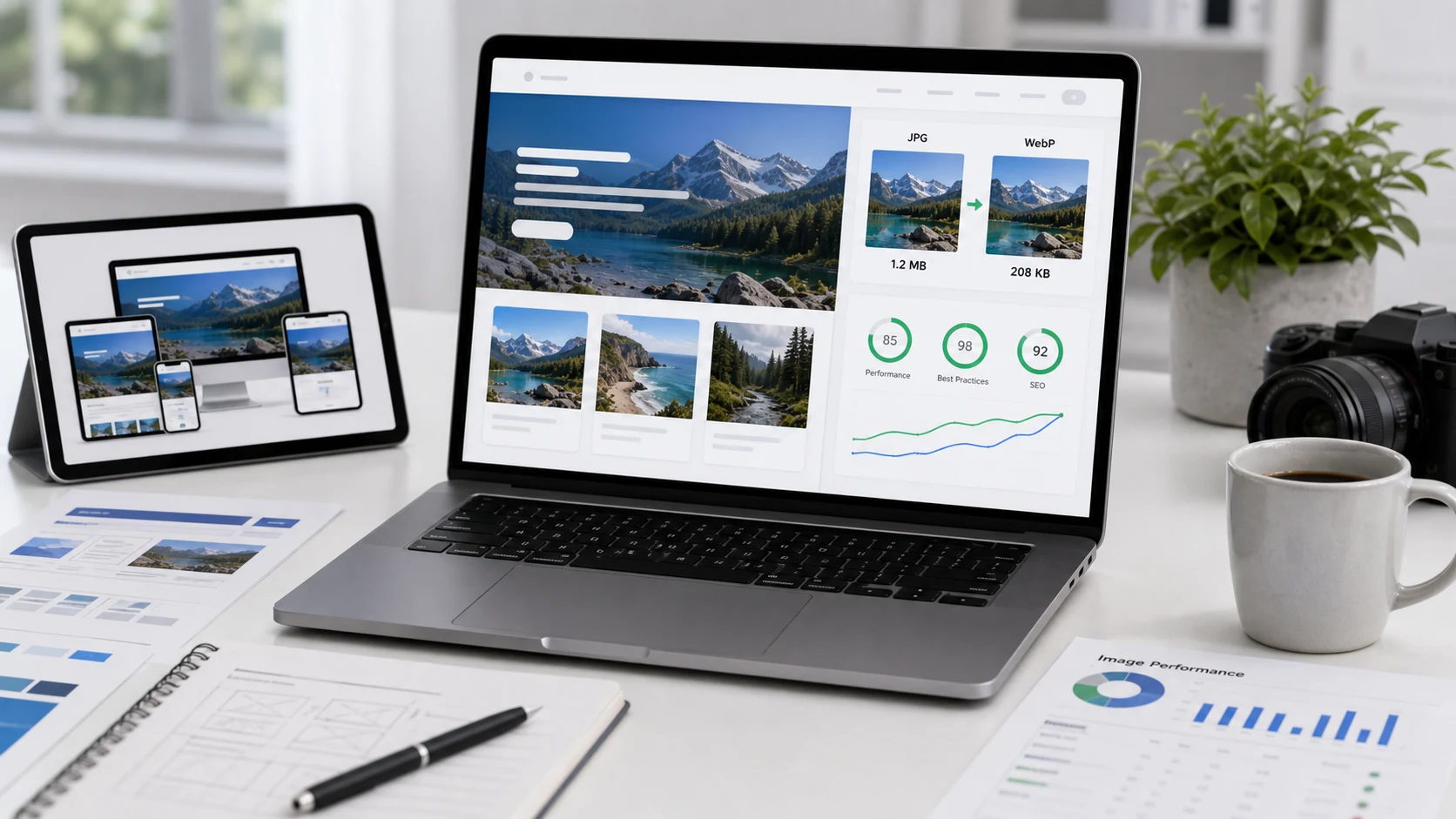
An image to WebP converter changes common image files into the .webp format. The WebP format is used for website photos, product images, blog graphics, app assets, and publishing workflows because it can provide efficient compression while still supporting transparency. People use a WebP converter when they need to convert JPG to WebP, convert PNG to WebP, convert JPEG to WebP, or prepare a batch of website images without opening desktop image software. This page gives you a practical image to WebP converter online: add files, choose quality, start conversion, and download the finished WebP images individually or as one ZIP.

Example image to WebP workflow

If a website page has large JPG or PNG images, convert copies to WebP before publishing so you can compare size and visual quality.

InputJPG, PNG, JPEG, SVG, or HEIC images
Quality88 for a balanced website image
TaskConvert images to WebP for publishing
OutputIndividual WebP files or one ZIP archive

This example is about format conversion. If the original image is much larger than the display area, resize first, then convert the resized copy to WebP.

Common use cases

  • Convert JPG to WebP online before publishing photos on a website, blog, landing page, or online store.
  • Convert PNG to WebP when graphics, screenshots, or transparent assets need a web-ready copy.
  • Use a free image to WebP converter when you need a quick browser workflow without installing image software.
  • Batch convert images to WebP and download all outputs together for a web build or client delivery.
  • Create WebP copies for product listings, portfolio galleries, documentation pages, and app image assets.
  • Prepare smaller images before testing page speed, layout, and mobile loading behavior.
  • Use an image to WebP converter online when your website needs modern image files.
  • Convert JPG to WebP online free for product photos, blog images, hero images, and content cards.
  • Convert PNG to WebP online when you want a web copy of screenshots, graphics, or transparent images.
  • Use a JPG PNG to WebP converter when a folder contains mixed image formats.
  • Convert photos to WebP before uploading them to a web page that needs faster image delivery.
  • Use a bulk image to WebP converter to prepare a batch instead of exporting each file manually.

Features

  • Accepts common image inputs including JPG, JPEG, PNG, SVG, and HEIC where supported.
  • Includes a WebP quality slider so you can balance file size and visual detail.
  • Processes image batches and shows live success, failure, and progress counts.
  • Creates a ZIP archive for downloading all finished WebP files together.
  • Keeps the tool visible near the top so conversion stays easy to complete.

How to use this converter

  1. Add images. Drag supported image files into the import area or use the choose images button.
  2. Choose quality. Start around 88 for most web images, then adjust up or down for your use case.
  3. Start conversion. Press Start Conversion and keep the tab open while the browser creates WebP files.
  4. Download output. Use the ZIP button after conversion finishes, then test the files where you plan to publish them.

Benefits

  • Helps prepare modern website images without a heavy design app.
  • Makes batch WebP conversion easier for blogs, stores, apps, and client sites.
  • Lets you control quality instead of accepting one fixed export setting.
  • Supports a practical workflow: resize if needed, convert to WebP, then test the page.

WebP quality and file size notes

WebP can be smaller than JPG or PNG in many website workflows, but the result depends on the source image, pixel dimensions, visual detail, and quality setting. A photo-like JPG may become a smaller lossy WebP, while a simple PNG graphic may need a different quality choice to keep text and edges clean. If the WebP looks soft, raise the quality. If the file is still too large, resize the image to its real display size before conversion or compress the WebP result afterward.

Transparency and browser support

WebP supports transparency, which makes it useful for some PNG-style graphics and website assets. This converter draws images with alpha support where the browser allows it, but you should still review transparent logos, cutouts, and overlays before publishing. Modern browsers widely support WebP, but older software, older CMS setups, email clients, or legacy upload systems may still ask for JPG or PNG. If a destination rejects WebP, use the related WebP to Image tool to create a compatible copy.

Common image to WebP questions

What does an image to WebP converter do?

It changes image files such as JPG, PNG, JPEG, SVG, or HEIC into WebP files so they can be used for websites, blogs, product pages, apps, and other web publishing workflows.

Can I convert JPG to WebP online?

Yes. Add JPG or JPEG files, choose a quality setting, start conversion, and download the WebP results individually or as one ZIP archive.

Can I convert PNG to WebP and keep transparency?

WebP supports transparency, and this tool draws images with alpha support where the browser allows it. Always preview important transparent images after conversion before publishing.

Is WebP smaller than JPG or PNG?

WebP is often smaller for website images, especially compared with similar-quality JPEG photos or PNG graphics. Final size depends on the original image, dimensions, detail, and quality setting.

What WebP quality should I use?

Start around 82 to 90 for most website images. Use higher quality for hero images and product photos, and lower quality when file size matters more than fine detail.

Can I batch convert images to WebP?

Yes. Add multiple supported image files, convert the batch, and download the finished WebP files together as one ZIP.

Does WebP work in modern browsers?

Modern browsers widely support WebP, but you should still test your site or app if your audience uses older software or legacy systems.

Will converting to WebP improve image quality?

No converter can restore detail that is missing in the original file. WebP helps create efficient web images, but the output quality depends on the source image and selected quality level.

Should I resize before converting images to WebP?

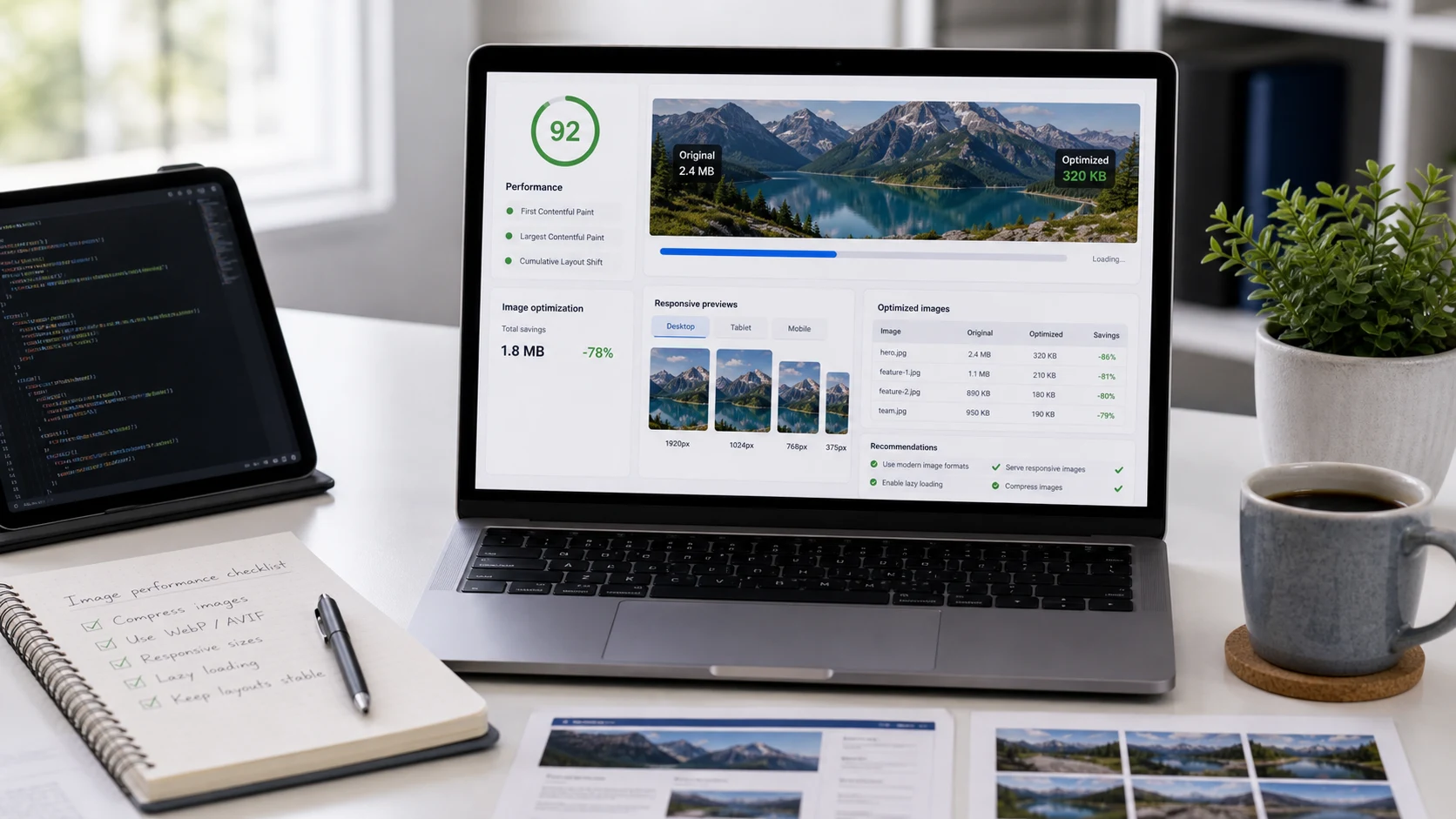
Resize first if the image will appear at a specific width or height on a website. Converting a huge image to WebP without resizing can still leave a file larger than needed.

Does this WebP converter upload my files?

The tool is designed to process selected images in your browser where supported. Keep the tab open during conversion and review the downloaded WebP files before using them for publishing.