PDF size limits
For mark sheets, certificates, application packets and email attachments.
Free, no sign-up, files stay on your device
Compress a PDF to 200KB, shrink a photo to 20KB for an exam form, convert iPhone HEIC photos to JPG, or merge scans into one PDF. ConvertorLab does it all in your browser, so your files are never uploaded. No account, no watermark, no limits.
The tools people open most, each one free and private.
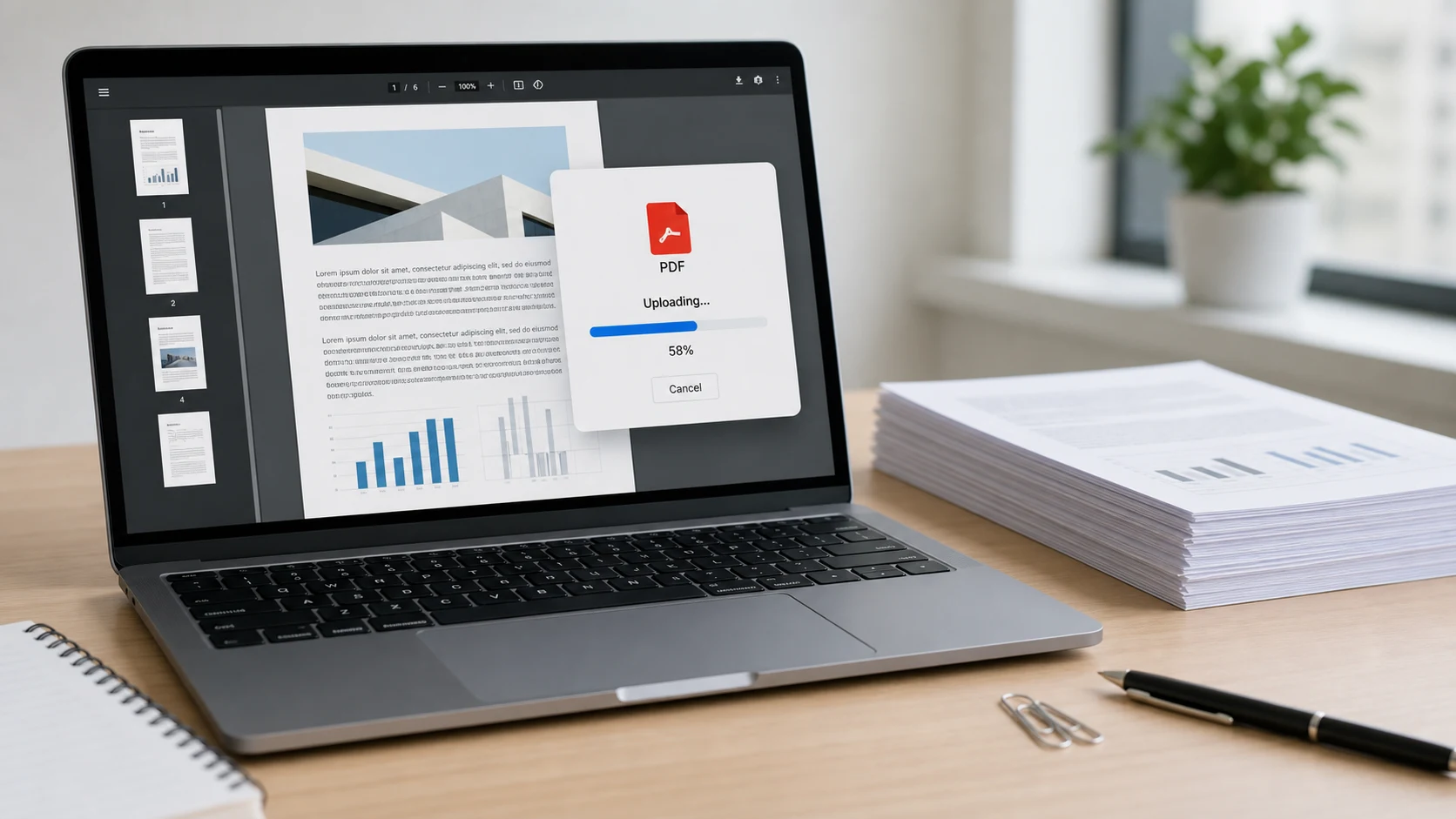
Shrink any PDF to a target like 100KB or 200KB for upload forms and email.
Open tool ConvertJPG to PDFCombine photos and scans into one PDF, in the order you choose.
Open tool CompressImage CompressorReduce JPG, PNG, WebP and HEIC photos to an exact KB size.
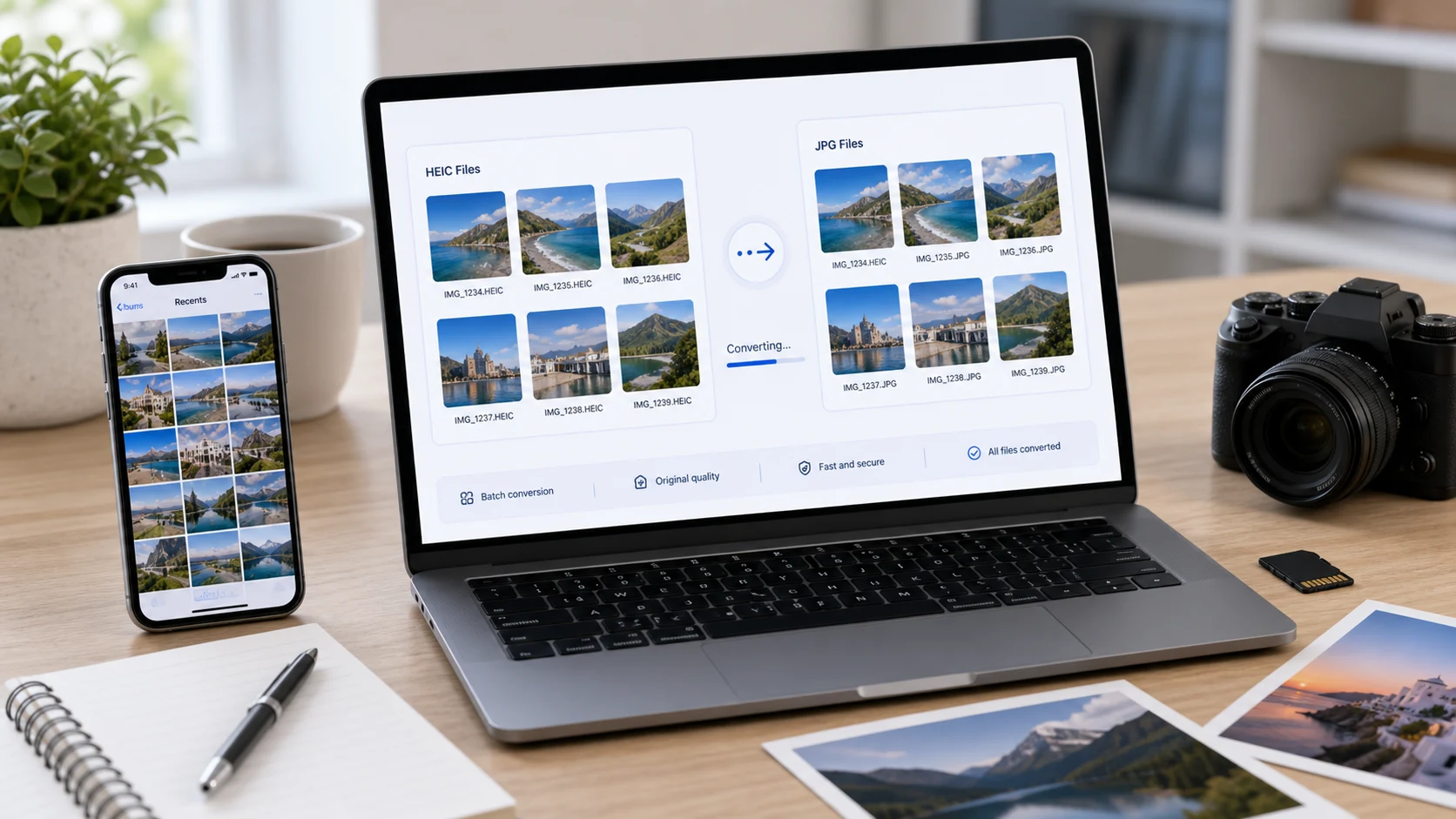
Open tool ConvertHEIC to JPGOpen iPhone photos anywhere. Batch convert to JPG, PNG or PDF.
Open tool ImageResize ImageExact pixels, cm or inches, social media presets and a KB limit.
Open tool PDFMerge PDFCombine several PDFs into one file in the right order.
Open tool ConvertPDF to JPGSave every PDF page as a JPG or PNG image.
Open tool ConvertWebP to PNGTurn WebP images saved from websites into PNG or JPG.
Open tool PDFSplit PDFExtract pages or split a long PDF into smaller files.
Open tool PDFUnlock PDFRemove a password you know from a bank statement or slip.
Open tool ConvertKB to MB ConverterCheck a file against an upload limit in KB or MB, 1000 or 1024.
Open toolEach page has the size already selected. Add your file and download a copy that fits.
For mark sheets, certificates, application packets and email attachments.
For passport-size photos, signatures and ID scans on exam and job forms.
When a form asks for pixels or centimeters, such as 3.5 x 4.5 cm, as well as a KB limit.
Most online converters upload your file to their server, process it there and send it back. ConvertorLab works differently: the conversion code runs inside your browser, so documents like bank statements, ID cards and contracts never leave your phone or computer.
Most file problems fall into one of three groups.
Convert it. HEIC to JPG for iPhone photos, WebP to PNG for images saved from websites, PNG to JPG for smaller photos, and JPG to PDF when a form wants a document.
Compress it to the exact limit. Compress PDF and Image Compressor both let you type a size in KB and do the rest for you.
Fix the layout. Organize PDF to reorder or rotate pages, Split PDF to pull out pages, Crop and Resize for photos.
Short, practical reading for common file problems.
Yes. Every tool is free to use with no sign-up, no watermark and no daily limit.
No. The tools run in your browser using JavaScript and WebAssembly, so images and PDFs are processed on your own phone or computer. Nothing is sent to ConvertorLab.
Open Compress PDF and choose the size in the Target size menu, or use the ready-made pages for 50KB, 100KB, 200KB, 300KB, 500KB and 1MB. The tool finds the clearest version that fits.
Open Image Compressor, or one of the Resize Image to 20KB, 50KB, 100KB or 200KB pages, add the photo and press Compress. If the form also gives pixel dimensions, set them in Resize Image first.
Use HEIC to JPG. You can convert a whole batch at once and download a ZIP. It also converts HEIC to PNG or PDF.
Yes. JPG to PDF puts each image on its own page in the order you choose, with A4 or Letter pages and an optional size limit.
Yes. All tools work in Chrome, Safari, Edge and Firefox on Android and iPhone as well as on computers.