Resize and compress an image to 200KB
When a form says the photo must be under 200KB, it means the file size, not the width and height. This page has the 200KB target preselected. Add your photo, press Compress, and you get the clearest version that fits, along with its final size and pixel dimensions.
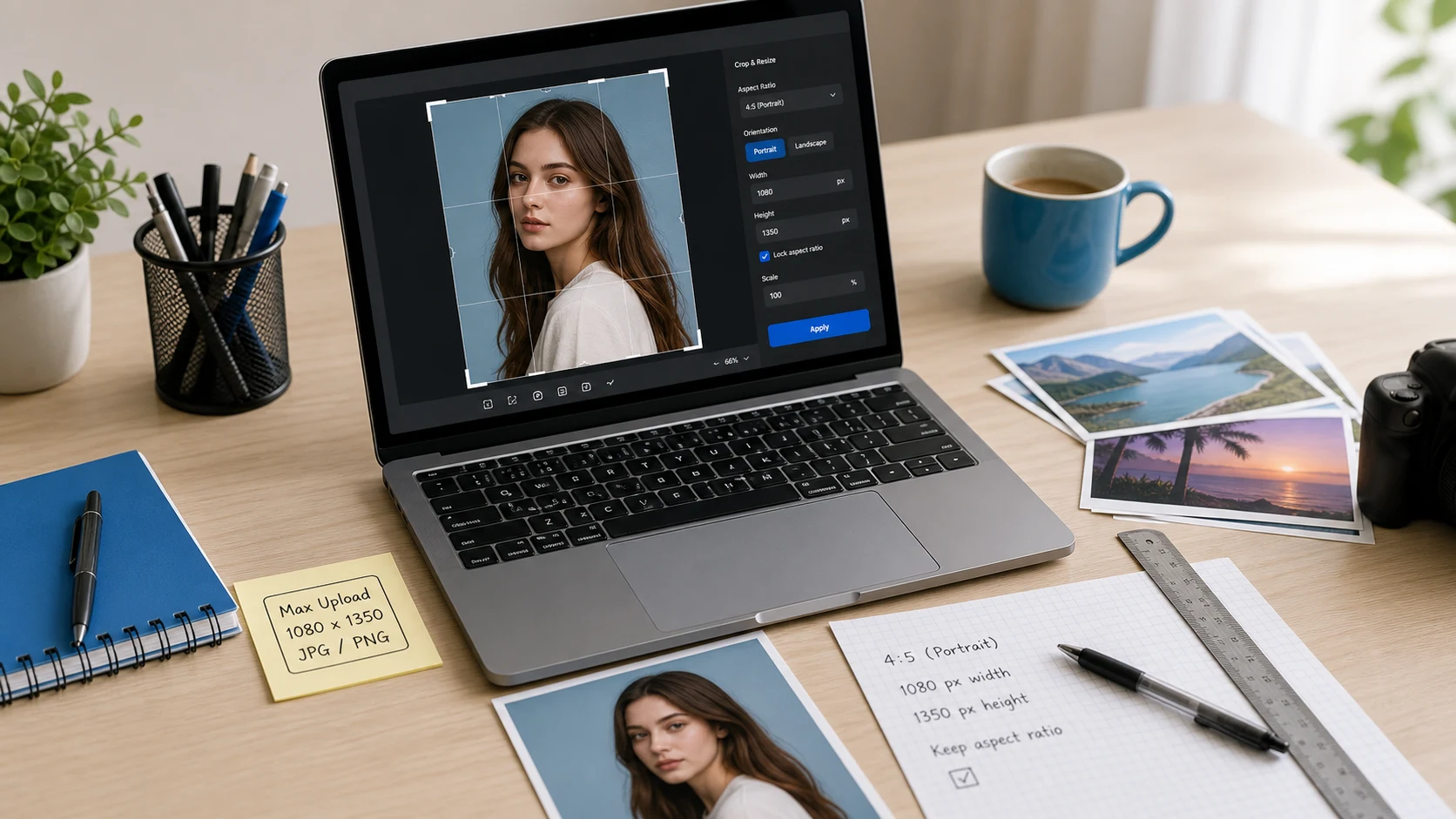
200KB is a typical limit for document photos, product images and higher-quality uploads. A photo at 200KB usually ends up around 1200 to 1800 pixels on the long side, depending on how much detail it has.
How to resize an image to 200KB
- Add the photo. JPG, PNG, WebP and iPhone HEIC files work.
- Check the target. 200KB is already selected under Target size.
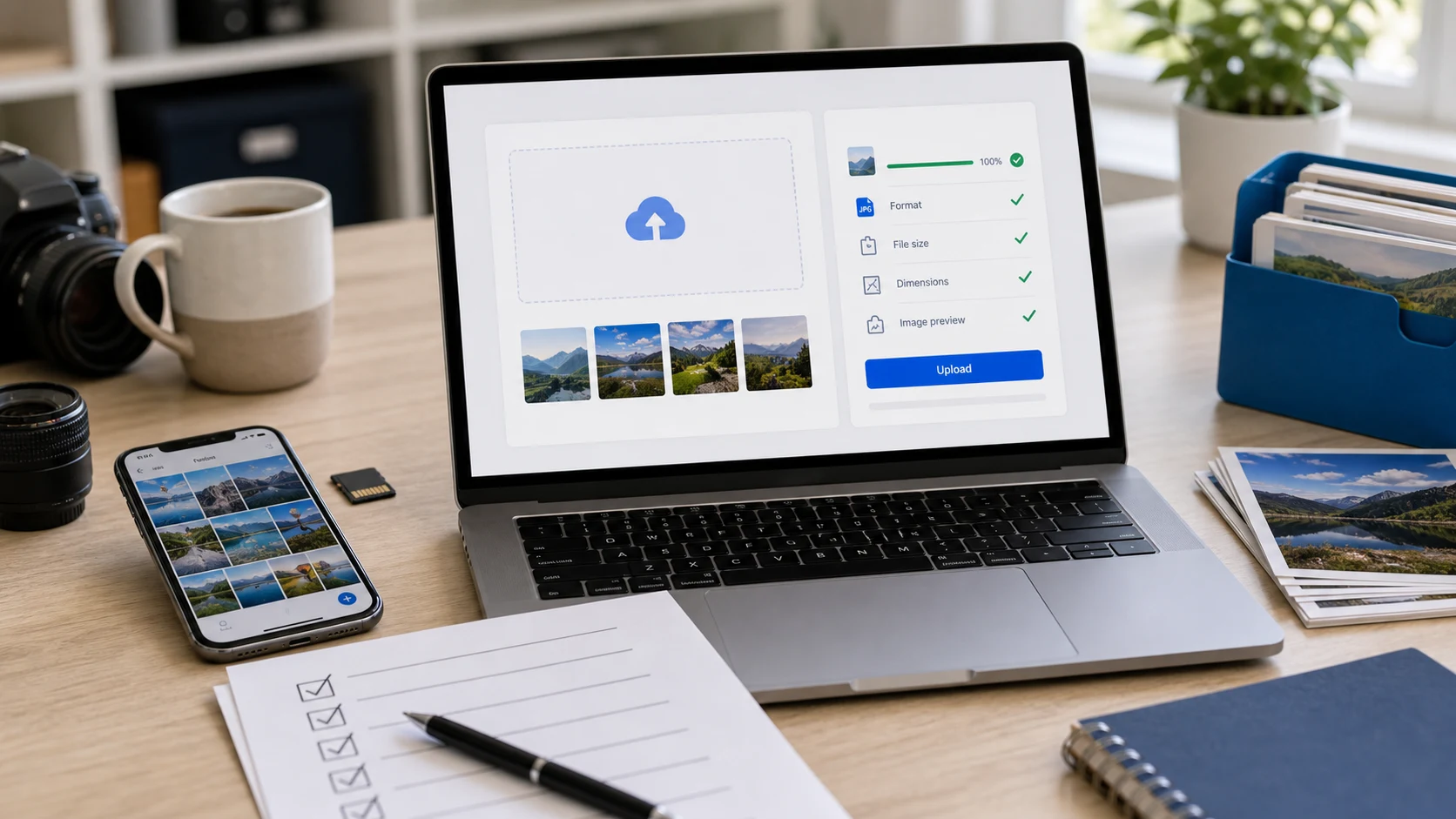
- Press Compress. The result card shows the new size in KB and the dimensions.
- Download the image and upload it to your form.
Getting a clear photo at 200KB
200KB leaves room for a detailed photo. If a document scan has small text, keep it as JPG rather than PNG at this size.
Keep the output as JPG. It is the format nearly every form accepts, and it holds photos far more efficiently than PNG at small sizes. If a form wants both exact pixels and a KB limit, use Resize Image, which lets you set both at once, including sizes in centimeters.
Free, private and works on your phone
The photo is processed in your browser and never uploaded. There's no sign-up or watermark, and it works the same on Android, iPhone and computers.
Guides
Resize image to 200KB questions
How do I compress a JPEG to 200KB?
Add the JPEG; 200 KB is preselected. Press Compress and download. The tool keeps full resolution when it can and only lowers quality as much as needed.
Will my photo look blurry at 200KB?
It depends on the starting photo and the size limit. The tool keeps the highest quality that fits, and you can check the result before downloading.
Can I do several photos at once?
Yes. Add a batch and each photo is compressed to under 200KB, then download them separately or as a ZIP.
Can I pick a different size?
Yes. Change the Target size menu, or choose Custom and type any KB value.
Are my photos uploaded?
No. Everything runs in your browser on your device.