PNG to JPGQuality controlZIP download

PNG to JPG Converter

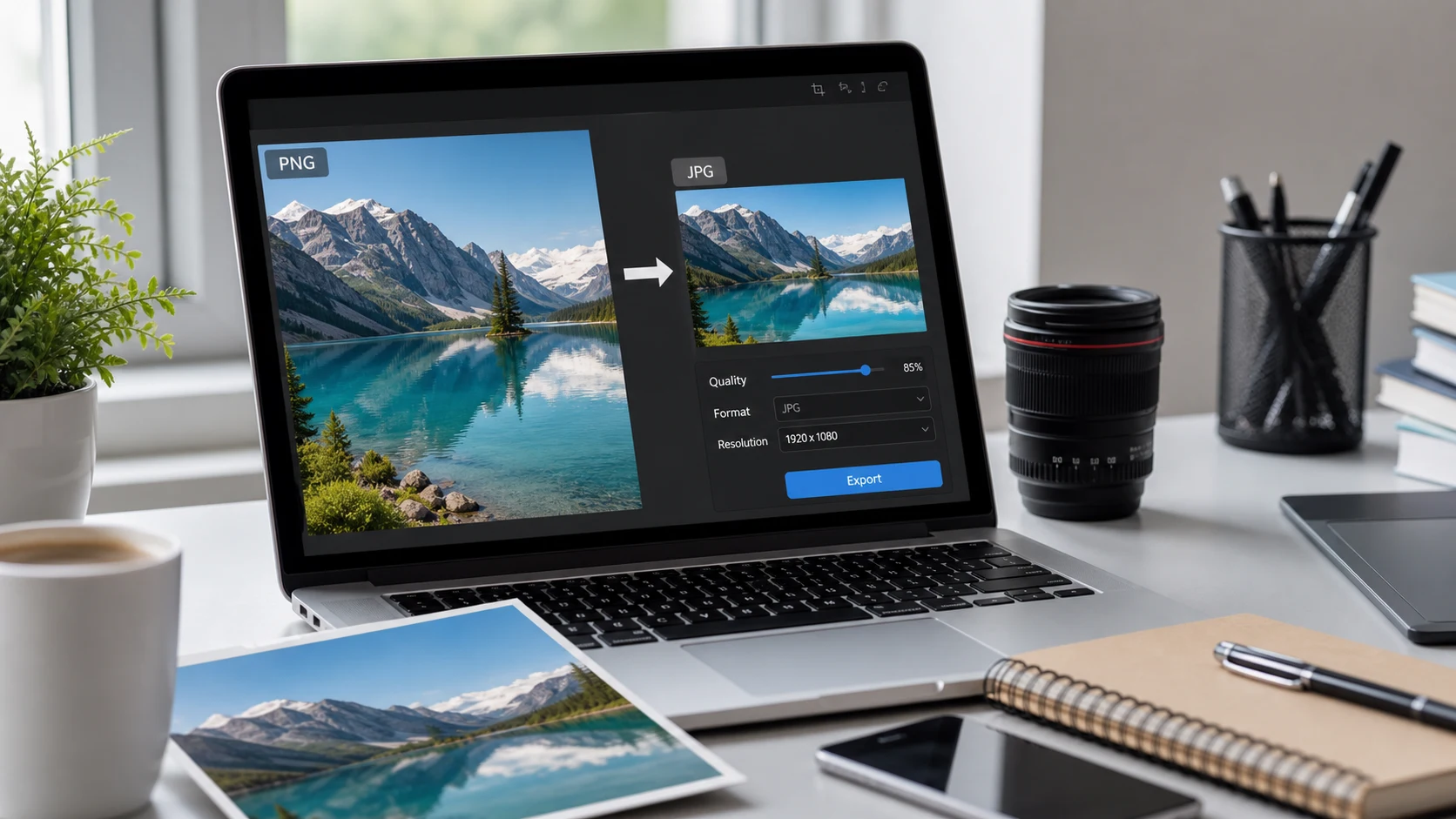
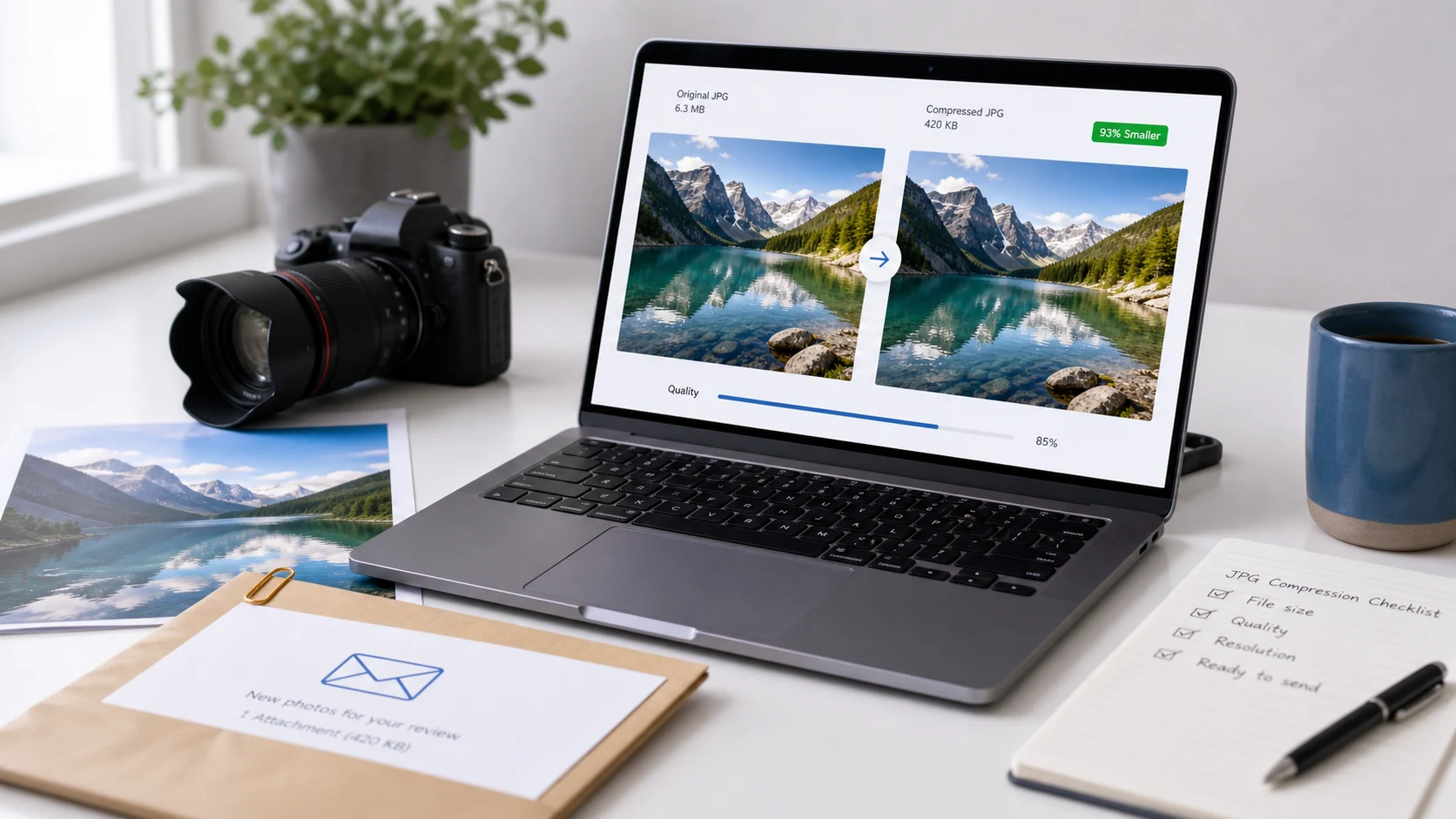
This free PNG to JPG converter online lets you convert PNG to JPG in your browser. Set JPG quality, choose a background for transparent PNG areas, batch convert images, and download each JPEG result or one ZIP file.

Drag & drop PNG files here or

Limits: max 200 files - max 1 GB total

No files selected.

Good for

  • Changing PNG photos or graphics into JPG files for upload forms.
  • Choosing a background color when transparent PNG areas need to become JPG.
  • Converting a batch and downloading each JPG or one ZIP archive.

Privacy note: image conversion is designed to happen in your browser where supported. Keep your original PNG files until you have reviewed the JPG results.

What is a PNG to JPG converter?

A PNG to JPG converter changes a Portable Network Graphics file with the .png extension into a .jpg or .jpeg image. The converted JPG can usually be opened by almost every device, website, browser, design app, email app, and upload form, so it is useful when you need to convert a PNG file to JPG for a form, email attachment, marketplace listing, website image, or document upload. People sometimes search for a PNG in JPG converter online when they want to transform PNG to JPG without opening editing software. The main format PNG JPG difference is transparency: PNG can contain transparent pixels, but JPG cannot. When you convert PNG to JPG, transparent areas must be filled with a solid background color, and this tool lets you choose that background before conversion so a transparent logo, product cutout, or screenshot does not end up with an unexpected color.

Example PNG to JPG workflow

If you exported product photos, screenshots, or design files as PNG but the upload destination requires JPG, use this flow to avoid repeating the same work.

InputPNG images from your device
Quality90 for balanced clarity and size
BackgroundWhite for transparent areas
OutputIndividual JPG files or one ZIP

This example is about format conversion. If the destination also has a file-size limit, convert first, then compress the JPG result if needed.

Common use cases

  • Upload images to forms, school portals, job applications, marketplace listings, and office systems that ask for JPG or JPEG.
  • Turn photo-like PNG exports into a more common sharing format for email, messages, client delivery, or document attachments.
  • Flatten transparent PNG areas onto a chosen background before using the file in a PDF, presentation, or website section.
  • Change a PNG file to JPG when a client or upload portal needs a JPEG image.
  • Change PNG format to JPEG when a website says the image must be in JPG format.
  • Prepare a batch of PNG files for download as individual JPGs or one ZIP archive.
  • Convert PNG to JPG online when an upload form accepts JPEG but not PNG.
  • Batch convert multiple PNG files to JPG and download the finished images together.
  • Convert transparent PNG to JPG with a white, black, or custom background color.
  • Create high quality JPG files from PNG photos, screenshots, product images, or design exports.
  • Use a PNG in JPG converter when a client, portal, or app needs the final image as JPG.
  • Convert PNG to JPEG before resizing, compressing, or adding images to a PDF.
  • Change the format PNG to JPG when you need a smaller, photo-friendly file type.
  • Use Portable Network Graphics to JPG conversion for PNG screenshots, product cutouts, and photo exports.

Features

  • Batch import for multiple PNG images.
  • Quality slider for JPG output control.
  • Background color picker for transparent areas.
  • Per-file downloads after conversion.
  • ZIP download when the batch is complete.

How to use this converter

  1. Add PNG files. Drag files into the import area or choose them from your device.
  2. Set quality. Start around 85 to 92 for a balanced JPG result.
  3. Pick a background. Use white for most forms and documents.
  4. Convert and review. Download each JPG or export the finished batch as a ZIP.

Benefits

  • Make PNG images compatible with JPG-only upload systems.
  • Avoid surprise backgrounds by choosing the fill color yourself.
  • Keep large batches organized inside the results panel.
  • Move from PNG format to JPEG without installing desktop software.
  • Use related tools for resizing, WebP conversion, or JPG compression.

PNG vs JPG: which format should you use?

Choose PNG when you need transparency, sharp screenshots, interface images, logos, icons, or graphics with clean flat color. Choose JPG when you need wide compatibility, photo-friendly output, smaller sharing files, or a format accepted by most upload systems. A simple rule is to keep PNG when transparency matters and convert PNG to JPG format when the destination asks for JPEG, especially for photos, upload forms, email attachments, and everyday sharing. If the image is meant for a website and file size matters, WebP may also be worth comparing after you finish the JPG or PNG decision.

Common PNG to JPG questions

What does a PNG to JPG converter do?

It changes PNG images into JPG or JPEG files so they can be used in places that require JPG format, including upload forms, emails, websites, and document workflows.

Is PNG to JPG the same as PNG to JPEG?

Yes. JPG and JPEG usually mean the same image format. A PNG to JPG converter and a PNG to JPEG converter both create a JPEG-style output file.

Can I use this as a PNG to JPEG convert free tool?

Yes. You can use this page as a PNG to JPEG convert free workflow for common browser-based image preparation, including upload forms, emails, and website images.

Can I convert PNG to JPG online without uploading?

This tool is designed for browser-side conversion where supported, so the PNG to JPG process can happen locally in your browser instead of relying on an upload workflow.

Will transparent PNG areas stay transparent?

No. JPG does not support transparency. Transparent areas are filled with the background color you choose before the JPG is created.

How do I convert transparent PNG to JPG with a white background?

Choose white in the background color setting before conversion. Transparent PNG pixels will be flattened onto white when the JPG file is created.

What JPG quality setting should I choose?

Start around 85 to 92 for most uploads. Use higher quality when detail matters and lower quality when smaller file size is more important.

Can I batch convert multiple PNG files to JPG?

Yes. Add multiple PNG files, convert them together, then download each JPG individually or download all converted JPG files as one ZIP.

Does converting PNG to JPG reduce file size?

It often can, especially for photo-like PNG files. The final size depends on dimensions, visual detail, background color, and JPG quality.

Is JPG better than PNG for photos?

Usually yes. JPG is designed for photographic images and broad compatibility. PNG is better for transparency, screenshots, icons, and sharp graphics.

Should I resize before converting PNG to JPG?

Resize first if the upload destination requires exact dimensions. Convert first if the only requirement is JPG or JPEG format.