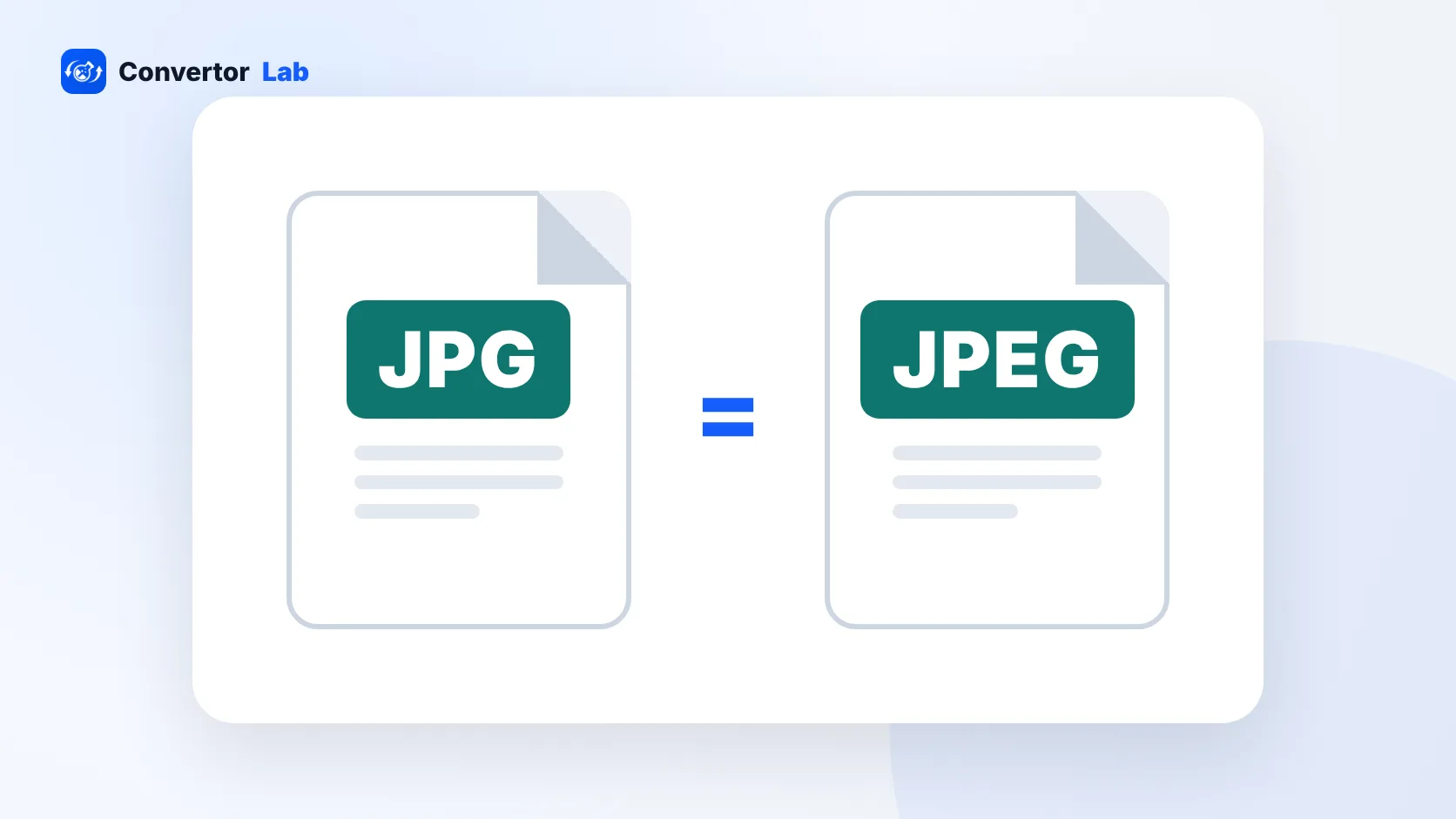
There is no difference between JPG and JPEG. They are two file extensions for the same image format, and the image data inside is identical. The shorter .jpg exists because early Windows and DOS file names allowed only three letters after the dot. You can rename a .jpeg file to .jpg, or the other way round, and nothing about the picture changes.
So if a form asks for a JPG and you have a .jpeg file, you already have the right format.
Is there a difference between JPG and JPEG?
No. Both names refer to the JPEG image format. A photo saved as photo.jpg and the same photo saved as photo.jpeg have the same compression, the same quality and the same pixels. Any app that opens one opens the other.
You may also see .jpe and .jfif. Those hold JPEG data too. They're less common, and a few upload forms don't recognise them, which is the main reason to rename them to .jpg.
The only practical difference is which spelling a program uses by default. Some cameras and apps write .jpg, others write .jpeg. Neither is better.
What is JPEG?
JPEG stands for Joint Photographic Experts Group, the committee that created the standard. The name of the group became the name of the format.
JPEG is a lossy format built for photographs. When you save a JPEG, the encoder throws away fine detail the eye is unlikely to notice, then packs what's left very efficiently. That's why a phone photo can be a few megabytes instead of tens of megabytes.
A few things follow from that design.
- Most programs let you pick a quality level when saving. Lower quality means a smaller file and more visible blockiness.
- Each time you edit and re-save a JPEG, a bit more detail is lost. Keep an original if you plan to edit again.
- JPEG has no transparency. Transparent areas from a PNG turn into a solid colour when converted.
- It handles photos well and sharp graphics badly. Text, logos and screenshots can pick up fuzzy halos.
Why are there two extensions, .jpg and .jpeg?
Old versions of Windows ran on top of DOS, which limited file names to eight characters plus a three-letter extension. "JPEG" has four letters, so Windows programs saved files as .jpg. Systems without that limit could use the full .jpeg spelling.
Windows dropped that limit long ago, but .jpg had already become the habit. Today .jpg is the more common spelling on the web and in upload forms, while .jpeg still shows up from some cameras, apps and operating systems.
Can I change .jpeg to .jpg?
Yes. Renaming the extension is safe because both hold the same data. On Windows 11 you first need to make extensions visible.
- Open File Explorer and select View, then Show, then File name extensions.
- Right-click the file and choose Rename.
- Change .jpeg to .jpg and press Enter.
- Confirm the warning about changing the extension.
On a Mac, turn on Finder, Settings, Advanced, Show all filename extensions. Then click the file name, edit the extension, and choose Use .jpg when asked.
This only works between JPEG extensions. Renaming a HEIC, PNG or WebP file to .jpg does not convert it. The data inside stays the same, and many sites will reject it or fail to show it. For those you need a real conversion with a tool like the Image Converter or the HEIC converter for iPhone photos.
JPEG vs PNG: when should you not use JPEG?
JPEG is the right choice for photos you share, print or upload. PNG is better in a few cases.
- The image needs a transparent background, such as a logo.
- It's a screenshot or contains a lot of small text.
- It's a graphic with flat colours and hard edges, such as a chart.
- You'll keep editing it and want to avoid repeated quality loss.
For websites, WebP is often smaller than both while keeping similar quality. The image formats guide covers when each one makes sense, and what is a PNG file explains PNG in more detail.
Why does a site reject my JPG file?
If an upload form says your JPG or JPEG isn't accepted, the extension is rarely the cause. More often it's one of these:
- The file is too large in KB or MB. Forms with a "max 200 KB" limit usually check the exact byte count, so aim a little under.
- The pixel dimensions are outside the allowed range.
- The file isn't a JPEG at all. A renamed HEIC or WebP image fails the form's format check.
- The extension is .jfif or .jpe, which some forms don't list. Rename it to .jpg.
For size limits, Compress JPG lets you enter a target in KB and keeps the result as a standard .jpg file. For a fake extension, convert the file properly first, then compress it.
How to save an image as JPG
If you have a PNG, WebP or HEIC file and need a JPG, most devices can do it without extra software.
- Windows: open the image in Paint, choose Save as, and pick JPEG picture. Paint saves it with the .jpg extension.
- Mac: open it in Preview, choose File, then Export, and set the format to JPEG. A quality slider lets you trade size against detail.
- iPhone: photos are saved as HEIC by default. To get JPG from the camera instead, go to Settings, Camera, Formats and choose Most Compatible.
- Any device: a browser converter handles batches and odd formats in one go.
Whichever route you take, start from the best copy you have. Converting a small, already compressed image to JPG won't bring back lost detail, and each extra JPEG save softens it a little more.
Free tools that run in your browser
Frequently asked questions
Is JPG the same as JPEG?
Yes. They are two extensions for the same image format, and the data inside is identical. The three-letter .jpg comes from old DOS and Windows file name limits.
What does JPEG stand for?
JPEG stands for Joint Photographic Experts Group, the committee that created the format.
Does renaming .jpeg to .jpg reduce quality?
No. Changing the extension does not touch the image data, so quality and file size stay exactly the same.
Can I rename a HEIC or PNG file to .jpg?
Renaming does not convert the file, so many sites will still reject it. Use a converter to create a real JPG.