JPG to PNGJPEG inputZIP download

JPG to PNG Converter

This free JPG to PNG converter online changes JPG and JPEG files into PNG images in your browser. Add one image or a batch, convert to PNG format, preview progress, and download each PNG result or one ZIP file.

Drag & drop JPG files here or

Limits: max 200 files - max 1 GB total

No files selected.

Good for

  • Changing JPG photos or JPEG exports into PNG files for editing, design, or upload requirements.
  • Creating a stable PNG copy before adding text, marks, overlays, or layout edits in another app.
  • Batch converting multiple JPG files and downloading every PNG as a single ZIP archive.

Privacy note: image conversion is designed to happen in your browser where supported. Keep your original JPG files until you review the PNG results and confirm they match your upload or editing task.

What is a JPG to PNG converter?

A JPG to PNG converter changes a .jpg or .jpeg image into a .png file. People use a JPEG to PNG converter when a design app, document workflow, website editor, school portal, marketplace, or client request specifically asks for PNG format. PNG stands for Portable Network Graphics, a format often used for screenshots, graphics, crisp edges, and images that may be edited again. This tool helps you convert JPG to PNG online without opening desktop image software: choose your files, start the conversion, and download the PNG output. It is useful when you need a JPG file to PNG copy for editing or compatibility, but it does not restore detail lost by old JPEG compression and it does not automatically remove a background.

Example JPG to PNG workflow

If you received JPEG product photos, screenshots, or web images but the next step needs PNG, use this flow to avoid repeating the same conversion by hand.

InputJPG or JPEG images from your device
TaskTransform JPG to PNG for editing or upload
ReviewCheck file size and visual quality after conversion
OutputIndividual PNG files or one ZIP archive

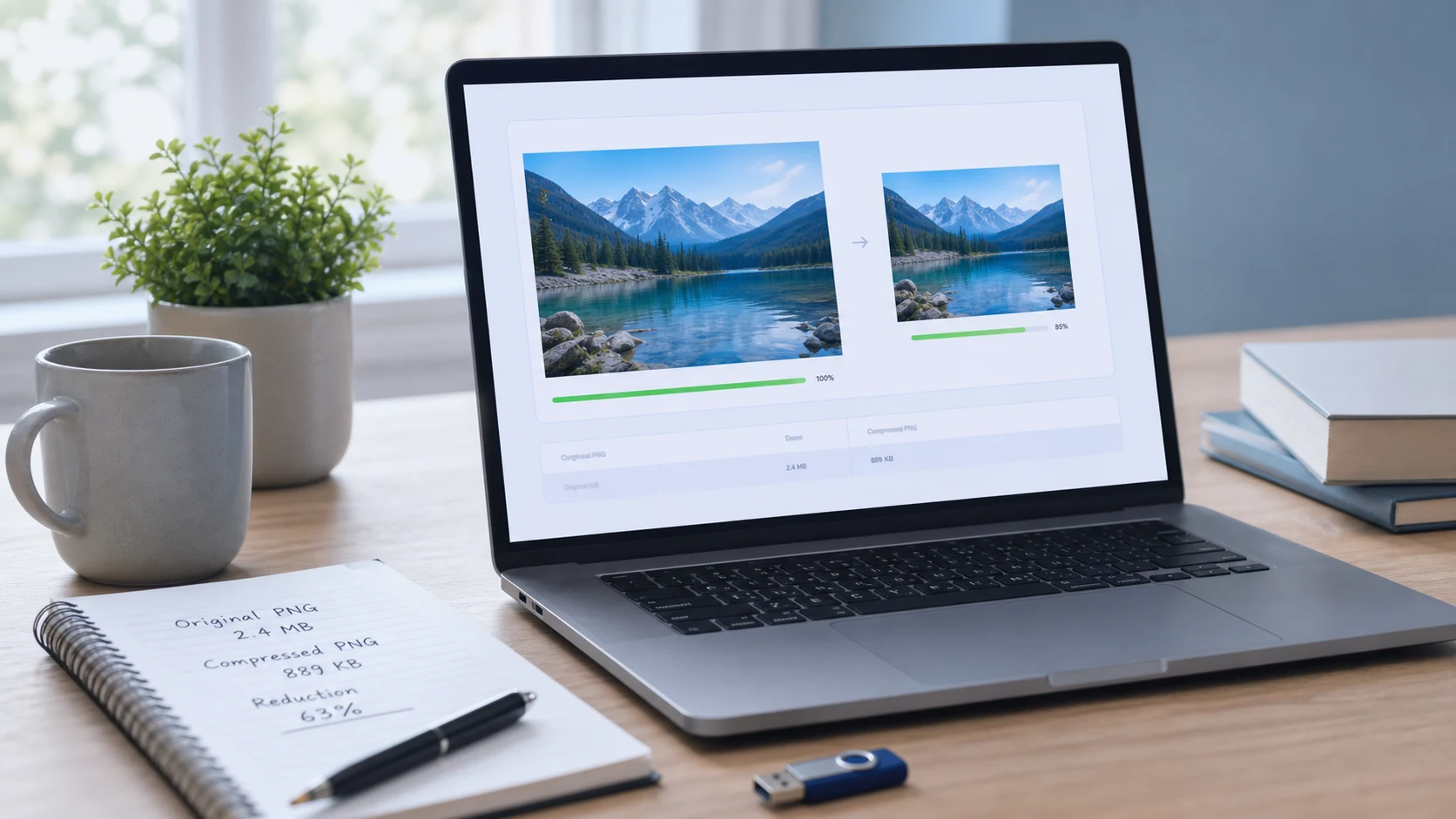
This example is about format conversion. If the PNG output becomes too large for a portal, convert first, then compress the PNG copy if needed.

Common use cases

  • Convert JPG to PNG when a design, form, or upload portal asks for PNG format instead of JPEG.
  • Change a JPEG file to PNG before adding labels, arrows, overlays, or other edits in another tool.
  • Create a PNG copy of a screenshot, chart, receipt, product image, or document image for clearer editing steps.
  • Use a JPG to PNG converter online when you need a quick browser workflow without installing image software.
  • Batch convert JPG files to PNG and download the finished images together as one ZIP.
  • Prepare image files for website editors, school portals, office systems, marketplace listings, and client delivery.
  • Convert JPG to PNG online free when a website accepts PNG but does not accept JPEG.
  • Use a free JPG to PNG converter to make PNG copies for editing, layout work, or document preparation.
  • Convert JPEG to PNG format before saving a file that will be edited more than once.
  • Change JPG to PNG for a screenshot-style workflow where crisp edges matter more than small file size.
  • Convert multiple JPG to PNG files in one batch instead of processing each image separately.
  • Use a PNG converter for JPG images when a receiver specifically asks for Portable Network Graphics output.

Features

  • Accepts common JPG and JPEG files from your device.
  • Processes multiple images in one batch where your browser supports it.
  • Shows conversion progress and status for each selected file.
  • Downloads individual PNG files or one ZIP archive after conversion.
  • Keeps the workspace simple so the tool stays visible and easy to use.

How to use this converter

  1. Add JPG files. Drag JPG or JPEG images into the import area, or use the choose files button.
  2. Start conversion. Press Start Conversion and keep the tab open while the browser creates PNG results.
  3. Review results. Check each item in the output panel and confirm that the PNG looks correct.
  4. Download output. Download one PNG file from its row or use the ZIP button after all conversions finish.

Benefits

  • Quickly creates PNG files for tools, portals, and apps that prefer PNG output.
  • Helps avoid repeated JPEG saves during editing workflows.
  • Makes batch image preparation easier for school, office, website, and client tasks.
  • Gives you a simple browser workspace without asking you to install desktop software.

JPG to PNG quality notes

Converting JPG to PNG is not the same as improving the original photo. JPG uses lossy compression, so some detail may already be gone before the file reaches this tool. PNG uses lossless compression, which is helpful when you want to avoid another lossy save, but it can also create a larger output file. Use PNG when you need a stable editing copy, clearer screenshot-style graphics, or a format requirement. Use JPG when the priority is a smaller photo file for email, web pages, or upload limits.

About transparent PNG expectations

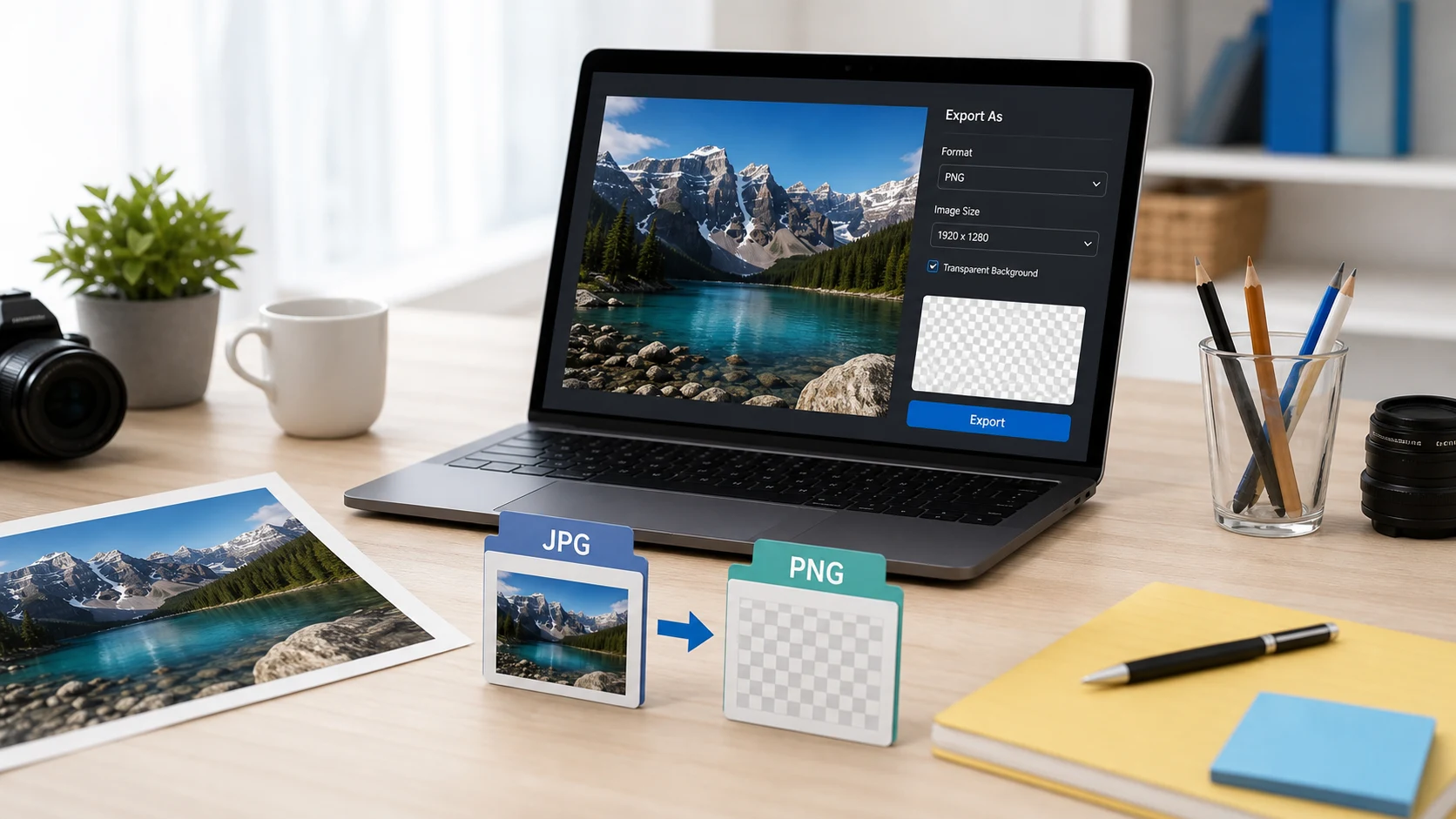
Many people search for JPG to PNG transparent background because PNG can support transparency. The important detail is that a normal JPG does not contain transparent pixels. When you convert JPG to PNG, the existing background remains part of the image. If you need a transparent background, remove or mask the background in an editor first, then save or export the final image as PNG. This converter handles the format change from JPEG to PNG; it does not guess which pixels should become transparent.

Common JPG to PNG questions

What does a JPG to PNG converter do?

It changes a JPG or JPEG image into a PNG file so the image can be used in workflows that require PNG format, such as design edits, screenshots, web graphics, documents, and upload forms.

Is JPG to PNG the same as JPEG to PNG?

Yes. JPG and JPEG usually refer to the same image format. A JPG to PNG converter and a JPEG to PNG converter both create PNG output from JPEG-style input files.

Can I convert JPG to PNG online for free?

Yes. This page is a free JPG to PNG converter online for common browser-based image preparation. Add JPG or JPEG files, convert them, then download PNG results.

Can JPG to PNG create a transparent background?

No. Converting JPG to PNG does not automatically remove a background or restore transparency because JPG files do not store an alpha channel. The PNG output can support transparency, but the original JPG pixels stay visible.

Will converting JPG to PNG improve image quality?

It can prevent another lossy JPEG save, but it cannot recover detail that was already lost in the original JPG. Use PNG when you need a stable editing copy, not as a magic quality repair.

Can I batch convert JPG files to PNG?

Yes. Add multiple JPG or JPEG files, start conversion, then download each PNG file individually or download all finished PNG files as one ZIP archive.

Why is my PNG file larger than the original JPG?

PNG uses lossless compression, while JPG uses lossy compression for photos. A converted PNG can be larger, especially when the source image is photographic or high resolution.

When should I use PNG instead of JPG?

Use PNG for screenshots, graphics, text-heavy images, editing steps, logos, and images that need crisp edges. JPG is usually better for smaller photo files.

Should I compress the PNG after conversion?

Compress the PNG if the destination has a file-size limit or if the PNG becomes much larger than expected. Keep an original copy until you approve the compressed result.

Does this JPG to PNG converter upload my files?

The tool is designed to process selected images in your browser where supported. Keep the tab open during conversion and review the downloaded files before using them for important submissions.