Compress a PDF to under 100KB
This page is set up for one job: getting a PDF under 100KB. The target size is already selected, so you only need to add the file and press Start Compression. The compressor tries the sharpest version first and steps quality and resolution down until the file fits, then shows you the final size before you download.
A 100KB limit is common for mark sheets, certificates, ID proofs, address proofs and other single documents for online forms. As a rough guide, 100KB holds one to three scanned pages, or several pages of typed text.
How to reduce PDF size to 100KB
- Add the PDF. The target is already set to 100KB.
- Optional: choose Grayscale if the document is black and white.
- Press Start Compression and wait for the file to show its new size.
- Check and download. Drag the preview slider to make sure the text is readable.
Tips for a sharp PDF at 100KB
If small print looks fuzzy at 100KB, crop away the blank margins of the scan first. Less empty paper means more of the budget goes to the text.
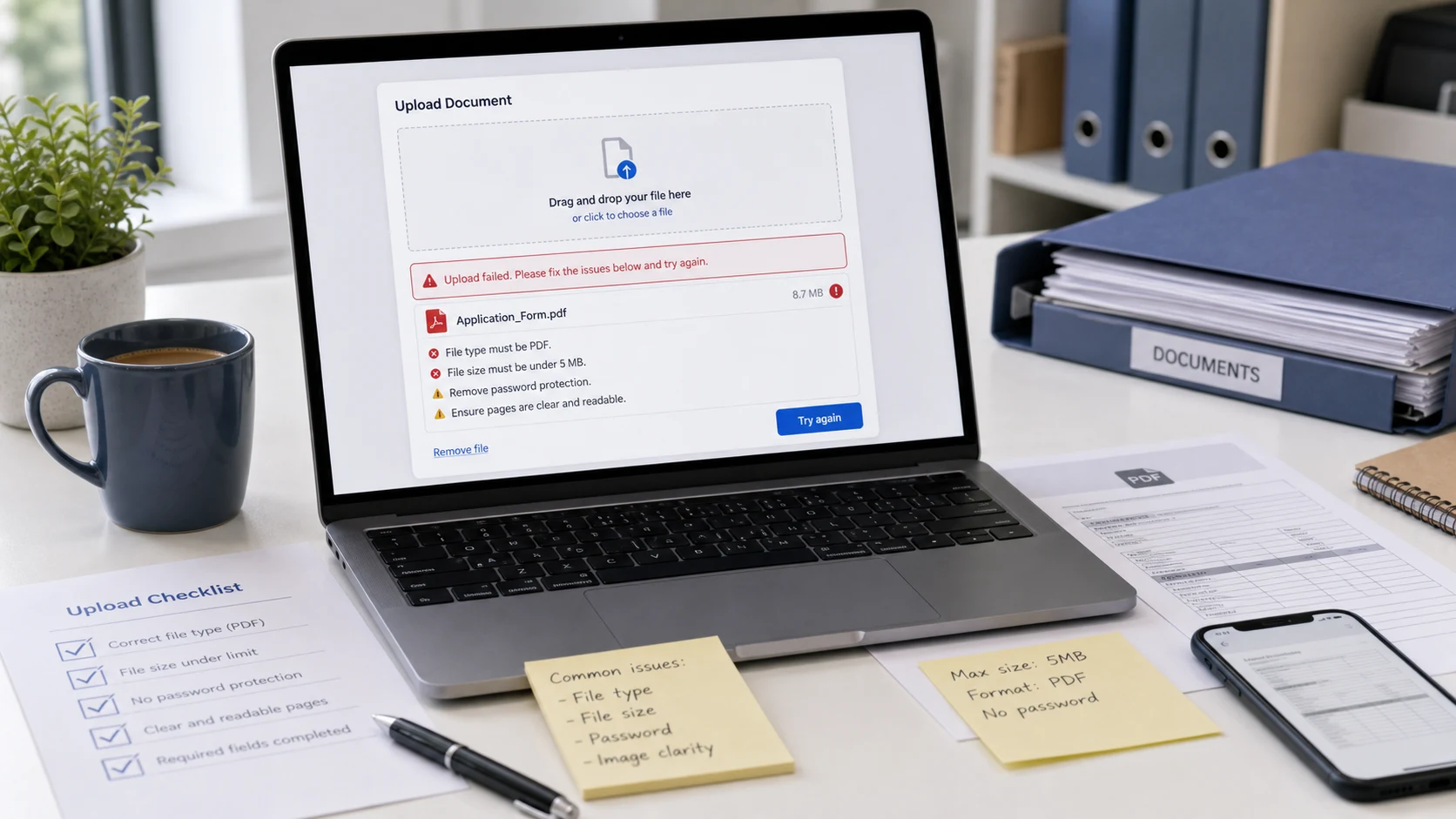
If the tool reports that 100KB can't be reached, the document has too many pages for that size. Remove pages you don't need with Split PDF, or ask whether the portal accepts a larger file. Remember that compression flattens the PDF into images, so keep the original for anything that needs selectable text or a digital signature.
Free, and your PDF isn't uploaded
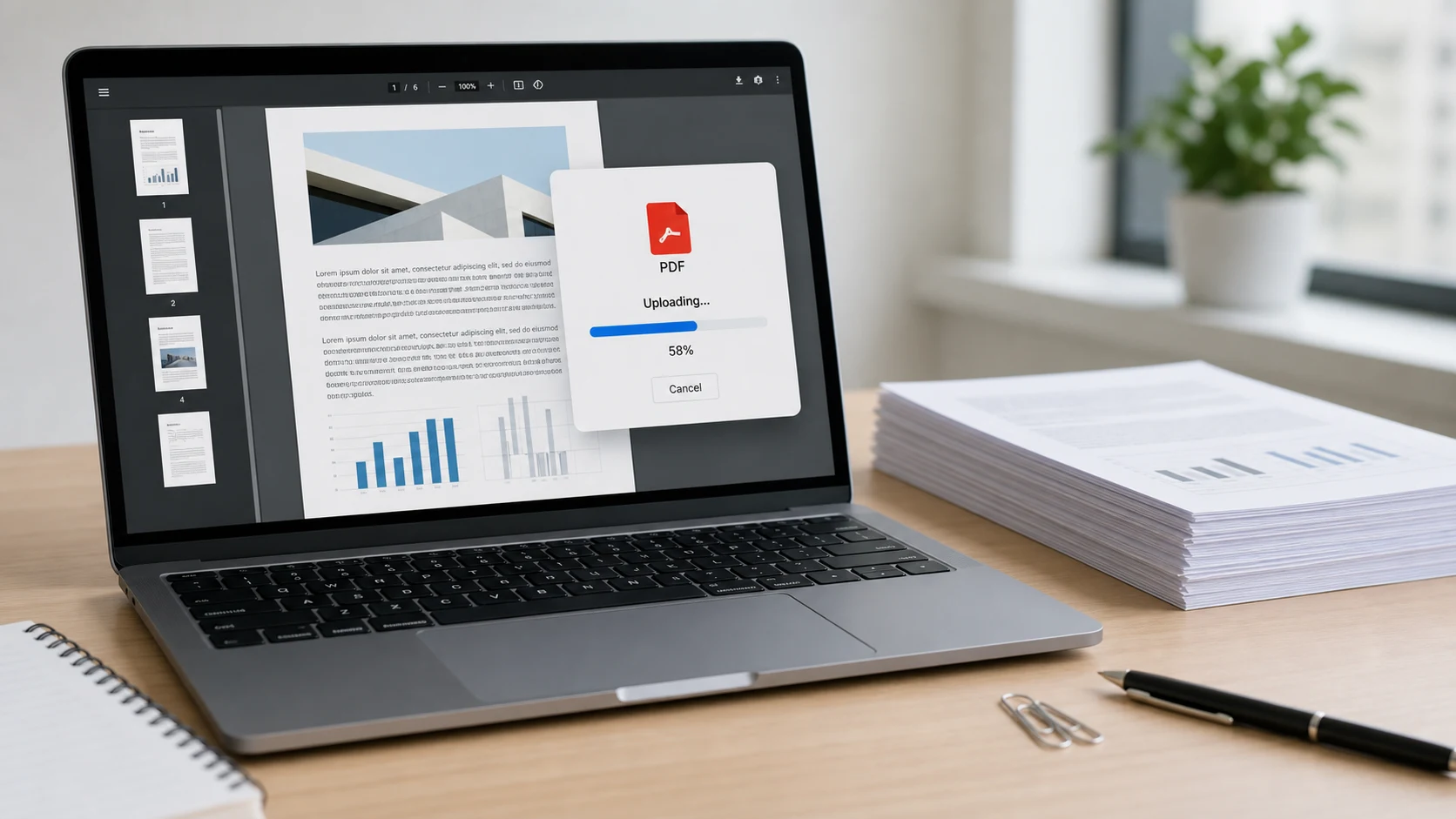
Compression runs in your browser on your own device, so the document never reaches our server. There's no sign-up and no watermark, and it works on phones as well as computers.
Guides
Compress PDF to 100KB questions
How do I reduce a PDF to 100KB without losing quality?
Some quality is always traded at this size, but the tool keeps the highest quality that fits. Text documents stay clear. For scans, crop margins and use grayscale to keep small print sharp.
Is this 100KB PDF compressor free?
Yes. There's no sign-up, no watermark and no daily limit.
What if my PDF is already smaller than 100KB?
It's left unchanged, so you never download a lower-quality copy for no reason.
Can I choose a different size?
Yes. Change the Target size menu to any other value, or pick Custom and type your own limit in KB.
Is my PDF uploaded anywhere?
No. Everything happens in your browser.