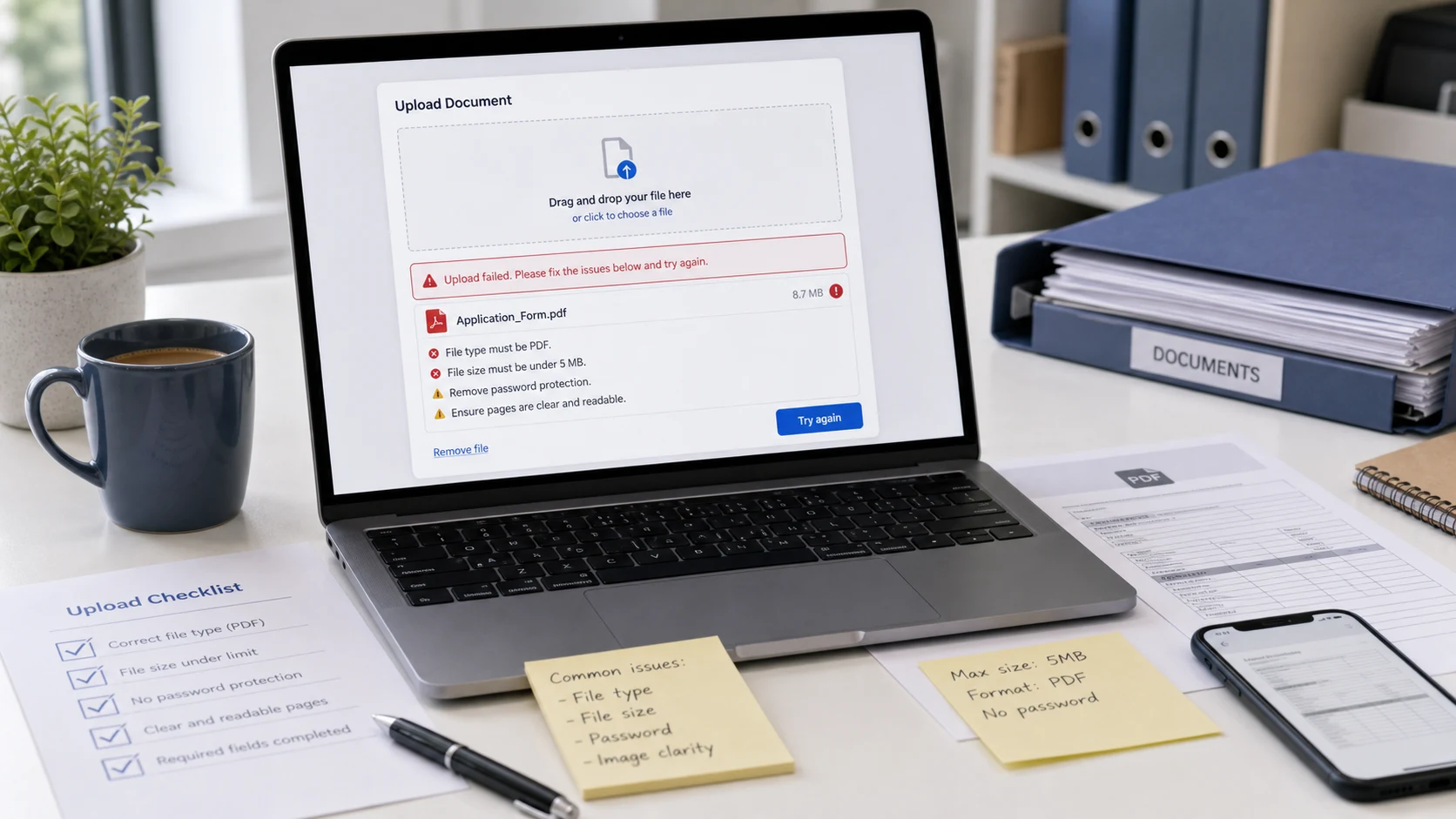
A document upload error almost always means the file breaks one of the portal's rules. It is in a format the site doesn't accept, over the size limit, password protected, or damaged. Read the requirements next to the upload button, match the error message below, and fix that one thing. You rarely need to recreate the document from scratch.
Portals for exams, jobs, banks, visas and government services all use slightly different wording, but the same handful of errors come up again and again. Each section below starts with the message you're likely to see.
"File format not supported" or "invalid file format"
This means the portal looked at your file and didn't find a type on its allowed list. Most document fields accept PDF, many photo fields accept JPG or JPEG, and some accept PNG. Anything else fails, including files that open perfectly on your own device.
The usual culprits:
- iPhone photos saved as HEIC. Your phone shows them like any photo, but most portals reject them. Convert them with the HEIC converter, which outputs JPG, PNG or PDF. The guide on what a HEIC file is explains why iPhones use the format.
- WebP images saved from a website. Convert them to JPG, or on Windows open them in Paint and use Save as.
- Word, Pages or Google Docs files when the field wants PDF. Use the app's Save as PDF, Export or Download as PDF option.
- PNG when the field says JPG only. Convert the file, then check the size again, since a JPG of a scan is often much smaller.
- A wrong or doubled extension, such as marksheet.pdf.pdf, or a photo renamed to end in .pdf.
Renaming a file never converts it. Many portals check the data inside the file, so a HEIC photo renamed to photo.jpg still fails. Turn on file extensions on your computer (File Explorer's View > Show menu on Windows 11, or Finder settings > Advanced on a Mac) so you can see the real type before you upload.
To turn several photos of a document into one PDF, use JPG to PDF. You can order the pages, pick A4 or Letter, and set a maximum PDF size so the result also fits the limit. It accepts HEIC directly.
"File not supported" on a phone
The shorter "file not supported" message often appears on mobile, where the file picker hands the portal something unexpected. Common reasons:
- The camera roll passes a HEIC original. On iPhone, Settings > Camera > Formats > Most Compatible makes future photos save as JPG.
- The file is still in the cloud. A document in iCloud Drive or Google Drive that hasn't downloaded can fail in the picker. Open it once so it downloads, then try again.
- You picked a screenshot or a forwarded chat image when the field wanted a PDF. Convert it to PDF first.
If a phone keeps failing, try the same upload on a computer. Desktop file pickers show the real file name and type, which makes the problem easier to spot.
"File too large" or "exceeds maximum size"
This is the most common error by far. Some portals cap documents at a few hundred KB, and a colour scan from a phone can be several MB.
- Find the limit on the upload page. It is often in small print under the button or in a help link.
- Check your file's size. On Windows, right-click and choose Properties. On a Mac, select it and press Command-I.
- Compress it to a target a little under the limit. For common caps there are presets such as compress PDF to 200KB.
- Open the compressed file and confirm every page is readable, especially small print, stamps and signatures.
ConvertorLab's PDF compressor works in your browser and turns pages into images to hit small targets. Text in the result can't be selected and form fields aren't kept, which is fine for scans and signed copies. If the portal wants a fillable form back, remove extra pages instead, or use your PDF app's own optimizer.
If there is a total limit across all uploads, shrink the biggest scans hardest and leave text PDFs alone.
"Password protected" or "encrypted file"
Bank statements, tax forms and payslips are often downloaded with a password on them. Portals can't open those files, so they reject them, sometimes with an "invalid file format" message that sends you looking in the wrong place.
- Find the password. Banks usually describe the format in the email or on the download page.
- Open the Unlock PDF tool and enter the password. It saves a copy without encryption, inside your browser.
- Upload the unlocked copy, then delete it from your downloads when you're done.
Some PDFs open without a password but carry owner restrictions that block printing or editing. Those can trip up portals too, and the unlock tool can usually remove them with an empty password. It can't recover or crack a password you don't know. If you don't have it, ask the sender for an unprotected copy.
"Corrupt file" or "could not be processed"
A file can be damaged by an interrupted download, a sync conflict or an app that wrote a slightly broken PDF. Your viewer may still show it, while the portal's stricter parser refuses it.
- Download the original again from its source.
- Open it and print it to a new PDF. On Windows, choose Microsoft Print to PDF as the printer. In Chrome, choose Save as PDF.
- If it is a scan, scan the pages again and save straight to PDF.
- Rebuild the pages with Merge PDF or Organize PDF, which writes a fresh file.
Printing to a new PDF also clears up odd fonts and layers that some portals dislike. For files that won't open at all, the PDF not opening guide has seven more fixes.
Other reasons a document upload fails
- Too many files: the portal wants one PDF and you have five scans. Merge them into one file in the right order.
- Wrong page count: some fields accept a single page, such as one side of an ID card. Split off the page you need.
- File name problems: spaces, symbols, accents and very long names can break older systems. Use something short like passport_front.pdf.
- Minimum size: a few portals reject files below a set KB size. Compress less, or rescan at a higher quality.
- Pixel dimensions: photo and signature fields may also check width and height. Resize to the stated pixels before compressing.
- Browser issues: try a different browser or a private window, and switch to a stable connection. Large uploads on weak mobile data often time out with a generic error.
- Session timeout: if the form has been open a long time, save your progress, reload and try again.
Checklist before any document upload
- Format matches the list on the page (usually PDF or JPG), converted properly, not renamed.
- Size is under the limit with a small margin, and above any minimum.
- No password or editing restrictions.
- All required pages are in one file, in order and upright.
- Every page is readable at 100% zoom.
- File name is short and plain.
Keep the original files untouched in a separate folder. If a portal changes its rules or you need to upload again, you can start from a clean copy instead of compressing an already compressed file.
Free tools that run in your browser
Frequently asked questions
Why does my document upload keep failing?
Usually the file is over the size limit, in a format the portal doesn't accept, password protected or damaged. Compare the file against each rule on the upload page.
What does file format not supported mean?
The portal didn't find your file type on its allowed list. Convert the file to the listed format, usually PDF or JPG, instead of renaming it.
How do I fix an invalid file format error?
Check the real extension, then convert HEIC, WebP, PNG or Word files to the format the portal asks for. Also check for a password, since locked PDFs can trigger the same message.
Why does my phone say file not supported?
The picker may be passing a HEIC photo or a file that is still in the cloud. Convert the photo to JPG or PDF, or download the file to your phone first.
How do I upload a password protected PDF?
Open it with its password and save an unprotected copy, for example with an unlock tool. Portals cannot read encrypted files.
What format do most portals accept for documents?
PDF is the most widely accepted, with JPG next for photos and signatures. Always check the list on the specific upload page.