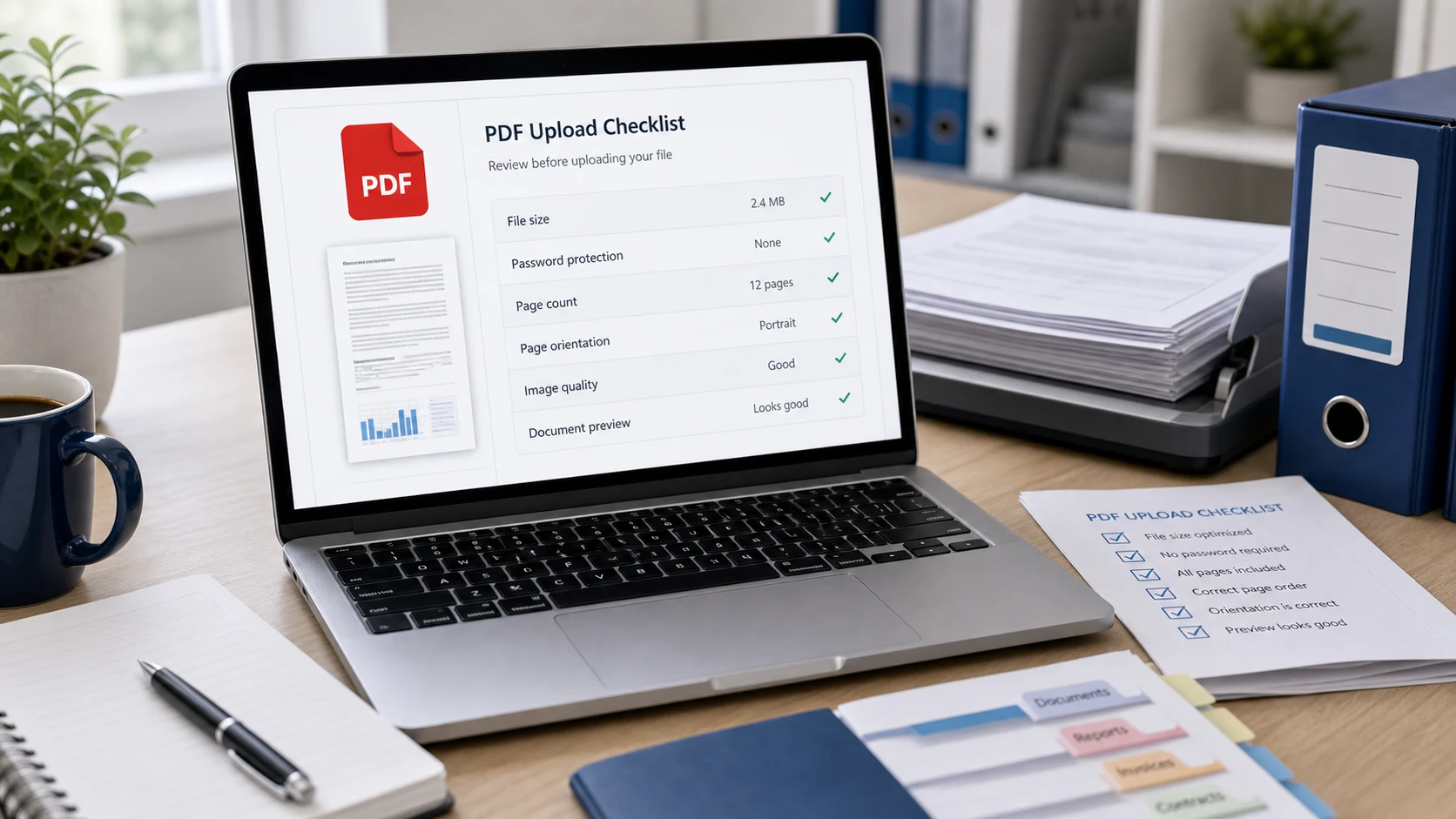
A PDF file not opening usually means an incomplete download, a file that isn't really a PDF, a password, an outdated PDF app, a phone without a viewer, a size limit on the upload site, or a security block. Open it in your browser first. That one test shows which fix you need.
Drag the file into Chrome, Edge, Firefox or Safari. If it opens there, the file is fine and the problem is your PDF app or the upload site. If it fails in the browser too, the file itself is damaged, locked or mislabeled. Work through the fixes below in order.
Fix 1: Re-download a corrupt or incomplete PDF
An interrupted download is the most common reason a PDF won't open. The file looks normal in your Downloads folder, but part of it is missing, so every app reports it as damaged or blank.
- Check the file size. On Windows, right-click the file and choose Properties. On a Mac, select it and press Command-I. A statement or form showing 0 KB, or only a few KB, is almost certainly incomplete.
- Look for a leftover partial download. Chrome names unfinished downloads with a .crdownload ending.
- Download the file again from the original email, portal or website, on a stable connection.
- If it came as an email attachment, save it to your device first instead of opening it from inside the mail app.
If the sender's copy is broken, no app on your side can repair it. Ask them to export the PDF again and resend it.
Fix 2: Check that the file is really a PDF
A file can carry a .pdf name and still be something else. A Word document renamed to .pdf, a photo saved as statement.pdf.jpg, or a file with a double extension such as report.pdf.pdf will all confuse PDF readers and upload forms.
First make extensions visible. On Windows 11, open File Explorer and choose View > Show > File name extensions, as Microsoft explains in its page on common file name extensions. On a Mac, open Finder settings, go to Advanced and turn on Show all filename extensions.
- If the real extension is .docx, .jpg, .png or .heic, open it in the matching app and use Save as PDF, Export as PDF or Print to PDF.
- To turn photos of documents into a proper PDF, use Image to PDF, which also accepts iPhone HEIC photos.
- Remove a doubled extension so the name ends in a single .pdf.
Renaming never converts a file. The data inside stays in its original format, and strict viewers and portals check the data.
Fix 3: The PDF asks for a password or is locked
Bank statements, salary slips, credit card bills and e-Aadhaar downloads usually arrive locked. If your viewer asks for a password and you don't have it, the file won't open. Upload portals often reject these files too, sometimes with a vague "invalid file" message, because they can't read encrypted content.
- Find the password format in the email or letter that came with the file.
- Open the file with that password to confirm it works.
- Save an unlocked copy with Unlock PDF, which runs in your browser, then upload that copy.
Some PDFs open freely but block printing or copying. Those owner restrictions can trip up portals as well, and the unlock tool can clear them with an empty password. The guide to removing a PDF password covers Mac Preview, Chrome and Acrobat, and what to do if you forgot it.
Fix 4: Update or change the app that opens PDFs
If the PDF opens in a browser but not in your desktop app, the app is the problem. Old versions of PDF readers can fail on newer files, and a broken file association can send PDFs to the wrong program.
- Set a working default. On Windows, right-click the PDF, choose Open with, then Choose another app, pick a viewer such as Microsoft Edge or Adobe Acrobat Reader, and tick the box to always use it for .pdf files.
- Update the reader. In Acrobat or Acrobat Reader, choose Help > Check for Updates.
- Repair it. On Windows, Acrobat and Reader have Help > Repair Installation for damaged program files. Adobe lists these steps on its PDF won't open help page.
- On a Mac, try Preview first. If Preview opens the file and another app doesn't, update or reinstall that app.
A PDF that opens but shows blank pages, missing text or odd boxes usually has font or rendering problems. Open it in a different viewer, or print it to a new PDF from the browser to get a cleaner copy.
Fix 5: PDF file not opening on a phone
On phones, the issue is often where the file lives. A PDF sitting inside a chat app or a cloud folder may not be downloaded yet, and some messaging apps hand the file to whatever app happens to be set as default.
- On an iPhone, save the attachment to the Files app, then open it from Files. The built-in viewer handles normal PDFs.
- On Android, save the file to your phone and open it with a PDF viewer such as Google Drive's viewer or another reader you trust.
- If the file shows a cloud icon, it hasn't fully downloaded. Wait for it, or download it again on Wi-Fi.
- Free up storage if your phone is almost full. Downloads can fail silently.
Fix 6: The PDF won't upload because of size, pages or name
When the PDF opens fine but a portal refuses it, the cause is usually one of the site's rules.
- Size: look for the limit near the upload button. If your file is over it, use Compress PDF with a target a little below the cap, such as 190 KB for a 200 KB limit. Some sites count 1 KB as 1,000 bytes and others as 1,024, which the KB and MB guide explains. The compressor turns pages into images to reach small sizes, so text in the result isn't selectable and form fields aren't kept.
- Pages: some fields take one document or a set number of pages. Split off the pages you need, and delete blank backs from double-sided scans.
- File name: older systems dislike spaces, symbols, emoji and very long names. Rename to something plain like passport-front.pdf.
- Readability: a file that uploads can still be rejected later if the scan is blurry, sideways or cropped. Check every page at 100% zoom before you submit.
If the file passes all of that, try another browser or a private window, which runs without extensions. Switch between Wi-Fi and mobile data for large uploads, and if a phone keeps failing, try a computer.
Fix 7: Your security software blocked the PDF
Windows Security, antivirus tools and some email services block or quarantine PDFs they think are dangerous. That can look like a file that simply won't open. Before you override a block, check who sent the file and whether you expected it. A PDF can carry harmful content, such as links to phishing pages, embedded files or exploits aimed at old readers.
- Don't restore a quarantined file from an unknown sender.
- Ask a known sender to confirm they sent it, ideally through a different channel.
- Keep your reader and browser updated, since browser PDF viewers are sandboxed.
The guide on whether a PDF can have a virus lists the warning signs and safe ways to check a file. If nothing above works, contact the portal's help desk with a screenshot of the error, plus the file's size, page count and name.
Free tools that run in your browser
Frequently asked questions
Why is my PDF file not opening?
The file may be an incomplete download, not a real PDF, password protected, or blocked by security software, or your PDF app may be outdated. Try opening it in a web browser to narrow it down.
How do I fix a PDF that says it is damaged?
Download it again from the source on a stable connection. If the sender's copy is damaged, ask them to export and resend it.
Why won't my PDF upload to a website?
Common causes are a file over the size limit, a password, too many pages, an unusual file name or a file that isn't really a PDF. Check each against the site's rules.
Why does my PDF open on my computer but not on my phone?
The file may not be fully downloaded on the phone, or the app you opened it from has no PDF viewer. Save it to the Files app on iPhone or to your phone storage on Android and open it from there.
Can a portal reject a password protected PDF?
Yes. Most portals can't read encrypted files. Open the PDF with its password and save an unlocked copy before uploading.
Does renaming a file to .pdf fix it?
No. Renaming changes the label only. Export or print the file to PDF from the app that created it, or use a converter.