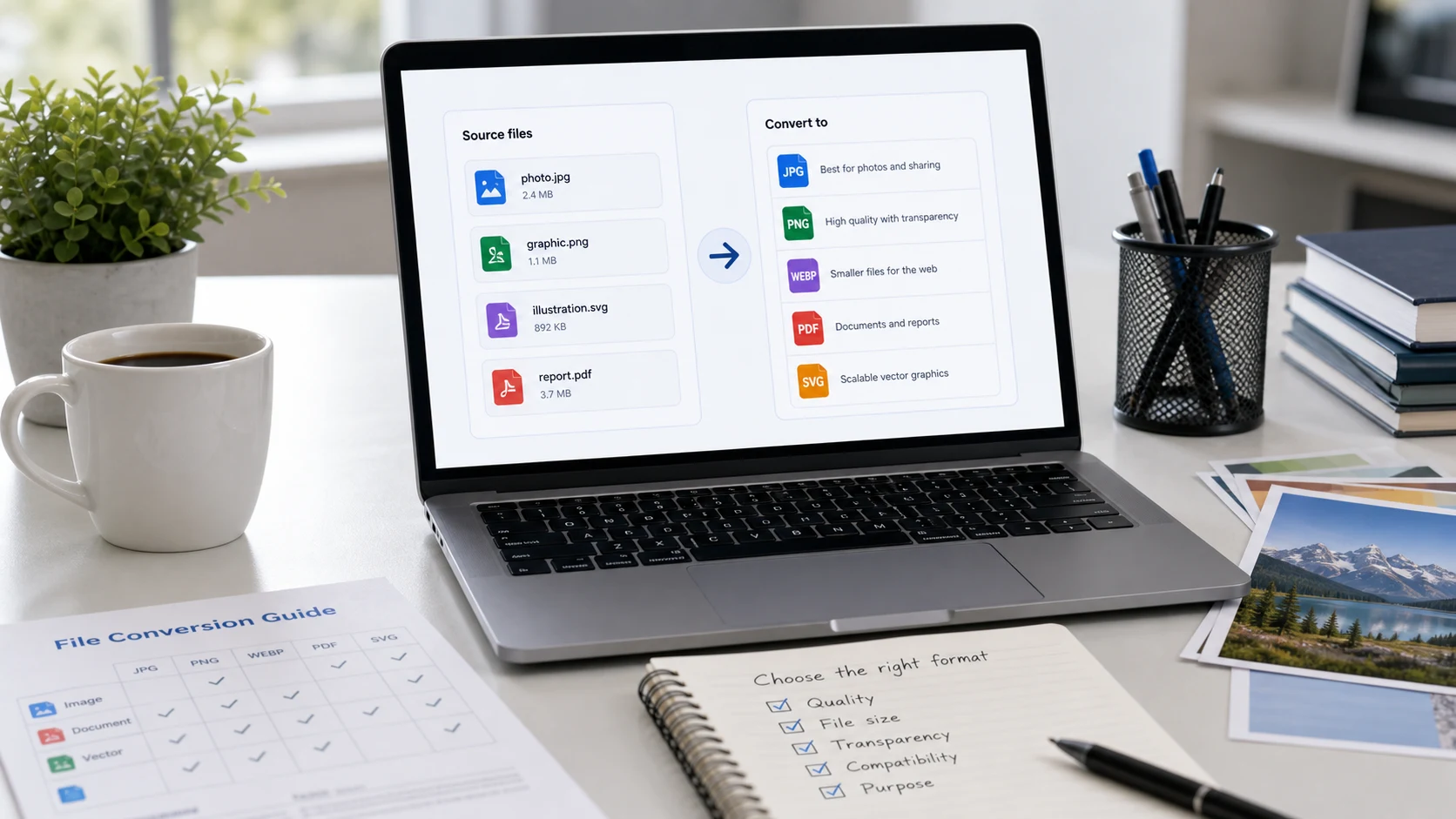
To convert an image to JPG, open it in an app that can save in another format and choose JPEG. On Windows, use Paint's Save as. On a Mac, use Preview's File > Export. On iPhone, use Convert Image in the Files app. A free browser converter also turns PNG, HEIC or WebP into JPG in seconds.
Renaming the file (changing photo.png to photo.jpg) doesn't convert it. Strict upload forms read the actual data and will still reject it. Below are proper methods for each device, then a short guide to which converter fits which problem.
How to convert an image to JPG online (any format)
A browser converter is the quickest route when you have a mix of formats or several files. ConvertorLab's image converter handles the common formats in one place. It works inside your browser, so your photos aren't uploaded.
- Open the image converter and add your files. A batch is fine.
- Choose JPG as the output format.
- Set the quality if you want a smaller file. Around 80 to 90 looks the same as the original for most photos.
- Convert and download. Several files come back as a ZIP.
For one specific format, the dedicated pages give a few more options:
- iPhone HEIC photos: the HEIC converter turns them into JPG, PNG or a PDF.
- Saved web images ending in .webp: the WebP converter.
- Screenshots and graphics in PNG: the PNG to JPG converter. Transparent areas become a solid colour, since JPG has no transparency.
How to convert a photo to JPG on iPhone
Most iPhone photos are HEIC, Apple's high-efficiency format. Many Windows PCs, older apps and upload forms won't accept it. There are three built-in fixes.
Convert existing photos with the Files app
On iOS 16 and later, the Files app can convert images:
- In Photos, select the photo, tap Share and choose Save to Files.
- Open the Files app and find the photo.
- Touch and hold the image, then tap Quick Actions > Convert Image.
- Choose JPEG, then pick a size (Small, Medium, Large or Original).
Files creates a new JPG next to the original. To convert several at once, select them in Files, tap the More button and choose Convert Image.
Take new photos as JPG
Go to Settings > Camera > Formats and choose Most Compatible. New photos are then saved as JPG. They take more storage than HEIC, which is often much smaller at similar quality.
Let the iPhone convert when transferring
Under Settings > Photos > Transfer to Mac or PC, choose Automatic. Photos copied to a computer over USB then arrive as JPG. The iPhone also converts to JPG automatically when you share to many apps.
Our explainer on what a HEIC file is covers the format in more detail.
How to convert an image to JPG on Windows
Paint opens PNG, BMP, GIF, TIFF and, on current Windows versions, WebP. It saves as JPEG in a few clicks:
- Right-click the image and choose Open with > Paint.
- Click File > Save as > JPEG picture.
- Pick a name and folder, then click Save.
Paint does one file at a time and gives no quality setting. HEIC files only open in Windows apps once the HEIF Image Extensions (and HEVC Video Extensions) are installed from the Microsoft Store. If you don't want to install anything, use a browser converter instead.
How to convert an image to JPG on a Mac
Preview converts almost any image format:
- Open the image in Preview.
- Choose File > Export.
- Set Format to JPEG and drag the Quality slider if you want a smaller file.
- Click Save.
For a batch, select several images in Finder, right-click and choose Quick Actions > Convert Image. Pick JPEG and a size, and Finder makes the copies. Preview and Photos open HEIC natively, so iPhone photos work the same way.
How to convert a photo to JPG on Android
Android phones usually shoot JPG by default, so conversion is mostly needed for downloaded WebP images or HEIC photos sent from an iPhone. Gallery apps differ between brands, and many don't offer a Save as JPG option. A browser converter works on any Android phone. Open the image converter in Chrome, add the file from your gallery or Downloads, choose JPG and download.
Samsung Galaxy phones have a High efficiency pictures option in the camera settings. If it's on, the phone saves HEIF photos, so turn it off if you need JPG straight from the camera.
What changes when you convert an image to JPG?
JPG is built for photos. It keeps files small by discarding detail your eye is unlikely to notice. That has a few side effects worth knowing before you convert:
- Transparency is lost. Clear areas in a PNG, WebP or HEIC become a solid colour, usually white or black. Keep logos with transparent backgrounds as PNG.
- Each save loses a little quality. Converting once at high quality is fine. Re-editing and re-saving the same JPG many times slowly adds blocky artefacts, so keep your original.
- Sharp text and line art can look fuzzy. Screenshots of documents and charts often look cleaner as PNG.
- File size changes. A PNG photo usually gets much smaller as JPG. A HEIC photo usually gets bigger, since HEIC compresses more efficiently.
For quality, 80 to 90 is a sensible range for photos. Go lower only when you need to hit an upload limit, and check the result at full size.
Which converter for which problem?
Not every image problem is a JPG problem. A quick match:
- iPhone photo says "file type not supported": HEIC to JPG.
- Downloaded image ends in .webp: WebP to JPG or PNG.
- Form says "JPG only" and you have a PNG: PNG to JPG. The file usually gets smaller too.
- App asks for PNG: JPG to PNG. It won't add transparency or sharpen anything.
- Several photos must go in as one document: image to PDF.
- You need a page of a PDF as a picture: PDF to JPG.
- A site rejects your SVG logo: SVG to PNG.
Some upload problems look like format problems but aren't:
- The file is too big. A compressor with a target size in KB is the fix, and our guide on how many KB are in a MB helps you read the limit.
- The image has the wrong dimensions. Resize or crop it to the required size.
- The image looks blurry. No converter adds detail. Go back to a larger original.
If you're wondering whether a form that asks for JPEG will take your .jpg, it will. Our JPG vs JPEG explainer covers why they're the same format with different extensions.
Free tools that run in your browser
Frequently asked questions
How do I convert an image to JPG for free?
Use a free browser converter, or the built-in apps: Paint's Save as on Windows, Preview's Export on Mac, or Convert Image in the Files app on iPhone.
How do I convert a photo to JPG on iPhone?
Save the photo to Files, touch and hold it, then tap Quick Actions > Convert Image and choose JPEG. To shoot JPG from now on, set Settings > Camera > Formats to Most Compatible.
Can I just rename a file to .jpg?
No. Renaming changes the label, not the data inside, and many apps and upload forms will still reject the file. Use a converter or an app's Save as or Export option.
How do I convert a PNG to JPG without losing quality?
Save at high JPG quality, around 90. Photos look the same, but transparent areas turn into a solid colour because JPG has no transparency.
Is JPEG the same as JPG?
Yes. They're the same format. The shorter .jpg extension dates from old systems that allowed only three-letter extensions.
Why won't my image convert to JPG on Windows?
HEIC files need the HEIF Image Extensions from the Microsoft Store before Windows apps can open them. Without it, use a browser converter that reads HEIC directly.