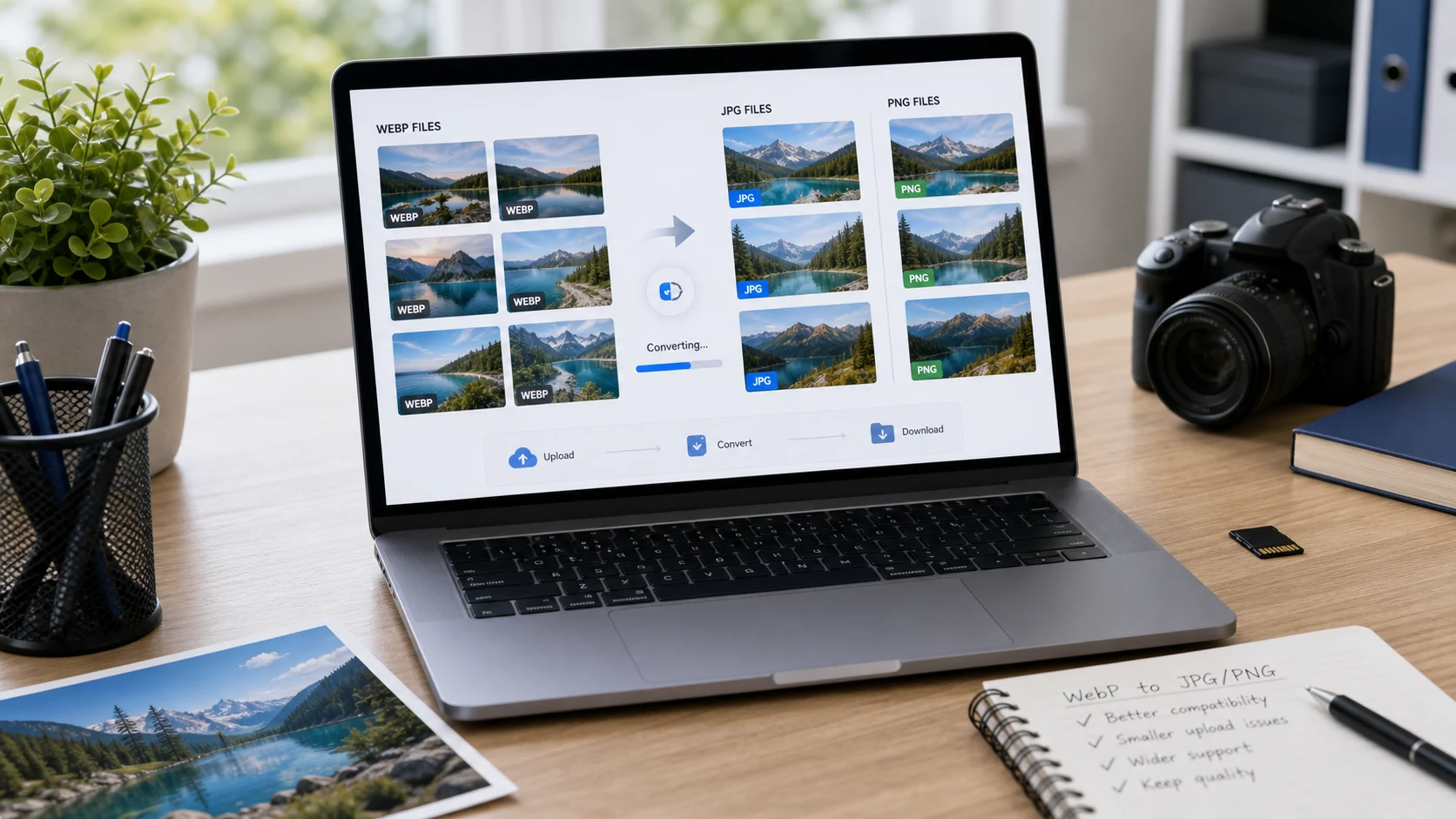
How to save WebP as JPG: download it, open it in an app that reads WebP, and save a copy in JPEG format. On Windows, use Paint's File > Save as > JPEG picture. On a Mac, use Preview's File > Export. Batches go faster in a browser converter. Pick PNG for transparent images.
Why do images save as WebP?
WebP is an image format developed by Google for the web. It produces smaller files than JPG or PNG at similar quality, so many websites serve their images as WebP to load faster. When you right-click and choose Save image as, the browser saves the file exactly as the site sent it. That's why a product photo or a meme lands on your computer as a .webp file.
Current browsers, Windows 11 and macOS all open WebP. The trouble starts elsewhere: some upload forms, older photo editors, office software and print services still don't accept it. Converting gives you a file they will take. For background on the format, see what is a WebP file.
How to save WebP as JPG or PNG on Windows
Paint in Windows 10 and 11 opens WebP files and saves them in common formats.
- Right-click the .webp file and choose Open with > Paint.
- Choose File > Save as.
- Pick JPEG picture or PNG picture.
- Name the file and click Save.
For BMP, TIFF or GIF, choose Other formats and use the Save as type list. If Windows says it can't open the file, install Microsoft's free WebP Image Extensions from the Microsoft Store, which adds WebP support to Photos and File Explorer thumbnails.
The Photos app works too. Open the WebP, click the three-dot See more menu, choose Save as, and pick .jpg or .png as the file type. Both apps handle one file at a time.
How to convert a WebP file to JPG on a Mac
macOS reads WebP natively, so Preview can do the conversion.
- Double-click the .webp file to open it in Preview. If another app opens instead, right-click and choose Open With > Preview.
- Choose File > Export.
- Click the Format pop-up menu and pick JPEG or PNG.
- For JPEG, set the quality slider, then click Save.
To convert several WebP files, open them together in one Preview window, select them all in the sidebar, and export once. Apple's Preview guide describes this batch method.
How to convert .webp to PNG or JPG in your browser
For a folder of WebP files, or on a phone, a browser tool beats opening each one. The WebP to PNG/JPG converter turns WebP into PNG or JPG inside the browser tab, without sending the images to a server.
- Open the converter and add your .webp files.
- Choose PNG or JPG as the output.
- Convert, then download the files one by one or as a ZIP.
The same page works on a phone. Open it in Safari or Chrome, tap to add the WebP files from your photo library or the Files app, and save the converted images back to your device. That's handy when a messaging app or a school portal on your phone refuses a picture you saved from the web.
Shortcut: copy and paste instead of downloading
For a single image, you can skip the .webp file entirely. Right-click the picture in your browser and choose Copy image. On Windows, open Paint, press Ctrl+V, then save as JPEG or PNG. On a Mac, open Preview and choose File > New from Clipboard, then export. The clipboard holds plain pixels, so the WebP format never reaches your disk.
The catch: transparency may be lost in Paint, and you only get the size shown on the page if the site serves a smaller version there. For the full-size original, downloading and converting is more reliable.
If you save images from websites often, a browser extension can skip the extra step. Several extensions in the Chrome Web Store add a right-click option to save an image straight as JPG or PNG. Only install extensions you trust, since they can see the pages you visit.
WebP to PNG or WebP to JPEG: which should you pick?
WebP can hold photos and graphics, with or without transparency. Match the output to what's in the picture.
- Pick JPG (also called JPEG, the same format) for photos with no transparent areas. The file stays fairly small and opens everywhere.
- Pick PNG for logos, icons, stickers, screenshots and anything with a transparent background. JPG would fill those clear areas with a solid color.
- Pick PNG if you plan to edit the image further, since PNG doesn't lose detail on each save.
Whether a form says JPG or JPEG, the same file works. The JPG vs JPEG guide explains why there are two names.
Quality is worth a thought too. Most WebP images on the web are already compressed with some loss. Turning one into a JPG compresses it a second time, so use a high quality setting to avoid adding blockiness. Converting to PNG adds no new loss, which is another reason to choose PNG for graphics with text or sharp edges.
Expect the converted file to be larger than the WebP. That's normal: WebP is more efficient, and the extra size is the price of compatibility. If the new file is too big for an upload limit, shrink it with the JPG compressor using a target size in KB.
Animated WebP, renamed files and other edge cases
Some WebP files are animations, a bit like GIFs. JPG can't store animation, so converting one to JPG gives you a single still frame. If you need the motion, keep the WebP or look for a tool that exports animated WebP to GIF or video.
Renaming a file from .webp to .jpg doesn't convert it. The data inside is still WebP, and a strict upload form or older app will reject it or show an error. Some programs open the renamed file anyway, which makes the problem confusing. Always save a real copy in the new format.
Some sites hand out different files depending on the browser. The same image link might deliver WebP to Chrome and JPG to an older app. If you need the original JPG, check whether the site offers a download button, which often gives the full-quality source file instead of the web version.
If a file has a .webp extension but won't open anywhere, it may be damaged or only partly downloaded. Download it again from the source.
Copyright still applies to images you save from websites. Converting the format doesn't change who owns the picture, so use it within the site's terms.
Going the other direction is useful too. If you run a website, converting your own JPG and PNG images to WebP can make pages load faster. The WebP vs PNG vs JPG guide explains when that's worth doing.
Free tools that run in your browser
Frequently asked questions
How do I change a WebP file to JPG on Windows?
Open the WebP file in Paint, choose File, Save as, and pick JPEG picture. A browser converter handles many files at once.
How do I convert .webp to PNG?
Open the file in Preview on a Mac or Paint on Windows and save it as PNG, or use a browser-based WebP converter and choose PNG as the output.
Is WebP to JPEG the same as WebP to JPG?
Yes. JPG and JPEG are the same format, so either name gives you the same file.
Why does Chrome save images as WebP?
The browser saves the file in the format the website sent. Many sites serve WebP because it loads faster, so that's what you get.
Why is the JPG bigger than the original WebP?
WebP compresses more efficiently than JPG or PNG. The larger file is the cost of wider compatibility, and you can compress it afterwards if needed.