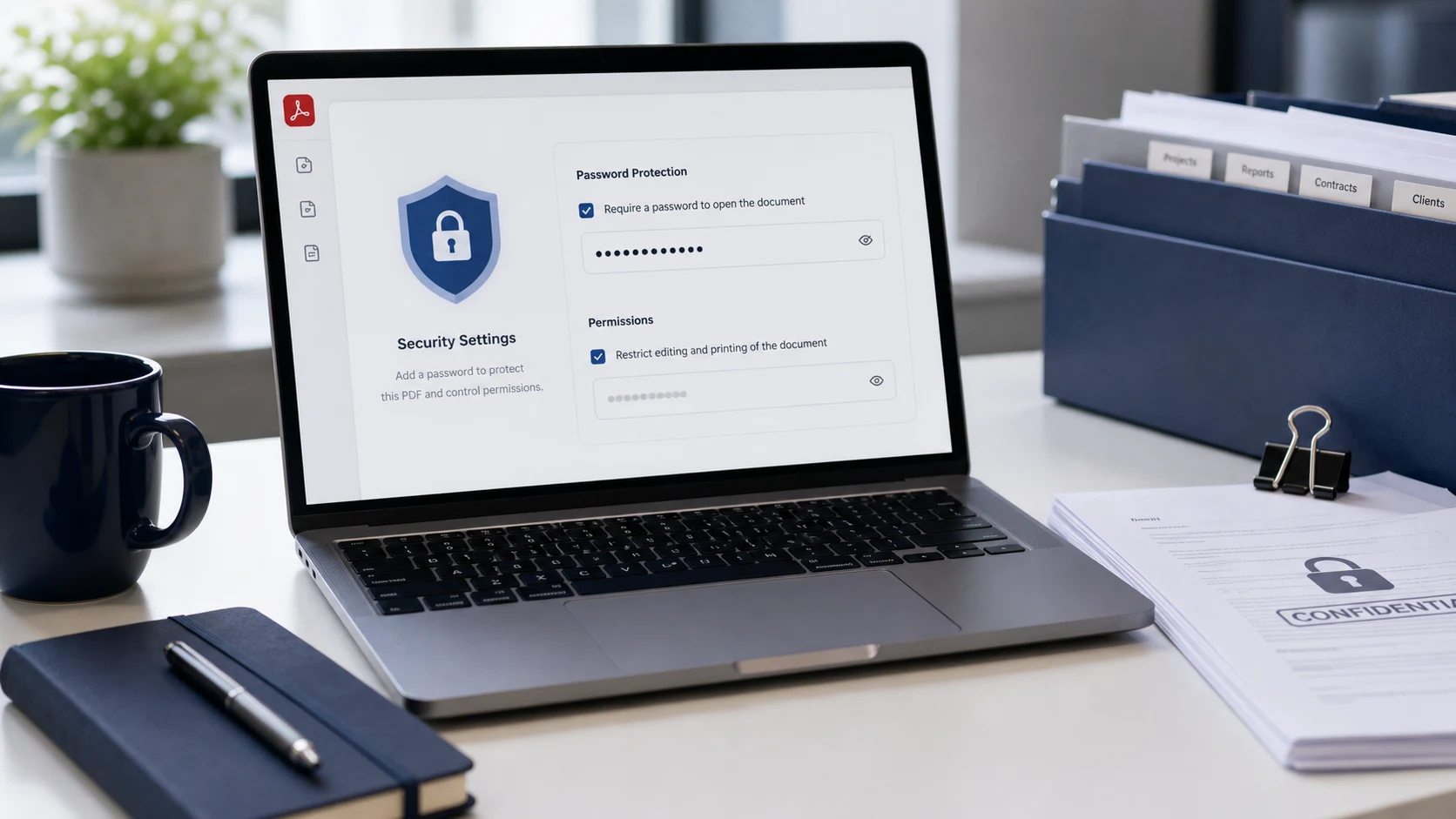
Add basic password protection to a PDF copy when access control is useful for sharing. Learn the practical checks, related tools, and file mistakes to avoid before changing... This page is for a real working moment: you have a file in front of you, a form or receiver has a rule, and you need the fastest safe way to prepare a clean copy without creating another problem.
When this guide helps
Use this workflow for password sharing, client records, private forms, and casual access control. It is especially useful when the file looks fine on your own device but fails somewhere else because of format, size, dimensions, page state, password restrictions, or unclear naming.
Before you use the tool
- Send the password through a separate channel.
- Keep the untouched original until the final copy is accepted.
- Make one change at a time so you know what actually fixed the problem.
- Use a clear filename that describes the final purpose.
Open the matching tool when your file is ready.
Quality checks for Lock PDF With a Password: When It Helps and What to Remember
This guide naturally connects to searches such as lock PDF, password protect PDF, secure PDF file, protect PDF, but the advice is written around the file problem rather than a keyword list. After using the matching ConvertorLab workspace, inspect the output the way the receiver will see it: page order, text clarity, visible edges, transparent areas, file size, and whether the file opens in a normal browser or PDF viewer.
If the result still fails, do not repeat the same operation automatically. A second failure usually means the next issue is different: a photo may need resizing, a PDF may need organizing, an image may need cropping, or a document may need compression after conversion.
What to avoid
Avoid using weak passwords or relying on locking for high-risk secrets. A focused file workflow should solve the exact destination requirement with the smallest useful change. That keeps the final file easier to trust and reduces back-and-forth with schools, offices, clients, forms, marketplaces, and publishing tools.
Related questions
When should I use this guide?
Use it when your file problem matches password sharing, client records, private forms, and casual access control and you need a practical way to prepare a copy that the receiver, upload form, or publishing workflow can accept.
What should I check before downloading?
Send the password through a separate channel. Also open the result outside the tool when the file is important, because a successful download is not the same as a ready-to-submit file.
What is the safest habit for this task?
Keep the original file, work on a copy, and give the finished version a clear name. That makes it easier to go back if the upload rule, client request, or page requirement changes.
What mistake causes the most rework?
Avoid using weak passwords or relying on locking for high-risk secrets. Most file rework happens when the first change solves the wrong problem, such as changing format when the real blocker is size, page order, readability, or dimensions.