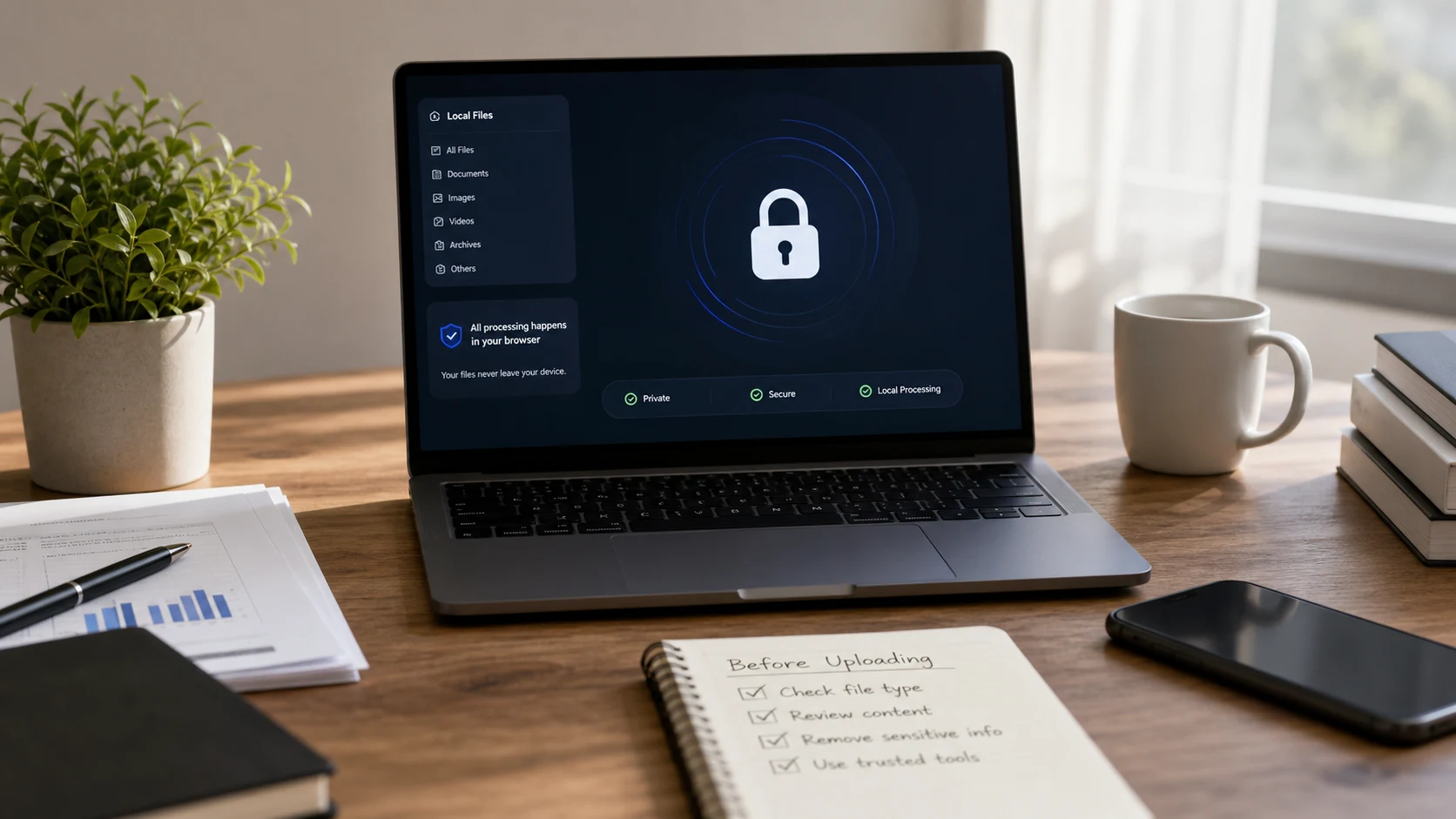
CloudConvert is generally considered safe for everyday files. According to its security page, it keeps files only for processing and deletes them afterwards, encrypts transfers with SSL/TLS, and holds ISO 27001 certification. iLovePDF and Smallpdf publish similar promises. For sensitive files, the bigger decision is whether the file needs to leave your device at all.
Is CloudConvert safe? What its security page says
CloudConvert is run by Lunaweb GmbH, a company based in Munich, Germany. Its security page makes four main claims:
- Files are kept only as long as they're needed for processing, then deleted.
- Transfers to and from its servers are encrypted with SSL/TLS.
- The company is ISO 27001 certified, with the audit done by TUV Sud.
- As a German company, it operates under EU data protection law.
ISO 27001 is an information security management standard. It means an outside auditor checked that the company has documented security processes and follows them. It doesn't mean nothing can ever go wrong, and it doesn't describe what happens to one specific file. Still, it's a meaningful signal that a converter takes security seriously.
So for a holiday photo, a recipe PDF or a public presentation, CloudConvert is a reasonable choice. For a passport scan, you might still prefer a tool that never receives the file in the first place. More on that below.
Is iLovePDF safe?
iLovePDF is a PDF toolkit based in Barcelona, Spain. According to its security page:
- Processed files are permanently deleted from its servers within two hours.
- The company holds ISO/IEC 27001 certification.
- It operates under the GDPR as a European company.
- Connections use HTTPS.
The two-hour window is the detail to remember. During that time, a copy of your document exists on iLovePDF's servers. For most people and most documents, that's an acceptable trade. If your employer or client forbids uploading their files to third-party services, though, the deletion window doesn't change the rule.
Is Smallpdf safe?
Smallpdf is a Swiss company. Its own blog post on the question ("Is Smallpdf Safe?") says:
- Files processed with the free tools are deleted after one hour.
- The company is ISO 27001 certified.
- Its servers are in Ireland.
- Transfers use 256-bit TLS encryption.
Note the wording: the one-hour figure is stated for the free tools. If you use a paid plan or other features, read the terms for that plan, since retention rules can differ between products.
All three services publish the same kind of promises: short retention, encrypted transfer, a recognised certification. Policies can change, so read the current security page before you upload anything sensitive. The quotes above reflect what each company said when we checked in October 2026.
How to check whether any online converter is safe
You won't always use one of these three. Here's a checklist that works for any converter, from a well-known brand to a site you found five minutes ago.
1. Find the security or privacy page
Look for specific answers, stated plainly:
- How long files are kept, as an actual time ("deleted after one hour").
- Whether deletion also covers backups and logs.
- Whether staff can open uploaded files, and when.
- Whether files are used to train models or improve the service.
- Which country the servers are in.
- Who the company is and where it's registered.
A policy that talks only about cookies and newsletters, and says nothing about uploaded files, tells you very little. Vague phrases like "we take your privacy seriously" with no retention time are a reason to pick another tool for private documents.
2. Test whether the site uploads your file
You can see this for yourself in about a minute. Use a harmless test file, not the document you're worried about.
- Open the converter and let the page load fully.
- Turn off Wi-Fi or unplug your network cable.
- Add the test file and run the conversion.
- If it finishes and you can save the result, the work happened in your browser. If it hangs or shows an error, the site needs its server.
For a second check, open developer tools (F12 in Chrome, Edge and Firefox on Windows, or Cmd+Option+I on a Mac), pick the Network tab, and run a conversion. A large upload request roughly the size of your file means the file left your computer.
3. Watch for the usual red flags
- Big "Download" ads placed near the real result button.
- Pressure to install a browser extension or desktop app before converting.
- A sign-up wall for a simple one-page conversion.
- No company name, address or contact anywhere on the site.
- Anything asking for your email password or bank login. A converter never needs either.
Which files shouldn't you upload to any converter?
Retention windows and certifications lower the risk. They don't remove it. A short list of files deserves a stricter rule, whichever service you use:
- Passports, driving licences, Aadhaar and other national ID scans.
- Bank statements, tax returns and salary slips.
- Signed contracts and legal letters.
- Medical records and insurance claims.
- Client files covered by an NDA or your employer's data rules.
Many companies ban staff from uploading client files to outside services, however reputable. Check that before you drop a client's contract into any web tool. If you're unsure about a PDF someone sent you, our guide on whether a PDF can have a virus covers the separate question of opening files safely.
When an in-browser tool is the better choice
CloudConvert, iLovePDF and Smallpdf all work by uploading your file to their servers. That design is what lets them handle heavy jobs, such as converting Word files with complex layouts, running OCR on scans, or processing video.
An in-browser tool works differently. The page loads code into your browser, and that code processes the file on your own computer or phone. Nothing is uploaded, so there's no retention window to think about. The offline test above passes.
ConvertorLab is built this way. Every tool runs in your browser, with no sign-up and no watermark. For sensitive files, that covers the common jobs:
- Shrinking a scanned ID or statement with the PDF compressor. It rasterizes pages, so text in the result isn't selectable.
- Combining pages with Merge PDF or adding a password with Lock PDF (AES-256).
- Converting iPhone photos of documents with the HEIC converter.
In-browser tools have limits too. Very large files depend on your device's memory, and tasks that need server software (like full Word to PDF conversion with every font intact) aren't possible this way. Your operating system can also do a lot without any website. On a Mac, Preview exports images and PDFs to other formats from File > Export. iPhone and Android both have document scanners that save PDFs locally.
A simple rule works well. For public or low-stakes files, a reputable upload-based service is fine. For IDs, finances, contracts and client data, keep the file on your device. Our guide to a safe way to send documents covers what to do once the file is ready to share.
Free tools that run in your browser
Frequently asked questions
Is CloudConvert safe to use?
According to its security page, CloudConvert deletes files after processing, encrypts transfers with SSL/TLS and is ISO 27001 certified. It's a reasonable choice for everyday files, but sensitive documents are safer processed on your own device.
Is iLovePDF safe for confidential documents?
iLovePDF says it permanently deletes processed files within two hours and holds ISO/IEC 27001 certification. Your file still sits on its servers during that window, so check your employer's rules before uploading confidential work files.
Is Smallpdf safe and does it delete my files?
Smallpdf says files from its free tools are deleted after one hour, transfers use 256-bit TLS and its servers are in Ireland. Retention for paid features can differ, so check the current terms.
How can I tell if a converter uploads my file?
Load the page, turn off your internet connection and run a conversion on a test file. If it still works, the processing happens in your browser and nothing was uploaded.
Are online PDF converters safe for bank statements?
Reputable services have short retention and encrypted transfers, but the file still leaves your device. For statements, IDs and contracts, use an in-browser tool or a desktop app instead.