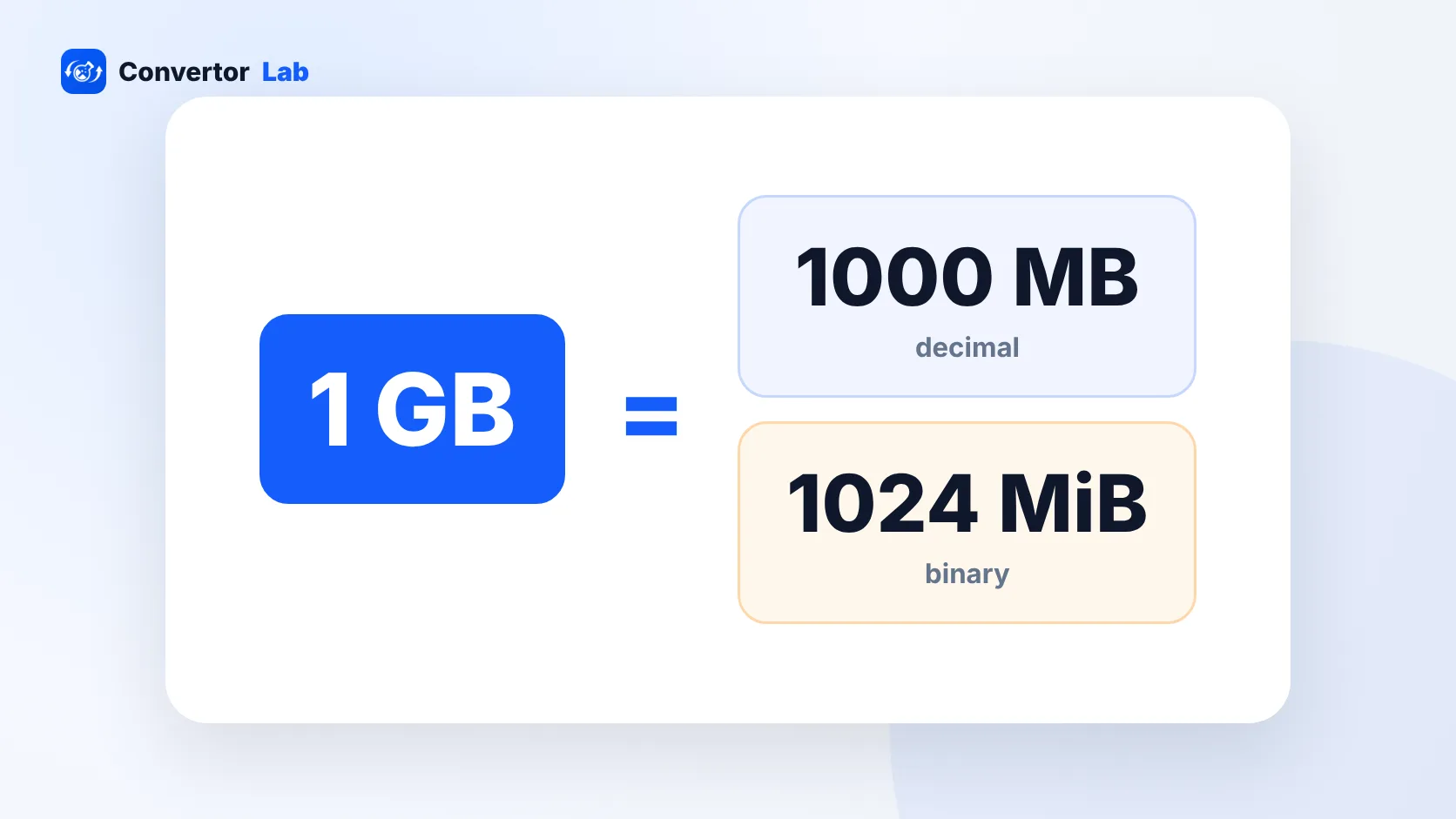
There are 1,000 MB in a GB in decimal units, the system used by drive makers, phone makers and macOS. There are 1,024 MB in a GB in binary units, the system Windows File Explorer uses while still printing "GB". Both are in common use, which is why the same drive or file can show two slightly different sizes.
How many MB are in 1 GB?
It depends on which counting system is in play:
- Decimal (SI): 1 GB = 1,000 MB = 1,000,000,000 bytes.
- Binary (IEC): 1 GiB = 1,024 MiB = 1,073,741,824 bytes.
The binary units are properly called gibibytes and mebibytes, written GiB and MiB. Windows shows binary values but labels them GB and MB. macOS switched to decimal units with Mac OS X 10.6, so Finder and the box your drive came in agree with each other.
For rough planning, 1 GB is about a thousand MB either way. The gap is about 7 percent at the gigabyte level. That's enough to notice on a big drive and too small to matter for a single file.
Why does my 1 TB drive only show 931 GB?
Nothing is missing. The drive holds 1,000,000,000,000 bytes, which is 1 TB in decimal units. Windows divides that number by 1,024 three times to get gigabytes. The result is about 931, so File Explorer shows 931 GB.
The same thing happens at every size:
- A 500 GB drive shows as about 465 GB in Windows.
- A 256 GB drive shows as about 238 GB.
- A 64 GB memory card shows as about 59.6 GB.
Plug the same drive into a Mac and Finder shows it as 1 TB, because macOS counts the decimal way like the drive maker does. Neither computer is wrong. They're reporting the same number of bytes in different units.
On top of that, a little space goes to the file system itself, and on a computer or phone the operating system takes its share. Those two effects together explain why a new device never shows its full advertised capacity as free space.
MB vs GB: how to convert
To go from MB to GB, divide by 1,000. To go from GB to MB, multiply by 1,000. Use 1,024 if you need to match what Windows displays.
- 500 MB = 0.5 GB
- 1,500 MB = 1.5 GB
- 2 GB = 2,000 MB (or 2,048 MiB in binary)
- 15 GB = 15,000 MB (or 15,360 MiB)
The MB to GB converter gives you both answers at once, and the GB to MB converter does the reverse. Both show decimal and binary results, so you can match whichever number your device or website shows.
How much is 1 GB in photos, documents and video?
This is the question behind most "how many MB in a GB" searches. Someone has a 5 GB storage allowance or a phone data plan and wants to know what fits.
The honest answer is that file sizes vary a lot. A photo's size depends on the camera, the format (HEIC or JPG) and how much detail is in the scene. A PDF can be 100 KB or 50 MB depending on whether it holds text or scanned pages. So the useful method is to work from your own files:
- Check the size of a typical file of yours. On Windows, right-click it and open Properties. On a Mac, select it and choose File > Get Info.
- Convert that size to MB if it's shown in KB. 3,200 KB is about 3.2 MB.
- Divide 1,000 by that number. At 3.2 MB per photo, about 310 photos fit in 1 GB.
The same sum works for data plans. If a video call or a stream uses a certain number of MB per minute, 1,000 divided by that figure is how many minutes 1 GB lasts.
How to make files take less space
If you keep running out of room, shrinking the largest files usually helps more than deleting lots of small ones.
- Phone photos: on iPhone, the High Efficiency setting (Settings > Camera > Formats) saves HEIC files, which are often much smaller than JPGs of similar quality.
- Photos you're sending or uploading: compress them to the size they'll be viewed at. The Image Compressor takes a target size in KB and runs in your browser.
- Scanned PDFs: these are images of pages, and they shrink a lot when you lower the resolution. The PDF compressor can target a size like 1 MB. It turns pages into images, so text in the output can't be selected.
- Old videos: these are usually the biggest files on a phone. Moving them to a computer or external drive frees space fastest.
Keep originals of anything important before compressing, ideally on a second drive or in cloud storage. Lost detail doesn't come back, and a compressed copy is fine for sharing but poor for printing later.
GB vs Gb: bytes and bits
Capital B is bytes, lowercase b is bits, and there are 8 bits in a byte. Storage and file sizes use bytes. Network speeds use bits per second, so a "1 Gbps" connection moves at most about 125 MB per second, before any overhead.
This is the other common reason numbers don't line up. A 1 GB file on a 100 Mbps connection takes at least 80 seconds to download (8,000 megabits divided by 100), and in practice longer.
For the smaller units, see how many KB are in a MB, which covers upload limits written in KB.
Free tools that run in your browser
Frequently asked questions
How many MB is 1 GB?
1 GB is 1,000 MB in decimal units, used by storage makers and macOS. In binary units, used by Windows, it is 1,024 MB.
Is 1 GB bigger than 500 MB?
Yes. 1 GB is about 1,000 MB, so it is roughly twice the size of 500 MB.
Why does Windows show less space than my drive says?
Drive makers count 1 GB as 1,000,000,000 bytes, while Windows divides by 1,024. A 1 TB drive therefore shows as about 931 GB, and the file system and operating system take some space too.
How many MB is 2.5 GB?
2.5 GB is 2,500 MB in decimal units, or 2,560 MiB in binary units.