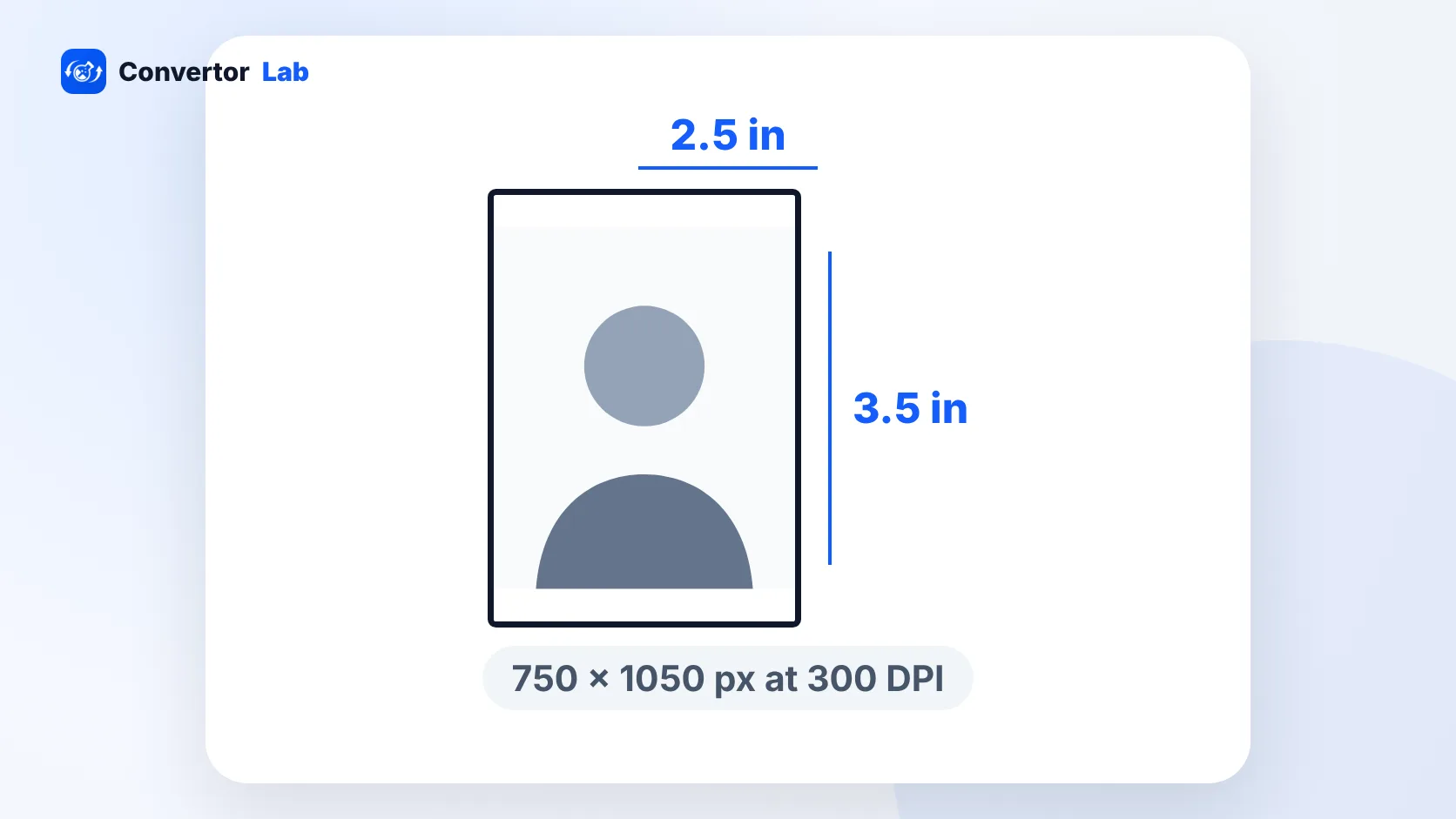
A wallet size photo is usually 2.5 x 3.5 inches (about 6.4 x 8.9 cm). At 300 DPI that's 750 x 1050 pixels. Some labs sell a smaller 2 x 3 inch wallet instead, so check the size listed on the order page before you crop.
Wallets are the small prints people hand out after school picture day, tuck into greeting cards or keep in a purse. They're small enough to slip into a wallet, which is where the name comes from.
What size is a wallet photo?
The standard wallet photo is 2.5 inches wide and 3.5 inches tall in portrait orientation. That's the size most photo labs and school photographers mean when they say "wallet".
A few labs and kiosks use 2 x 3 inches. It's the same idea, just a little smaller, and the shape is different. 2.5 x 3.5 has a 5:7 ratio, the same shape as a 5 x 7 print. 2 x 3 has a 2:3 ratio, the same shape as a 4 x 6.
That shape difference matters when you prepare the file. A photo cropped for one won't fit the other exactly, and the lab will trim or pad it.
Wallet size photo in pixels, inches and cm
- 2.5 x 3.5 inches: 6.35 x 8.89 cm, 750 x 1050 pixels at 300 DPI
- 2 x 3 inches: 5.08 x 7.62 cm, 600 x 900 pixels at 300 DPI
The pixel numbers come from a simple formula: inches x DPI. 2.5 x 300 = 750 and 3.5 x 300 = 1050. 300 DPI is the usual target for small prints that people look at up close, and wallets are about as close up as prints get.
You don't need exactly 750 x 1050 pixels. Any photo with more pixels than that will print sharply once it's scaled down. Problems start when the photo has fewer pixels, for example a tiny crop from a group shot or an image saved from social media.
Wallet size vs passport size vs 2 x 2
These three get mixed up because they're all small portraits. They are different sizes, and ID photos come with rules that wallet prints don't have.
- Wallet: 2.5 x 3.5 inches. A keepsake print. Any background, any pose, any crop you like.
- 2 x 2 inches (51 x 51 mm): the US passport size, also used for Indian visa and passport applications made abroad. Square, with set rules for head size and a plain white background.
- 35 x 45 mm (3.5 x 4.5 cm): the common passport photo size in India and many other countries. Smaller than a wallet and with a stricter layout.
A wallet print will not pass as a passport photo, even if you trim it. For ID photos, follow the rules for that document. The passport size photo guide covers the Indian sizes, and the standard photo sizes list has every common print size side by side.
How to make a wallet size photo from a phone picture
Phone photos are usually a 3:4 or 9:16 shape, so they need cropping to the 5:7 wallet shape. Doing it yourself means you decide where the edges fall.
- Pick the original photo, not a copy sent through a chat app. Chat apps shrink images.
- Open Resize Image in your browser and load the photo.
- Switch the unit to inches and set the DPI to 300.
- Enter 2.5 for width and 3.5 for height.
- Choose the Exact (cover) mode. It crops the photo to the wallet shape and scales it to 750 x 1050 pixels in one step.
- Download the result and check that faces aren't too close to the edges.
If you want more control over the framing, crop first with Crop Image, then resize. Leave a little space above the head, because many printers trim a sliver from each edge.
On a Mac you can do the same in Preview. Crop the photo with the selection tool, then go to Tools, Adjust Size, and enter 2.5 x 3.5 inches at 300 pixels per inch.
How to print wallet size photos
You have two main routes: a photo lab or your own printer.
Labs and pharmacy photo counters often list wallets as their own product. They often print several wallets on one larger sheet, which you then cut apart. Upload the cropped file and pick the wallet option, or follow the lab's template if it has one.
At home, it's easiest to place the wallet photos on a bigger canvas before printing. Two 2.5 x 3.5 inch photos fit side by side on a 4 x 6 sheet held sideways, since together they measure 5 x 3.5 inches. Print at the sheet's actual size and turn off any "fit to page" or scaling option, or the photos will come out the wrong size.
- Make a 4 x 6 inch canvas at 300 DPI (1800 pixels wide by 1200 tall) in any editor that supports layers.
- Place two copies of your 750 x 1050 pixel wallet photo on it, leaving a small gap between them.
- Print on 4 x 6 photo paper at 100% scale.
- Cut along the edges with a paper trimmer for straight lines.
If you'd rather order a 4 x 6 from a lab and cut it yourself, the same layout works. Just make sure the lab doesn't auto-crop the file.
Tips for good wallet prints
- Use a photo where the face is reasonably large in the frame. At 2.5 inches wide, small faces disappear.
- Choose even, soft light. Harsh shadows look heavier on a small print.
- Save as JPG at high quality. It's accepted by every lab, and a 750 x 1050 photo stays small enough to upload easily.
- If an upload form complains about file size, run the photo through the Image Compressor with a sensible target instead of shrinking the pixels further.
- Print one test sheet before ordering a big batch, especially if you set up the layout yourself.
Free tools that run in your browser
Frequently asked questions
What size is a wallet photo?
Most labs print wallets at 2.5 x 3.5 inches, which is about 6.4 x 8.9 cm. Some use a smaller 2 x 3 inch size, so check the order page.
What is a wallet size photo in pixels?
At 300 DPI a 2.5 x 3.5 inch wallet photo is 750 x 1050 pixels. A 2 x 3 inch wallet is 600 x 900 pixels.
Can I use a wallet photo as a passport photo?
No. Passport photos have their own sizes, such as 2 x 2 inches or 35 x 45 mm, and strict rules on background and head size.
How many wallet photos fit on a 4 x 6?
Two 2.5 x 3.5 inch wallets fit side by side on a 4 x 6 sheet turned sideways. Print at 100% scale so they come out the right size.