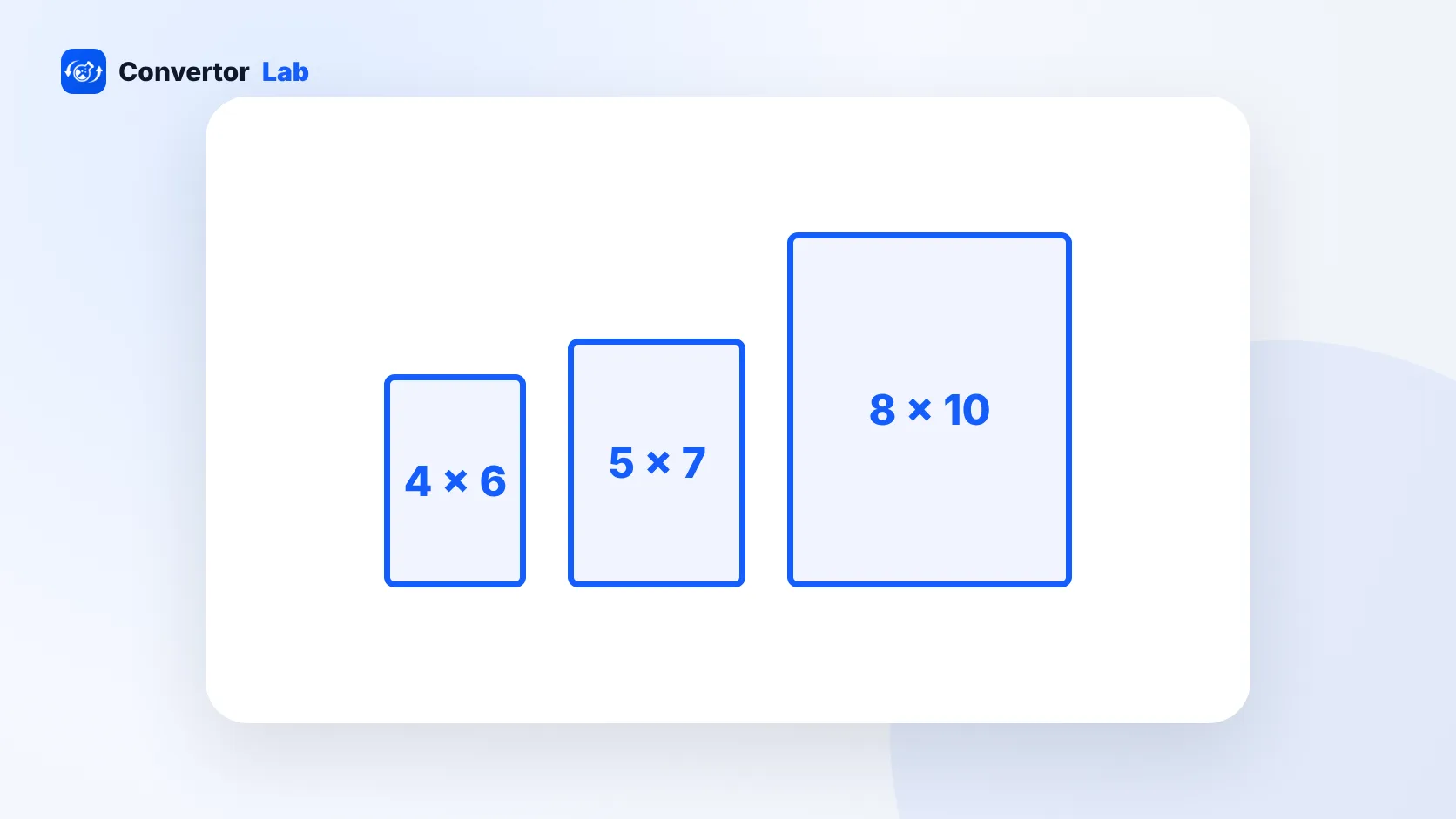
The standard photo sizes, in inches, are 4 x 6, 5 x 7, 8 x 10, 8.5 x 11, 11 x 14, 16 x 20 and 20 x 30. Smaller formats include wallet (2.5 x 3.5) and 2 x 2 for ID photos. For a sharp print you need about 300 pixels for every inch, so a 4 x 6 print needs a photo of at least 1200 x 1800 pixels. The full list with centimetres and pixel sizes is below.
Sizes are always written as short side first. A 4 x 6 is the same print whether you hold it upright or sideways.
What are the standard photo sizes?
These are the print sizes most labs, kiosks and frame shops work with. The centimetre values are exact conversions, rounded to one decimal place. The pixel values assume 300 DPI, the usual target for prints you look at up close.
- 2 x 2 inches: 5.1 x 5.1 cm, 600 x 600 pixels (US passport and many visa photos)
- Wallet, 2.5 x 3.5 inches: 6.4 x 8.9 cm, 750 x 1050 pixels
- 3.5 x 5 inches: 8.9 x 12.7 cm, 1050 x 1500 pixels
- 4 x 6 inches: 10.2 x 15.2 cm (sold as 10 x 15 cm), 1200 x 1800 pixels
- 5 x 7 inches: 12.7 x 17.8 cm, 1500 x 2100 pixels
- 8 x 10 inches: 20.3 x 25.4 cm, 2400 x 3000 pixels
- 8.5 x 11 inches: 21.6 x 27.9 cm, 2550 x 3300 pixels (US Letter paper)
- 11 x 14 inches: 27.9 x 35.6 cm, 3300 x 4200 pixels
- 16 x 20 inches: 40.6 x 50.8 cm, 4800 x 6000 pixels
- 20 x 30 inches: 50.8 x 76.2 cm, 6000 x 9000 pixels
4 x 6 is the everyday snapshot size and the default at most print counters. 5 x 7 and 8 x 10 are the common frame sizes for portraits and gifts. Anything from 11 x 14 up is usually treated as a wall print or poster.
What size is a 4 x 6 photo in pixels?
A 4 x 6 photo is 1200 x 1800 pixels at 300 DPI. That's about 2.2 megapixels, so almost any modern phone or camera photo has more than enough detail for it.
The bigger question for 4 x 6 is shape. It has a 2:3 aspect ratio, the same as most camera sensors, so DSLR and mirrorless photos print at 4 x 6 with nothing cut off. Phone photos are often 3:4, which is a little squarer, so a thin strip gets trimmed from the long edges when you order a 4 x 6.
How many pixels do I need to print a photo?
Multiply the print size in inches by the DPI you want. Pixels = inches x DPI. Working backwards, inches = pixels / DPI.
- Pick the print size, for example 8 x 10 inches.
- Multiply each side by 300: 8 x 300 = 2400 and 10 x 300 = 3000.
- Check your photo. If it's at least 2400 x 3000 pixels, it will print sharply at 8 x 10.
300 DPI is the usual standard for photos held in the hand. Large posters are viewed from further away, so 150 DPI or even less is common for them. At 150 DPI, a 16 x 20 print needs 2400 x 3000 pixels instead of 4800 x 6000.
A 4000 x 3000 pixel photo works out to about 13.3 x 10 inches at 300 DPI, or roughly 26.7 x 20 inches at 150 DPI. The pixels are the same in both cases. Only the spacing changes.
The DPI number saved inside the file does not add or remove pixels, and screens ignore it completely. If a print lab or form asks for a certain DPI, what matters is having enough pixels for the size. The 300 DPI guide explains how to check and set it.
Why does my photo get cropped when I print 8 x 10?
Because 8 x 10 has a different shape from your photo. 8 x 10 is a 4:5 ratio, much squarer than the 2:3 shape of a 4 x 6 or a camera image. To fill an 8 x 10 without white bars, the lab has to cut off part of the long side.
Here are the ratios for the common sizes:
- 4 x 6 and 8 x 12: 2:3
- 5 x 7: 5:7
- 8 x 10 and 16 x 20: 4:5
- 11 x 14: 11:14
- 2 x 2: 1:1 (square)
Auto-cropping at a kiosk usually trims evenly from both ends. That's fine for scenery, but it can clip the top of someone's head in a group shot. Cropping the photo yourself before you upload it lets you decide what stays in the frame.
How to resize a photo to a standard print size
You can crop and resize a photo in the browser without installing anything. The files stay on your device.
- Open Crop Image and load your photo. Choose the ratio that matches your print, such as 4:5 for 8 x 10 or 1:1 for a square print.
- Drag the crop box so faces and important details sit well inside the edges, then download the cropped file.
- Open Resize Image, switch the unit to inches or cm, and set the DPI to 300.
- Enter the print size, for example 8 x 10 inches. The tool works out the pixels (2400 x 3000).
- If your photo isn't the right shape yet, use the Exact (cover) mode, which crops and resizes in one step.
Avoid enlarging a small photo to hit a print size. The file will have the right number of pixels, but the extra pixels are guessed, so the print looks soft. If your photo is smaller than the pixel size in the list, choose a smaller print or accept a slightly softer result.
On a Mac, Preview can do the same job: open the photo, choose Tools, then Adjust Size, and enter the size in inches with the resolution you want.
Small photo sizes: wallet, passport and ID
Small prints have their own sizes, and ID photos follow strict rules on top of the size.
- Wallet photos are usually 2.5 x 3.5 inches, though some labs print 2 x 3. Labs often print several wallets on one larger sheet. See the wallet size photo guide for details.
- 2 x 2 inches (51 x 51 mm) is the US passport size and is also used for Indian visa and passport applications made abroad.
- 35 x 45 mm (3.5 x 4.5 cm) is the common passport size in India and many other countries. At 300 DPI it's 413 x 531 pixels.
For an ID photo, the size is only part of the check. Background colour, head size and how recent the photo is also count, and they differ by country and form. The passport size photo guide covers the Indian rules.
Tips for getting the print you expect
- Send the original file. Photos forwarded through chat apps are usually shrunk and can drop below the pixels a large print needs.
- Check the shape before the size. Crop to the print ratio first, then resize.
- Leave some space around the subject. Many printers trim a tiny amount from every edge.
- For prints larger than 11 x 14, look at the photo at 100% zoom on screen. If it looks blurry there, it will look blurry on the wall too.
- Pick JPG for prints unless the lab asks for something else. It's accepted almost everywhere.
Free tools that run in your browser
Frequently asked questions
What is the most common photo size?
4 x 6 inches (10 x 15 cm) is the standard snapshot size and the default at most print counters. 5 x 7 and 8 x 10 are the most common sizes for framed photos.
What size is a 5 x 7 photo in pixels?
A 5 x 7 photo is 1500 x 2100 pixels at 300 DPI. In centimetres it is 12.7 x 17.8 cm.
Is 8 x 10 the same shape as 4 x 6?
No. 8 x 10 has a 4:5 ratio and 4 x 6 has a 2:3 ratio. A photo that fits 4 x 6 perfectly loses part of its long side when printed at 8 x 10.
What resolution do I need to print photos?
Aim for 300 pixels per inch for prints viewed up close. Large posters seen from a distance can look fine at 150 pixels per inch or less.