The easiest way to open an SVG file is in a web browser: drag it into Chrome, Edge, Firefox or Safari. On Windows, right-click it and choose Open with > Microsoft Edge. On a Mac, select it in Finder and press the space bar for Quick Look. To share or upload it, convert it to PNG or JPG.
What is an SVG file?
SVG stands for Scalable Vector Graphics. An SVG is a set of drawing instructions written as text: lines, curves, shapes and colors. That's why it stays sharp at any size, and why logos, icons and simple illustrations are often supplied as SVG.
It also explains the confusion when you try to open one. Photo viewers expect a grid of pixels, so some of them show nothing or an error. Browsers, on the other hand, draw SVG natively, because SVG is a web standard. If you open the file in a plain text editor, you'll see the code itself, starting with something like <svg.
Many places don't accept SVG uploads at all. Social media profile pictures, office documents, email signatures and most chat apps want PNG or JPG. Some platforms block SVG because the file can contain scripts. That's the usual reason people need a PNG copy. For a quick comparison of the common formats, see the PNG vs JPG guide.
How to open an SVG file on Windows
- Right-click the .svg file in File Explorer.
- Choose Open with, then Microsoft Edge. Chrome or Firefox work too if they're installed.
- To make this the default, choose Choose another app, pick your browser, and select Always.
File Explorer may show SVGs as blank icons instead of thumbnails. Microsoft's free PowerToys app fixes this. Its File Explorer add-ons include an SVG preview for the preview pane and SVG thumbnails. Turn them on in PowerToys settings, then restart Explorer if the thumbnails don't appear right away.
Paint and the classic photo viewers aren't reliable for SVG. To edit the drawing, use a vector editor such as Inkscape, which is free and open source.
How to open an SVG file on a Mac
- Quick Look: select the file in Finder and press the space bar. The graphic renders in a preview window.
- Safari: drag the file onto Safari, or right-click it and choose Open With > Safari. Any other browser works the same way.
- Finder icons and gallery view show the artwork as a thumbnail.
Preview hasn't always opened SVG files, depending on the macOS version, so Safari is the dependable choice. For editing, Inkscape runs on macOS too.
Opening SVG on a phone
Phones handle SVG unevenly, and tapping the file may show nothing useful. The quickest fix is to convert it to PNG in your phone's browser with the tool below. Then view or share the PNG like any other picture.
Editing an SVG instead of just viewing it
Because an SVG is text, small changes don't need special software. Open it in a code or text editor and you can change a color by editing a fill value, such as #000000 to #1a73e8. Save, then reload the file in your browser to check. Keep a copy of the original first, since one stray character can stop the file from displaying. For anything bigger, like moving shapes, editing text or combining logos, use Inkscape. It opens SVG directly and saves it back as SVG, so nothing gets turned into pixels along the way.
How to convert SVG to PNG or JPG in your browser
The SVG to PNG/JPG converter renders the file inside your browser and never uploads it. It works on a phone as well as a computer.
- Open the converter and add your SVG file.
- Choose PNG, or JPG if you need a solid background.
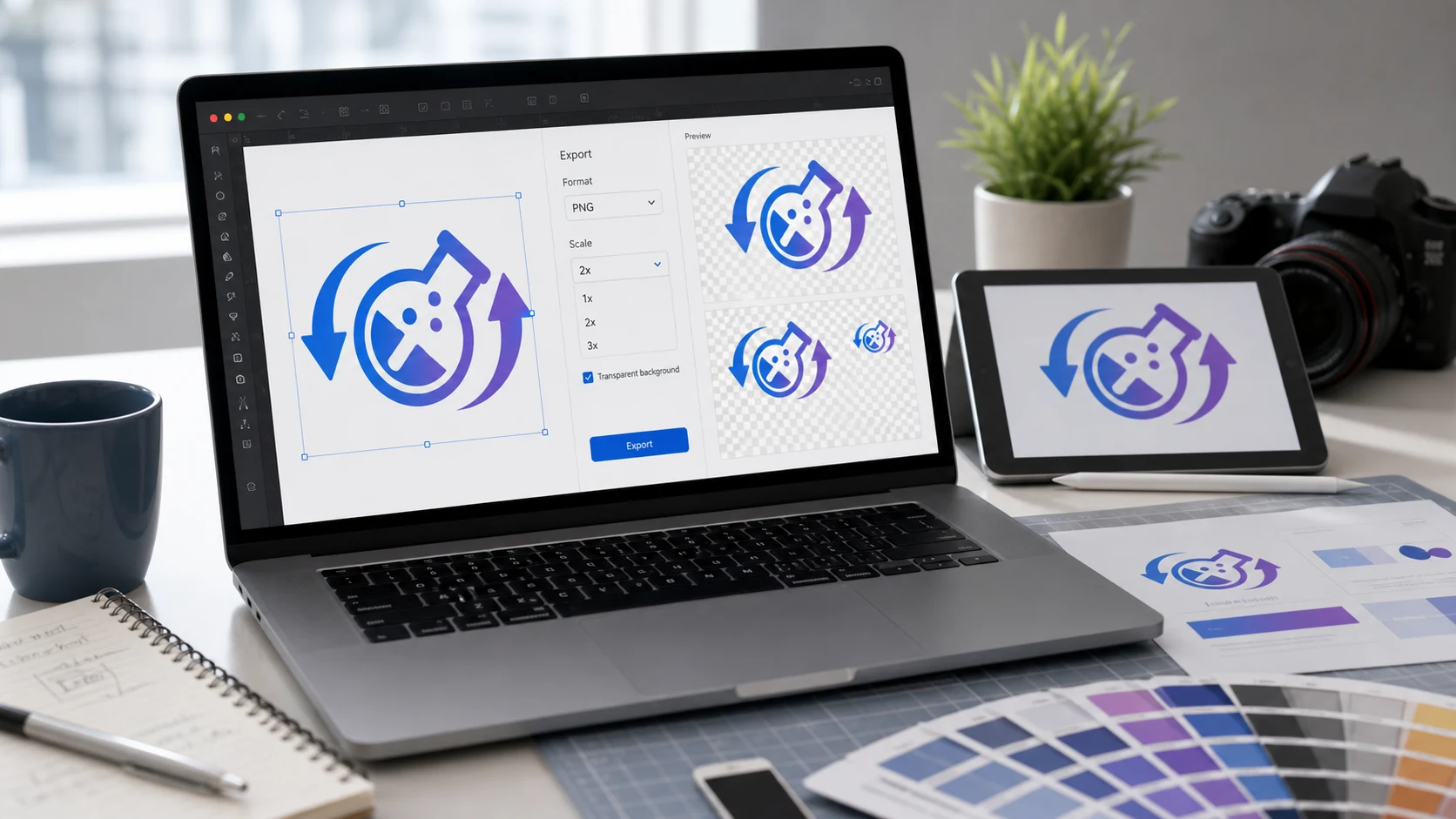
- Set the scale. A larger scale gives more pixels and a sharper result on big screens.
- If the upload has a file size limit, set a maximum size.
- Convert and download the image.
Because browsers draw SVG very well, the result usually matches what you see when the SVG is open in Chrome, Edge, Firefox or Safari.
PNG keeps transparency, so a logo with a clear background stays clear. JPG fills transparent areas with a solid color. That's why PNG is normally the right choice for logos and icons, and JPG suits cases where a form demands it.
How to convert SVG to PNG in Inkscape
- Open the SVG in Inkscape.
- Open the export dialog with File > Export, or press Shift+Ctrl+E.
- Choose what to export: the whole page, the drawing, the selection, or a custom area.
- Enter a width or height in pixels, or set a DPI. The other values update to match.
- Pick PNG as the file type, choose a filename, and click Export.
Inkscape exports with a transparent background by default. For a white background, set the background color and opacity in Document Properties (Shift+Ctrl+D) before exporting.
What size should the PNG or JPG be?
The SVG could be any size, but the PNG will be fixed. Work back from where the image will be used.
- For a website or app, check the display size, then export at twice that width and height. High-density screens show the extra detail.
- For a platform with its own requirements, such as a profile picture or favicon, use the exact dimensions it lists.
- For print, multiply the printed size in inches by the DPI. At 300 DPI, a 2 inch wide logo needs 600 pixels. The 300 DPI guide explains the math.
Export several sizes from the same SVG whenever you need them. Keep the SVG as the master file.
Common problems when converting SVG to PNG
The fonts look wrong
An SVG can refer to a font by name without including it. If that font isn't installed on the converting device, a fallback font is used. Convert the text to outlines in the design app before saving the SVG. In Inkscape, select the text and use Path > Object to Path.
Parts of the image are missing
Some SVGs link to outside images or stylesheets instead of embedding them. A converter that can't reach those files draws the SVG without them. Re-export the SVG from the original design tool with images embedded.
The PNG has a black or white box around it
That happens when the output is JPG, or when the SVG itself contains a background rectangle. Choose PNG and check the source for a filled shape behind the artwork.
The PNG looks blurry or the file is large
A blurry PNG was exported smaller than the size it's shown at. Export again at a larger width, since enlarging the PNG won't recover detail. If the file is heavy, run it through the PNG compressor.
Going the other way, from a pixel image to SVG, needs tracing and works only for simple artwork. The JPG and PNG to SVG guide explains what to expect.
Free tools that run in your browser
Frequently asked questions
What program opens SVG files?
Any modern web browser, including Chrome, Edge, Firefox and Safari. For editing, the free Inkscape vector editor opens SVG on Windows, Mac and Linux.
How do I convert SVG to JPG?
Open the SVG in a browser-based SVG converter, choose JPG and a scale, then download. Transparent areas become a solid color, because JPG has no transparency.
How do I convert SVG to PNG without losing quality?
Export at the largest size you'll need, since a PNG can't be enlarged cleanly later. Keep the SVG as the master and export new sizes from it.
Why can't I see SVG thumbnails in File Explorer?
Windows doesn't always show them. Microsoft's free PowerToys adds SVG thumbnails and an SVG preview pane through its File Explorer add-ons.
Is it safe to open an SVG file?
An SVG can contain scripts, which is why some sites block SVG uploads. Treat SVG files from unknown senders with the same care as any other attachment.