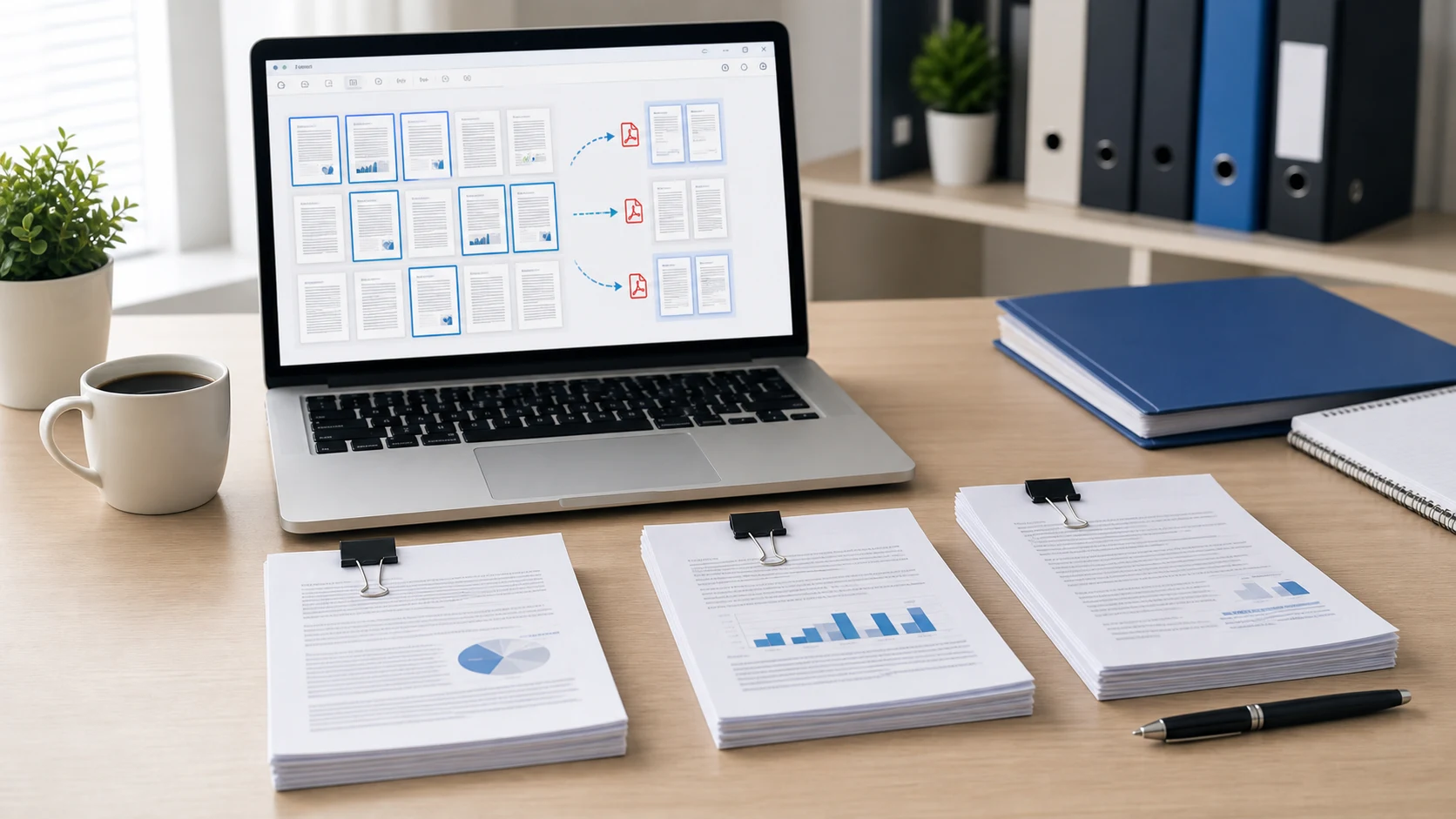
To save one page of a PDF, open the file in Chrome or Edge and press Ctrl+P (Command+P on a Mac). Choose Save as PDF as the printer and type the page number under Pages. Click Save and you get a new PDF containing only that page. On a Mac you can also drag the page thumbnail out of Preview onto the desktop. For a cleaner copy that keeps links, use a PDF splitter and type the page number there.
The same methods work for a handful of pages, such as pages 3 to 5 or pages 1, 4 and 9. Each one is covered below, with the trade-offs.
How to save one page of a PDF in Chrome
Chrome's built-in PDF viewer and print dialog do the whole job, on Windows, Mac or a Chromebook.
- Drag the PDF into a Chrome window, or right-click it and choose Open with, then Google Chrome.
- Press Ctrl+P on Windows or Command+P on a Mac. You can also click the printer icon in the PDF toolbar.
- Set Destination to Save as PDF.
- Open the Pages menu, choose Custom, and type the page you want, such as 4. For several pages, type 2-5 or 1,4,9.
- Click Save, pick a folder and a file name, and save.
Check the preview on the left before you save. It shows exactly which pages will end up in the new file.
How to save a single page of a PDF in Microsoft Edge
Edge is the default PDF reader on many Windows PCs, so this is often the quickest route on Windows 10 and 11.
- Open the PDF. If Edge is your default reader, double-clicking it is enough.
- Press Ctrl+P.
- Under Printer, choose Save as PDF. Microsoft Print to PDF also works, but it asks for the file name in a separate window.
- Under Pages, pick the option to enter page numbers and type the page, such as 7, or a range such as 7-9.
- Click Save and name the new file.
The original PDF isn't changed. You end up with two files: the full document and the one-page copy.
What gets lost when you print a PDF to a new PDF
Printing to PDF is quick, but the page goes through the print engine on its way to the new file. For a plain page of text or a scanned letter, that rarely matters. For some documents, it does:
- Clickable links and bookmarks may stop working.
- Fillable form fields can be flattened, so nobody can type in them any more.
- Digital signatures won't carry over as valid signatures.
- The new file can come out larger than you'd expect for a single page.
If any of those matter, use a splitter instead. A splitter copies the page itself into a new file rather than reprinting it.
How to save one page of a PDF with a splitter
The Split PDF tool runs in any browser on a computer or phone, and the file stays on your device.
- Open Split PDF and add your file.
- Choose Range and type the page number, such as 6. For several pages, type 1-3,7.
- If you entered more than one range and want them in one document, tick Combine into one file.
- Click Split PDF and download the result.
Pages are copied as they are, so text stays selectable and images keep their quality. The splitter also has other modes for bigger jobs:
- Each page saves every page as its own PDF, downloaded together as a ZIP.
- Every N pages cuts a long file into equal parts.
- Odd pages or even pages pulls out one side of a double-sided scan.
How to save one page of a PDF on a Mac with Preview
Preview can make a new PDF from a page with one drag. Apple describes this in its guide to adding, deleting or moving PDF pages.
- Open the PDF in Preview.
- Choose View > Thumbnails to show the page sidebar.
- Click the page you want. Command-click to add more pages.
- Drag the selected thumbnail onto the desktop.
Preview creates a new PDF containing just that page. Its default name is vague, so rename it right away.
You can also use the print route on a Mac. Choose File > Print, set the page range to the page you want, then open the PDF menu at the bottom of the dialog and choose Save as PDF.
How to save one page of a PDF on iPhone or Android
Phones have fewer built-in options for this, and the menus vary by app. The browser method works the same on both, which saves installing a PDF app for one job.
- Open Split PDF in Safari or Chrome.
- Tap the upload area and pick the PDF from Files, Downloads or an email attachment you saved.
- Type the page number and tap Split PDF.
- Download the new file. On an iPhone it goes to the Downloads folder in the Files app unless you've changed that.
Typing a page number is easier than dragging thumbnails on a small screen, so this is often the quickest option.
Save one page or delete the rest: which is easier?
If you need one or two pages from a long file, saving them as a new PDF is the fastest route. If you want to keep most of the document and drop a few pages, such as blank scanner pages or an old cover sheet, removing pages is less work. Organize PDF lets you click the pages you don't want, delete them and save the rest in order.
Before you send the new file, open it and check it's the right page. Page numbers printed in the footer won't change, so page 12 still says 12 even when it's the only page. That's normal. If the file is still too big to email or upload, run it through Compress PDF last. To put the saved page back together with other documents later, the guide to merging PDFs covers each method.
Free tools that run in your browser
Frequently asked questions
How do I save only one page of a PDF on Windows?
Open the PDF in Edge or Chrome, press Ctrl+P, choose Save as PDF, and type the page number under Pages. Click Save to get a one-page PDF.
Does saving one page change the original PDF?
No. Every method here creates a new file and leaves the original document as it was.
Why don't the links work in my saved page?
Printing to PDF can drop links, bookmarks and form fields. Use a splitter, which copies the page directly, if you need them to keep working.
How do I save several pages, not just one?
Type a range such as 2-5 or a list such as 1,4,9 in the Pages box or in Split PDF. The new file will contain only those pages.