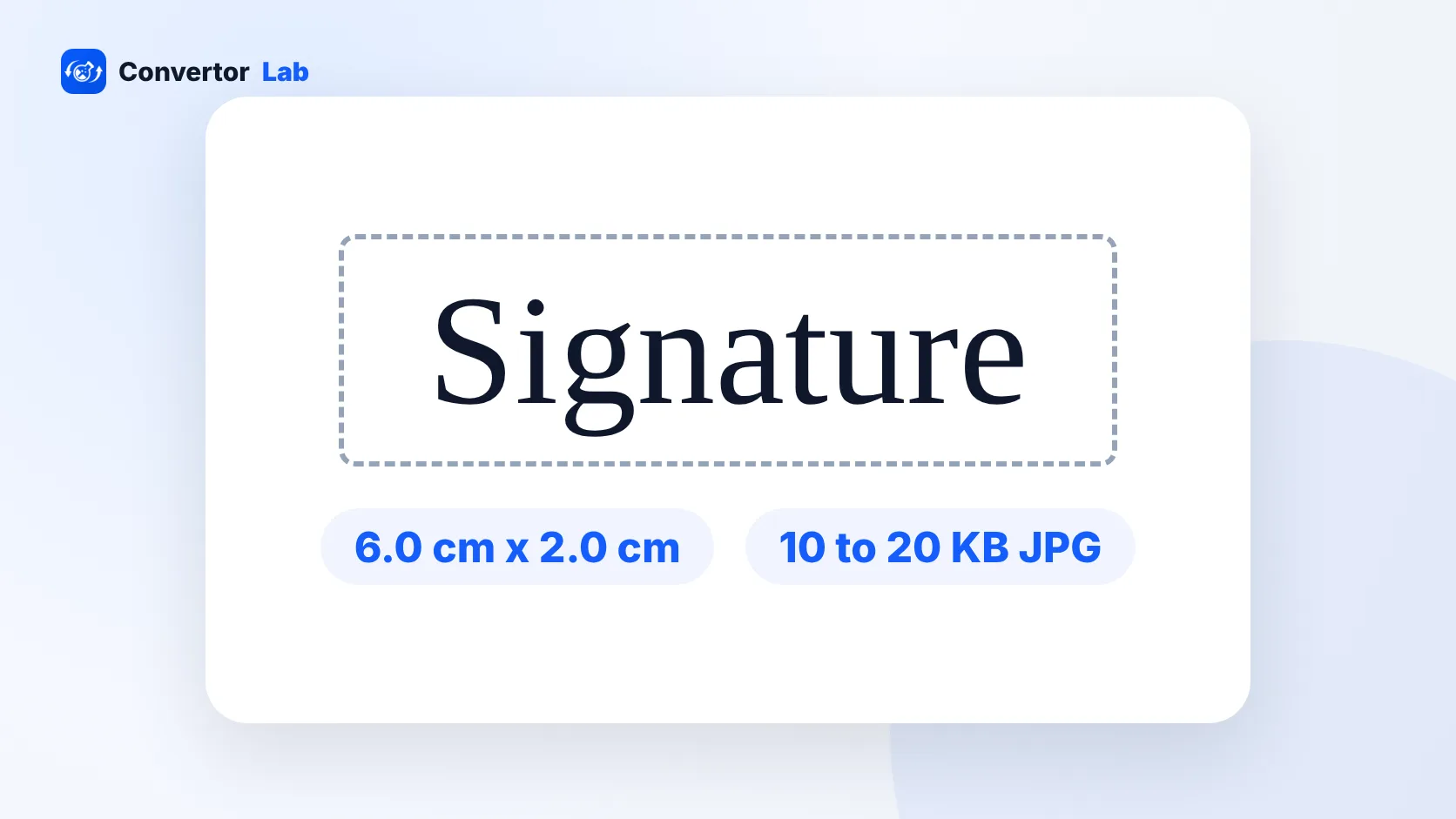
For SSC exams in 2026, the signature must be a JPG or JPEG file between 10 KB and 20 KB, about 6.0 cm wide and 2.0 cm high. There is no photo size to prepare. The SSC application module captures your photograph live through your device's camera, so you don't upload a ready-made photo.
Plenty of guides online still describe an SSC photo upload with fixed dimensions, which doesn't match the 2026 process. SSC can adjust its process from one notice to the next, so check the current official notice for your exam on the SSC website before you start the form.
SSC signature size: the exact requirements
The 2026 notices list the signature rules like this:
- Format: JPG or JPEG
- File size: 10 KB to 20 KB
- Dimensions: about 6.0 cm wide x 2.0 cm high
SSC doesn't publish a fixed pixel size for the signature. The cm size describes the shape, which is three times as wide as it is tall. Crop your signature to that wide strip, then get the file inside the KB range. Picture the signature line on a paper form: long and short, with your name filling most of it.
The range is narrow. 10 KB to 20 KB leaves little room, and a file outside it on either side gets rejected. Most people only worry about the upper limit and then trip over the lower one.
How to make your SSC signature file
You need a white sheet of paper, a pen with dark ink and a phone or scanner. Then:
- Sign in the middle of the white sheet. Use a pen that gives a clean, dark line, and sign the way you will on exam day.
- Photograph the signature from directly above in daylight. Keep your phone's shadow off the paper.
- Open Resize Image and switch the unit to cm. Enter 6 x 2 and choose the Exact (cover) crop mode so the image fills that shape without stretching.
- Set the max file size to 20 KB. The tool lowers quality first, then dimensions, until the file fits.
- Save it as JPG and check the file size. It should sit between 10 KB and 20 KB.
If you'd rather crop by hand first, Crop Image lets you trim the empty paper around the signature. After that, resize image to 20 KB handles the size in one step.
These tools work inside your browser, so your signature never leaves your device. That's a sensible habit for any file that could be misused.
What to do if your SSC signature is under 10 KB
A signature is mostly white paper with a thin line of ink. JPG compresses that kind of image very well, so the file can easily drop below 10 KB, and the portal rejects it for being too small.
Some fixes that work:
- Start again from the original photo of your signature, not an already shrunk copy.
- In Resize Image, raise the DPI when you set the 6 x 2 cm size. More pixels at the same cm size means a larger file.
- Set the max file size close to the top of the range, so the tool keeps more quality.
- Sign a little bolder. A thicker, darker line holds more detail.
Avoid tricks like adding a coloured border or noise to pad the file. Stick to a clean scan at a higher resolution.
SSC photo size: how the live photo capture works
Since there's no photo upload, "SSC photo size" isn't a number you can hit. The application module opens your camera during the form and takes the picture itself. What you control is how that picture turns out.
- Use a device with a working camera, and allow camera access when your browser asks.
- Sit facing a window or a lamp so light falls evenly on your face.
- Choose a plain wall behind you, so the frame stays clean.
- Look straight at the camera, and keep the device steady at eye level.
- Take off sunglasses and caps.
- Follow the on-screen instructions in the module, which can be stricter than any general advice.
If the camera doesn't open, check that no other app is using it and that the site has camera permission in your browser settings. Switching to another browser or device can also help. A laptop webcam works, and so does a phone, as long as the browser has camera permission.
Common rejection reasons for SSC signatures
- The file is over 20 KB or under 10 KB.
- The image is a PNG, HEIC or PDF instead of JPG or JPEG.
- The crop is square or tall, so the signature looks tiny once squeezed into the wide 6 x 2 cm slot.
- Shadows or a grey tint make the background look dirty.
- The ink is faint or the signature is blurry after compression.
- Width and height were changed separately, which stretches the signature.
- The signature differs from the one you use on exam day.
Phone photos on iPhone are often saved as HEIC, and some gallery apps save screenshots as PNG. Convert to JPG before resizing if the form refuses your file. For other exam forms with different size rules, see the UPSC photo size guide.
Does the SSC signature need to be in black ink?
The 2026 SSC signature specs listed above cover format, file size and dimensions. They don't name an ink colour. Black or dark blue ink scans most cleanly because it contrasts well with white paper. If your notice names an ink colour, follow it. Otherwise, pick a dark pen and white paper so the signature stays readable once compressed to 20 KB.
Free tools that run in your browser
Frequently asked questions
What is the SSC signature size in KB?
The 2026 SSC notices ask for a JPG or JPEG signature between 10 KB and 20 KB. Check the notice for your exam before uploading.
What are the SSC signature dimensions?
About 6.0 cm wide and 2.0 cm high. SSC does not publish a fixed pixel size.
What is the SSC photo size?
There is no photo file to prepare. The SSC application module captures your photograph live through your device's camera during the form.
Why is my SSC signature rejected as too small?
Files under 10 KB are rejected. Redo the signature from the original image at a higher DPI, or set the target closer to 20 KB.
Can I upload a PNG signature for SSC?
No. The signature must be a JPG or JPEG file, so convert PNG or HEIC images before resizing.