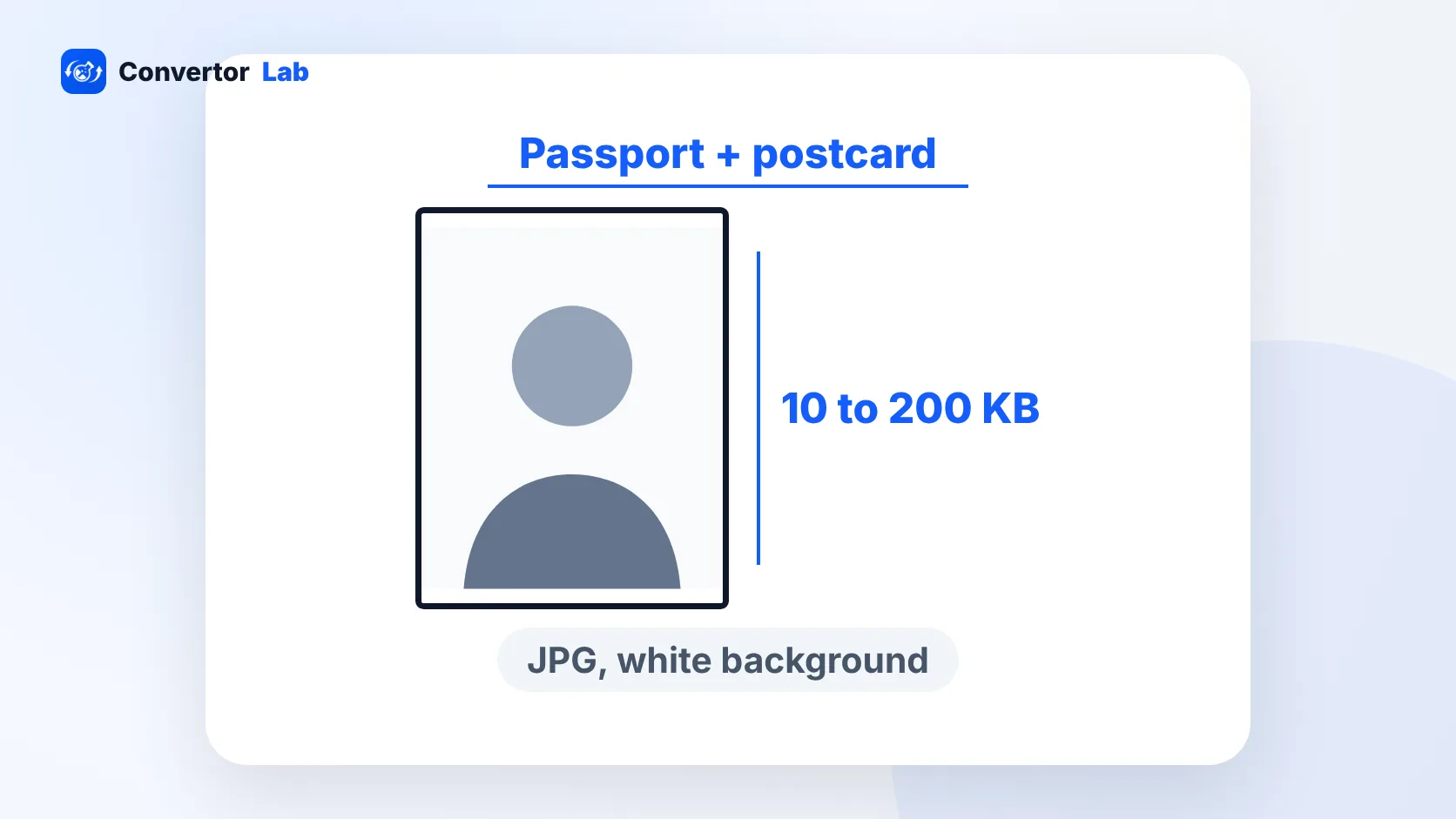
For NEET UG 2026, the NTA asked for two photos: a passport size photo and a postcard size photo (4 x 6 inches). Both had to be JPG files between 10 KB and 200 KB, with a white background, your face covering about 80% of the frame and both ears visible. You also uploaded a signature (4 KB to 30 KB) and a left thumb impression (10 KB to 200 KB), both as JPG.
These figures come from the NEET UG 2026 information bulletin. NTA publishes a fresh bulletin every year, and details like the photo date rule change with it. Before you upload anything for the next exam, check the current official notice on the NTA NEET website and compare it with the list below.
NEET photo size and format: the full list
Here is every upload from the 2026 form, with its format and size range:
- Passport size photo: JPG, 10 KB to 200 KB
- Postcard size photo: 4 x 6 inches, JPG, 10 KB to 200 KB
- Signature: JPG, 4 KB to 30 KB, signed in black pen on white paper
- Left thumb impression: JPG, 10 KB to 200 KB, in blue ink on white paper
- Category or PwD certificate (if it applies to you): PDF, 50 KB to 300 KB
Both photos follow the same composition rules. The background must be white. Your face should take up about 80% of the photo, and both ears need to show. For 2026, the photo also had to be taken on or after 1 January 2026, so a picture from last year's attempt didn't qualify.
The bulletin sets these limits in KB. It doesn't ask you to hit an exact pixel size, so don't waste time chasing one. Get the shape right, keep the face large and clear, and land inside the KB range.
What is the NEET postcard size photo?
The postcard size photo is a larger 4 x 6 inch picture of you, the same size as a standard photo print (also called 10 x 15 cm). It's a 2:3 shape, held upright so the 6 inch side is the height.
It follows the same rules as the passport photo: white background, face about 80% of the frame, ears visible, and a recent date. The simplest approach is to take one good photo and make both versions from it. Crop the passport version tighter and the postcard version to the taller 2:3 shape.
If you went to a studio, ask for the digital file along with prints. Scanning a glossy print often adds glare and loses sharpness.
How to resize your photo for NEET
Start from the original photo on your phone, not a copy you've already sent through WhatsApp. Chat apps compress images, and the face can turn soft.
- Take the photo against a white wall in daylight, facing the window. Keep your face straight and your ears uncovered.
- For the passport photo, open Crop Image and pick the 35:45 passport ratio, the usual passport photo shape in India. Crop so your face fills most of the frame, with a small gap above your head.
- For the postcard photo, open Resize Image, switch the unit to inches and enter 4 x 6. Use the Exact (cover) crop mode so the photo fills the shape without stretching.
- In the same tool, set a max file size below 200 KB. Aim a little under the limit so the portal's own rounding can't push you over.
- Save both files as JPG and check the size in your file manager before you upload.
On a Mac, Preview can resize too. Open the photo, choose Tools > Adjust Size and type the size you want. Phone gallery editors can crop, but most can't target a KB size, which is where a browser tool helps. The ConvertorLab tools process the photo inside your browser, so nothing gets uploaded to a server.
How to reduce NEET photo size in KB
A phone photo is usually several megabytes, far above 200 KB. You need to shrink it without making your face blurry.
The Resize Image tool's max file size box handles this in one step. If you already have a correctly cropped photo and only need it smaller, a fixed-target page like resize image to 200 KB does the job. Those tools lower JPG quality first and only cut dimensions if they have to.
Watch the lower limit as well. A photo under 10 KB gets rejected, and so does a signature under 4 KB. If a file comes out too small, redo it from the original with a higher target. Pushing an image down to the tiniest possible size also hurts quality, so stay comfortably inside the range.
NEET signature and thumb impression size
The signature needs to be in black pen on plain white paper. The thumb impression uses blue ink, also on white paper. Both get scanned or photographed, then saved as JPG.
- Sign in the middle of a clean white sheet. For the thumb impression, press your left thumb on a blue ink pad and roll it gently onto the paper.
- Photograph it from directly above, in good light, with no shadow from your phone.
- Crop tightly around the signature or thumbprint so there's little empty paper left.
- Resize the signature to between 4 KB and 30 KB, and the thumb impression to between 10 KB and 200 KB.
A tight crop matters more than you'd think. A signature with lots of blank paper around it ends up as a thin line when the portal shrinks it for display.
If you're uploading a category or PwD certificate, it must be a PDF between 50 KB and 300 KB. A phone scan saved as PDF is often larger than that. Compress PDF to 200 KB brings it into range. That tool turns pages into images, which is fine for a scanned certificate.
Common rejection reasons for NEET photos
- The background is off-white, grey or patterned instead of white.
- The face is too small in the frame, well short of the 80% guideline.
- Hair, a cap or a scarf hides your ears.
- The photo was taken before the date the bulletin sets.
- The file is above 200 KB or below 10 KB.
- The file is a PNG, HEIC or PDF when JPG is required.
- The passport photo was uploaded in the postcard slot, or the other way round.
- The signature was made in blue ink, or the thumb impression in black.
iPhones often save photos as HEIC. If the portal won't accept your file, convert it to JPG first, then resize. For the general passport photo rules, see the passport size photo size guide.
Free tools that run in your browser
Frequently asked questions
What is the NEET photo size in KB?
For NEET UG 2026, both the passport size photo and the postcard size photo had to be JPG files between 10 KB and 200 KB. Check the bulletin for your exam year before uploading.
What is the NEET postcard size photo?
It is a 4 x 6 inch photo with a white background, your face covering about 80% of the frame and both ears visible. It follows the same JPG and 10 KB to 200 KB rules as the passport photo.
What is the NEET signature size?
The 2026 form asked for a JPG signature between 4 KB and 30 KB, signed in black pen on white paper.
Is there a fixed pixel size for the NEET photo?
The NEET UG 2026 bulletin set the limits in KB and inches for the postcard photo, not as an exact pixel size. Stay inside the KB range and keep the face clear.
Can I use an old photo for NEET?
For 2026, the photo had to be taken on or after 1 January 2026. Use a recent photo and check the date rule in the bulletin for your year.